
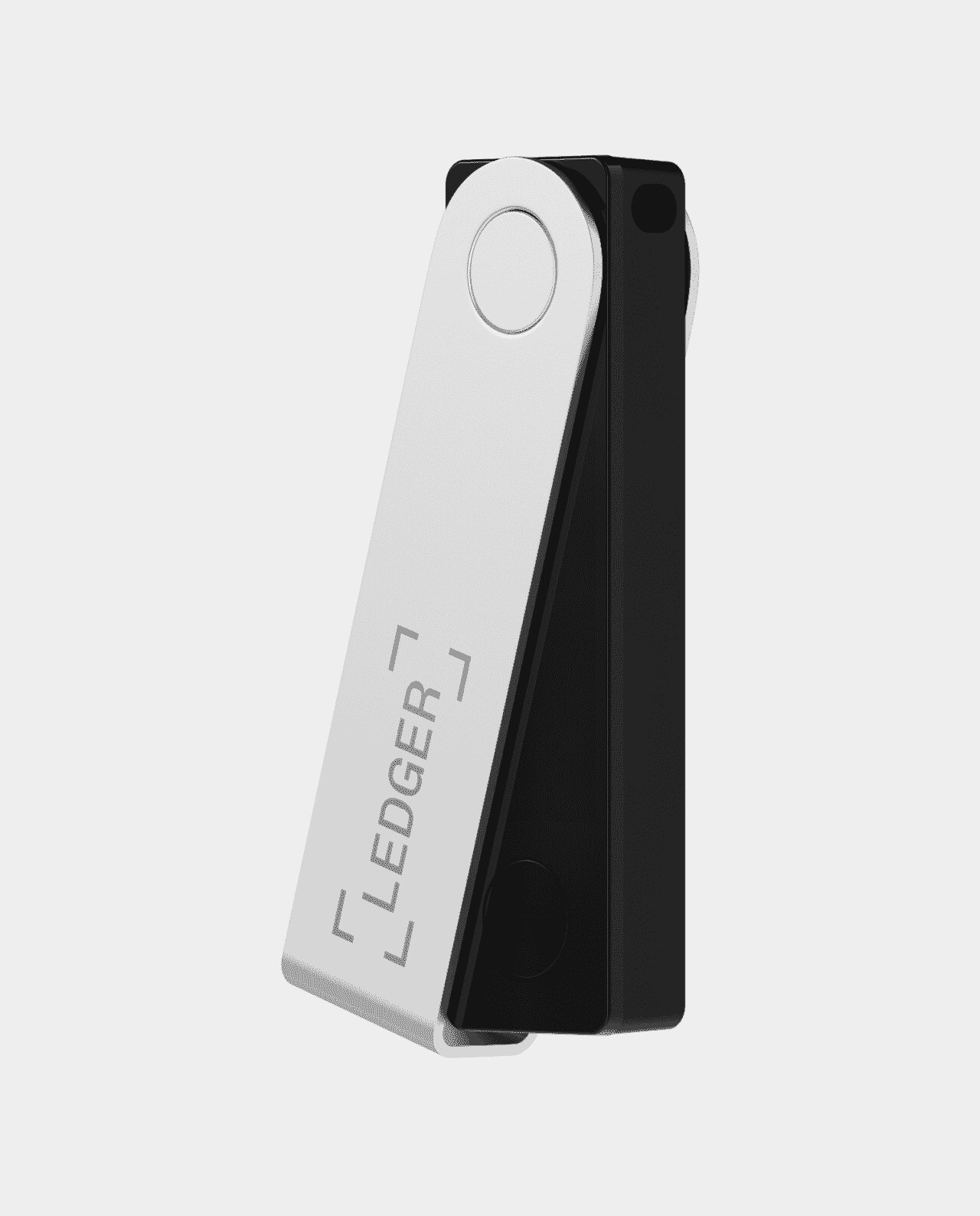
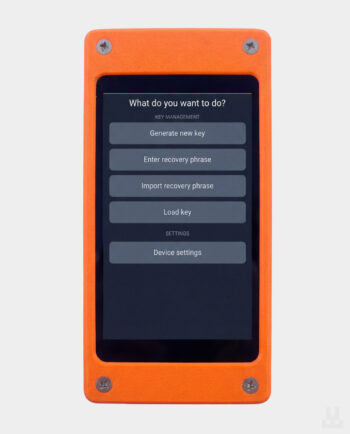
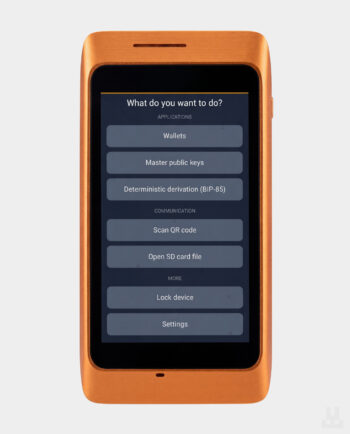
A hardware wallet stores your private keys and signs transactions inside a dedicated device. During normal use, the keys are not passed to your computer or phone. Your crypto stays on the blockchain, and the wallet lets you manage it without keeping your funds on an exchange.
Lwallet carries multi-asset wallets for Bitcoin, Ethereum, USDT and other assets, as well as Bitcoin-only devices. Before buying, check support for the specific coin, network and app you plan to use. This matters particularly for stablecoins: support for USDT on one network does not mean support on every other network. Our guide to where to store USDT and which network to choose explains the differences.
A software wallet typically stores private keys on your phone or computer. A hardware wallet keeps them isolated from that environment: the app prepares a transaction, and the device signs it after you approve it. On models with a screen, you check the recipient address, amount and other available transaction details on the wallet itself.
With an exchange, access to your assets depends on your account and the service remaining operational. With your own hardware wallet, you control the keys and are responsible for the backup. Keeping keys secure still requires you to check what you sign: approving a malicious permission in a decentralised finance (DeFi) app or giving a scammer your recovery phrase can lead to a loss of funds.
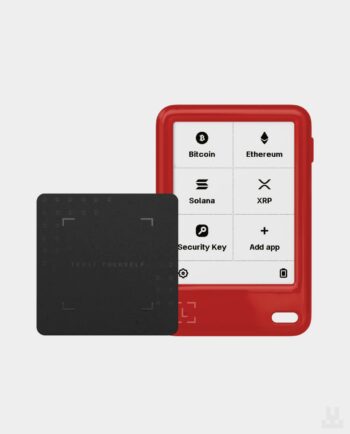
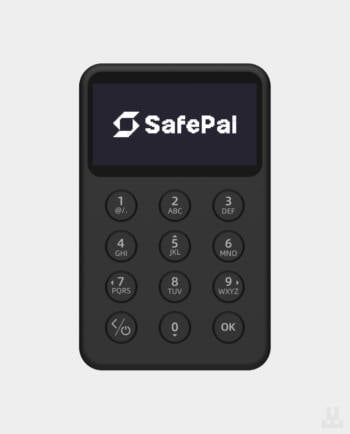
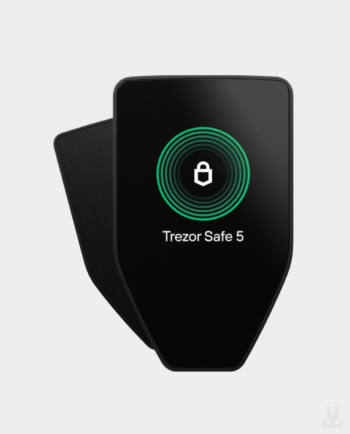
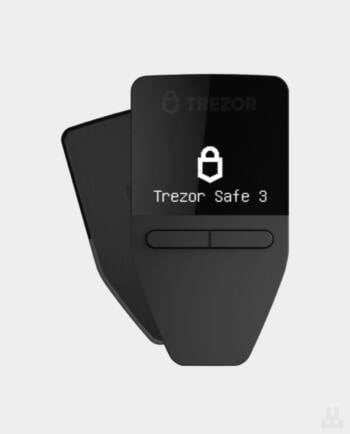
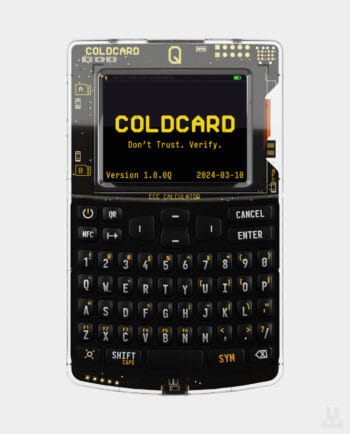
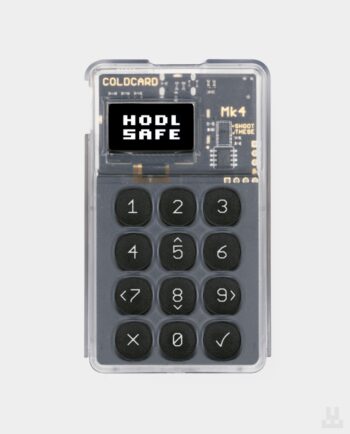
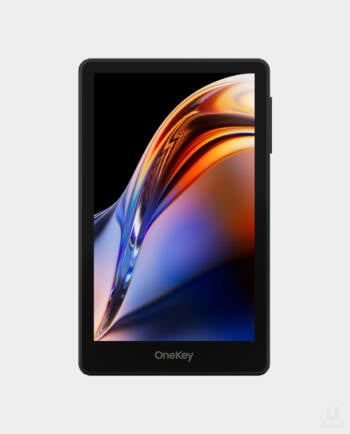
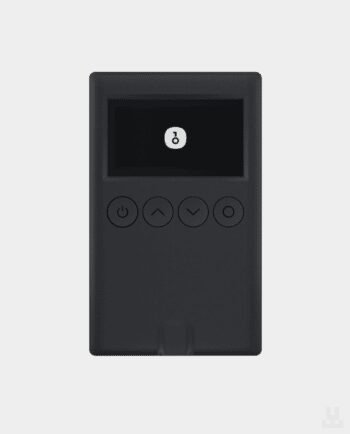
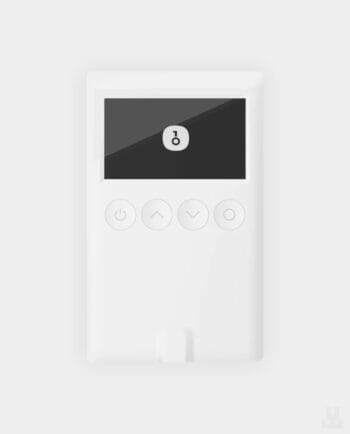
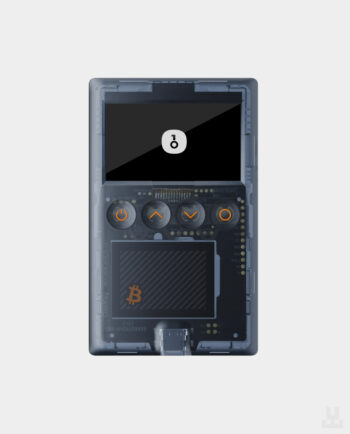
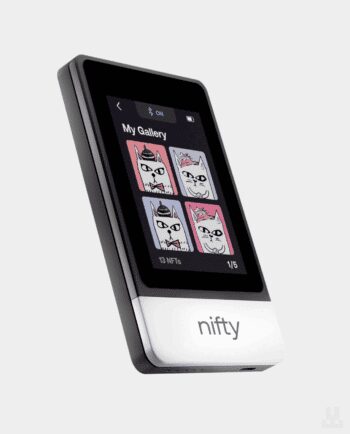
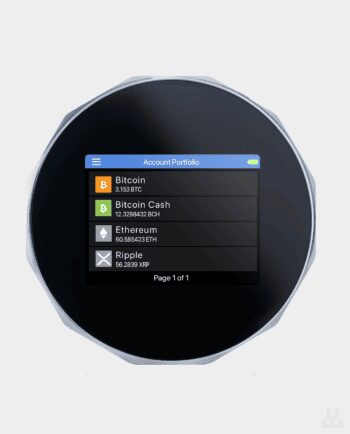
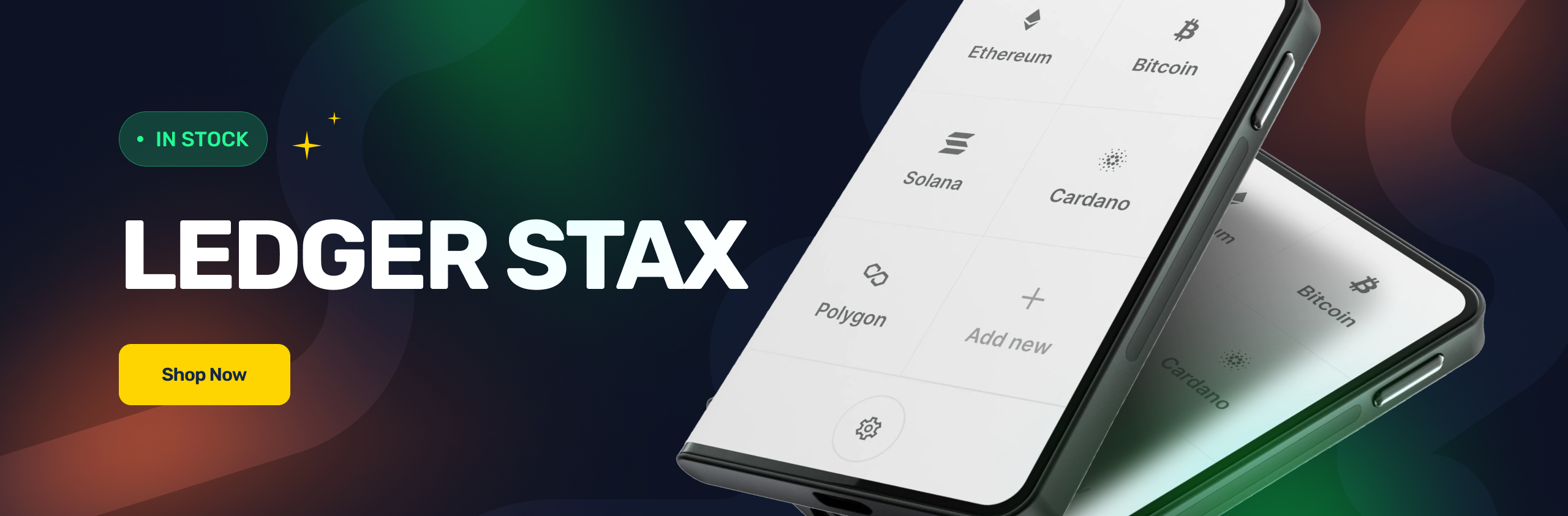
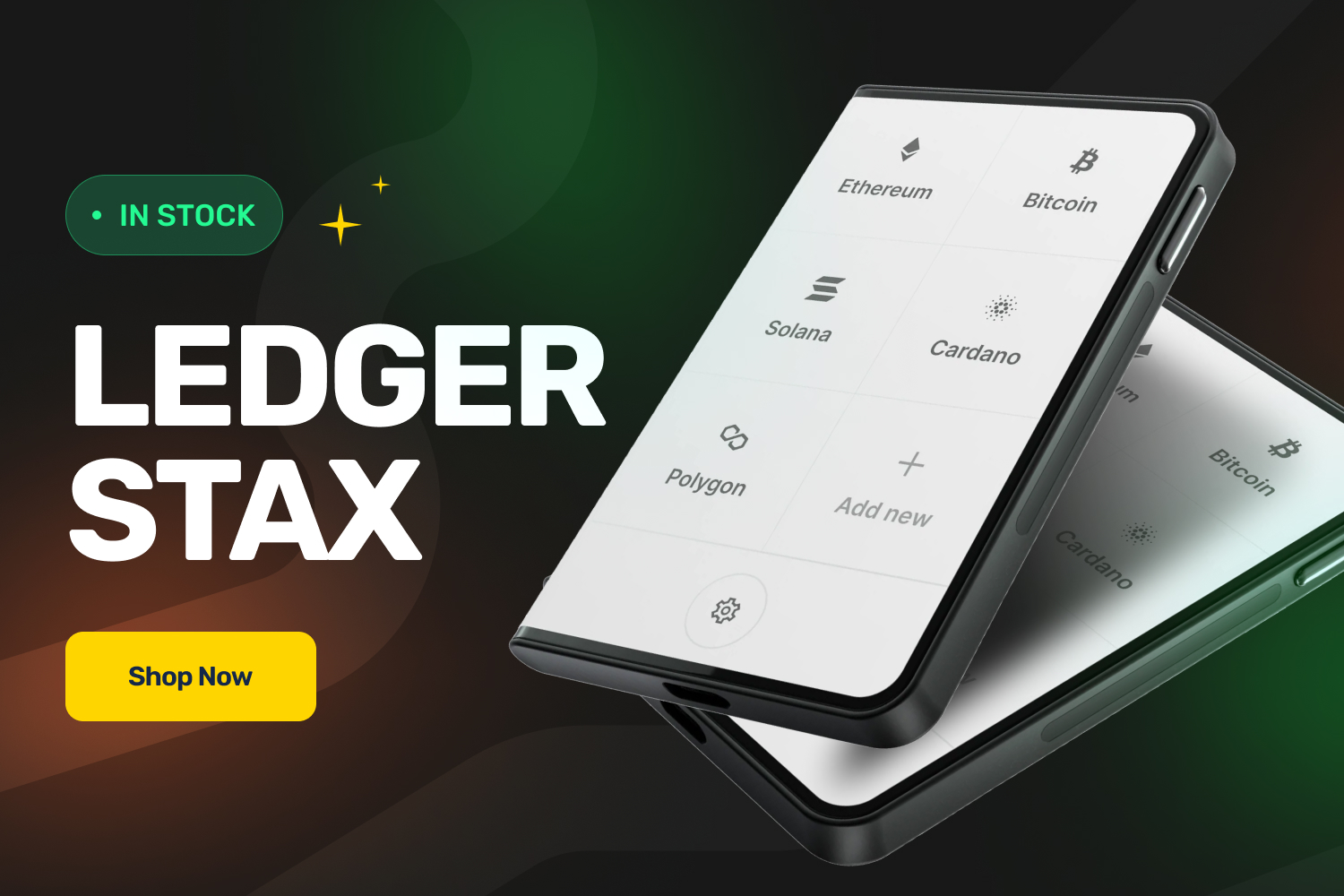
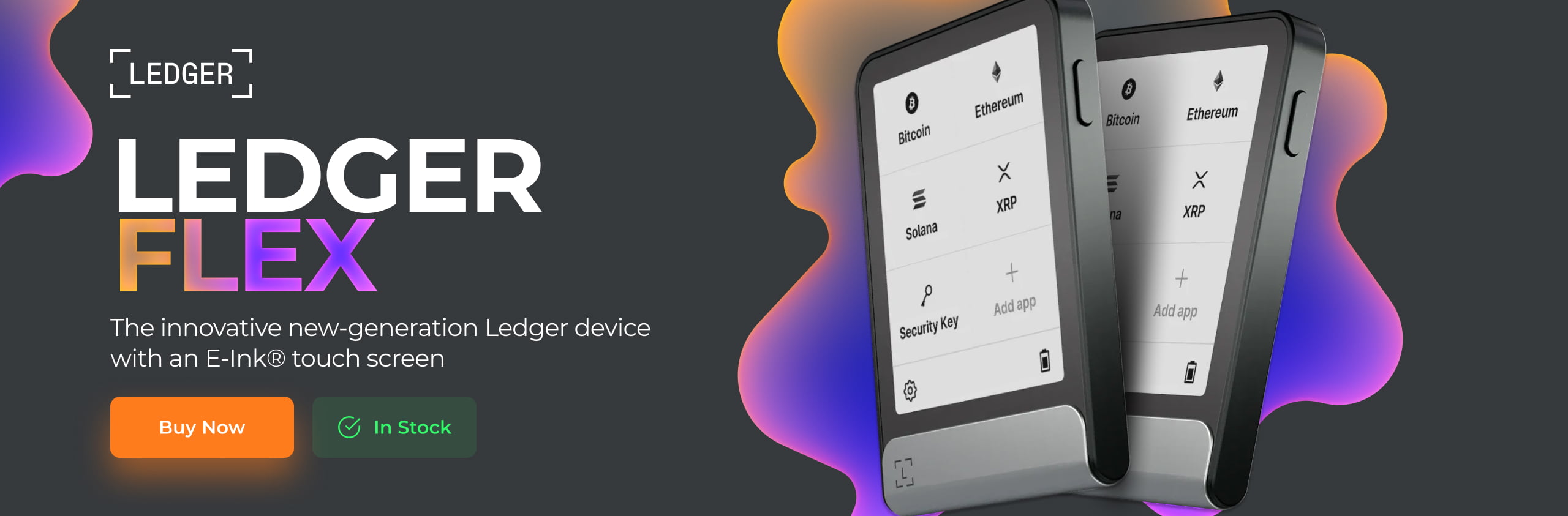
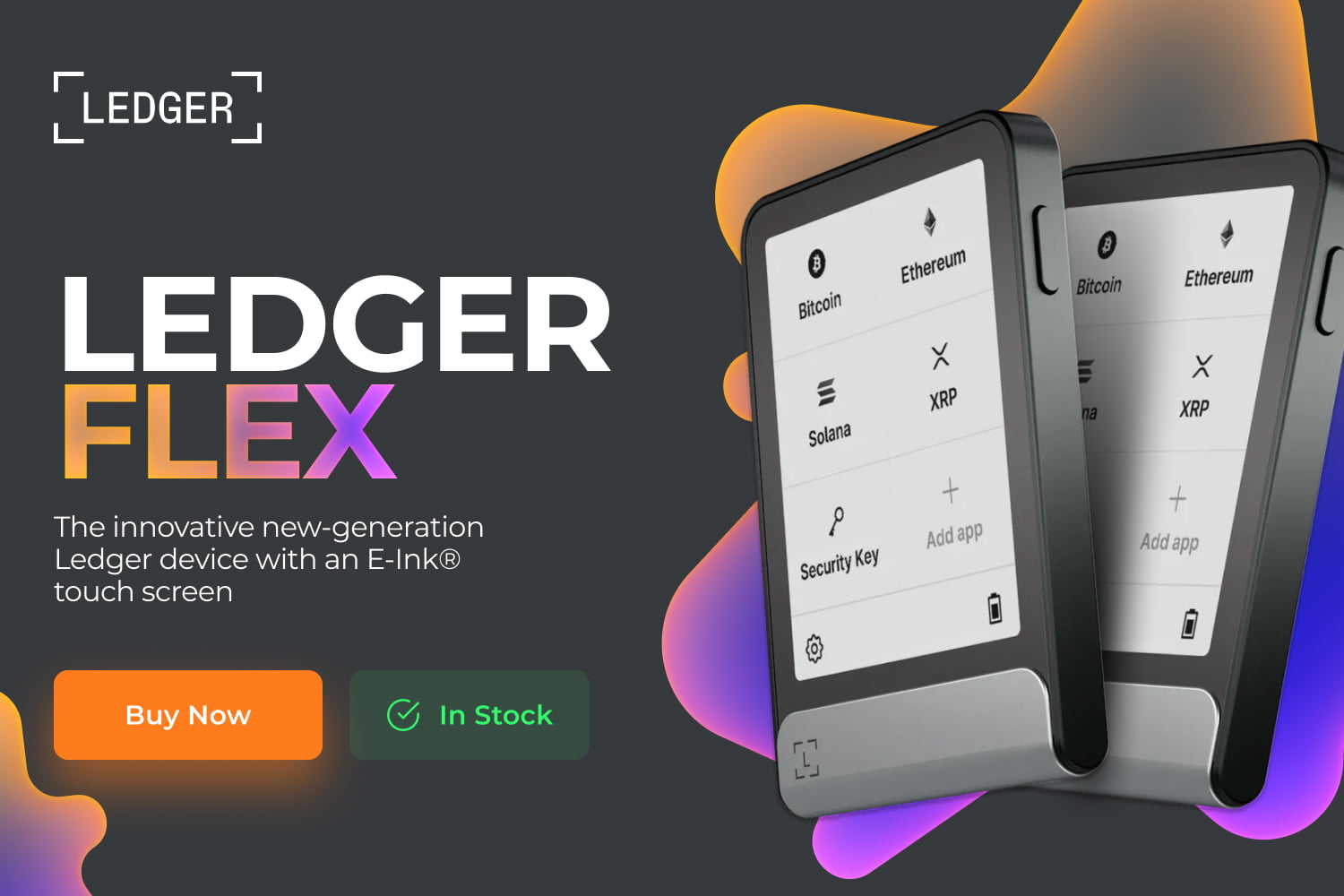
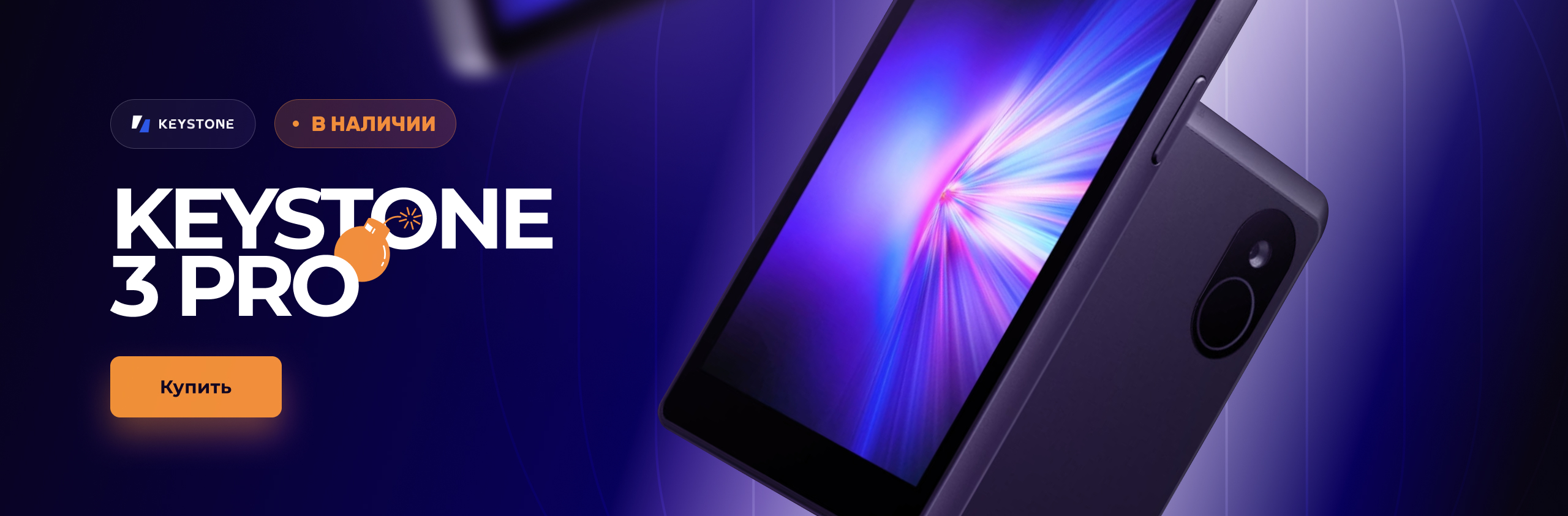
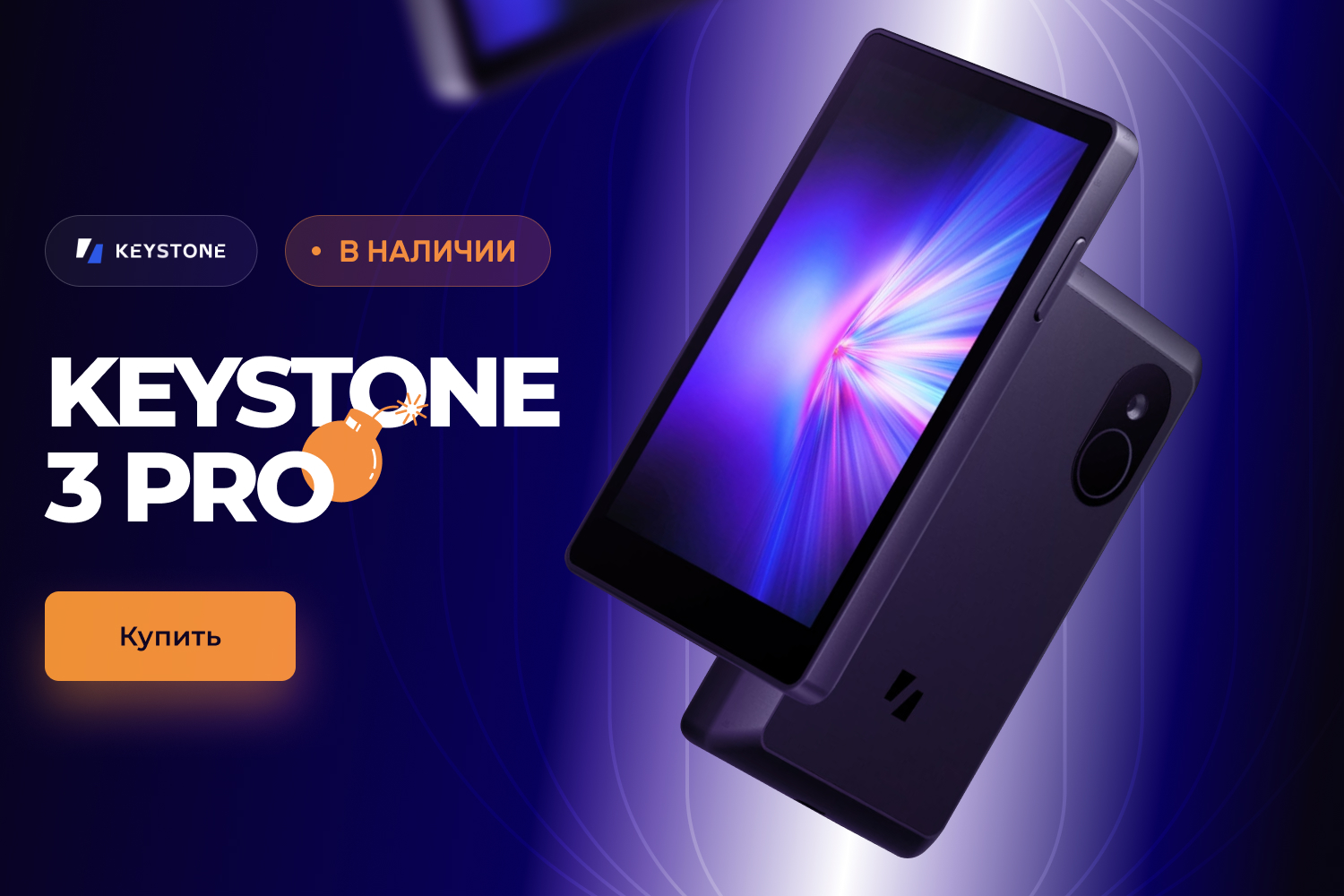
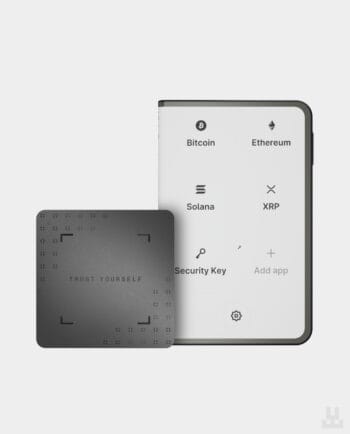
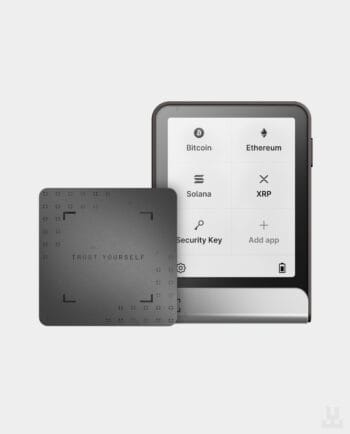
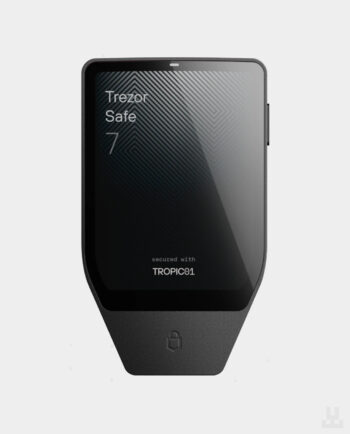
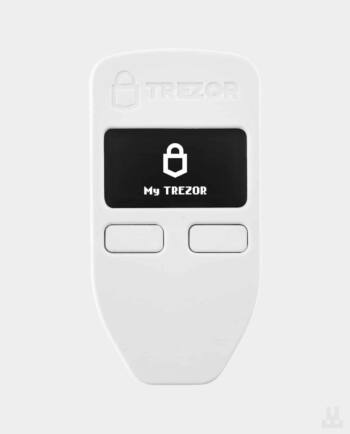
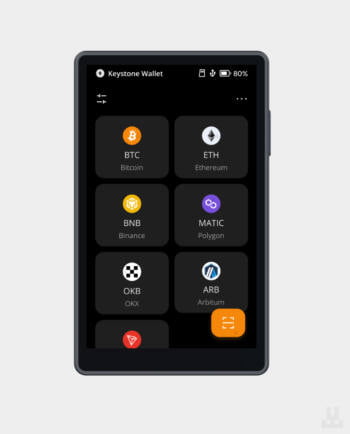
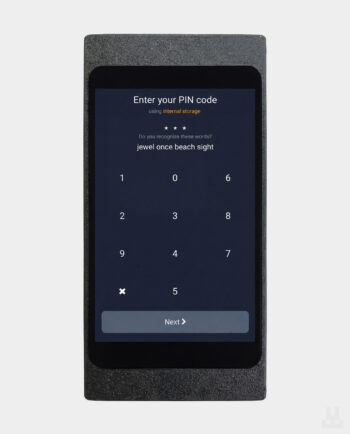
Start with the coins and networks you use, then compare connectivity, screens and prices. Here are some options for different needs:
For a detailed comparison, see our guide to the best hardware wallets in 2026. Each product page lists the price, box contents, warranty and availability of the specific variant.
Create a backup during setup by following the manufacturer’s instructions. Many wallets use a seed phrase, also called a recovery phrase: a set of words that restores access to your funds. The length and format depend on the device and backup standard. If your wallet is lost or damaged, the backup lets you restore access on a compatible device. If you used an additional passphrase, you will also need that exact passphrase to restore the corresponding wallet.
Keep your backup offline and separate from the device. Never share it with anyone, including someone claiming to be technical support. For a backup recorded on metal, choose a metal seed phrase backup that supports your backup format.
Buy from the manufacturer or a trusted authorised reseller. Check the packaging and verify the device using the manufacturer’s recommended method, and download apps only from official sources. Create your own backup when setting up a new wallet; do not use a pre-filled recovery card someone has placed in the box. Our first 30 minutes with a hardware wallet checklist walks you through the process.
At Lwallet, you can compare hardware wallets from different brands and get help choosing one for your coins, phone and everyday use. We also offer guidance on setup and safe use after your purchase.
Visit our showroom at 3 Bilasa Street in Lviv, or choose pickup in Kyiv. We deliver across Ukraine and internationally. Order on the website, call +38 (096) 199-55-55 or contact our team through the store chat.
Trezor Safe 3, Ledger Nano S Plus, Ledger Nano X, SafePal S1, Keystone 3 Pro, Trezor Safe 7, Coldcard Q.