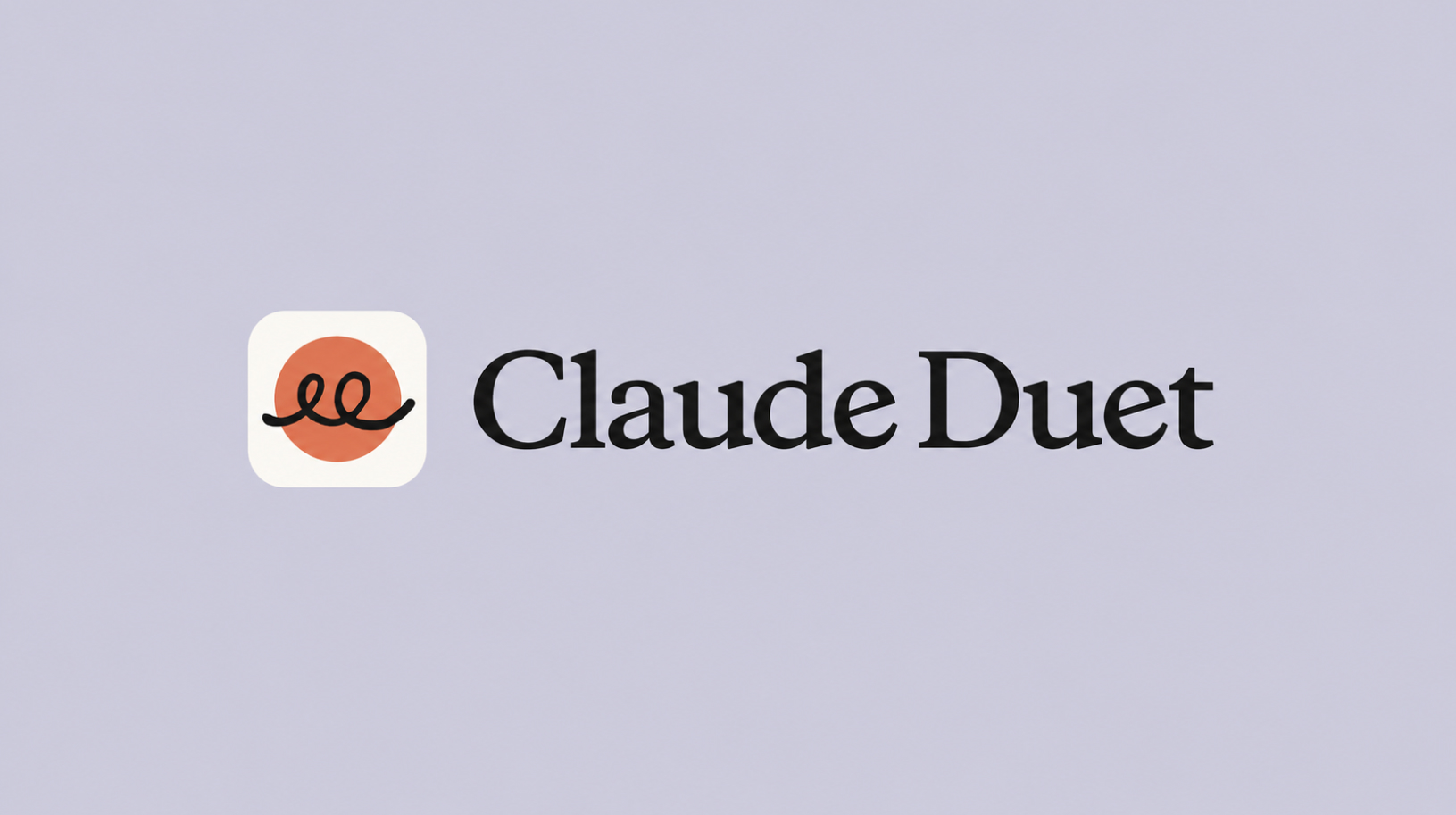
Claude Duet can review your work email, draft replies, prepare meeting materials, and let you know when it needs a decision from you. It keeps working in the cloud after you close the app, and its morning review of your inbox and calendar helps identify what needs your attention. Anthropic introduced Duet on October 21, …
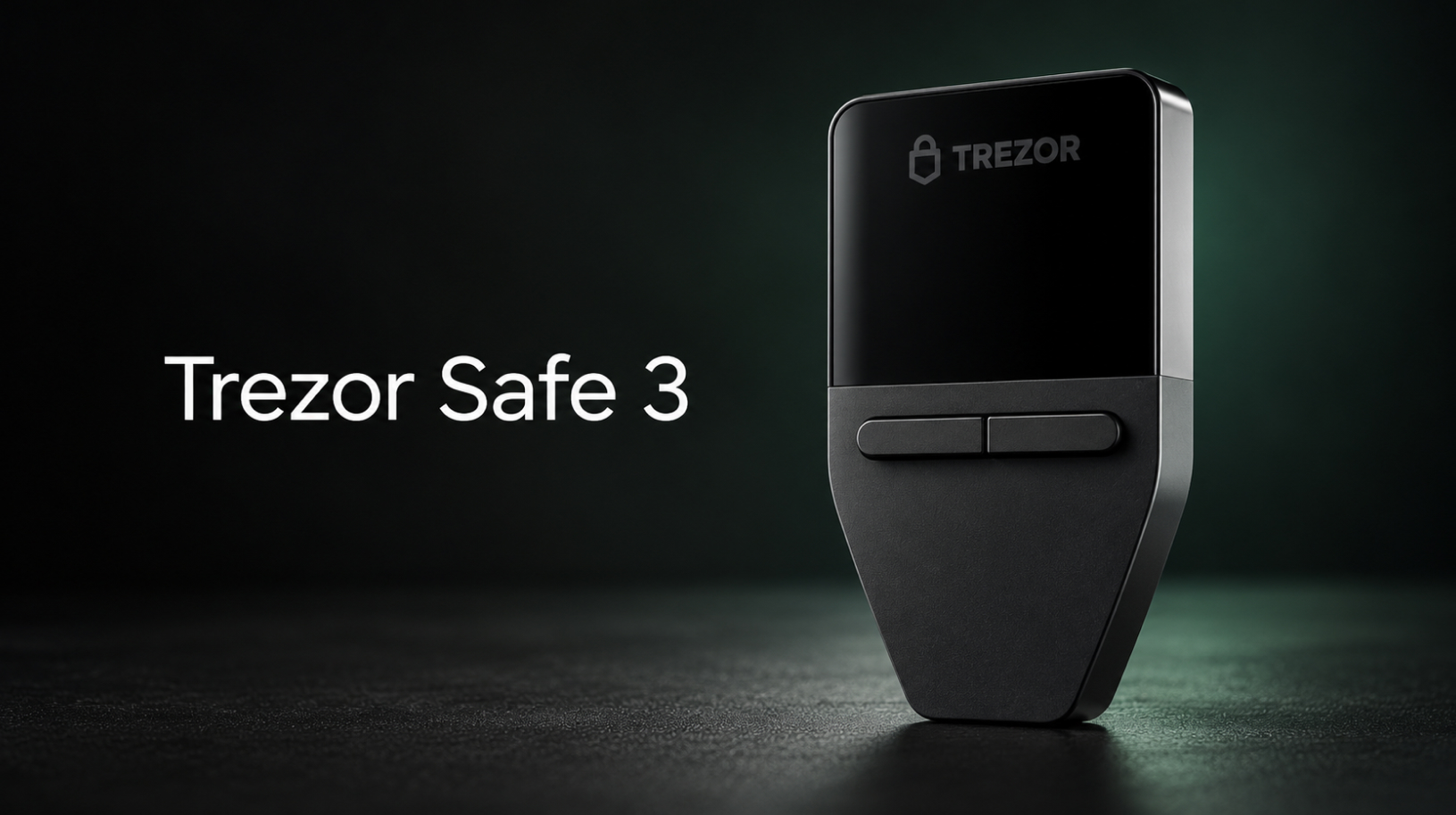
Trezor Safe 3: review, security and initial setup
Set up your wallet in desktop Trezor Suite, from checking the packaging to backing up your wallet, setting a PIN and making your first transfer. The steps below cover Trezor Safe 3 setup in desktop Suite: checking the device, creating and verifying a backup, setting a PIN and making a test transfer. We also explain …
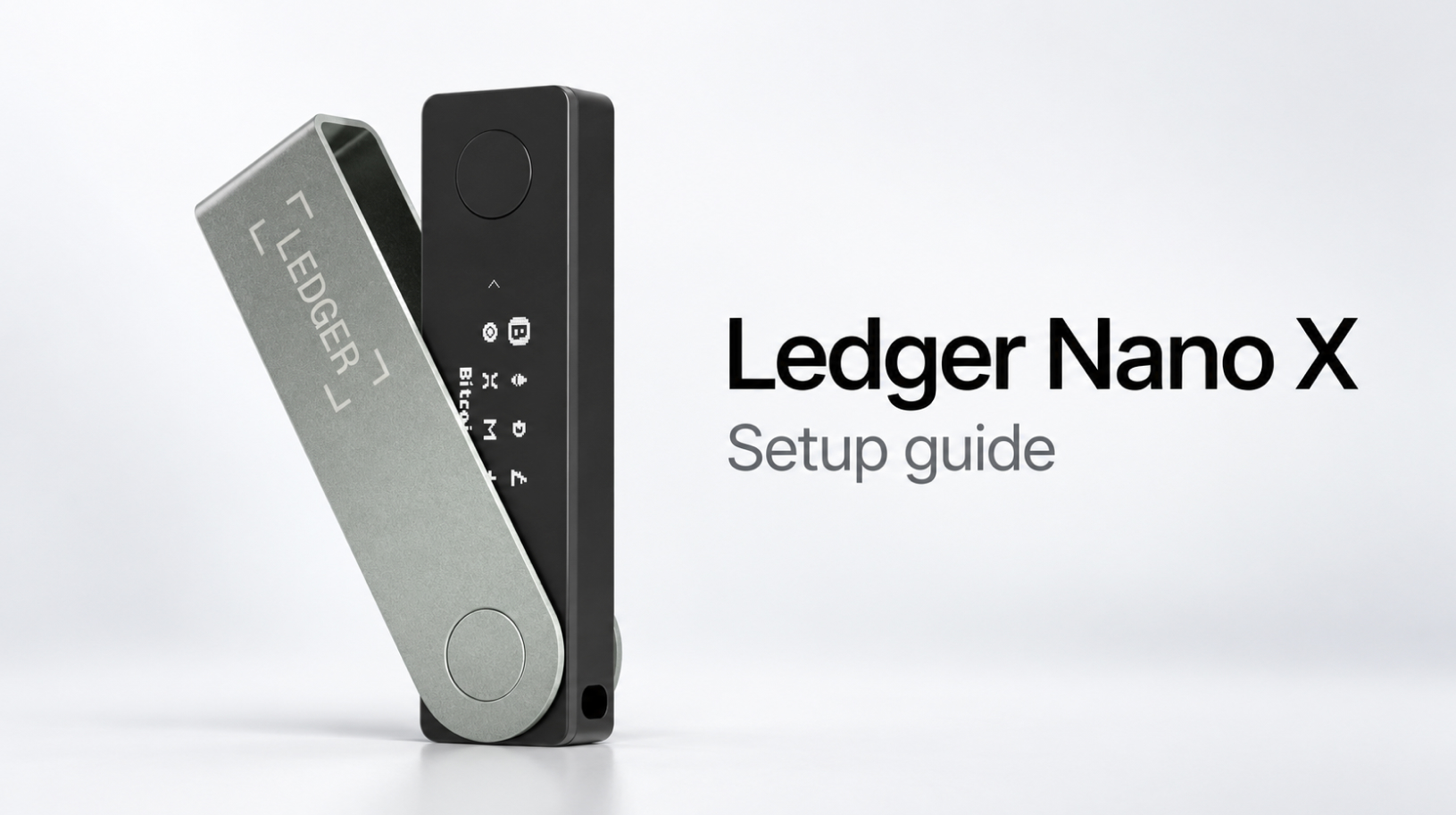
Ledger Nano X setup: a step-by-step guide from unboxing to your first transaction
Create a wallet, verify your device, update Ledger OS and test transfers in Ledger Wallet. Ledger Nano X setup starts with creating a PIN and recovery phrase, verifying the device and adding an account in Ledger Wallet. This guide takes you through those steps on a computer over USB, then shows you how to check …
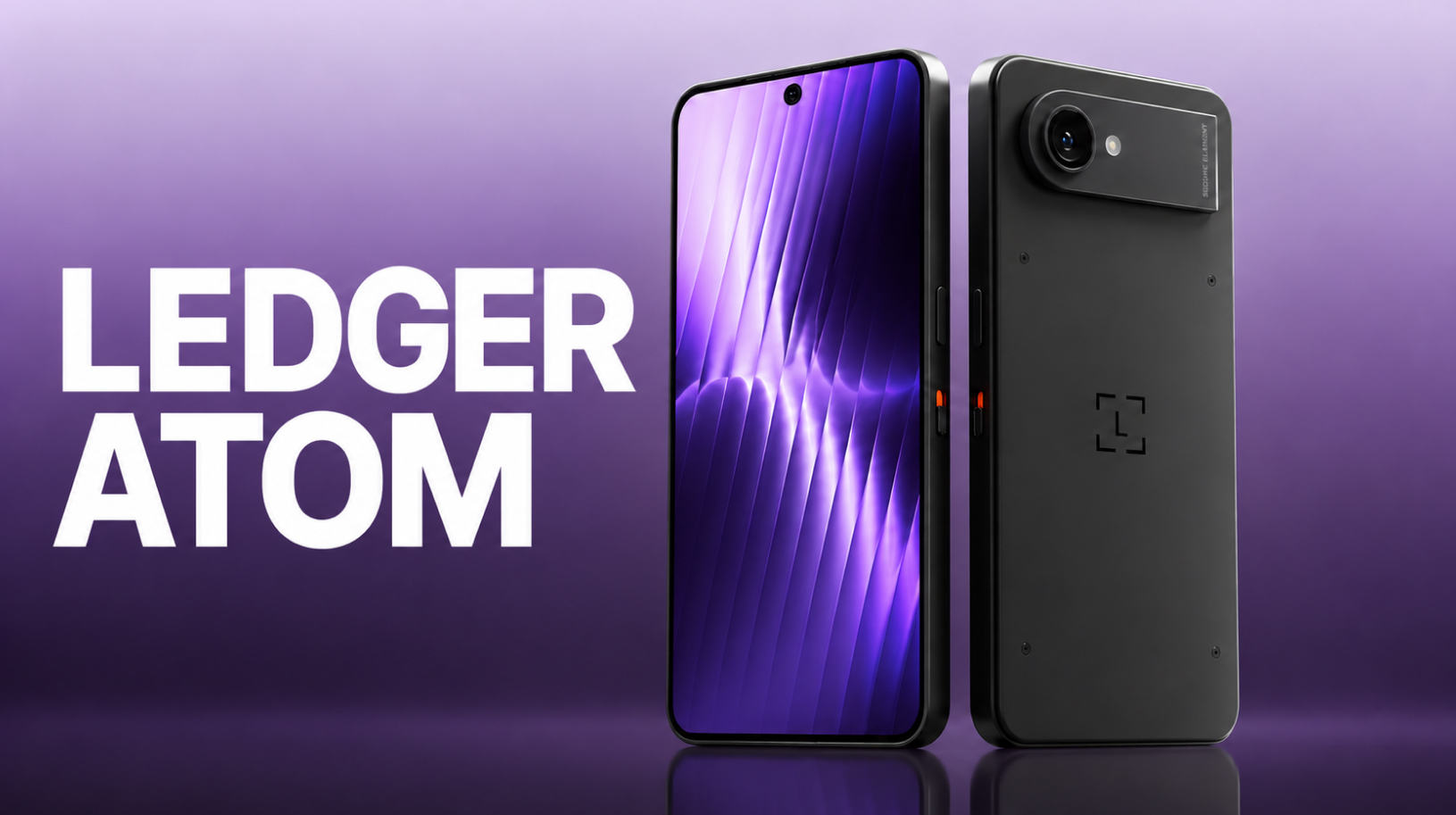
Ledger Atom: why Ledger is building an Android device
Ledger has spent years explaining why private keys should be kept separate from your smartphone. Now it is proposing an Android device that will run everyday apps alongside a hardware wallet: Ledger Atom was unveiled on October 15, 2026, at the Op3n conference in Paris. Atom looks like a phone, with a separate hardware environment …
What is a Bitcoin node, and why run your own? Start9 explained
Running your own Bitcoin node lets you verify payments and retrieve wallet data without querying a third-party server. A hardware wallet stores private keys and signs transactions, but it does not verify the blockchain itself. To display your balance, transaction history and suggested fees, the wallet app on your computer or phone connects to a …
Set up Claude Code Channels for Telegram or Discord
In March 2026, Anthropic introduced Claude Code Channels, a feature that lets you work with Claude Code through Telegram or Discord. Messages from the messaging app arrive in an open session on your computer, where Claude already has access to your project and its working context. Channels is in research preview, an early testing stage, …
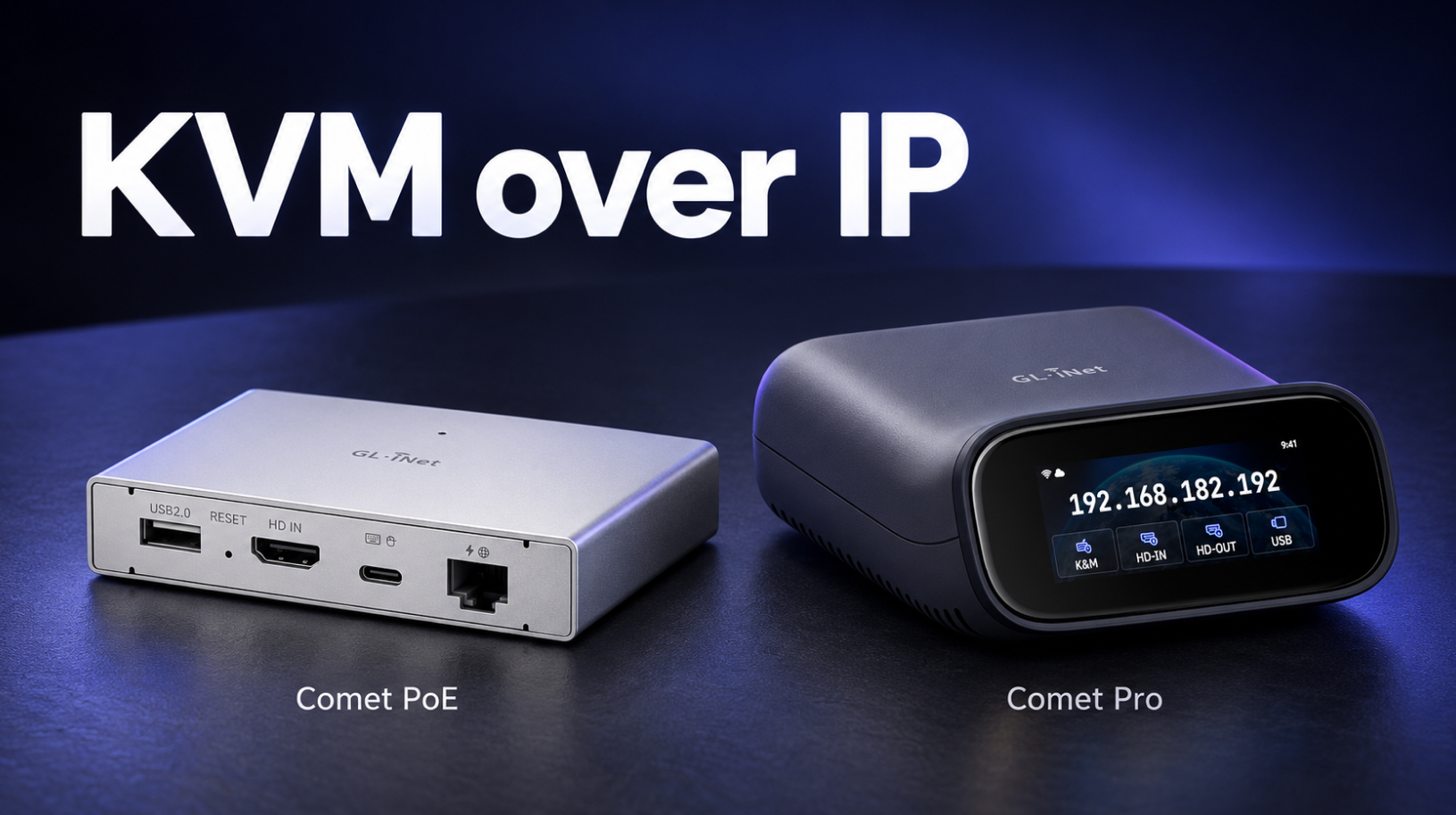
What is KVM over IP? Remote access with GL.iNet Comet
KVM over IP lets you regain access to a computer when Windows gets stuck during an update or Linux fails to boot after a sudden power loss. A separate device gives you a view of the screen and control of the keyboard and mouse before the operating system starts, when AnyDesk or SSH is unavailable. …
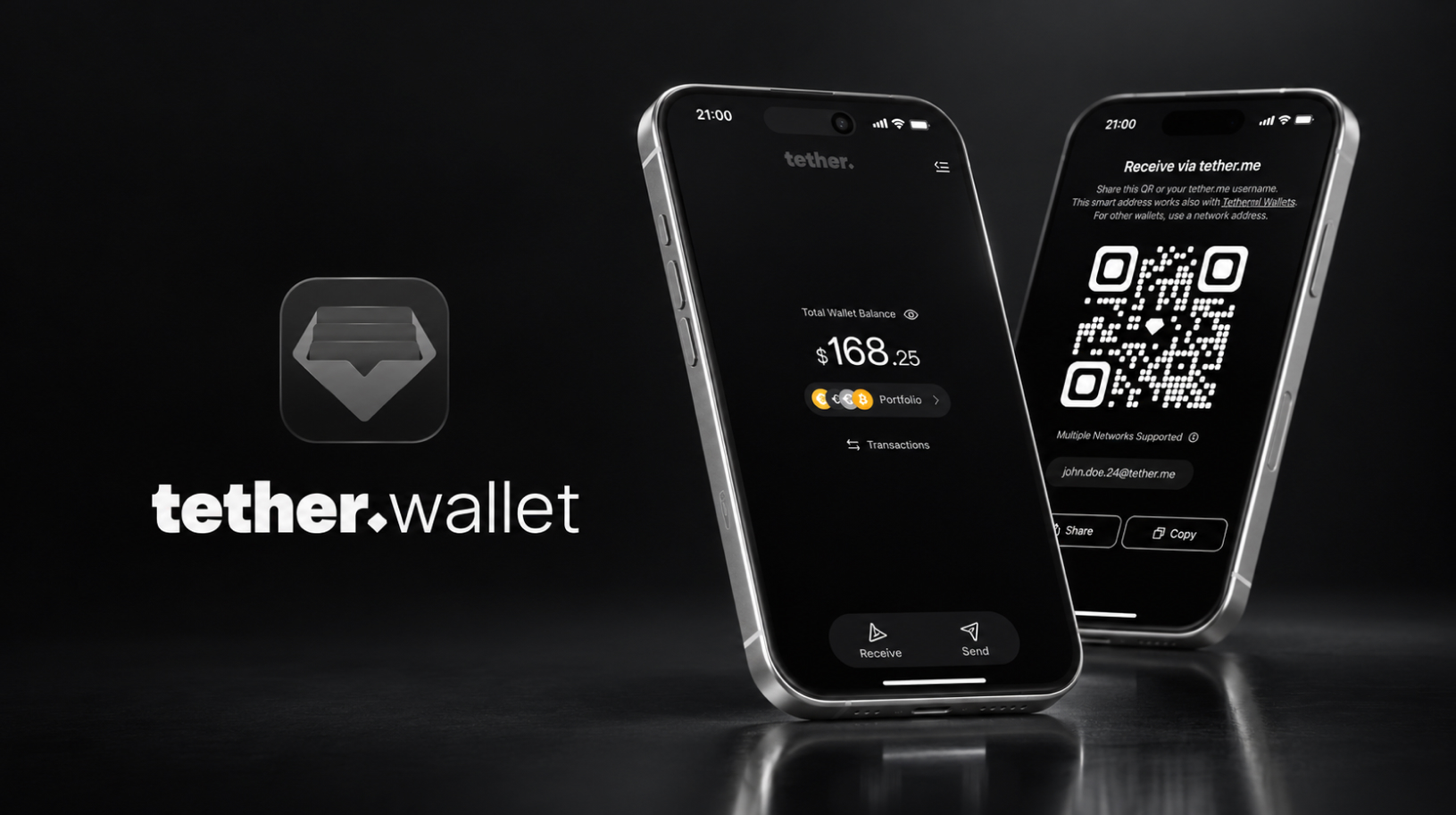
Tether Wallet: How the Official USDT Wallet Works and Who It’s For
On April 14, 2026, Tether, the issuer of USDT, launched its official self-custody wallet, Tether Wallet (tether.wallet), giving users control over their private keys. The app lets you pay fees in the token you are sending and transfer funds using a username instead of a long address. We reviewed its features, terms of use and …
USDT vs USDT0: differences and what to check before a transfer
If you hold USDT on Arbitrum or Polygon, your block explorer and some wallets may already display it as USD₮0 (USDT0). On Optimism, several exchanges and swap services switched to a new contract in September–October 2026, changing how they accept deposits of the old token. USDT0 is backed by USDT at a 1:1 ratio and …