
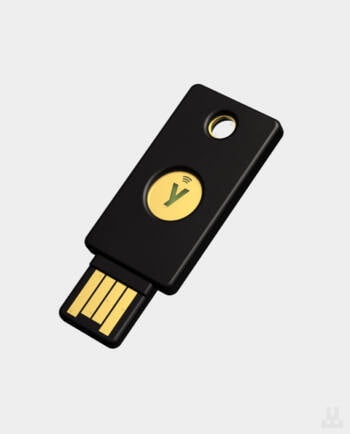
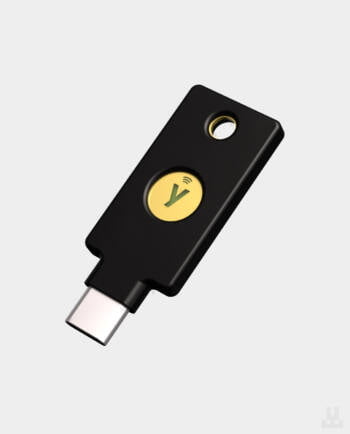
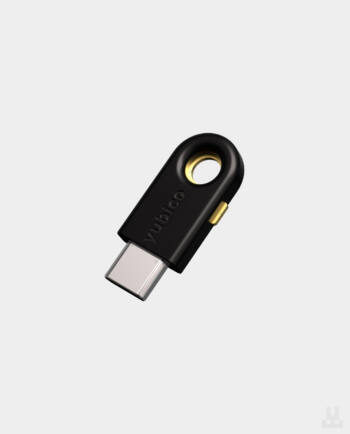
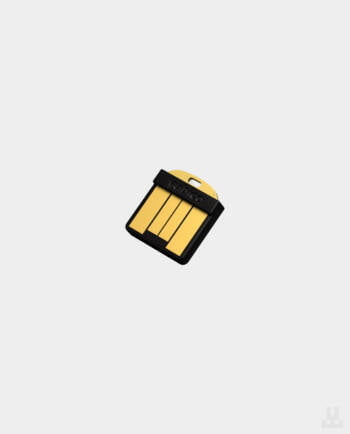
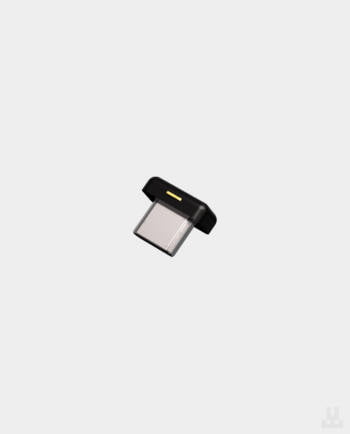
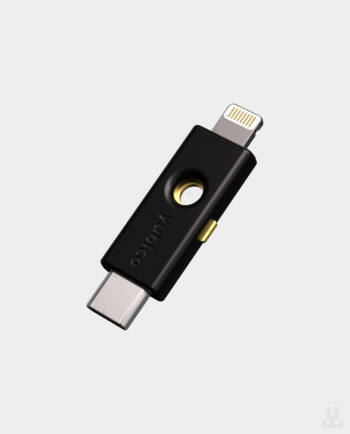
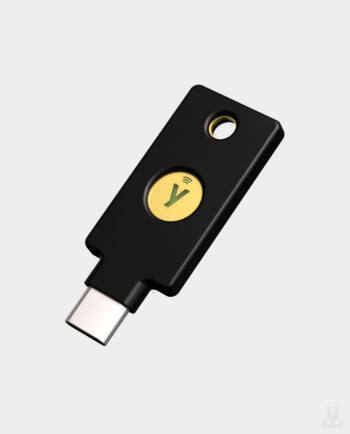
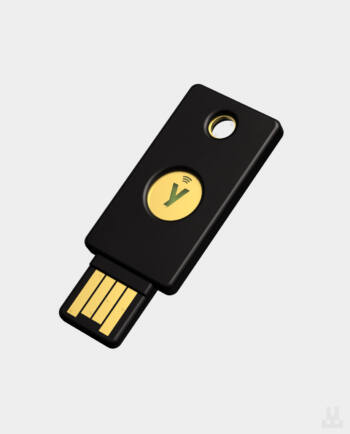
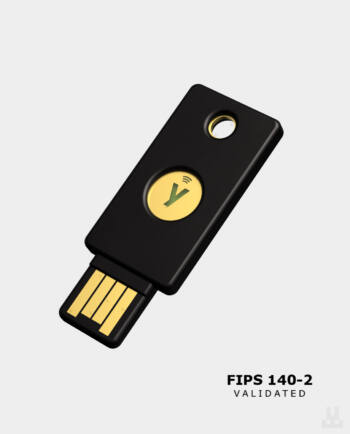
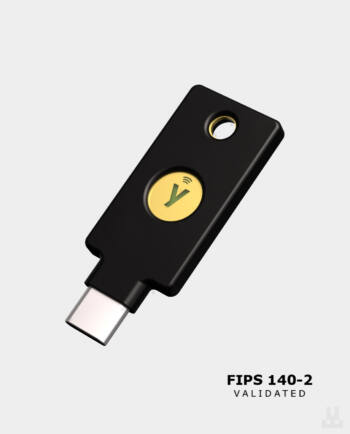
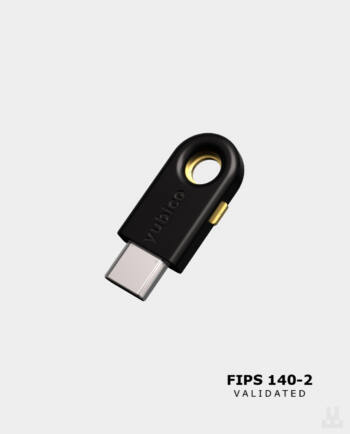
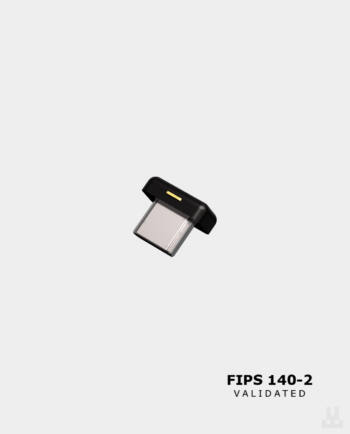
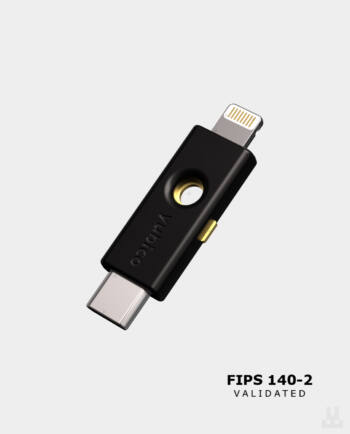
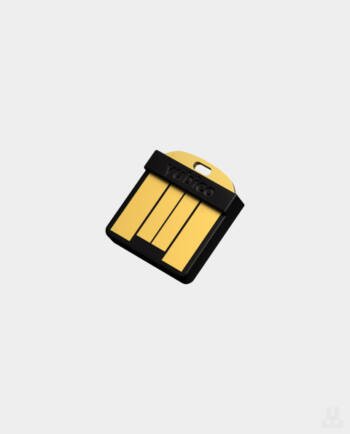
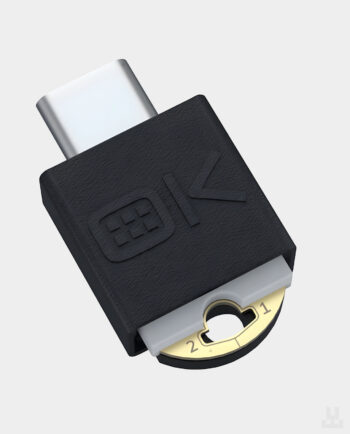
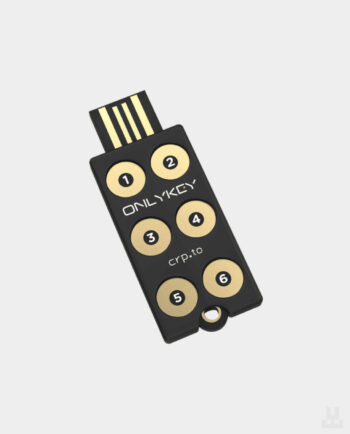
A security key, also called a hardware key, is a small USB or NFC device that you use to confirm sign-ins to your online accounts. When a service supports FIDO2/WebAuthn or U2F, it asks you to plug in the key or hold it to your phone and touch the sensor. Without the device itself, a password alone is not enough for an attacker.
When you register the key, it is bound to that specific service’s address, so it will not confirm a sign-in on a fake website. This is its main advantage over SMS and authenticator app codes. Security keys work with Google, Microsoft, Apple Account, GitHub, password managers, some crypto exchanges and Ukraine’s Delta military system.
Most people buy a security key for personal accounts: email, Google, Apple Account, password managers and crypto exchanges. One key can be registered with many services. This matters especially for crypto holders: funds withdrawn from a compromised exchange account are almost impossible to recover. On an exchange, check the security settings to see what the key actually protects: sign-in only, or also settings changes and withdrawals.
A key can work as a second factor after your password or store passkeys for passwordless sign-in. Passkey storage is limited: YubiKey 5 and Security Key by Yubico devices with firmware 5.7 or later hold up to 100, while YubiKey models with firmware 5.0–5.6 hold up to 25. Registering a key as a second factor usually does not use these slots. Our comparison of YubiKey 5.4 and 5.7+ covers what else changed in firmware 5.7.
Companies issue keys to employees to reduce the risk of phishing and compromised work email, administrator accounts and VPN access. Military users have a separate use case: signing in to Delta, which requires a FIDO2-capable key. Our guide to FIDO2 keys for Delta lists compatible models and setup steps.
SMS codes can be intercepted, and scammers can have your phone number transferred to their own SIM card through the mobile operator, an attack known as SIM swapping. That is why SMS should not remain the main second factor for important accounts.
Apps such as Google Authenticator are more reliable than SMS, but they do not protect against phishing. On a fake website, a person enters both the password and the six-digit code, and the attacker immediately uses them on the real service.
A security key does not display a code that could be typed into someone else’s website. It confirms a sign-in only for the domain it was registered with, so nothing works on a lookalike site with a different address. However, a key cannot help if malware has already stolen your session after sign-in, and it does not protect a seed phrase: self-custody crypto needs a hardware wallet. Our FIDO2 security key setup guide explains how to add a key to Google and other services.
Start with the devices you will connect the key to:
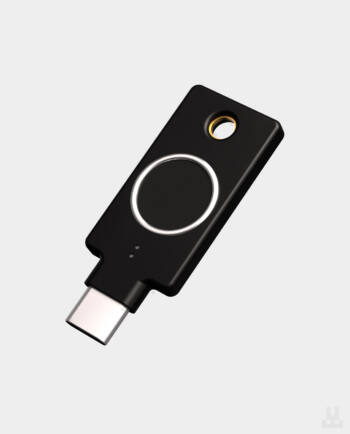
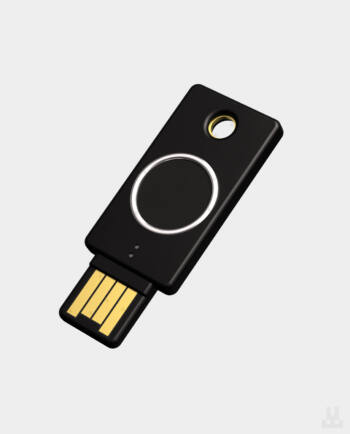
Next, choose the feature set. Security Key by Yubico supports only FIDO2/WebAuthn and U2F, which is usually enough for passkeys and two-factor sign-in to Google, Microsoft, GitHub or exchanges. YubiKey 5 adds Yubico OTP, OATH-TOTP one-time codes in Yubico Authenticator, PIV smart card support and OpenPGP, so it suits work systems, VPN access and signing. YubiKey Bio and YubiKey C Bio confirm sign-ins with a fingerprint; they work with FIDO2 and U2F over USB and do not have NFC. FIPS models are for organisations with certification requirements. OnlyKey DUO has buttons for entering the PIN on the key itself and also works as a hardware password manager for up to 24 entries.
For a detailed comparison, see our guide to the best FIDO2 security keys in 2026. Each product page lists the price, box contents and availability of the specific model.
It is best to buy security keys in pairs, ideally two identical models or models from the same series. Keep the primary key with you or next to your work computer, and store the backup separately, for example at home.
A passkey cannot be copied from one key to another, so each key must be registered separately with every important account while you still have access. If you lose your only key and have no backup sign-in method, restoring access to your email, exchange or work account may be difficult or impossible. Apple Account, for example, lets you turn on security key sign-in only after you add at least two keys.
Lwallet carries Yubico keys (Security Key, YubiKey 5, YubiKey Bio and the FIPS series) and OnlyKey. We can help you choose a key for your devices and services, and for companies we can arrange a batch of keys to protect email, administrator accounts, VPN access and cloud services.
Visit our showroom at 3 Bilasa Street in Lviv, or choose pickup in Kyiv. We deliver across Ukraine and internationally. Order on the website, call +38 (096) 199-55-55 or contact our team through the store chat.
Security Key NFC by Yubico, Security Key C NFC by Yubico, YubiKey 5 NFC, YubiKey 5C NFC, YubiKey 5C Nano, YubiKey 5Ci, YubiKey Bio, YubiKey C Bio, YubiKey 5C NFC FIPS, OnlyKey DUO.