

The YubiKey FIPS Series is designed for businesses that have stringent information security standards. These hardware security keys meet the highest assurance level (AAL3) established by the new NIST SP800-63B standards and are NIST approved.

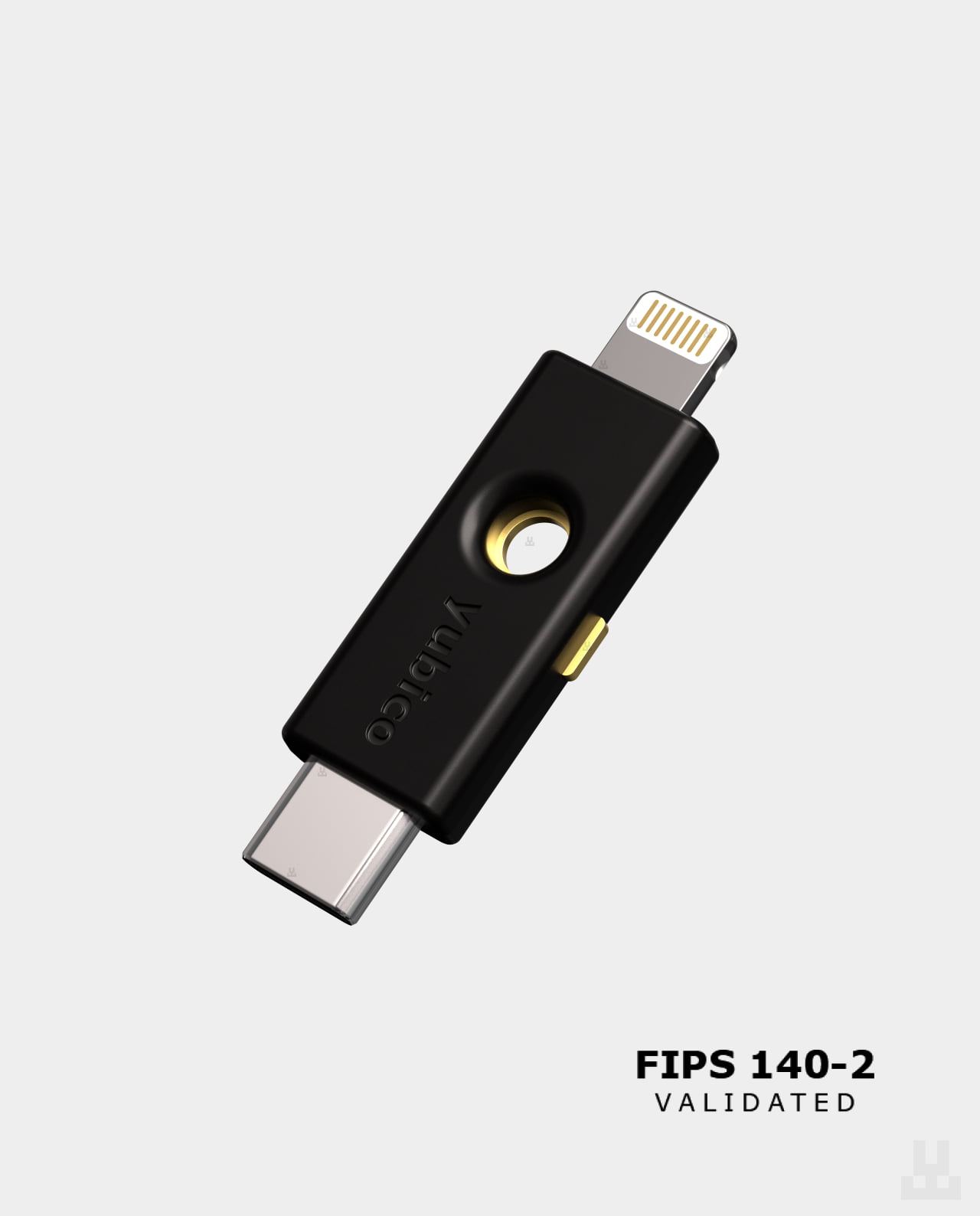
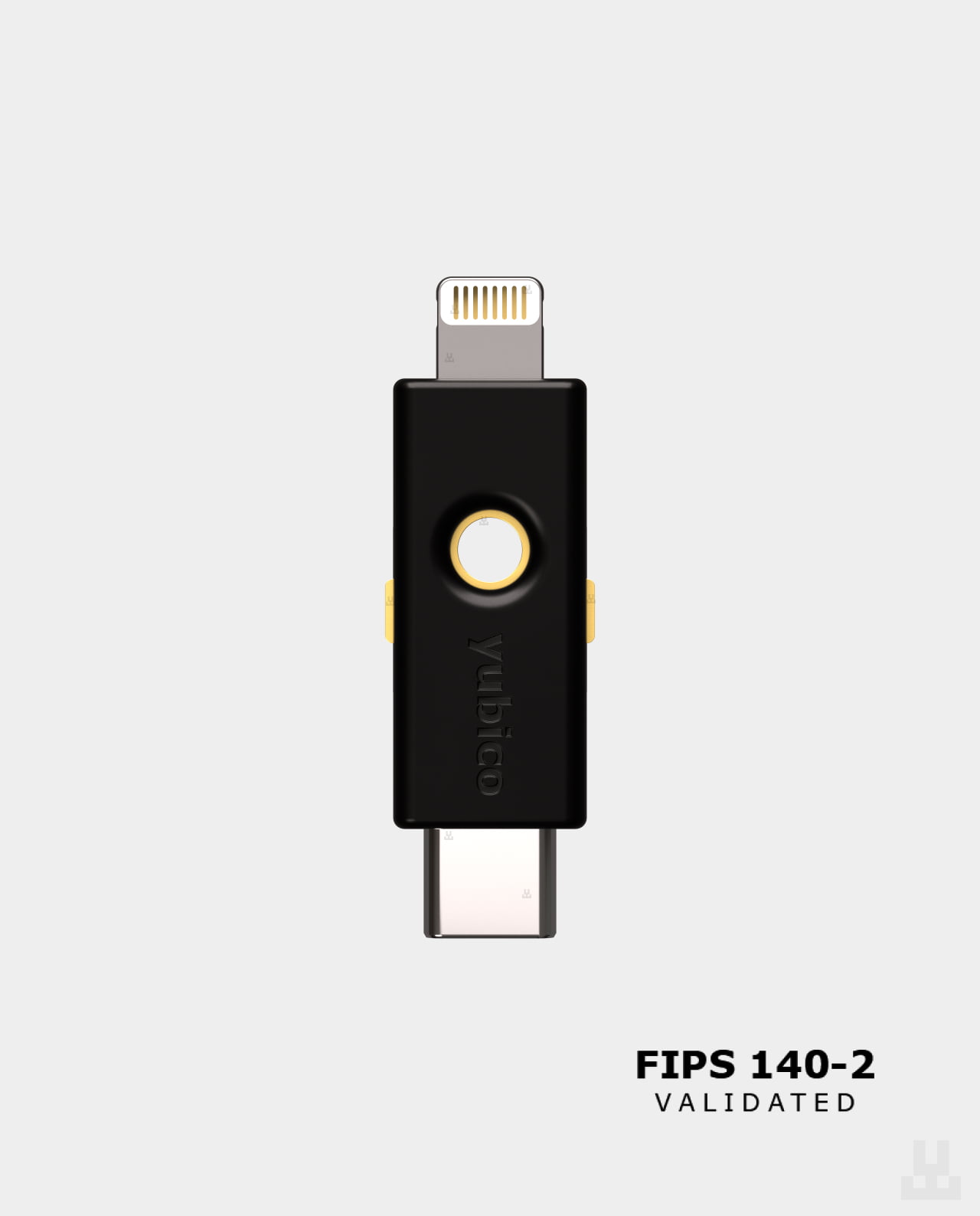
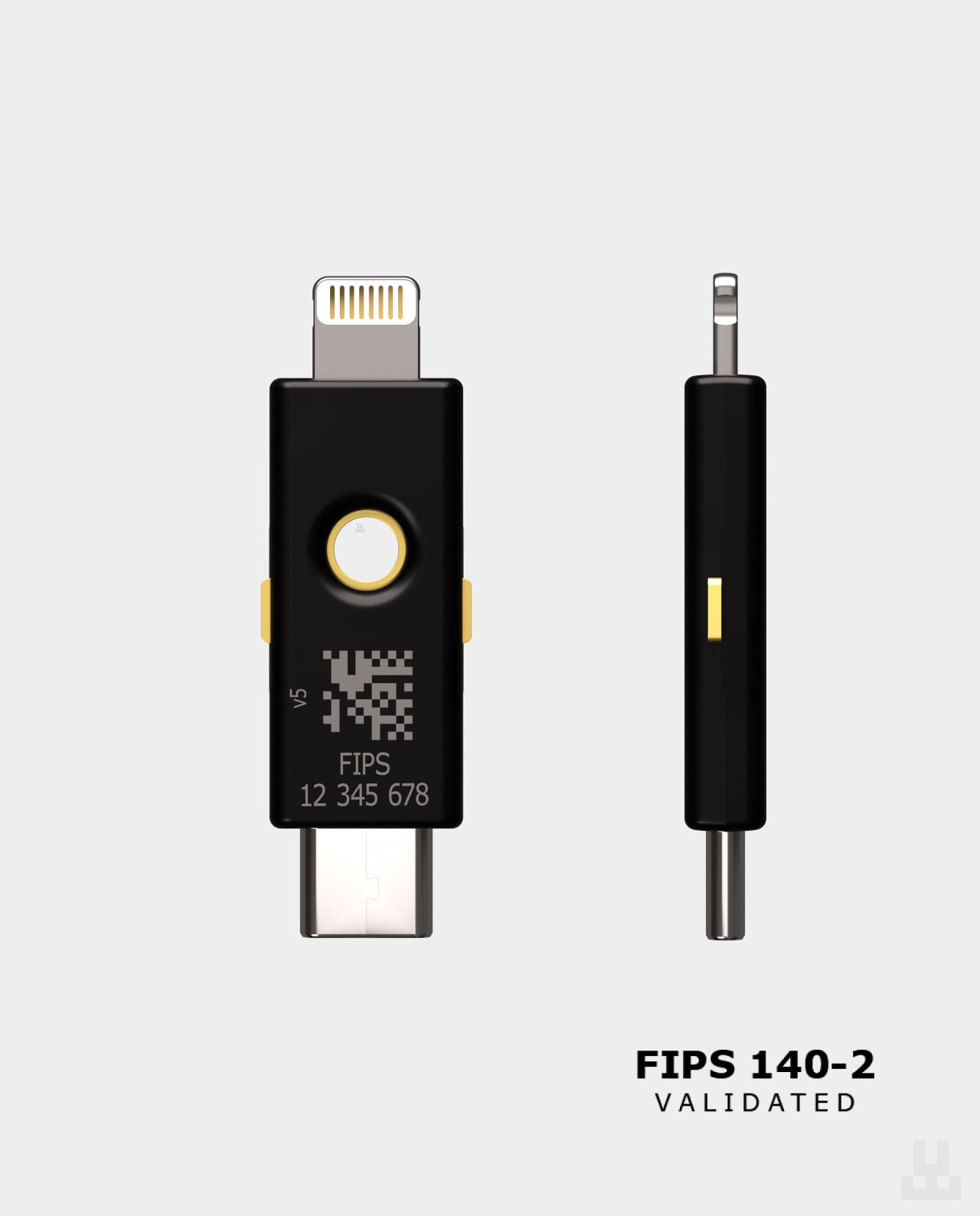
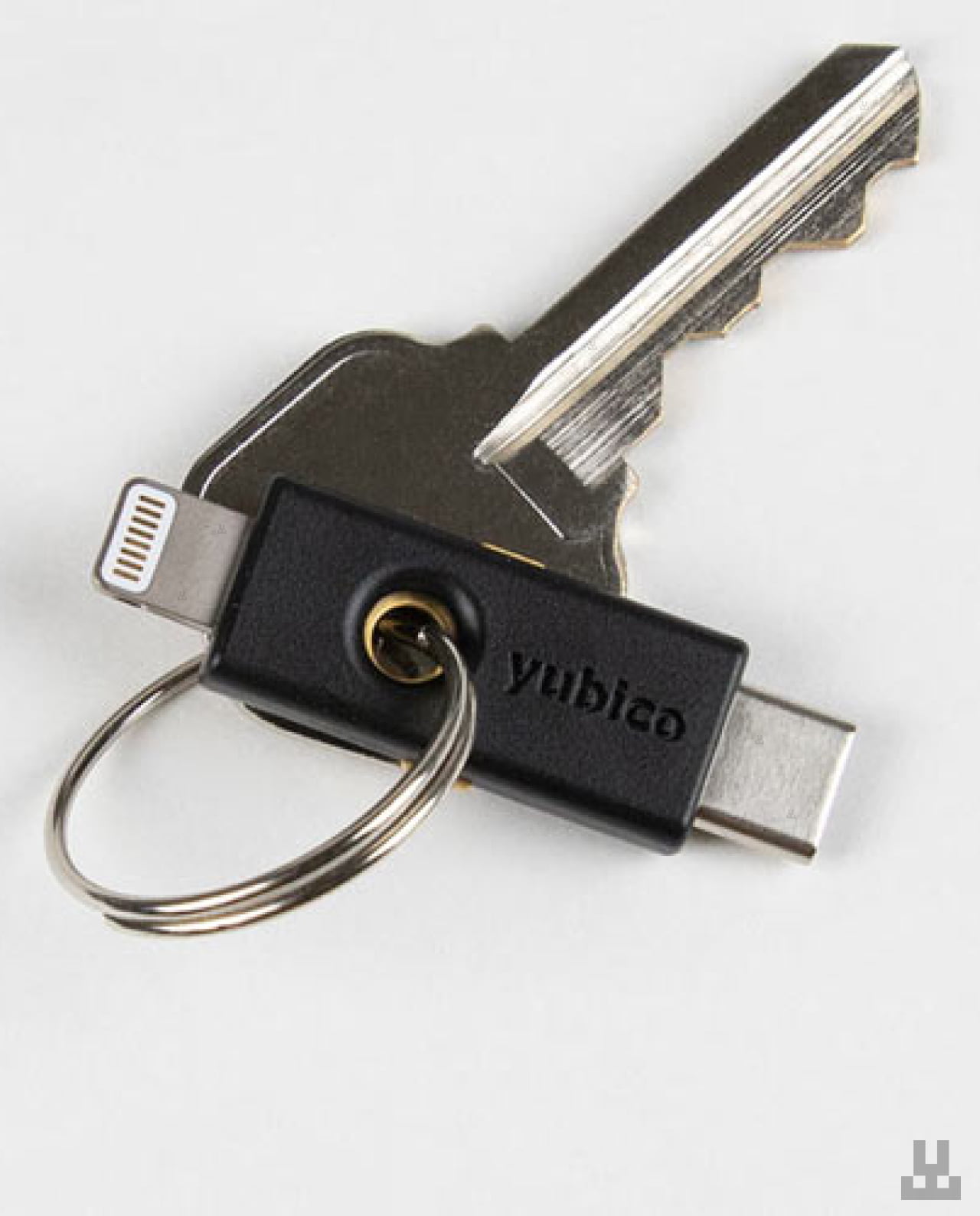
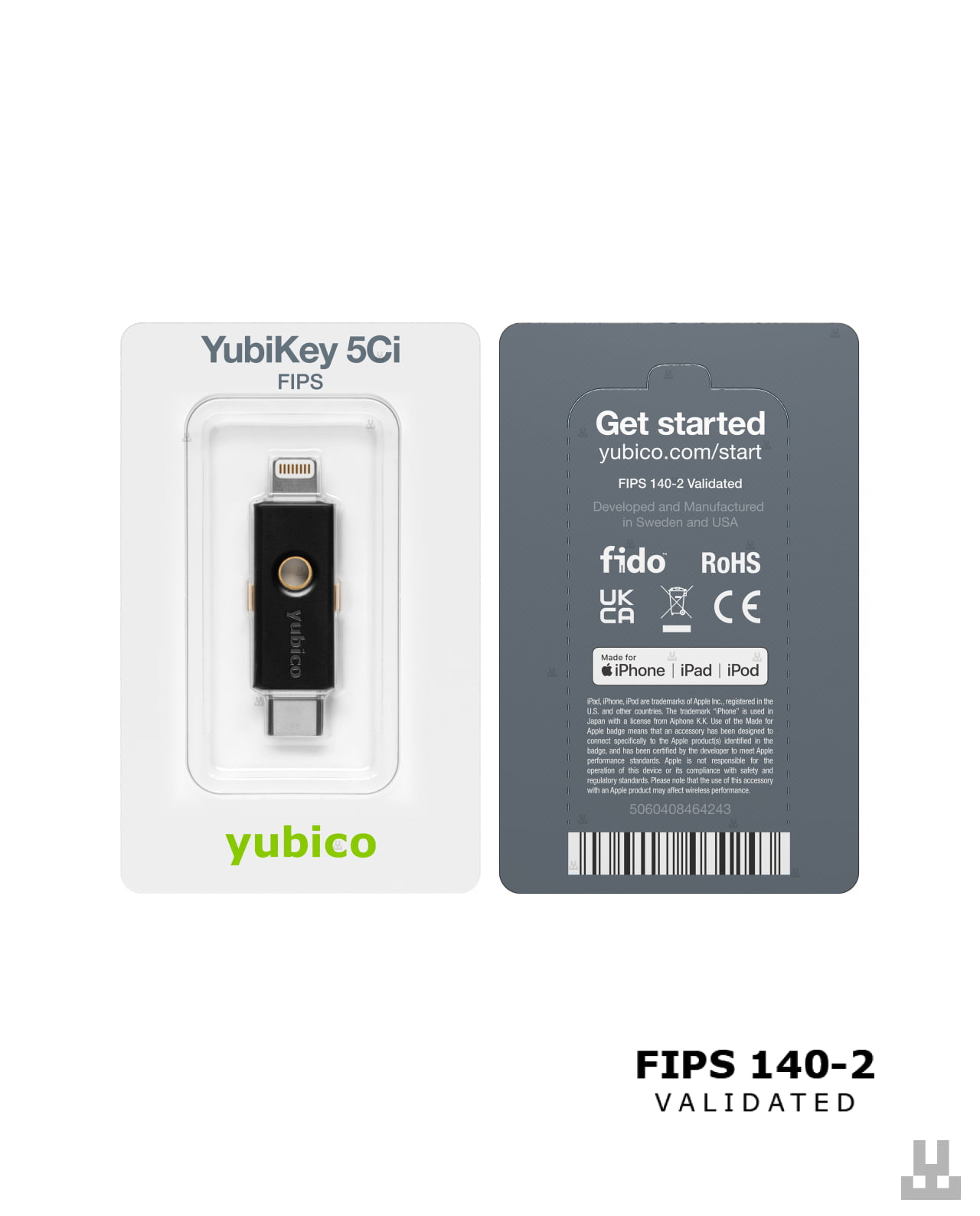
Yubikey 5Ci FIPS
7,990.00 UAH
In stock
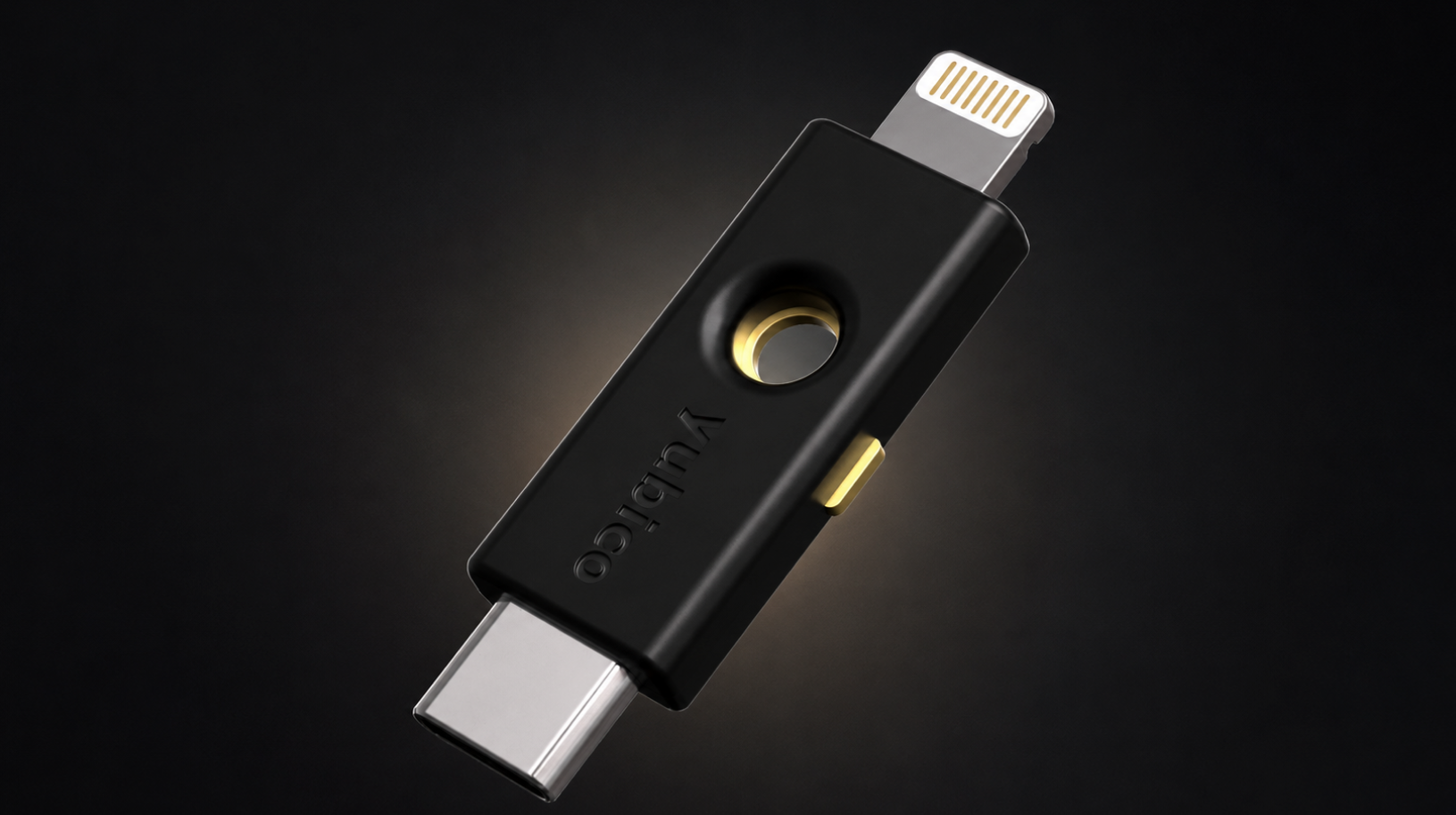
FIPS 140-3 validated security
YubiKey 5Ci FIPS is part of the current YubiKey 5 FIPS Series running firmware 5.7.4, validated to FIPS 140-3 Overall Level 2. The cryptographic module also meets Physical Security Level 3 requirements, while the series supports NIST SP 800-63B requirements for AAL3. The key is designed for environments with formal requirements for hardware-based authentication.

Protection against phishing
With FIDO2/WebAuthn, authentication is cryptographically bound to the legitimate domain of the service. A fake website cannot reuse an authentication request intended for another domain, while private keys remain inside YubiKey’s secure hardware. This approach significantly reduces the risk of phishing and remote account takeover.
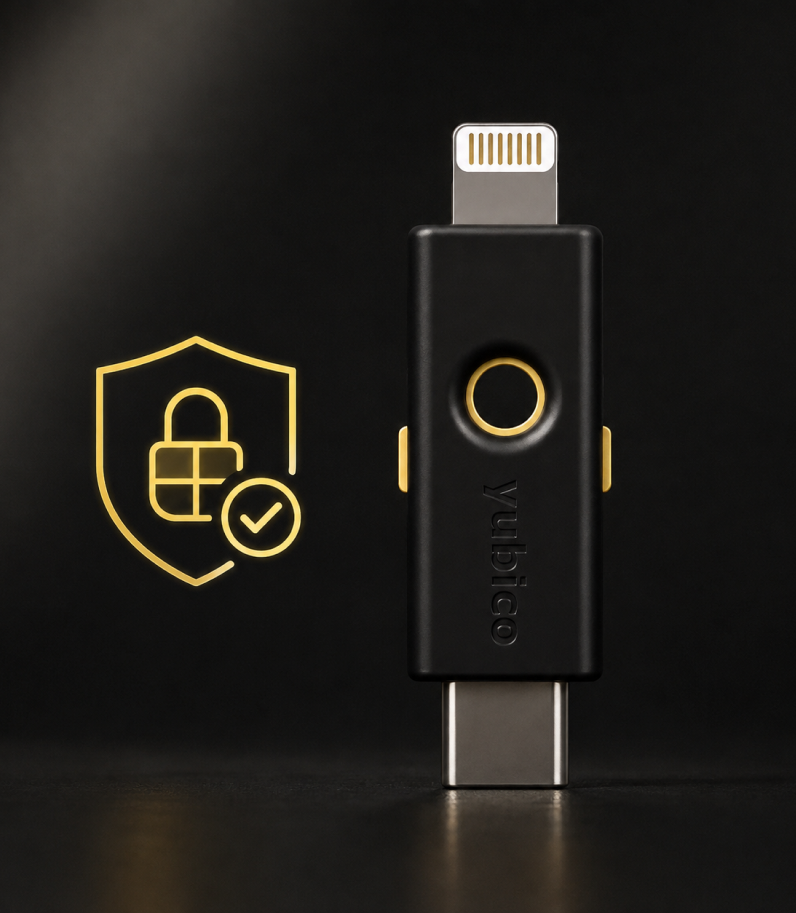
For businesses and regulated industries
YubiKey 5 FIPS Series is designed for businesses, government agencies, financial institutions, IT infrastructure, and other environments with strict access security requirements. FIPS 140-3 validation allows YubiKey 5Ci FIPS to be used in scenarios where security policies or regulatory requirements call for validated cryptographic modules. The key is also suitable for protecting work accounts, email, password managers, cloud services, and cryptocurrency exchanges.

FIDO2, WebAuthn, and passkeys
YubiKey 5Ci FIPS supports FIDO2/WebAuthn for modern multi-factor and passwordless authentication. Passkeys and FIDO2 credentials are stored directly on the hardware key and do not require synchronization through a cloud account. The device supports up to 100 FIDO2 credentials, making it suitable for use with a large number of compatible services.
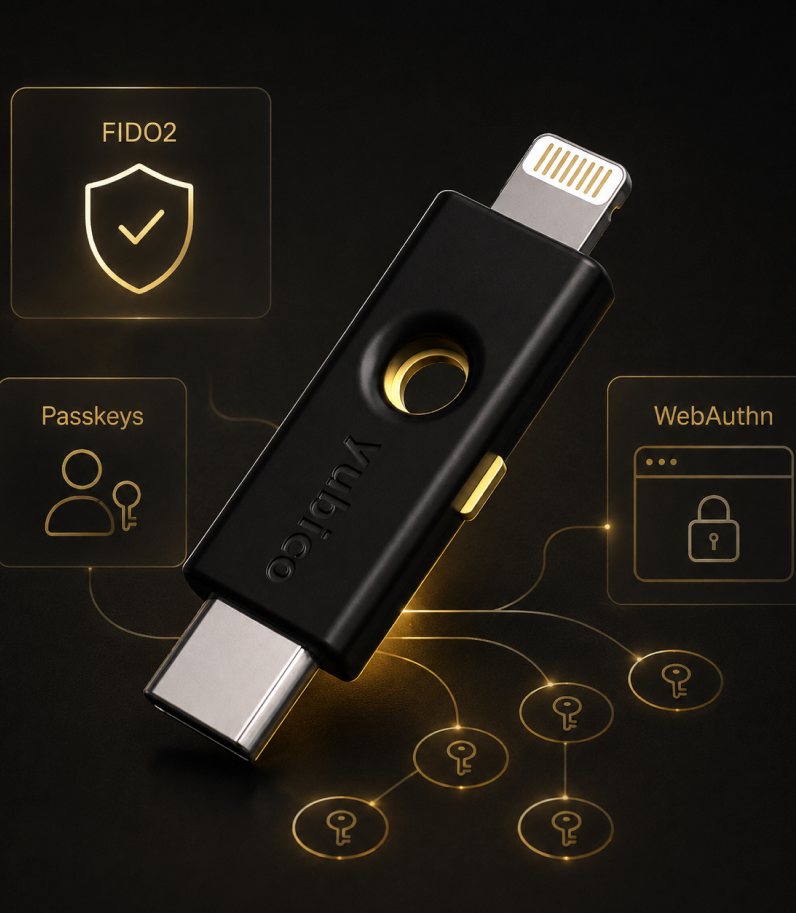
More capabilities
YubiKey 5Ci FIPS supports Smart Card PIV, OATH-TOTP/HOTP, OpenPGP, and Challenge-Response for enterprise authentication, one-time passwords, digital certificates, and other professional use cases. Secure Static Password and Yubico OTP are also supported. Thanks to its multi-protocol architecture, a single key can be used across different security systems.
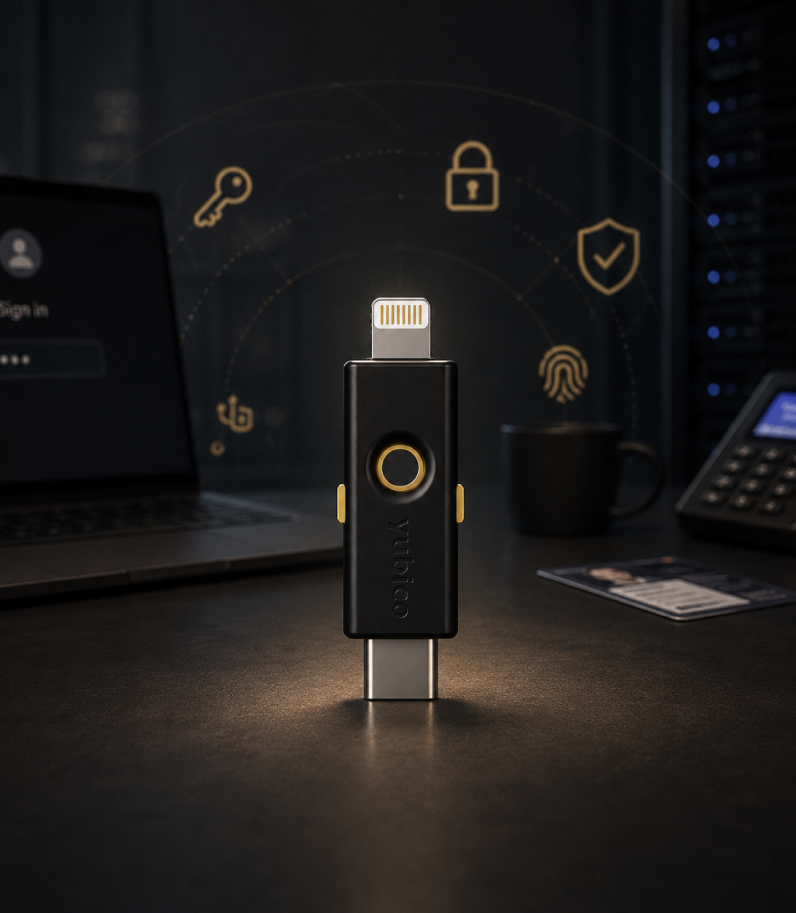
One key for different services and use cases
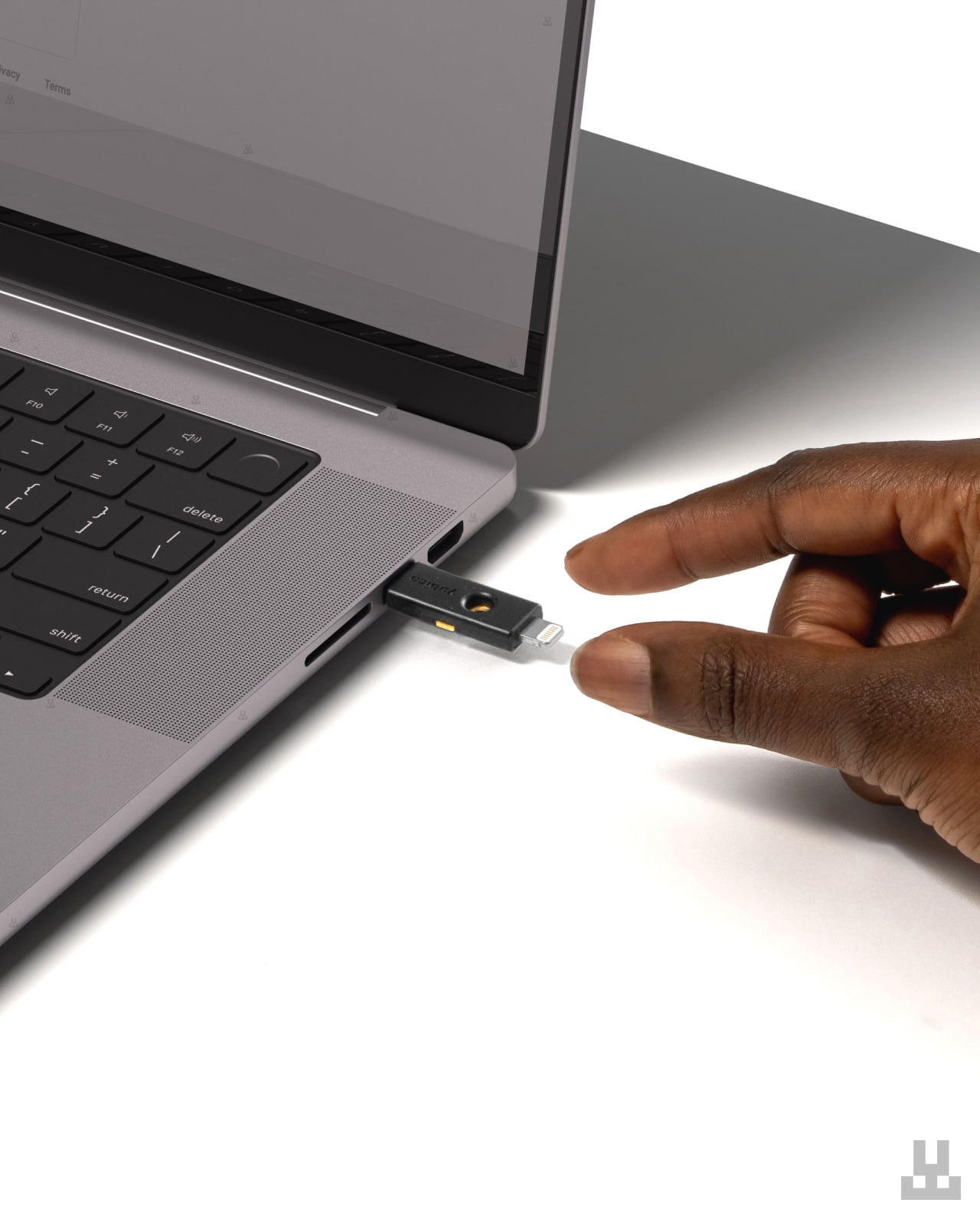
YubiKey 5Ci FIPS can be registered with many independent services and used to protect email, password managers, cloud platforms, enterprise systems, VPNs, cryptocurrency exchanges, and other compatible accounts. USB-C connectivity works with modern laptops, tablets, and smartphones, while Lightning supports compatible iPhone and iPad models.
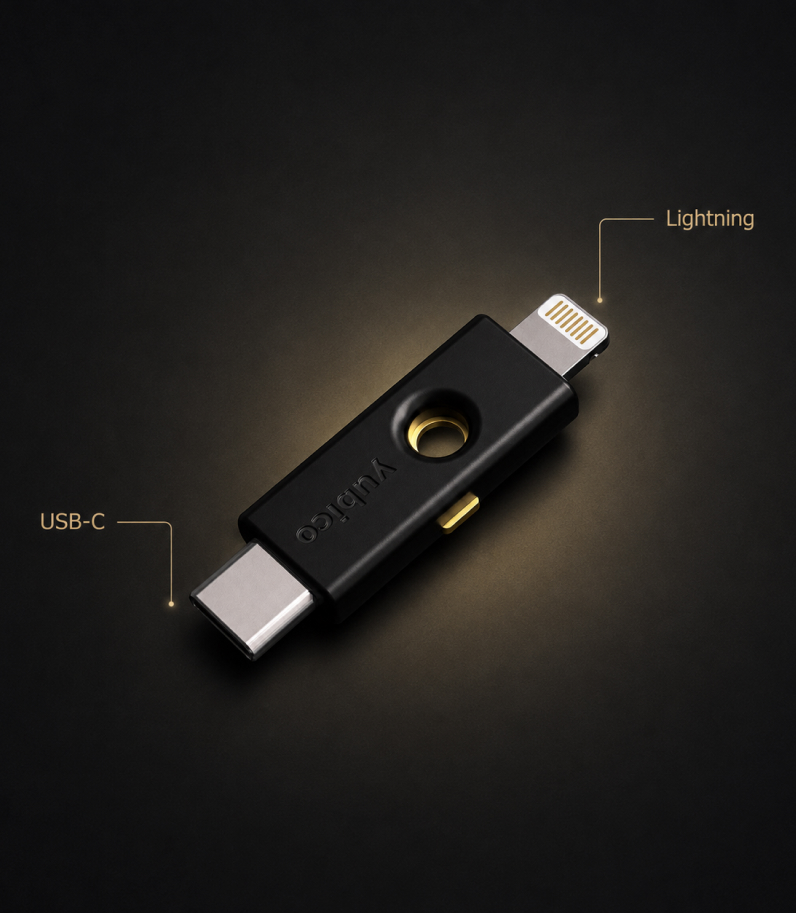
USB-C and Lightning in one key
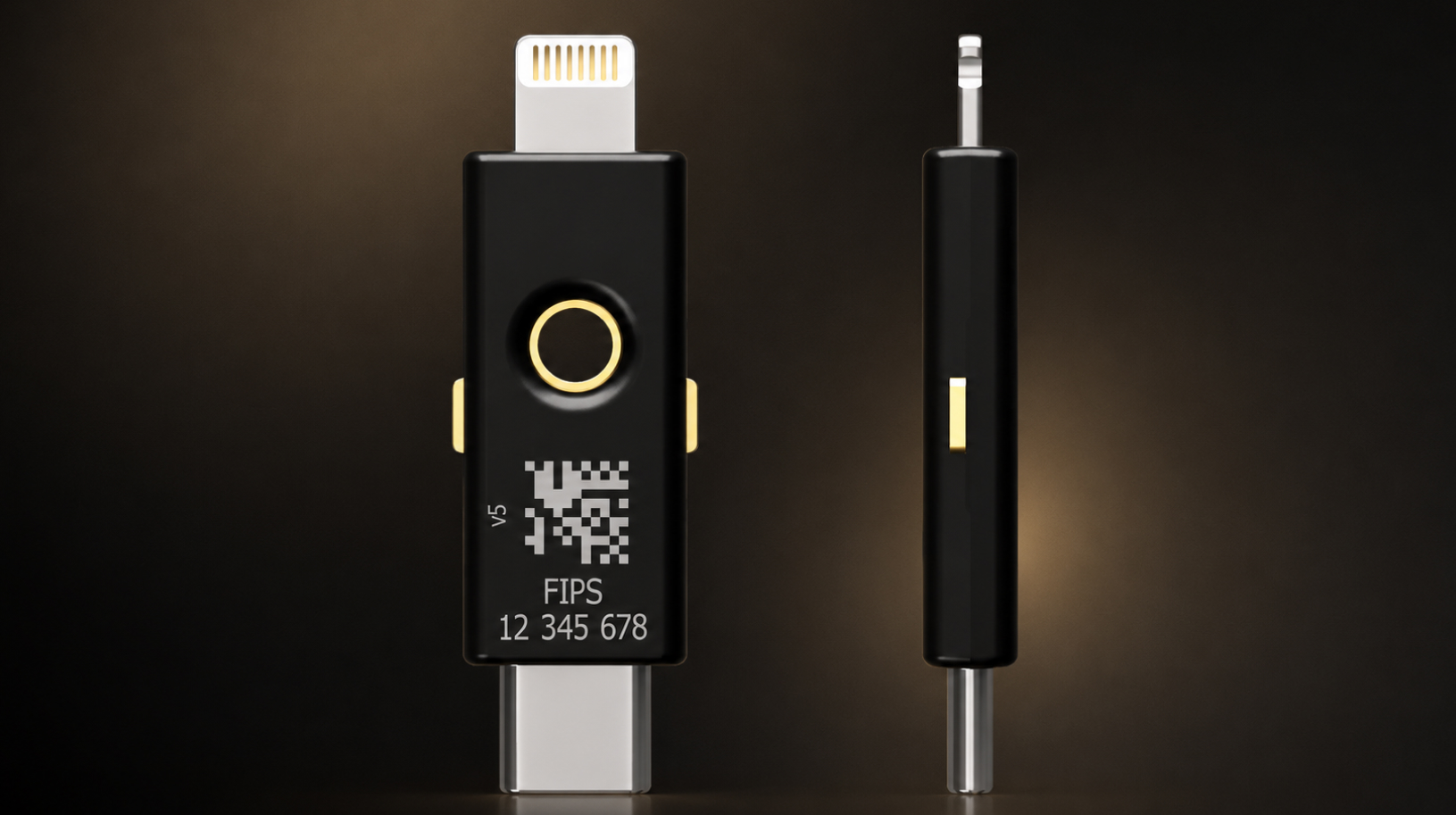
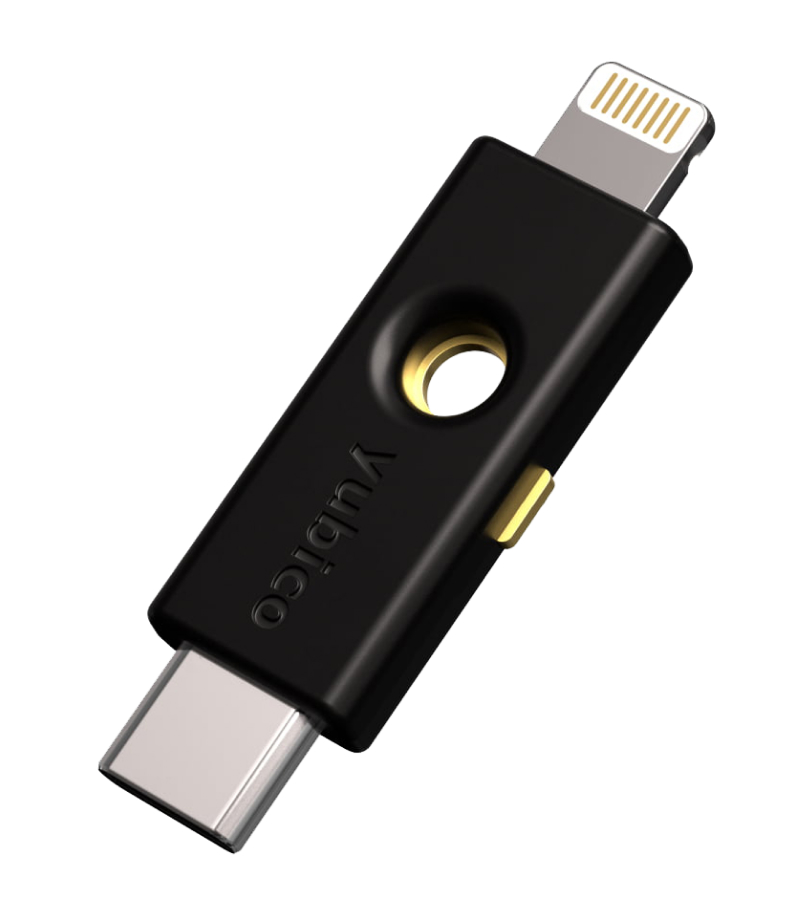
YubiKey 5Ci FIPS features two physical connectors — USB-C on one end and Lightning on the other. It can connect directly to modern laptops, smartphones, and tablets with USB-C, as well as compatible Apple devices with Lightning. No adapters, batteries, or charging are required to use the YubiKey.
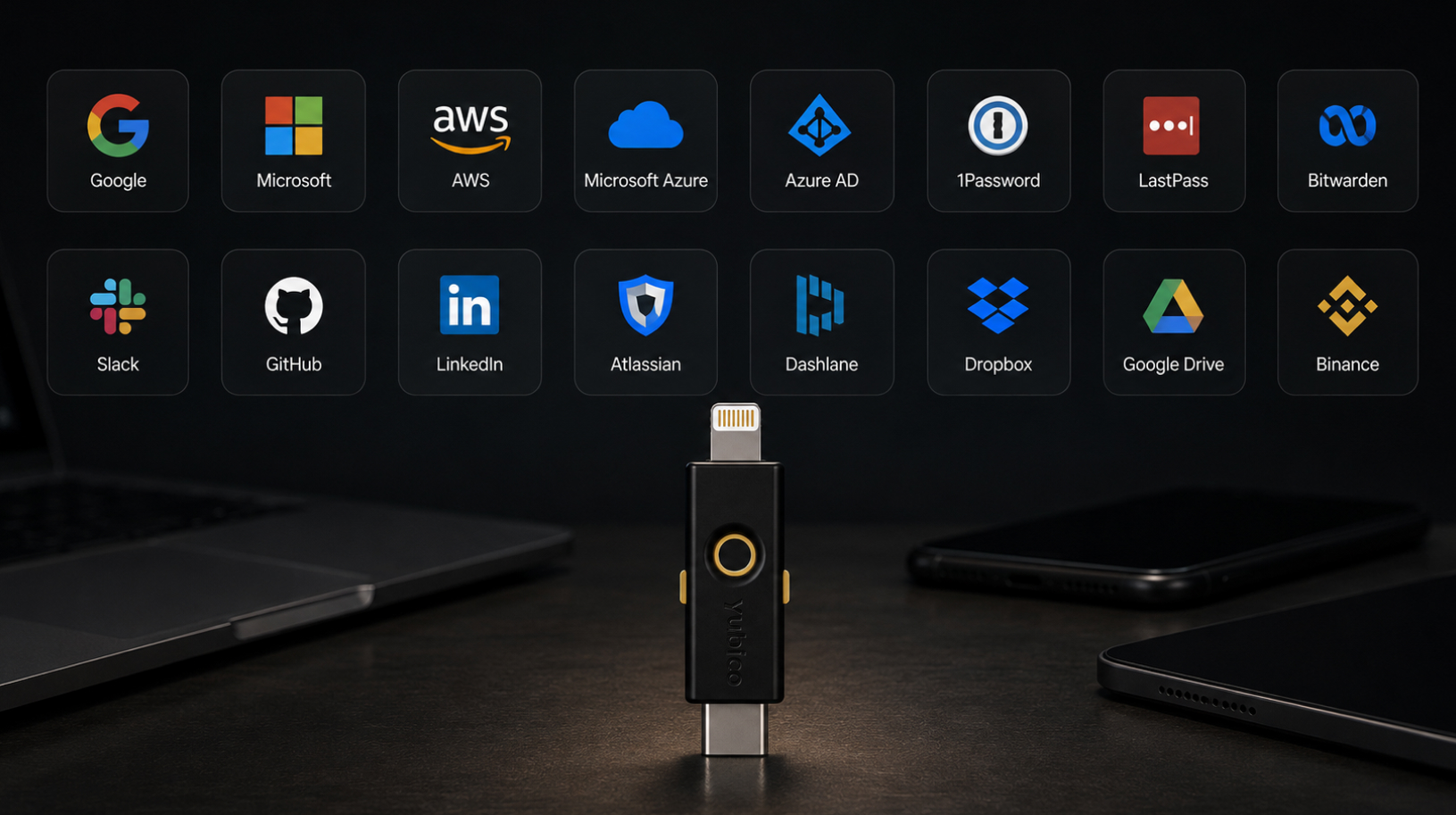
Crypto exchange security
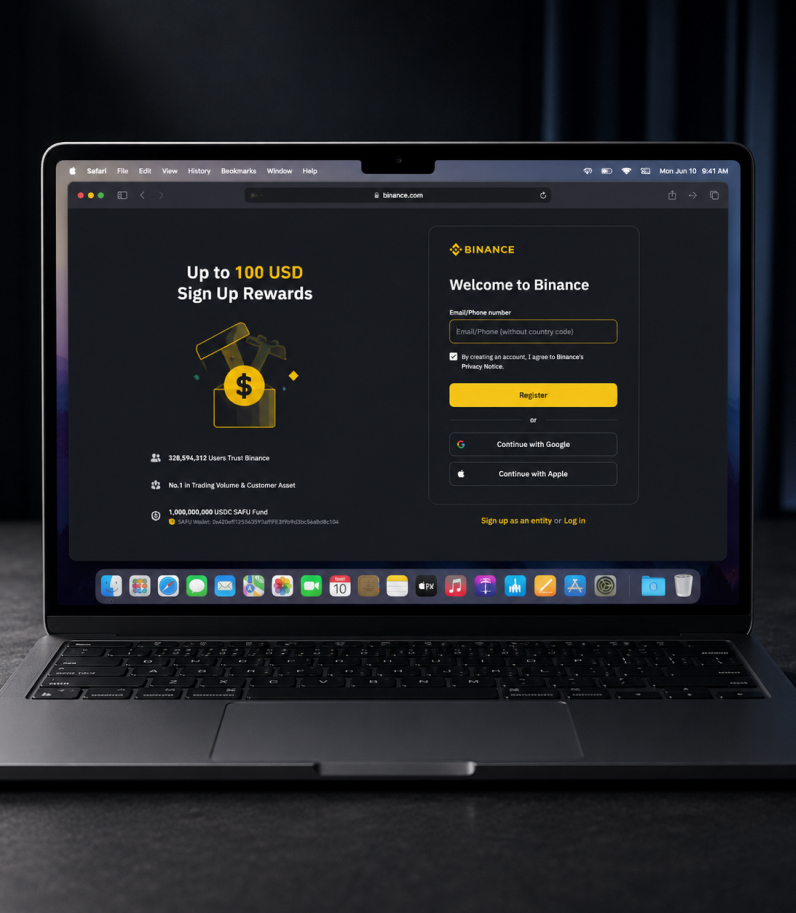
YubiKey 5Ci FIPS can be used to secure accounts on cryptocurrency exchanges and other financial platforms that support FIDO2/WebAuthn and hardware security keys. On compatible services, physical key can be used as a multi-factor authentication method instead of SMS or authenticator app.
Professional security for work and personal accounts
YubiKey 5Ci FIPS combines FIPS 140-3 Overall Level 2 validation, phishing-resistant FIDO2/WebAuthn authentication, support for professional protocols, and two connection interfaces in one compact device. Its IP68-rated housing protects against water and dust and is built to withstand mechanical stress, while the key itself requires no battery or charging. It is a practical choice for users and organizations that need a single hardware security key for both USB-C and Lightning.
Key specifications
- Device type: Multi-protocol hardware security key with USB-C, Lightning, and advanced YubiKey 5 FIPS Series functionality
- Certification: FIPS 140-3 Overall Level 2, Physical Security Level 3
- Authentication assurance level: NIST SP 800-63B AAL3
- Firmware: YubiKey 5 FIPS Series Firmware 5.7.4
- Security features: FIDO2 / WebAuthn, FIDO CTAP 2.1, passkeys
- Additional protocols: Yubico OTP, OATH-TOTP, OATH-HOTP, Smart Card PIV, OpenPGP, Challenge-Response, Secure Static Password
- Interfaces: USB-C 2.0 and Lightning
- Wireless connectivity: None
- Specifications: FIDO HID, HID Keyboard, CCID Smart Card, FIDO2 L2, FIDO CTAP 2.1, IP68
- Passkeys / FIDO2: Up to 100 credentials
- OATH credentials: Up to 64
- PIV certificates: Up to 24 certificates
- OTP: 2 slots
- Housing protection: IP68, resistant to water, dust, and mechanical stress
- Crush resistance: Up to 25 N·m
- Power consumption: Less than 150 mW
- USB data transfer rate: Up to 12 Mbps
- USB connector durability: More than 100,000 insertion cycles
- Dimensions: 12 × 40.3 × 5 mm
- Weight: 2.9 g
- Operating temperature: 0°C to 40°C
- Storage temperature: −20°C to 85°C
- Manufactured in: Sweden
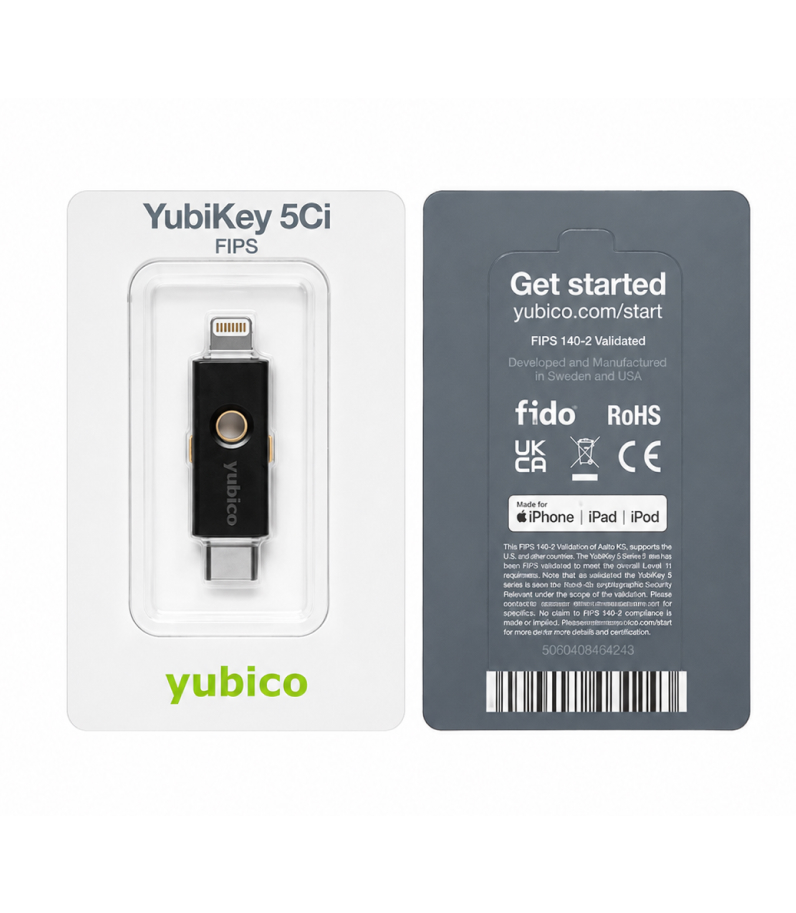
1x YubiKey 5Ci FIPS security key
FAQ
A hardware security key adds a physical authentication factor to your account. With FIDO2/WebAuthn, sign-in is approved using cryptographic keys stored inside the YubiKey rather than a one-time code that you have to enter manually. This provides significantly stronger protection against phishing and credential theft.
FIPS 140-3 is a standard that defines security requirements for cryptographic modules. The current YubiKey 5 FIPS Series running firmware 5.7.4 is validated to FIPS 140-3 Overall Level 2, while the physical protection of the cryptographic module meets Physical Security Level 3. The series also supports NIST SP 800-63B requirements for the highest authentication assurance level, AAL3.
Both models are multi-protocol hardware security keys with USB-C and Lightning. The key difference is that YubiKey 5Ci FIPS uses a FIPS 140-3 validated cryptographic module and can operate in accordance with FIPS Approved Mode requirements. This is particularly important for government agencies, financial institutions, large enterprises, and other regulated environments.
If the key is used in an environment that requires formal FIPS 140-3 compliance, it must be properly initialized for operation in FIPS Approved Mode. YubiKey 5Ci FIPS with firmware 5.7.4 ships without FIPS Approved Mode activated, so the required applications and credentials must be configured according to Yubico’s official procedure. For regular personal use, the key is configured according to the requirements of the specific service.
For the current YubiKey 5 FIPS 140-3 Series, FIDO2/WebAuthn is the primary FIDO protocol. U2F is disabled in the FIPS 140-3 configuration, so FIDO2/WebAuthn should be used for modern hardware authentication, multi-factor security, and passkeys.
Yes. When using FIDO2/WebAuthn, authentication is phishing-resistant. The authentication request is cryptographically bound to the service’s domain, so a fake website cannot use it to sign in to the legitimate site. For maximum protection, use FIDO2/WebAuthn on services that support the standard.
Yes, provided the exchange supports FIDO2/WebAuthn and hardware security keys. In that case, YubiKey can be registered as a multi-factor authentication method and used to protect sign-ins and other sensitive actions supported by the platform. Before setup, check which security methods are available in your account.
Yes. YubiKey 5Ci FIPS has both Lightning and USB-C connectors, so it can connect directly to compatible iPhone and iPad models. Exact functionality depends on the operating system, app or service, and the authentication method it supports.
No. YubiKey 5Ci FIPS does not support NFC. It uses two physical connectors: USB-C and Lightning. If you need contactless NFC authentication, consider YubiKey 5 NFC FIPS or YubiKey 5C NFC FIPS.
SMS codes can be vulnerable to SIM swapping and interception, while one-time codes from authenticator apps can be stolen through phishing pages. FIDO2/WebAuthn works differently: authentication is cryptographic and bound to the legitimate domain of the service. This allows a hardware YubiKey to provide significantly stronger protection against phishing attacks.
Yes. A single YubiKey can be registered with many independent services, including email accounts, password managers, enterprise systems, cloud platforms, cryptocurrency exchanges, and other services that support the relevant protocols. Each service is configured separately.
Yes. YubiKey is not tied to a single computer, smartphone, or tablet. The same YubiKey 5Ci FIPS can be used with different compatible devices through USB-C or Lightning, provided the service and operating system support the selected authentication method.
We recommend registering a second YubiKey as a backup key on all important accounts in advance. A backup key is not a copy of your primary key — each YubiKey must be registered with the service separately. Keep the backup key in a secure place and retain any account recovery options available for that service.
Private keys and FIDO credentials created inside YubiKey’s secure hardware are not designed to be exported to another device. This means a backup YubiKey must be registered separately with the services you use. It is best to set up your backup hardware key in advance.
YubiKey has no battery and does not require charging or its own internet connection. It receives power from the connected device. However, the online service where you are authenticating may require your computer, smartphone, or tablet to be connected to the internet.
The core functionality of YubiKey 5 FIPS Series is the same across the range, with models differing mainly in form factor and connectivity. YubiKey 5Ci FIPS features USB-C and Lightning, YubiKey 5 NFC FIPS uses USB-A and NFC, YubiKey 5C NFC FIPS offers USB-C and NFC, while YubiKey 5C FIPS uses USB-C. The compact YubiKey 5C Nano FIPS also uses USB-C but is designed to remain plugged into the port for extended periods.
YubiKey 5Ci FIPS works with Windows, macOS, Linux, and ChromeOS, as well as modern browsers and services that support the relevant authentication protocols. Compatibility depends on the specific website, application, operating system, and connection method. You can browse the full catalog of compatible services in Works with YubiKey.
LWallet.com.ua is a Ukrainian online store specializing in hardware crypto wallets, security keys, and other devices for protecting digital assets and accounts. We offer a wide range of products, delivery throughout Ukraine, setup assistance, and guidance on using your devices.
We provide a one-year warranty for the device. If a warranty-covered fault is identified, we will assist with diagnostics and help resolve the issue in accordance with the warranty terms.
We can help you set up the device at our office or remotely. If you have any questions while using YubiKey, we can assist you by phone or via Zoom.
We deliver orders to any city in Ukraine. During checkout, you can choose from the available delivery methods and select a convenient pickup location.
Yes. If cash on delivery is available for your selected shipping method, you can pay when you receive the order. Prepayment by bank transfer is also available.
Add a review
Show only reviews in English ()
Add a review
Related products
Updating…
Unknown –