If the wallet balance is zero after recovery, it does not necessarily mean your funds are gone. You may have restored a hardware wallet after a reset, set up a new device, or moved to a different model, only to open the app and find no coins or transaction history. In most cases, the app …
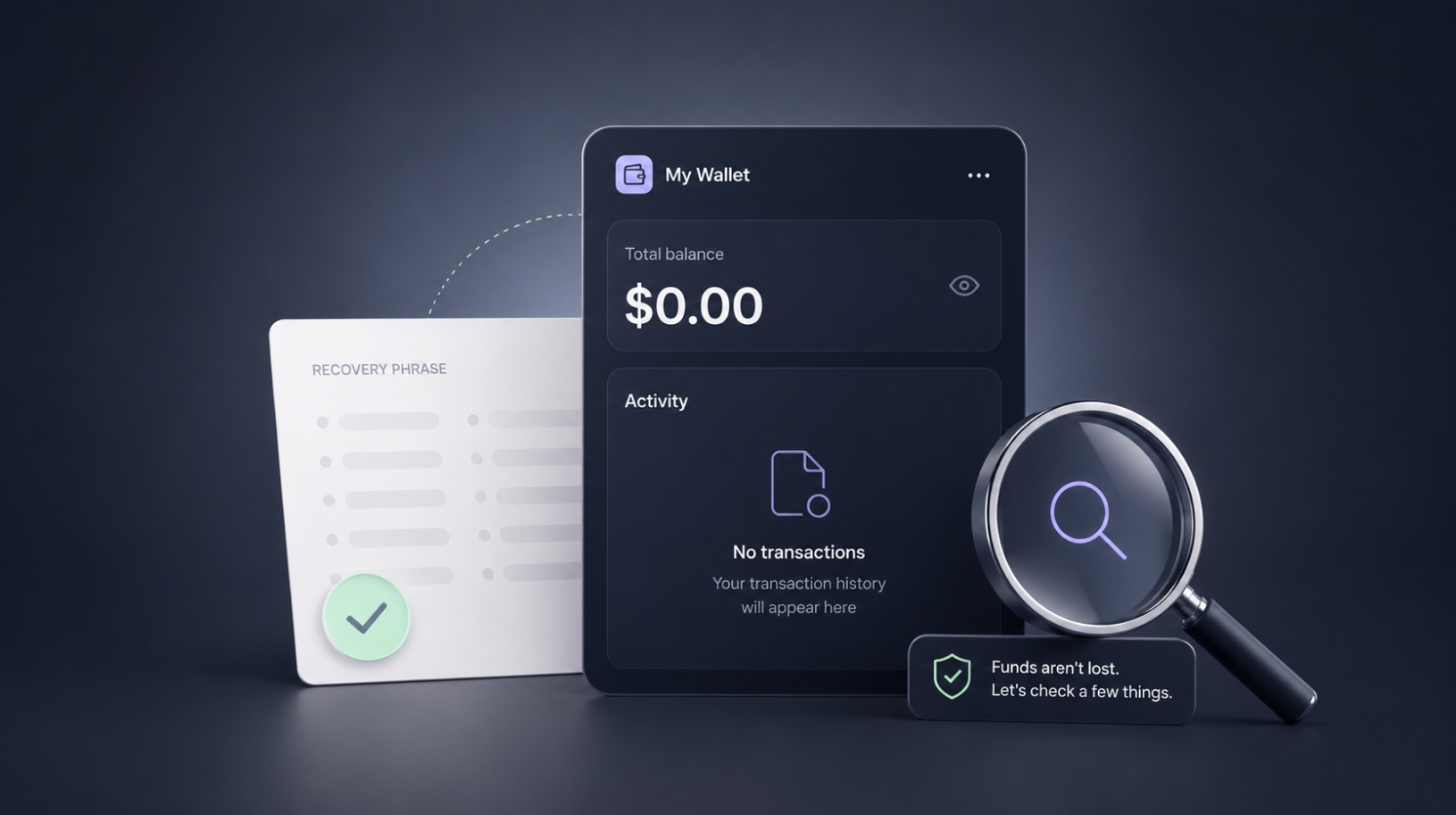
#Trezor tutorial. Trezor Suite not detecting your device? Here’s how to fix it
Trezor Suite not detecting your device? You connect your Trezor to your computer, open Trezor Suite, and the app says it cannot find the device. There is usually no need to worry: in most cases, this does not mean your Trezor is broken. According to the official Trezor troubleshooting guide, the cable is the most …
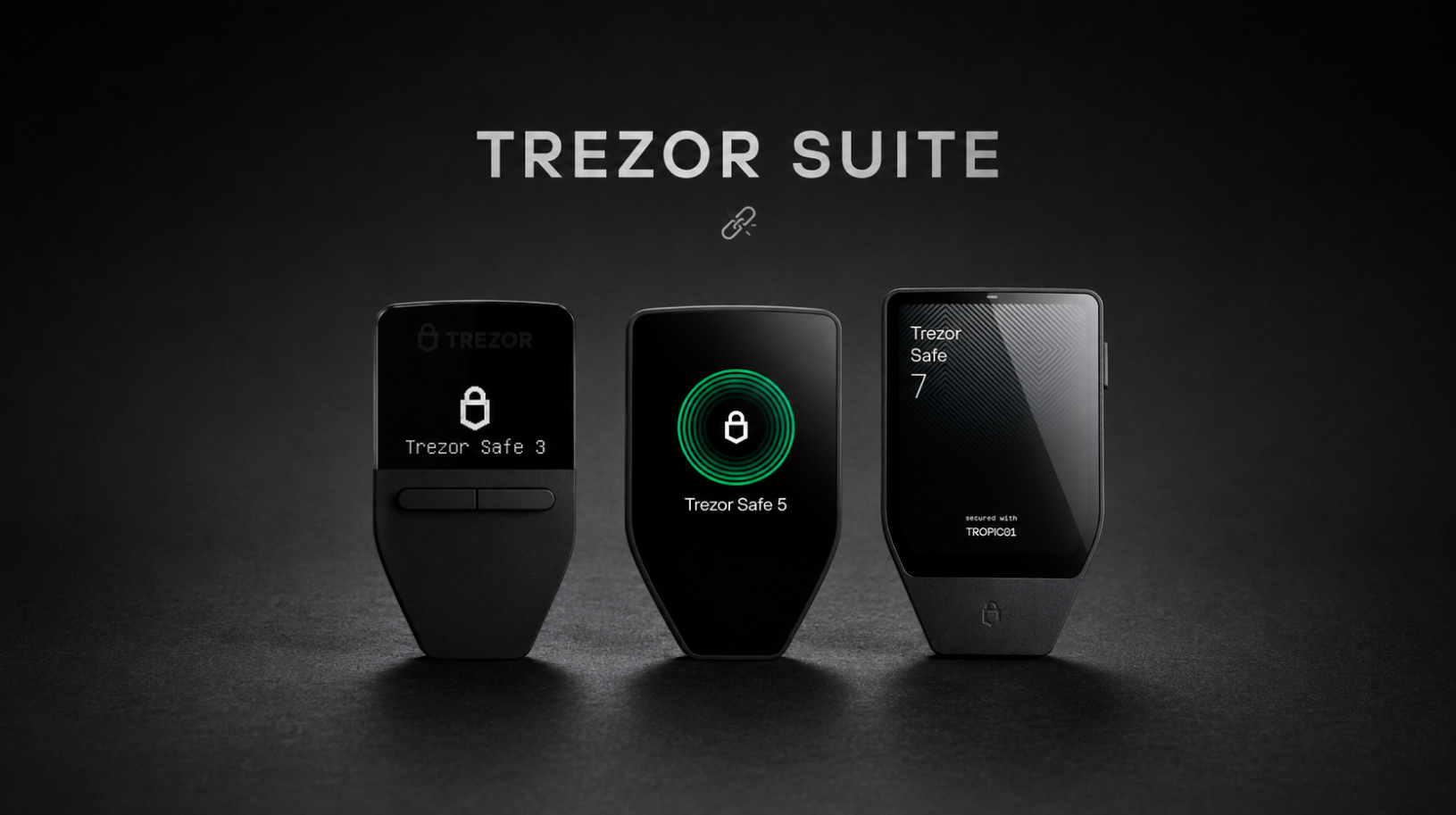
#Ledger tutorial. Ledger Wallet can’t detect your Ledger: complete troubleshooting checklist
Ledger Wallet can’t detect your Ledger: you connect the device to your computer, but Ledger Wallet — formerly known as Ledger Live — does not recognise it. In some cases, the app sees the device but displays “Sorry, connection failed.” This is one of the most common issues customers contact our support team about, and …
#Ledger tutorial. Maximize Ledger battery life: Nano X, Stax, Flex, Gen5
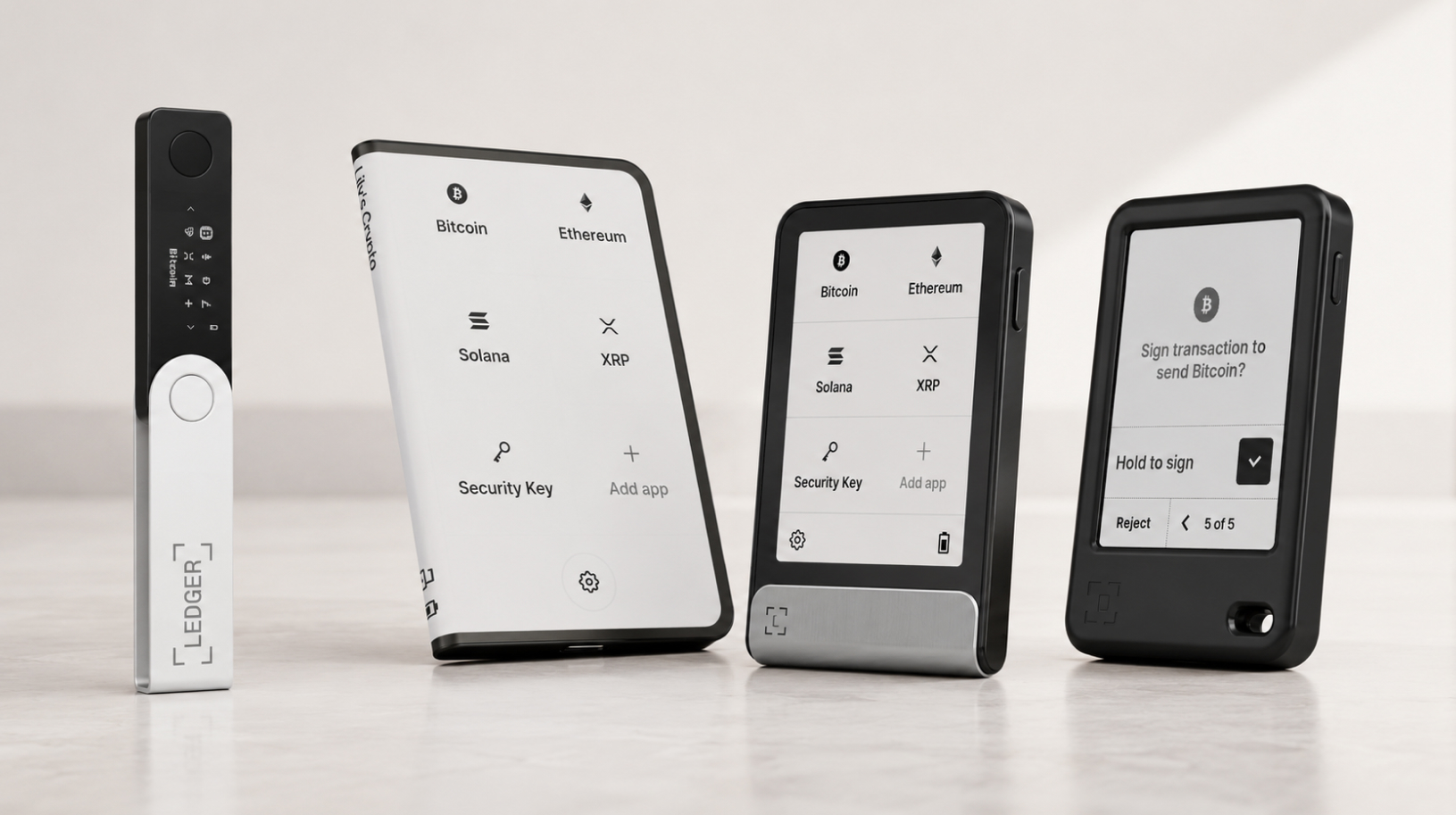
How to maximize Ledger battery lifespan depends on the model, because not every Ledger has a battery. Among current models, four devices have a rechargeable battery: Nano X, Stax, Flex, and Nano Gen5. Nano S Plus does not have a battery: it works only when connected by cable battery: Nano X, Stax, Flex, and Nano …
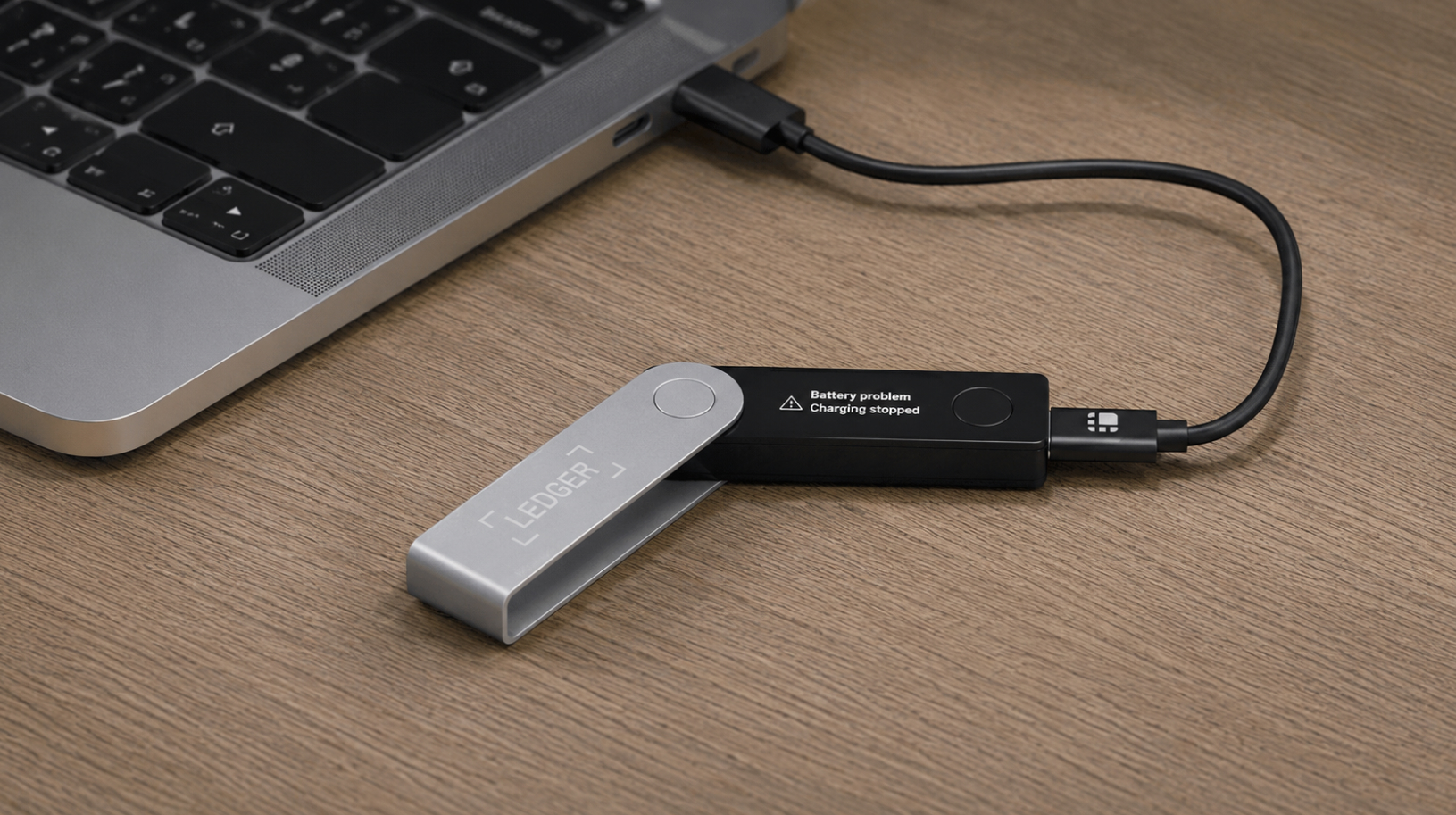
#Ledger tutorial. Ledger Nano X not charging: Battery problem / Charging stopped
Ledger Nano X is not charging: if you see “Battery problem” or “Charging stopped” on the screen, it does not mean your coins are gone. Your keys and funds remain safe; the issue is related to the battery or the charging conditions of the device. Nano X is a Ledger model with a built-in 100 …
#Keystone tutorial. How to update firmware on Keystone 3 Pro?
How to update Keystone 3 Pro firmware: in every release, Keystone fixes vulnerabilities, patches bugs, and adds support for new networks and wallets. That is why keeping the firmware up to date is part of protecting your assets. It is not a cosmetic improvement. The main rule before you start: first make sure you have …
#Ledger tutorial. Ledger Nano X won’t turn on after long storage: battery conditioning guide
Ledger Nano X battery conditioning is a procedure that helps wake up the battery after long storage. You took out a Nano X that had been sitting unused for several weeks or months, and now it will not turn on, will not charge, or shows a battery warning. For a lithium-ion battery after long storage, …
Why Is Polymarket a Scam? Our Investigation and Experience with the Platform
Is Polymarket a scam or just a dangerous tool? In this article, I use recent cases to explain why the platform’s market-resolution system is designed in a way that leaves the average trader losing almost every time. From May 9 to 11, 2026, a three-day “ceasefire” was in effect between Ukraine and russia, at the …

How to withdraw crypto to a card in Ukraine: all working methods
How to withdraw crypto to a card in Ukraine? A hardware or mobile wallet cannot send cryptocurrency directly to a bank card. In most cases, the process has two stages: first, you send the crypto to an exchange, a P2P marketplace, or a trusted exchange service; then you sell it for hryvnia and receive UAH …