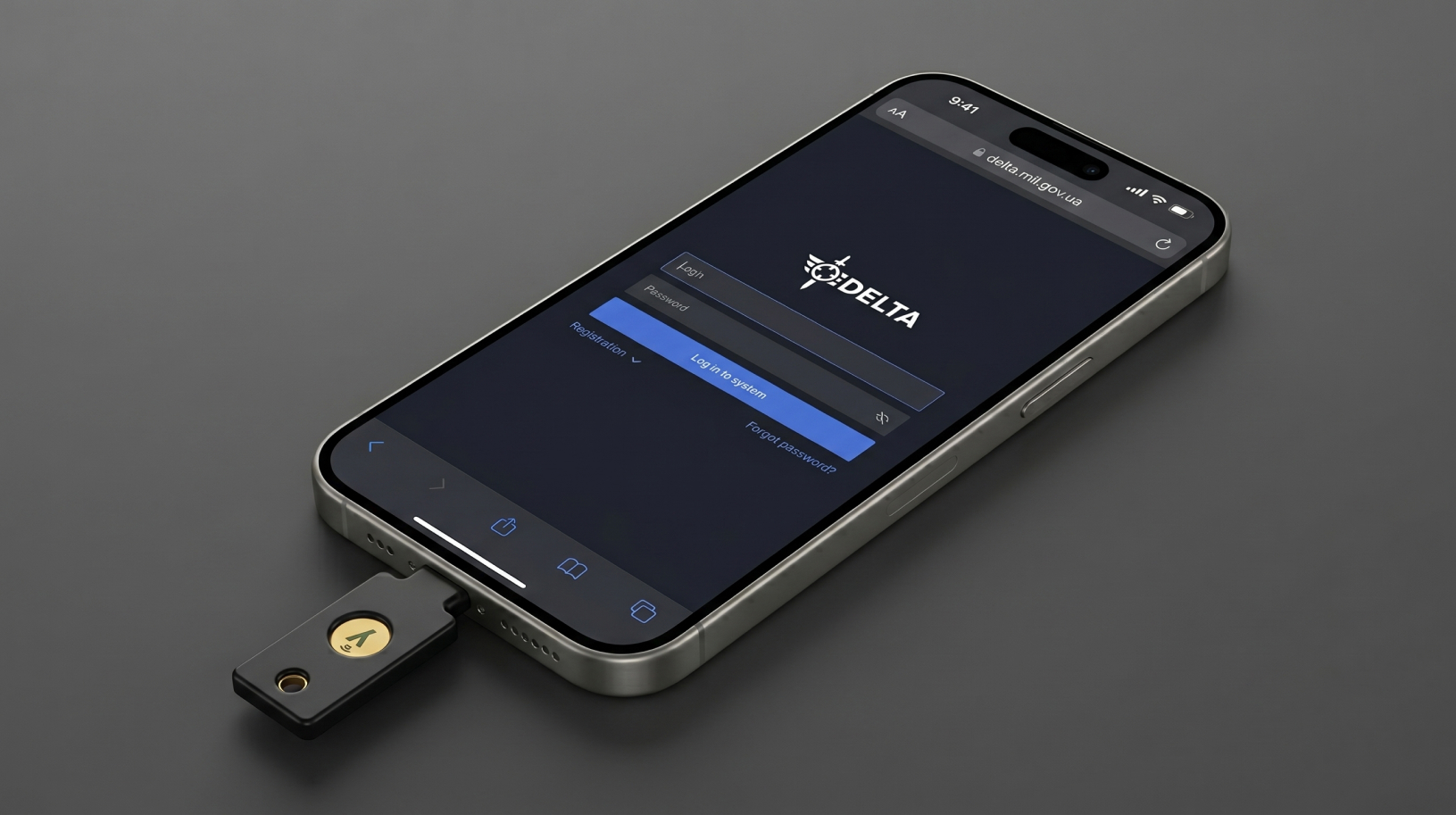
Compare Yubico models and choose a security key for your devices and accounts When you use FIDO2 to sign in, a YubiKey helps protect your account even if someone steals your password or you enter it on a phishing site. Deciding which YubiKey to choose comes down to whether you need the extra features of …
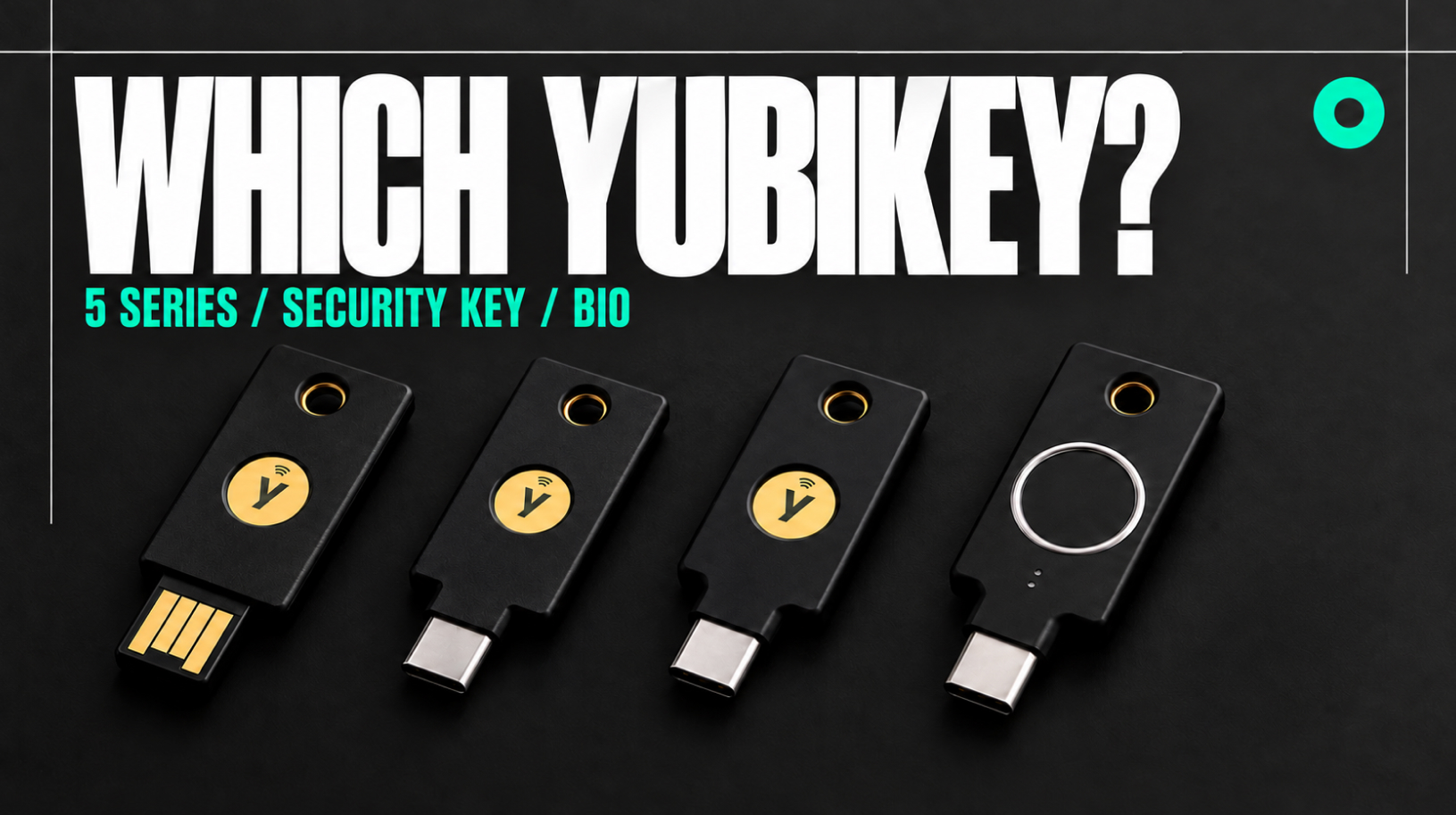
Best FIDO2 Security Keys to Buy in 2026
When choosing FIDO2 security keys, specs are only part of the picture. You also need to think about how convenient a key will be to use every day: which connector it uses, whether it has NFC, whether it works well with your laptop and phone, and whether your email provider, crypto exchange, GitHub, or password …
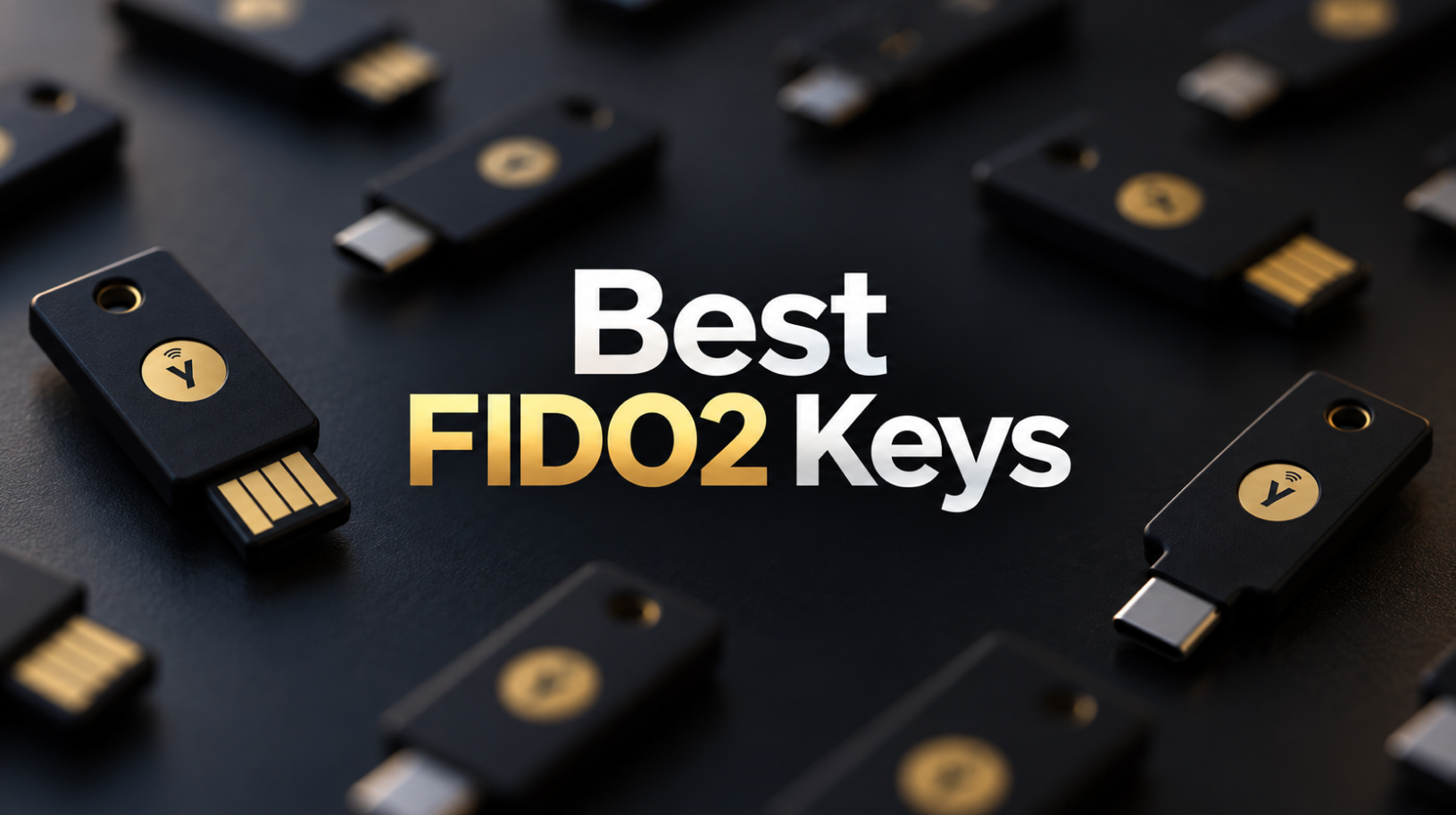
FIDO2 Security Key: How to Protect Google and Other Accounts
We already have a separate guide on choosing U2F/FIDO security keys. Here, we’ll focus on the practical side: you already have a FIDO2 security key, and you need to add it correctly to Google, GitHub, a crypto exchange, or a password manager, set up reliable backup access, and avoid locking yourself out of your accounts. …
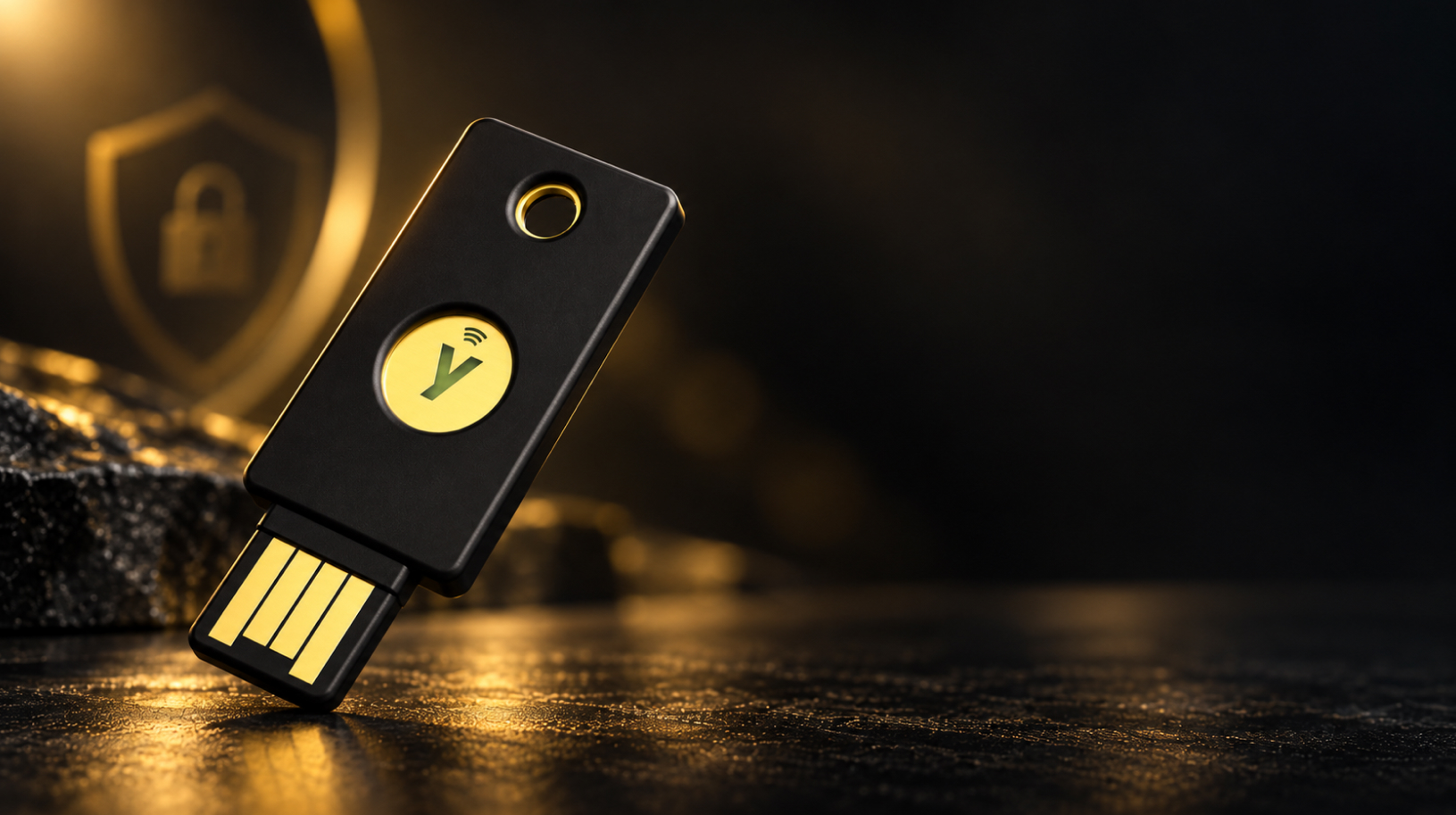
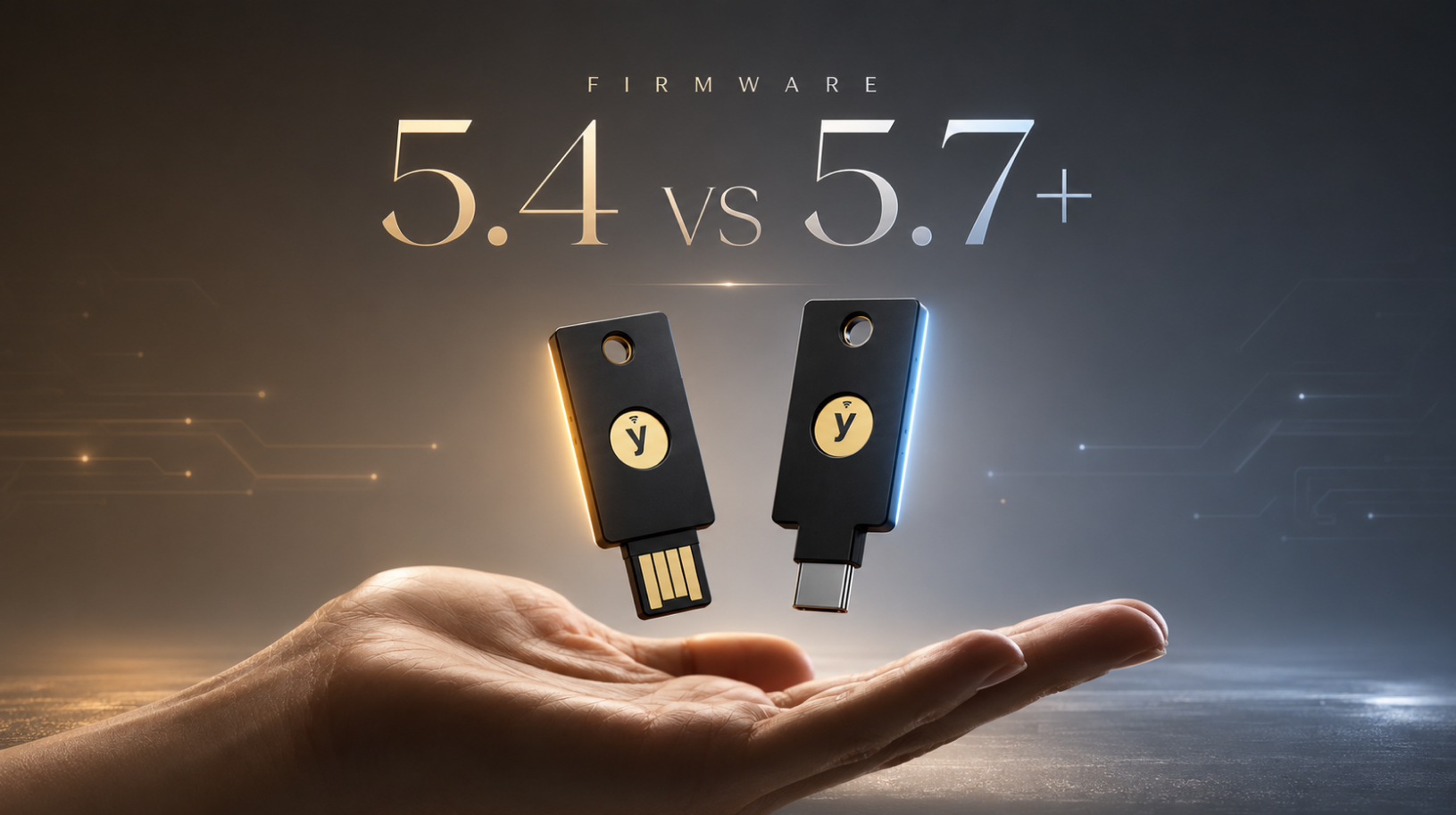
YubiKey 5.4 vs 5.7+: what changed, and should you replace your key?
How does YubiKey firmware 5.4 differ from 5.7+, and is it worth replacing your key? The hardware looks identical from the outside: USB-A or USB-C, with or without NFC, and the same gold touch sensor. Inside, however, the differences between firmware 5.4.x and 5.7.x are substantial. Before going any further, there is one important point …
How to set up two-factor authentication on GitHub using Yubikey?
Hello everyone! Setting up two-factor authentication on GitHub with a YubiKey is one of the most reliable ways to keep your developer account safe. Not everyone knows how to ensure this security using modern methods. And to do so, all you need is to be the happy owner of a YubiKey hardware security key for …

FIDO2 keys for Delta: which ones work and how to set them up
For two-factor authentication, you can use a physical FIDO2 key for Delta or a phone set up as a FIDO2 key. Compatible certified FIDO2 models include Security Key NFC by Yubico and Security Key C NFC by Yubico for account sign-in, and Yubikey 5 NFC and Yubikey 5C NFC if you also need additional protocols. …