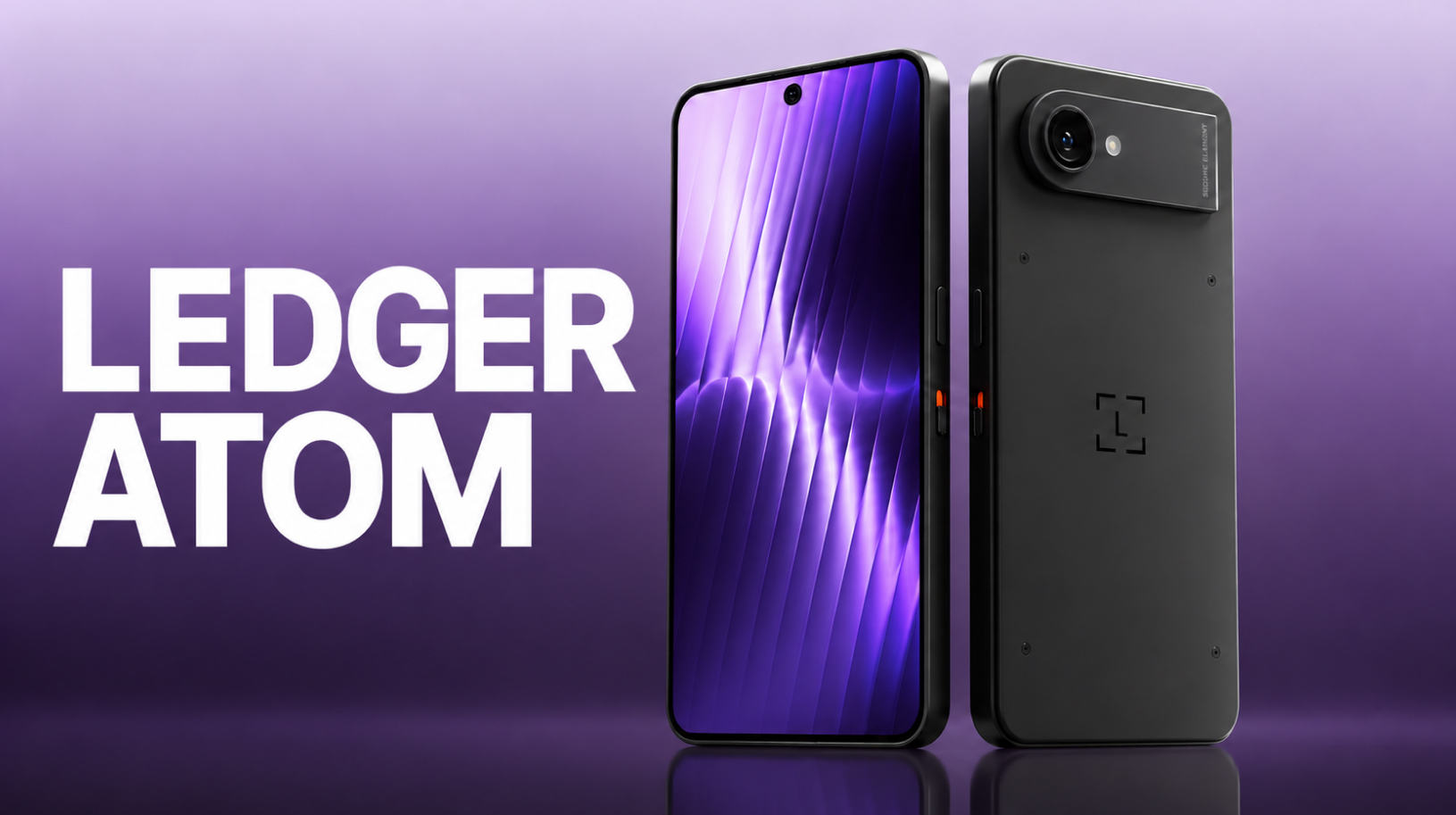
Ledger has spent years explaining why private keys should be kept separate from your smartphone. Now it is proposing an Android device that will run everyday apps alongside a hardware wallet: Ledger Atom was unveiled on October 15, 2026, at the Op3n conference in Paris. Atom looks like a phone, with a separate hardware environment …
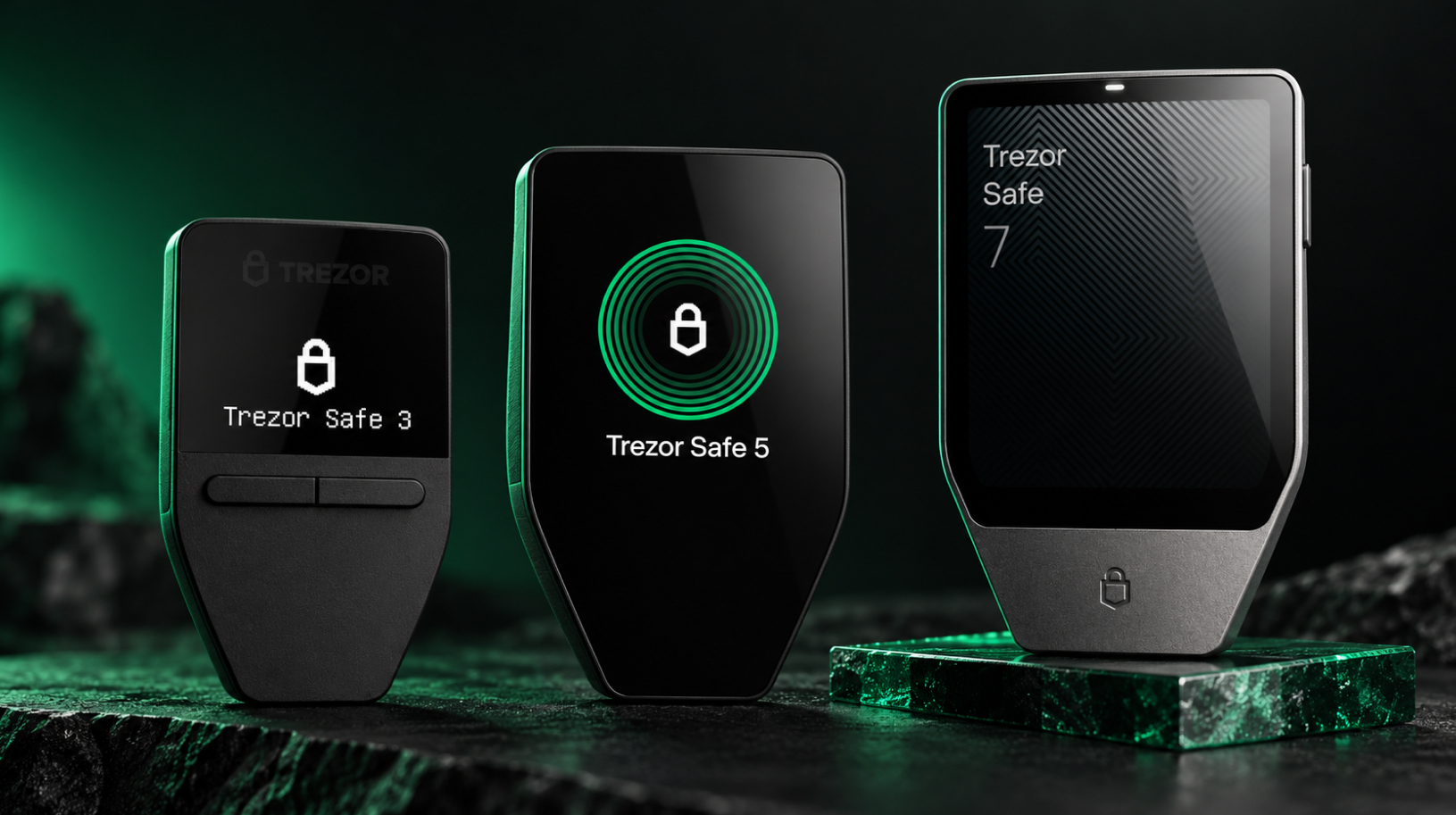
Which Trezor to choose: Safe 3, Safe 5 or Safe 7?
A comparison of Trezor models for desktop, Android and iPhone users. Updated for October 2026. Trezor’s current range includes three models: the Safe 3, released in October 2023; the Safe 5, introduced in June 2024; and the Safe 7, launched in October 2025. They share many core features but differ in their screens, connectivity and …
Bitcoin-only hardware wallets: how to choose
Bitcoin-only hardware wallets suit people who hold only bitcoin or want to keep their BTC savings separate from other assets. If you do not use Ethereum, Solana or other networks, support for them in a multi-currency wallet may go unused. Bitcoin-only firmware contains no code for these networks, so vulnerabilities in that particular code do …

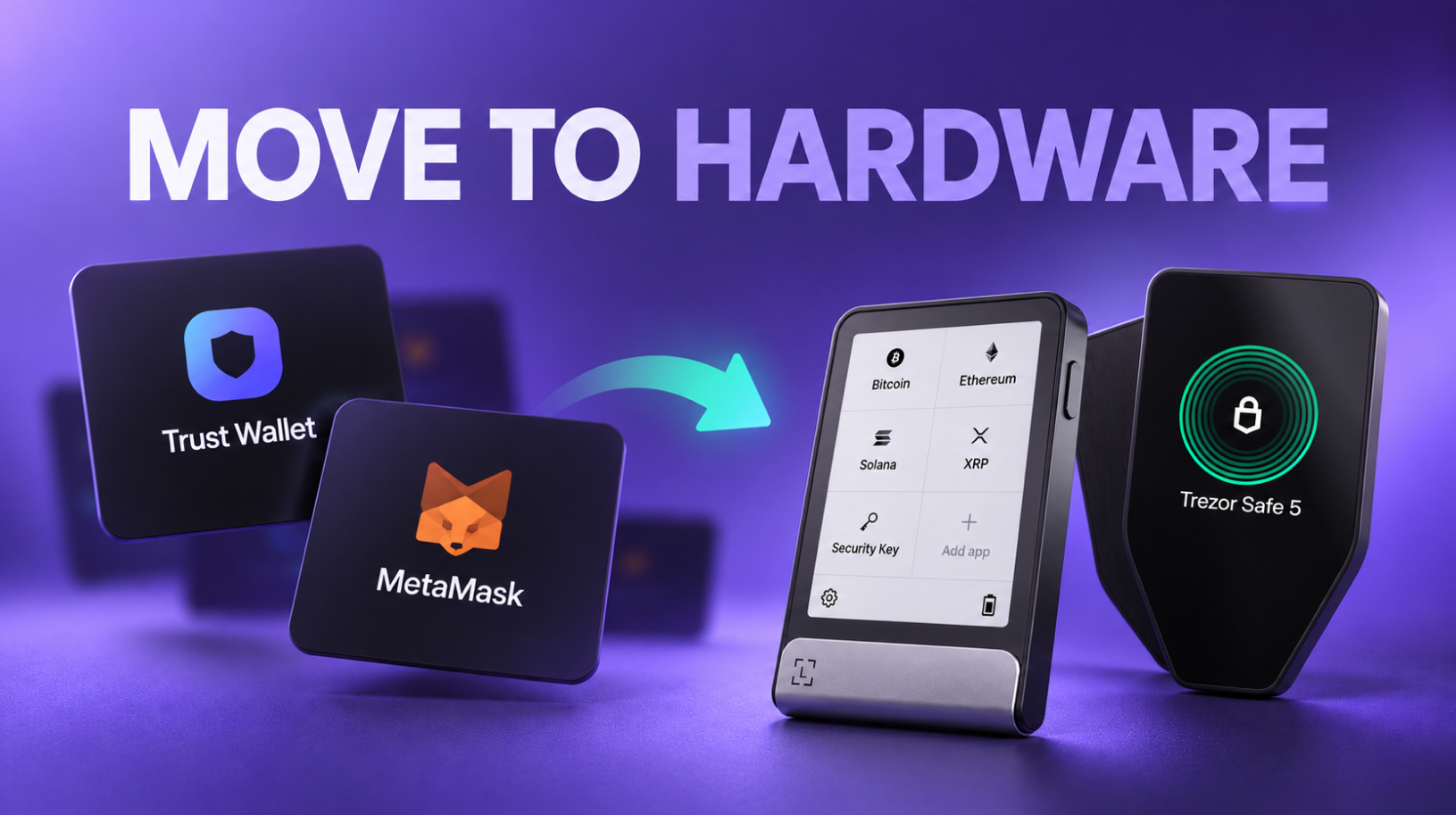
From Trust Wallet or MetaMask to a hardware wallet: how to move Your funds safely
Consider a switch to a hardware wallet if You keep an amount in Trust Wallet or MetaMask that would seriously affect Your budget if lost. To make the move, You need to create a new seed phrase on the device and transfer Your funds to new addresses. A seed phrase is a list of words …
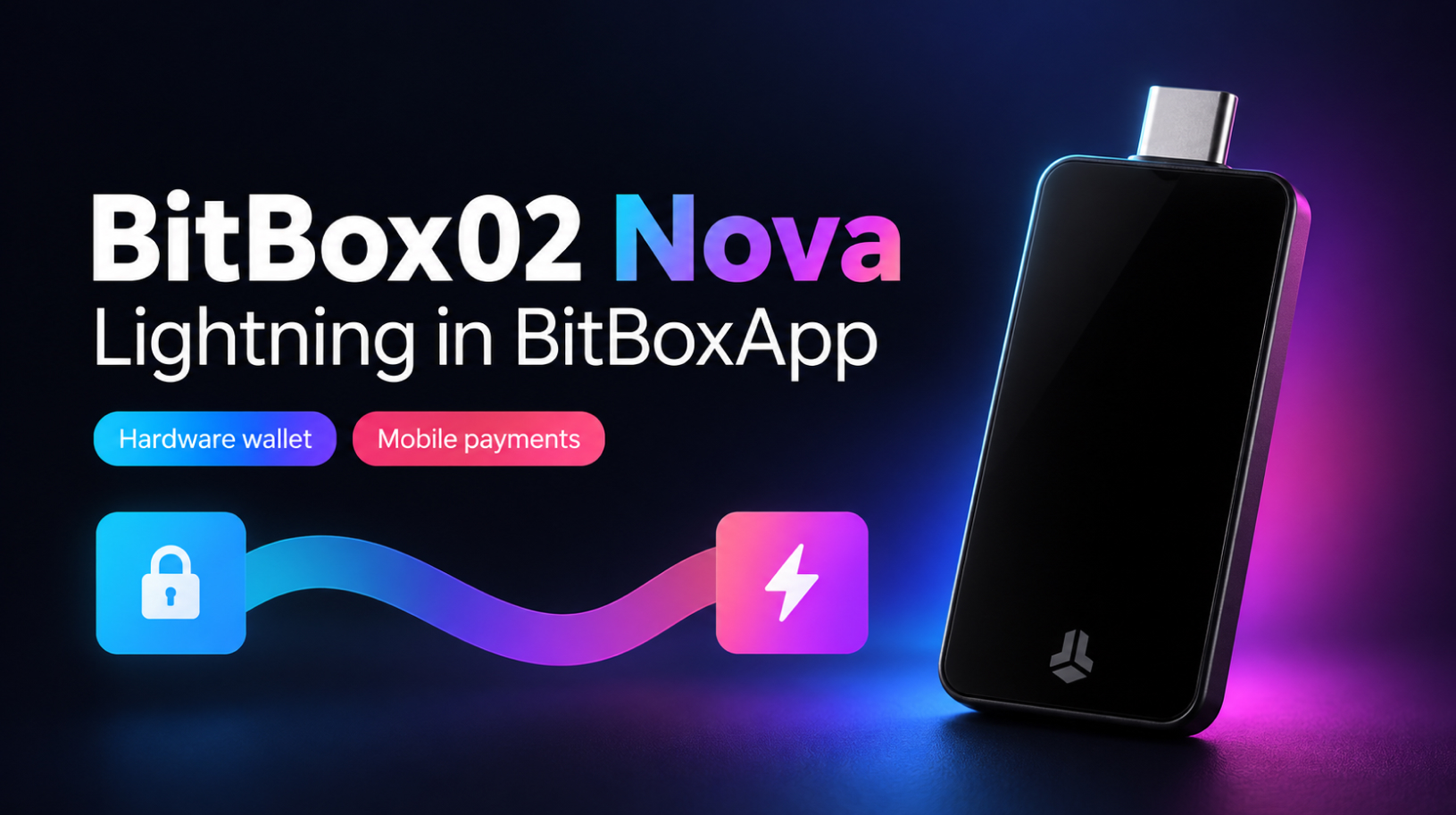
BitBox02 Nova review and Lightning setup in BitBoxApp
BitBox02 Nova keeps the compact design and touch controls of the original BitBox02, adding a tempered-glass display, a new secure chip, and support for iPhone and iPad. This review compares the two models, explains how they protect your wallet and what the August security update addressed, and helps you choose between the Bitcoin-only and Multi …
Where to buy a hardware wallet: manufacturer or reseller
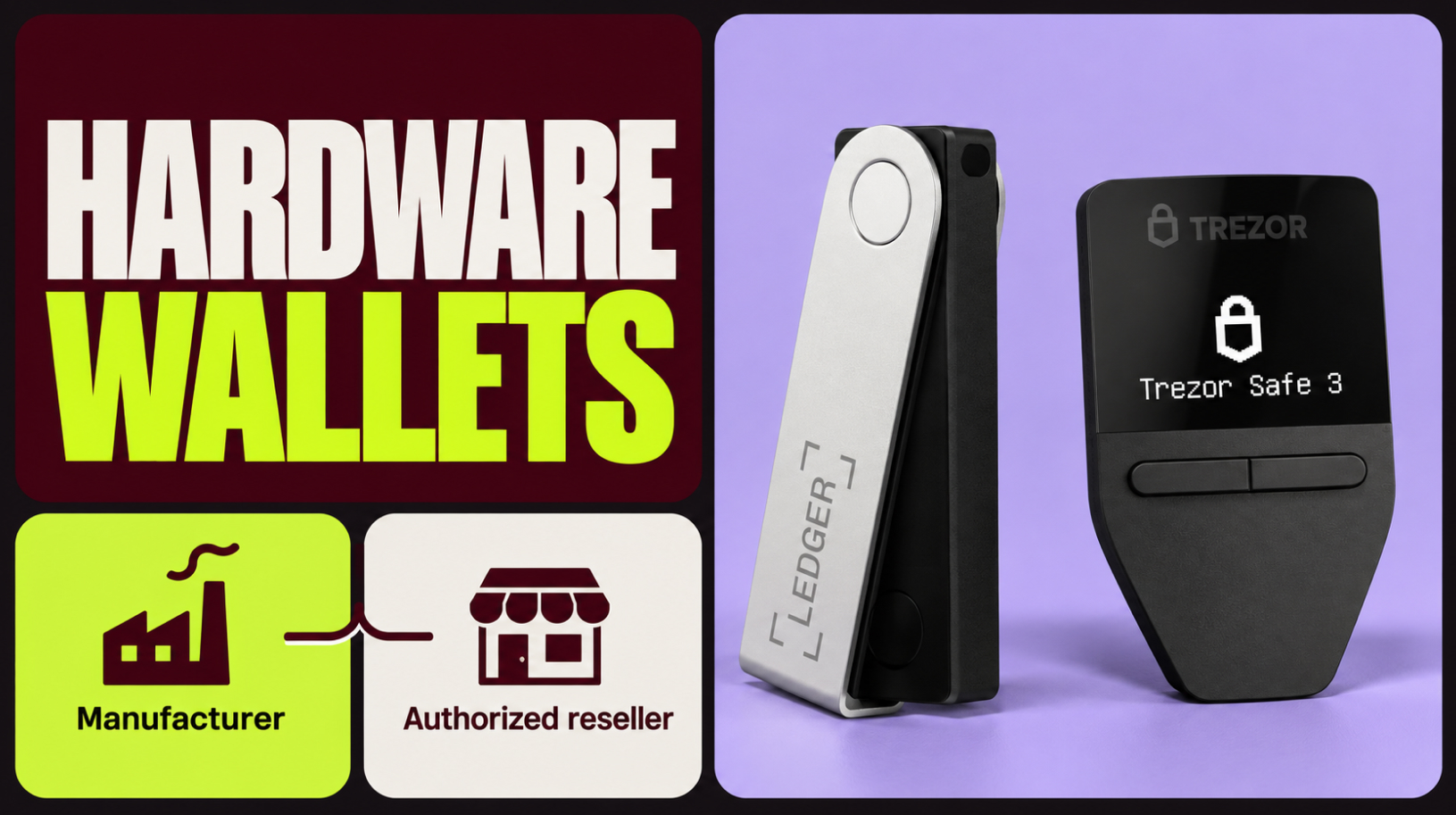
When deciding where to buy a hardware wallet, check the seller before paying for your order. The device’s origin matters: you could receive a genuine wallet that has not been tampered with, or one an attacker has prepared to steal your funds. In my years working with cryptocurrency, I have come across several cases of …
Hardware wallet with a preset seed phrase: risks
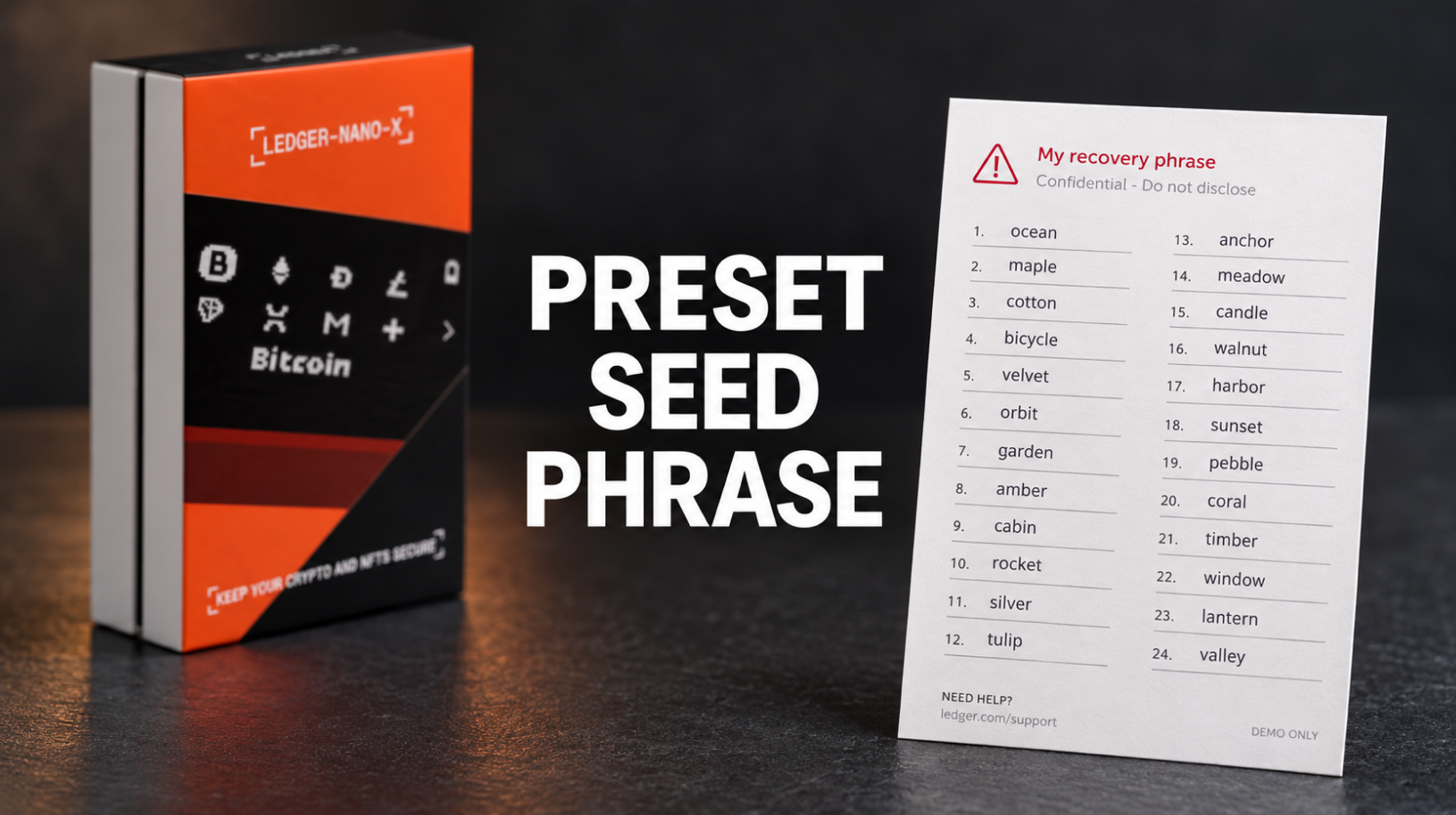
You order a hardware wallet from an online marketplace and receive a sealed box with holographic stickers. Inside is a scratch-off card with 24 words printed beneath the coating, and the instructions tell you to enter this “activation phrase” during setup. Using it restores a wallet whose keys are already known to whoever prepared the …
Which Ledger to choose in 2026
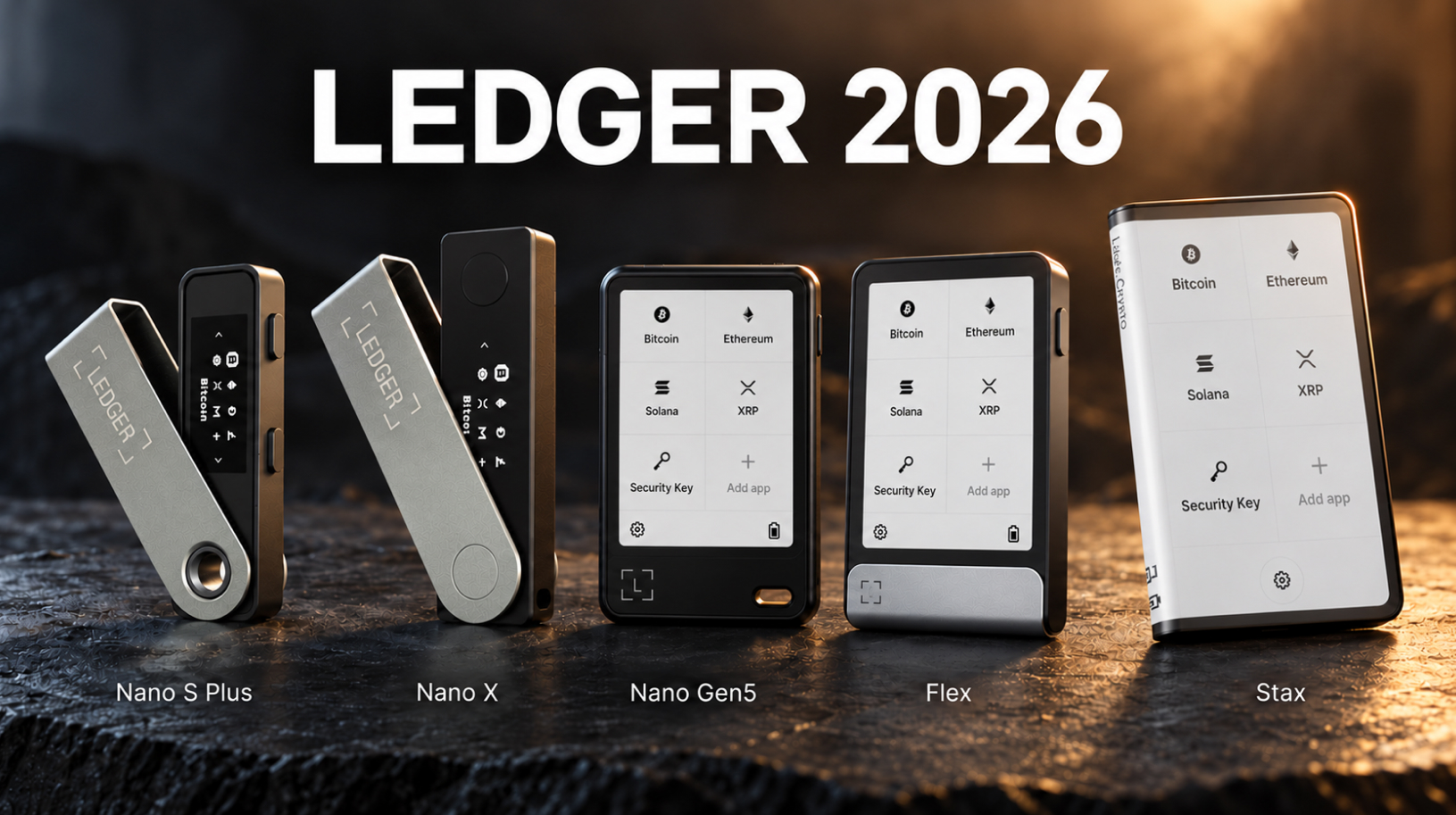
When deciding which Ledger to choose in 2026, consider how often you sign transactions, how complex they are, and whether you use a computer, an Android phone, or an iPhone. There are five current models, and the most expensive costs several times as much as the most affordable. All five protect private keys in the …
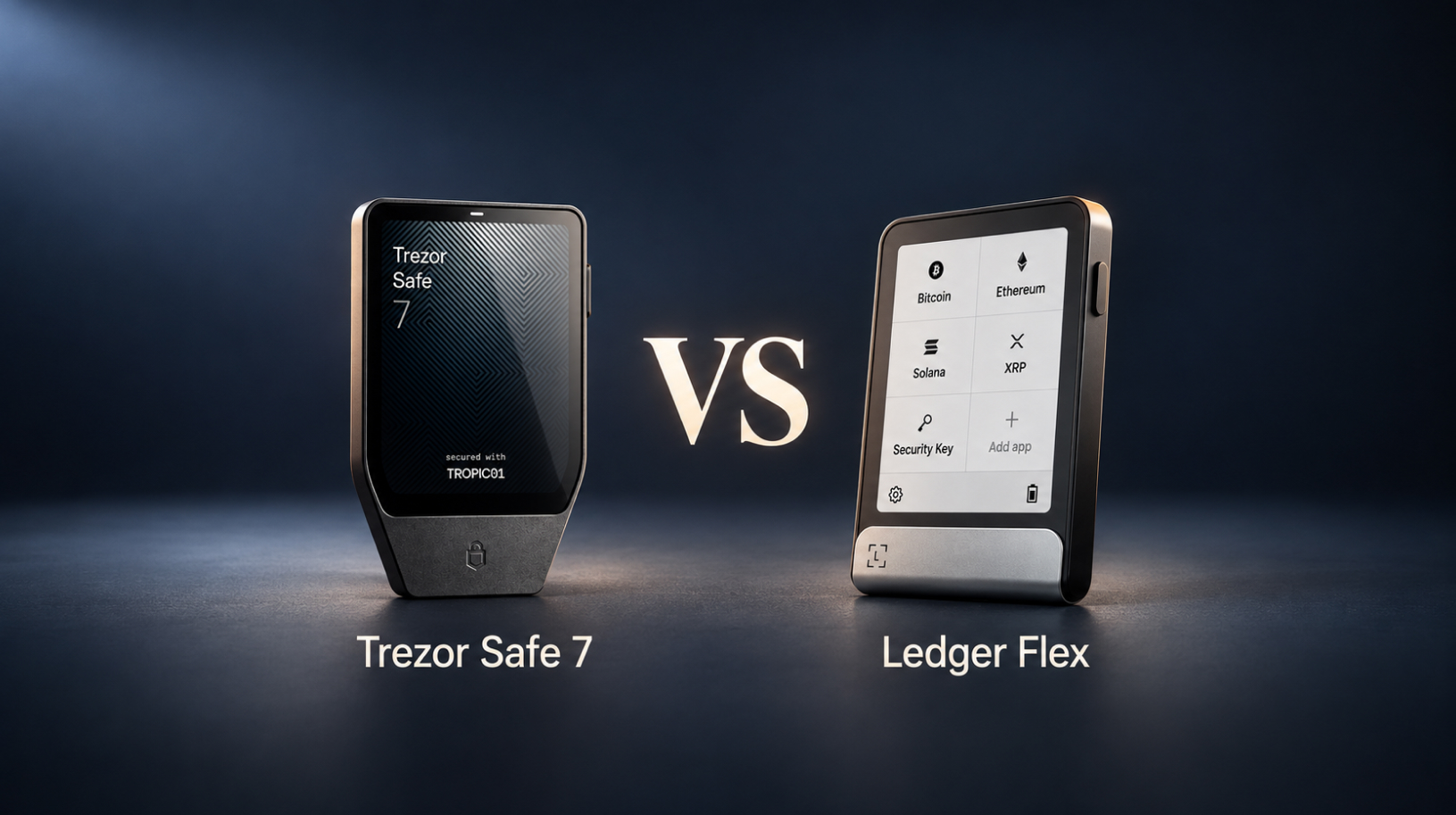
Trezor Safe 7 vs Ledger Flex: Which One to Choose in 2026
When comparing Trezor Safe 7 vs Ledger Flex, the differences go deeper than screen size or weight: both hardware wallets have a touchscreen, Bluetooth, and a battery, but they protect private keys and handle recovery in different ways. Before choosing a model, it’s worth understanding how its security works and how easy it will be …