You enter your recovery words, reach the last one, and instead of restoring the wallet, the device shows an error such as “Recovery phrase is invalid.” This does not automatically mean your funds are lost. It means the wallet cannot validate the phrase in the format it expects. The cause may be simple: a typo, …
#Safepal tutorial. How to Reconnect SafePal to a New Phone: S1, S1 Pro & X1
How to reconnect SafePal to a new phone if you have installed SafePal App but your usual wallet and balances are missing? The process is different for SafePal S1, S1 Pro, and X1, but you do not need to enter your seed phrase into the app. In this guide, we’ll show you how to reconnect …
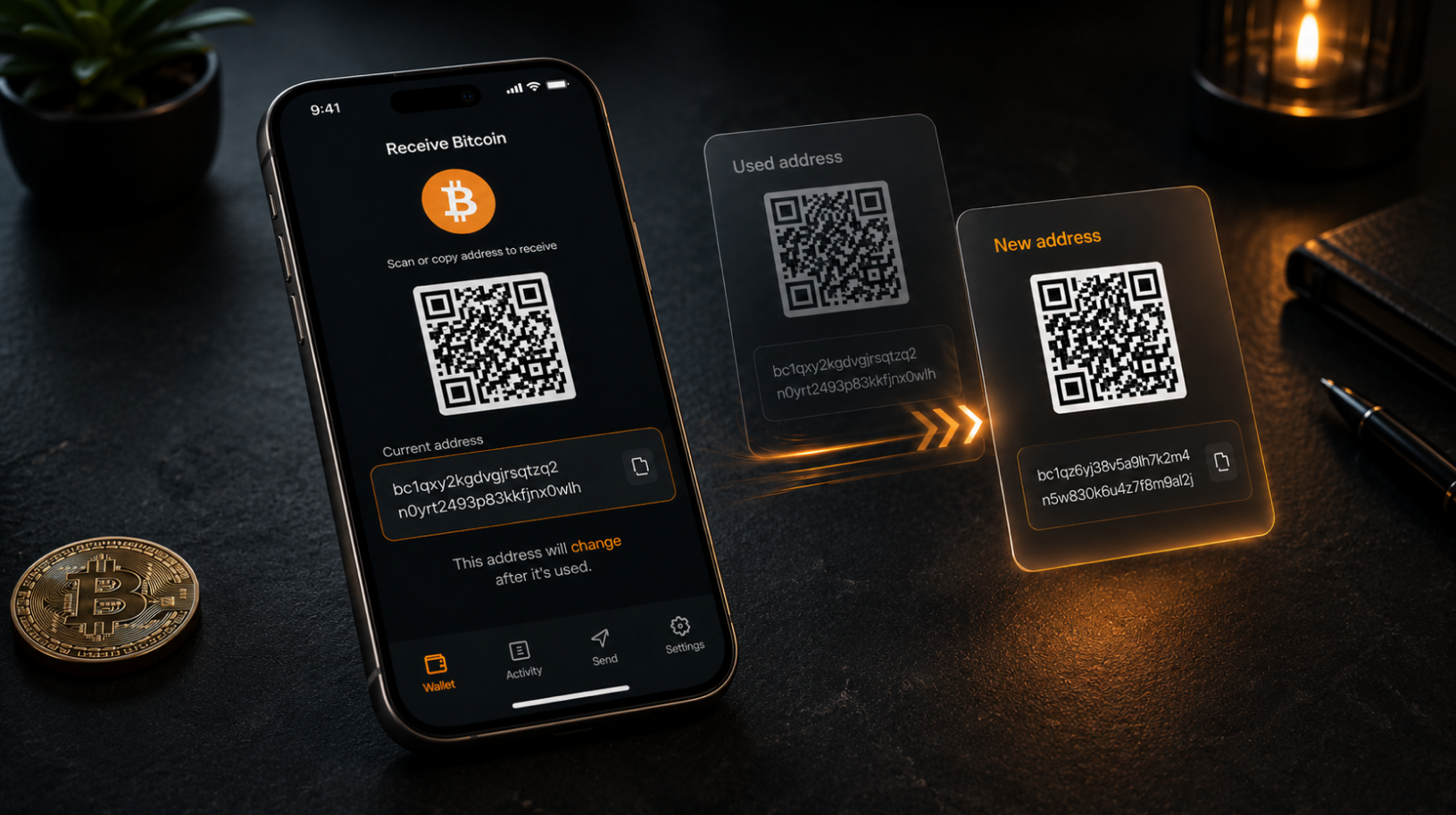
#Tutorial. Why does your Bitcoin address keep changing?
Why does your Bitcoin address keep changing? This is a common situation: you receive bitcoin into your wallet and everything arrives as expected. A week later, you open the wallet to receive more and see a completely different address. The old one is no longer on the screen. For many people, the first reaction is …
#Ledger tutorial. How to Use Ledger as a Security Key for Crypto Exchanges
Your Ledger can do more than sign crypto transactions. You can install the dedicated Security Key app and use the device as a physical security key for accounts such as email, GitHub, password managers, and crypto exchanges. In this guide, we’ll show you how to use Ledger as a security key for a crypto exchange, …
#Safepal tutorial. SafePal S1 shows no balance: why that’s normal and where to check your funds
SafePal S1 shows no balance on its screen: someone has sent you cryptocurrency, the funds appear in SafePal App, but the S1 displays no balance or shows zero. Your first thought may be that the device is faulty or the coins are gone. Neither is true. This is how the S1 is designed to work. …
#Tutorial. Lost your seed phrase but your wallet still works: what to do
Lost your seed phrase but your wallet still works? You still have the hardware wallet, you remember the PIN, and the balance is visible—but the sheet containing your seed phrase has disappeared. Perhaps it was lost during a move or renovation, or thrown out with old paperwork. At this point, how it happened no longer …

#Safepal tutorial. SafePal S1 not detecting upgrade.bin: causes and fixes
SafePal S1 not detecting upgrade.bin? You downloaded the firmware, copied the file to the device and selected “Upgrade,” but the S1 reports that it cannot find the firmware file. Or the update simply does not start. In most cases, this does not mean that the device is faulty or that the file is corrupted. The …
#Safepal tutorial. How to update SafePal firmware on the S1, S1 Pro and X1: step-by-step guide
How to update SafePal firmware on the S1, S1 Pro and X1: the SafePal S1 and S1 Pro do not connect to the internet or a computer during normal use, while the X1 communicates with a phone over Bluetooth. That makes firmware updates less familiar than on many other devices: instead of tapping a button …
#Trezor tutorial. Trezor passphrase wallet is empty: why it happens and how to find your coins
Trezor passphrase wallet: a common situation is that you connect your Trezor, enter the passphrase, and see a zero balance with no transaction history in Trezor Suite. Your first thought may be that the coins have been stolen. In most cases, the funds are still there—you have simply opened a different wallet. Below, we explain …