xStocks are tokenized stocks and ETFs that give you price exposure to traditional securities through blockchain-based tokens. Each token is backed 1:1 by the corresponding underlying asset, but owning an xStock does not make you a shareholder or give you voting rights. In March 2026, the xStocks ecosystem launched xPoints, a separate rewards program built …
What is a seed phrase and what happens if you lose it
Seed phrase (also called a recovery phrase or mnemonic phrase) is usually a sequence of 12, 18, or 24 words shown by a wallet when it is created. It is not a “hint” or just another backup file. Under the BIP39 standard, the mnemonic is used to derive a cryptographic seed, from which the wallet …

How to make money with crypto in 2026: 6 ways and key risks
How to make money with crypto in 2026? There are several workable approaches, but none of them offers guaranteed “quick 10x gains.” Every model has a price: time, risk, or knowledge. If your only goal is to make money without a plan, without understanding the risks, and without discipline, crypto will almost certainly work against …

Home Bitcoin miner: NerdMiner V2, Bitaxe, or NerdQaxe++
On July 10, 2026, a compact Bitaxe found Bitcoin block 957382 through Public Pool. The miner averaged about 995 GH/s and had been running for roughly eight hours before producing the winning hash, earning 3.13823506 BTC including transaction fees. Stories like this can make a home Bitcoin miner sound like an easy way to make …
OpenClaw 2.0 Setup: A Detailed Guide to Creating Your Own AI Agent
OpenClaw 2.0 setup turns a regular AI model into a full-fledged personal agent. AI agents can already do far more than a standard chat: they can work with files, calendars, and email, run commands, search for information, and automate routine tasks. OpenClaw quickly became one of the most prominent open-source projects in this space and …
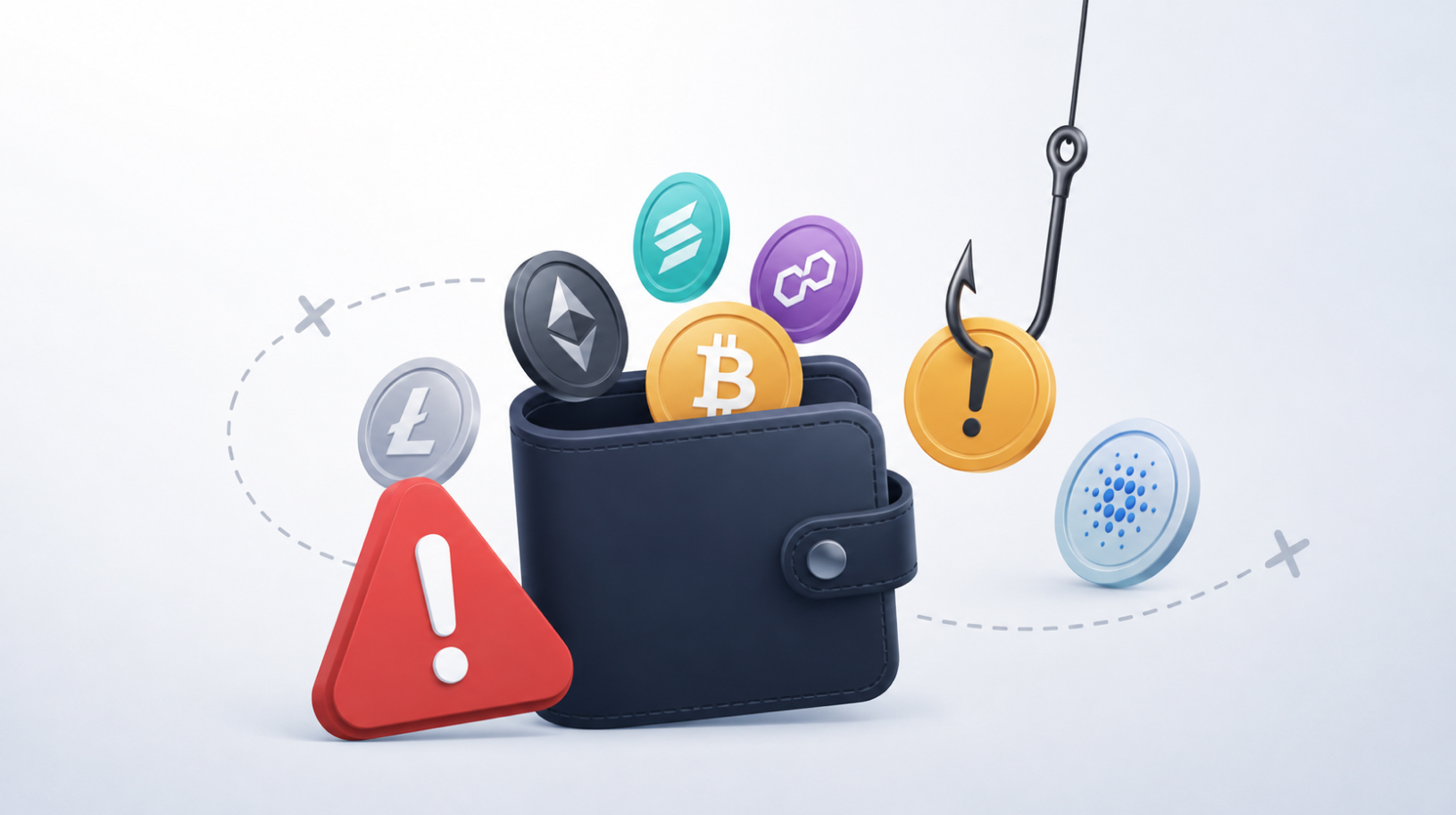
#Tutorial. An unknown token or NFT appeared in your wallet: what to do
An unknown token or NFT appeared in your wallet with a reward offer or a link to a website? Receiving an asset like this does not usually mean your wallet has been compromised: an incoming transfer does not require your signature and does not give the sender permission to spend other assets from your address. …
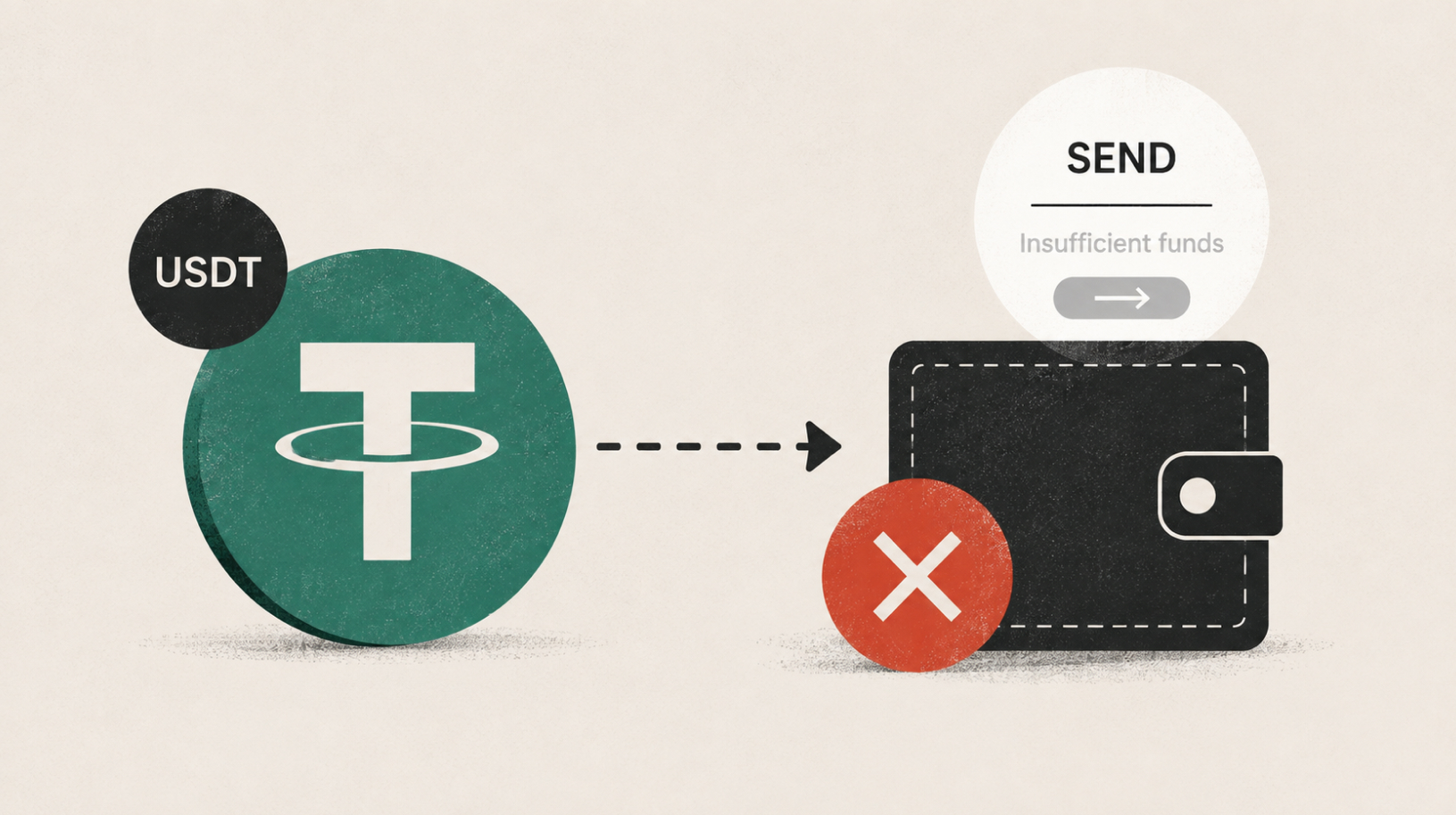
#Tutorial. Can’t send USDT from your wallet? What to do
Can’t send USDT from your wallet even though the token is showing in your balance? The problem is usually related to network fees, the address you are sending from, or an earlier transaction that is still pending. Start by checking the blockchain instead of changing wallet settings at random. In short: network and address → …
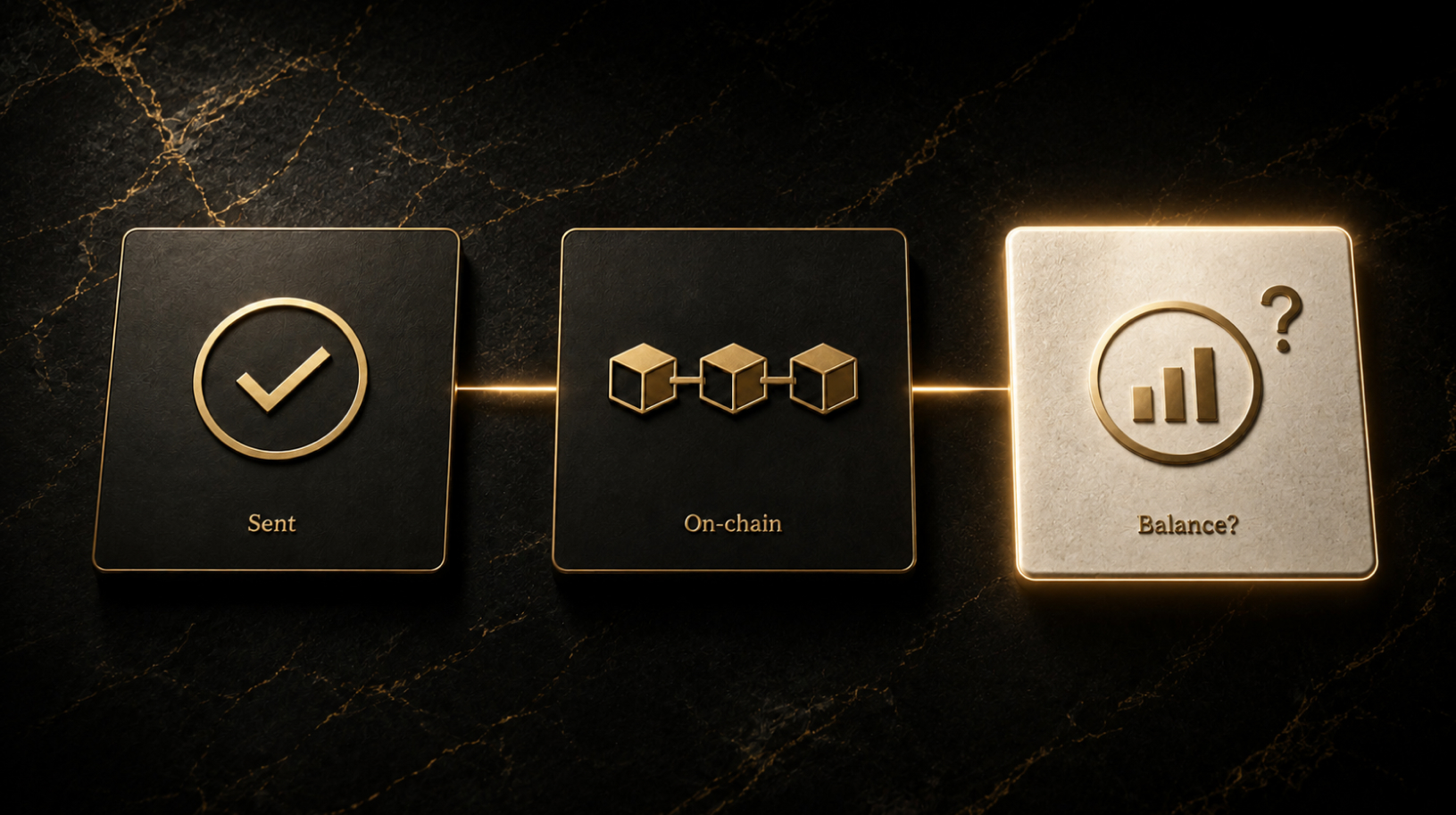
#Tutorial. Sent crypto but the balance isn’t showing
Sent crypto, but the balance in your wallet or exchange account hasn’t changed? Don’t rush to send the funds again or reinstall the app. First, check the destination address, whether the transaction was actually broadcast, and its status on-chain — in most cases, that is enough to identify the problem. In short: address and network …
#Ledger tutorial. Ledger stuck in Bootloader or Update mode: what to do
Ledger stuck in Bootloader or Update mode after a firmware update? In most cases, this does not mean the device is broken or that you have lost access to your crypto. Start by checking the cable, USB connection, and Ledger Wallet before moving on to firmware repair or a factory reset. The Ledger app is …