
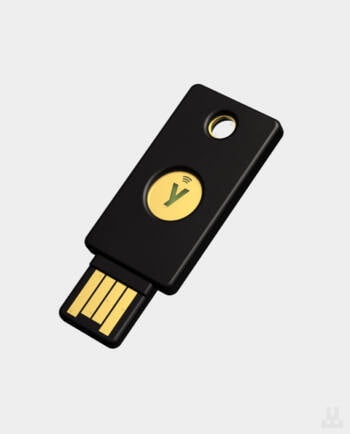
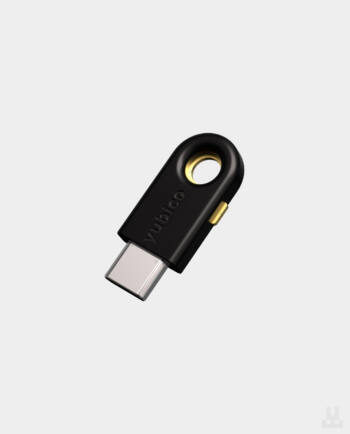
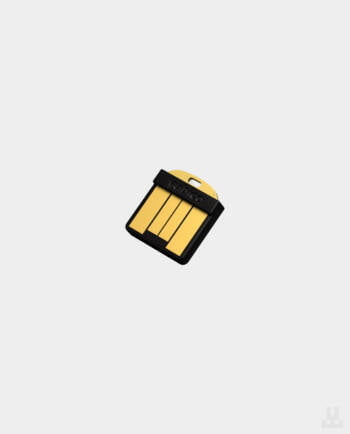
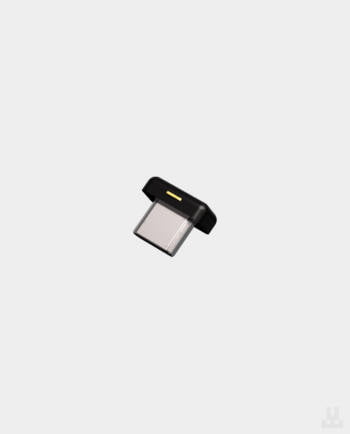
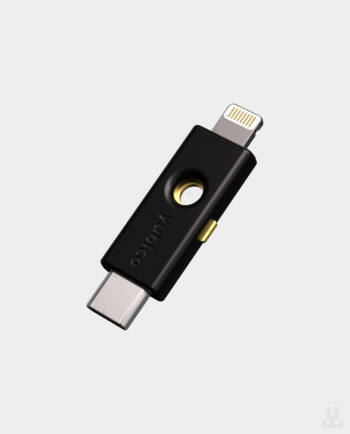
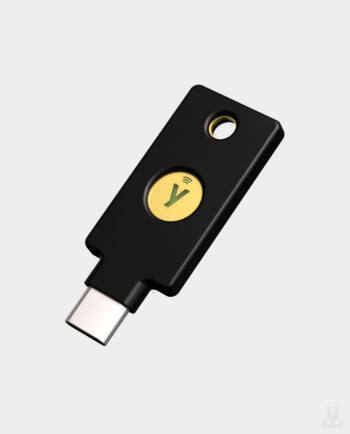
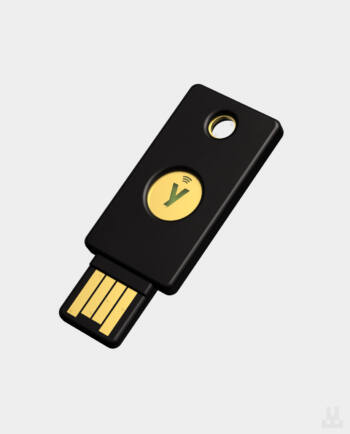
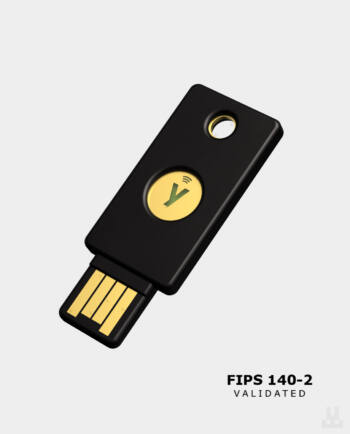
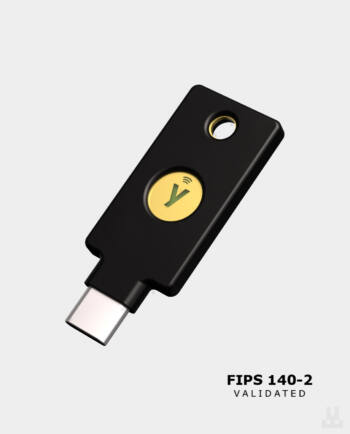
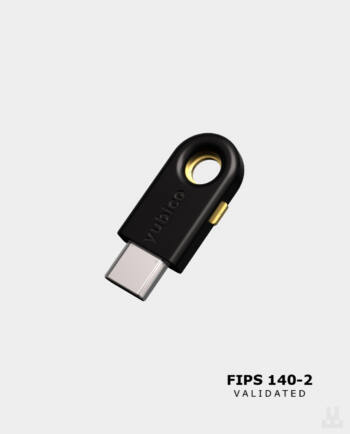
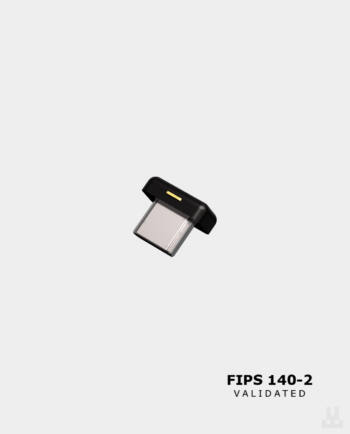
A security key is a small physical device for protecting access to online accounts. It is used as a second factor or for passwordless login if the service supports FIDO2, WebAuthn or U2F.
The idea behind a security key is simple: add a physical protection factor to the account that an attacker cannot access remotely.
If an account only has a login and password, stealing them may be enough to sign in. With a hardware key, everything is more difficult: even if an attacker knows your login and password, the system will ask for confirmation through the physical key. Without the device itself, they will not be able to access the account.
Unlike SMS codes and authenticator apps, a security key does not require the user to manually enter a one-time code. It confirms login cryptographically and only on the website it was registered with. This helps protect the account from phishing, code interception and sign-ins using a stolen password.
Security keys are suitable for protecting Google, Microsoft, Apple ID, GitHub, social networks, crypto exchanges, corporate systems and other services that support login with a hardware key.
Most often, people buy security keys for personal accounts: email, Apple ID, Google account, social networks, banking services and crypto exchanges. One key can be used to protect multiple accounts at the same time.
For cryptocurrency owners, this is especially important. If an attacker gains access to an exchange account and manages to withdraw funds, recovering them will be almost impossible. A security key helps protect account login even if the password has already become known to third parties.
Companies buy security keys for employees to reduce the risk of phishing, password leaks and compromised work accounts. This is relevant for IT teams, financial companies, online businesses, government organizations and anyone working with important data.
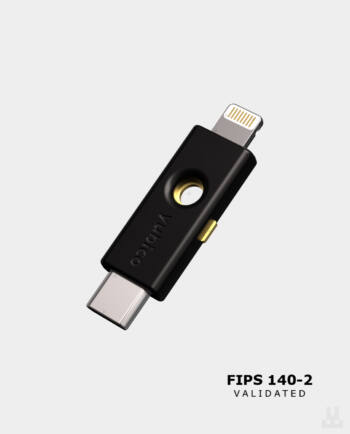
A separate use case is the military, volunteer and government sectors, where secure access to specialized systems is required. For such tasks, Security Key by Yubico, YubiKey 5 Series or FIPS models are often chosen when additional certification requirements apply.
An SMS code is one of the weakest forms of two-factor protection. A message can be intercepted, and a phone number can be transferred through SIM swap or social engineering with a mobile operator. That is why SMS is better viewed as basic protection, but not as a reliable solution for important accounts.
Authenticator apps such as Google Authenticator or Authy are more reliable than SMS, but they also do not always protect against phishing. If a user lands on a fake website, they may enter both the password and the six-digit code there. After that, an attacker can immediately use this data on the real service.
A security key works differently. During setup, it is tied to a specific service domain. If the website is fake and the address differs by even one character, the key will not confirm the login. That is why a hardware key is considered one of the most reliable ways to protect accounts from phishing.
First, decide which devices you will use the key with. For computers and laptops, models with USB-A or USB-C are suitable. For smartphones, NFC keys are convenient, while for some Apple devices, Lightning or USB-C models may be relevant.
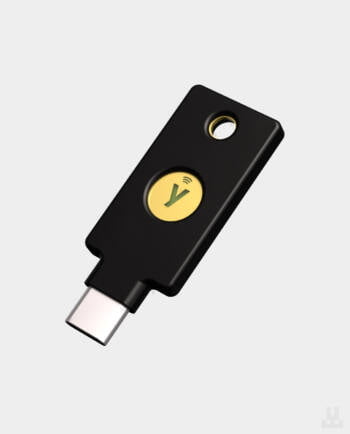
Security Key by Yubico is a basic series for protecting accounts using FIDO2/WebAuthn and U2F standards. It is a good option for Google, Microsoft, Apple ID, Binance, GitHub and other popular services if you need a simple and reliable key without extra functions.
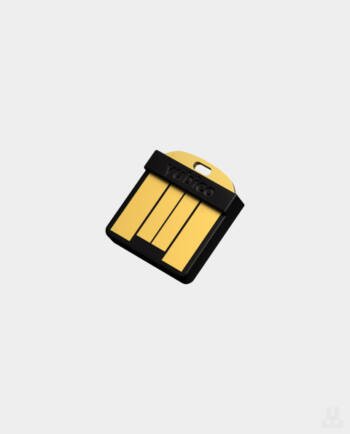
YubiKey 5 Series is a more universal lineup. It supports not only FIDO2 and U2F, but also OTP, Smart Card/PIV, OpenPGP and other scenarios. These keys are often chosen for work, corporate systems, administrator accounts and tasks that require broader compatibility.
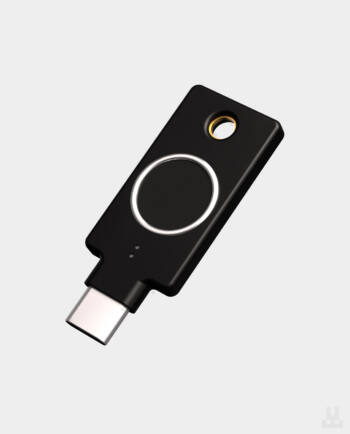
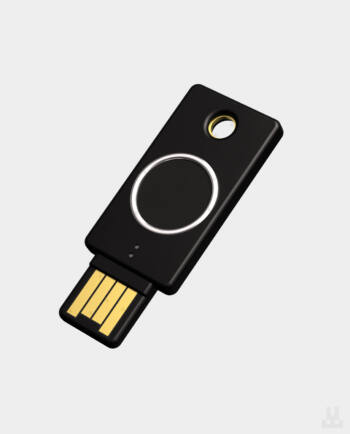
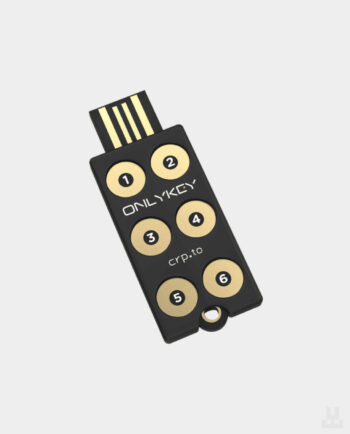
YubiKey Bio is suitable for those who want to confirm login with a fingerprint. The FIPS series is needed for organizations with certification and compliance requirements. OnlyKey is a separate option with PIN buttons on the body, FIDO2/U2F support, OTP and password storage inside the device.
It is better to buy security keys in pairs. One key is used as the main one — for example, on your keychain or next to your work computer. The second is stored separately as a backup.
If you lose your only key and have not set up a backup login method, access to important accounts may be difficult or impossible to restore. This is especially true for email, crypto exchanges, work systems and accounts with enhanced protection.
Most services allow you to add several security keys to one account. That is why it is better to register both the main and backup key immediately after purchase and then store them in different places.
At Lwallet, you can buy security keys for personal use, work account protection and corporate deployment. The catalog includes Yubico and OnlyKey models: Security Key by Yubico, YubiKey 5 Series, YubiKey Bio, FIPS series, YubiHSM and OnlyKey FIDO2.
For personal use, we will help you choose a key for your devices and services. For business, wholesale supplies of security keys are available for employees, corporate email protection, administrator accounts, VPN, cloud services and the transition to passwordless login.
We have a showroom in Lviv where you can see the models in person, compare form factors and ask a manager your questions. Self-pickup is available for Kyiv. We deliver across Ukraine and internationally.
You can place an order on the website, by phone or through a chat with a manager.
Security Key NFC by Yubico, Security Key C NFC by Yubico, YubiKey 5 NFC, YubiKey 5C NFC, YubiKey 5 Nano, YubiKey 5C Nano, YubiKey 5 NFC FIPS, YubiKey 5C NFC FIPS, YubiKey Bio, YubiKey C Bio