A USB drive wallet may seem like a simple way to store cryptocurrency yourself: the drive is inexpensive, needs no internet connection and can sit in a drawer for years. But if you plug it into your everyday computer to send funds, the private key enters the very environment you wanted to keep it away …
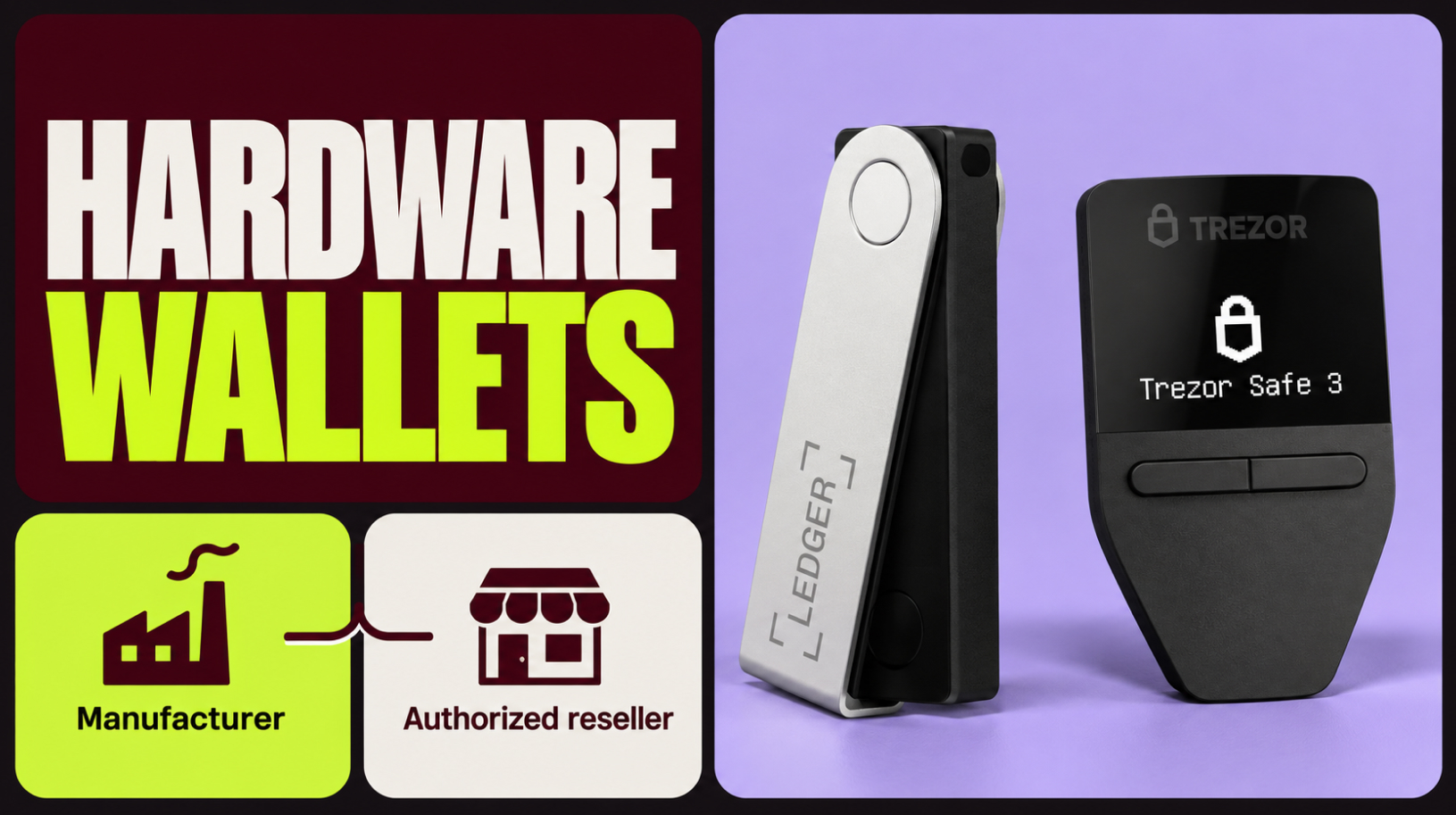
Where to buy a hardware wallet: manufacturer or reseller
When deciding where to buy a hardware wallet, check the seller before paying for your order. The device’s origin matters: you could receive a genuine wallet that has not been tampered with, or one an attacker has prepared to steal your funds. In my years working with cryptocurrency, I have come across several cases of …
Protecting Bitcoin from quantum computers
With a sufficiently powerful quantum computer, an attacker could calculate a private key from its public key and transfer someone else’s coins to themselves. They would not need access to your hardware wallet or seed phrase, because the attack exploits a weakness in the way transactions are signed. Google Quantum AI has estimated what hardware …
Hardware wallet with a preset seed phrase: risks
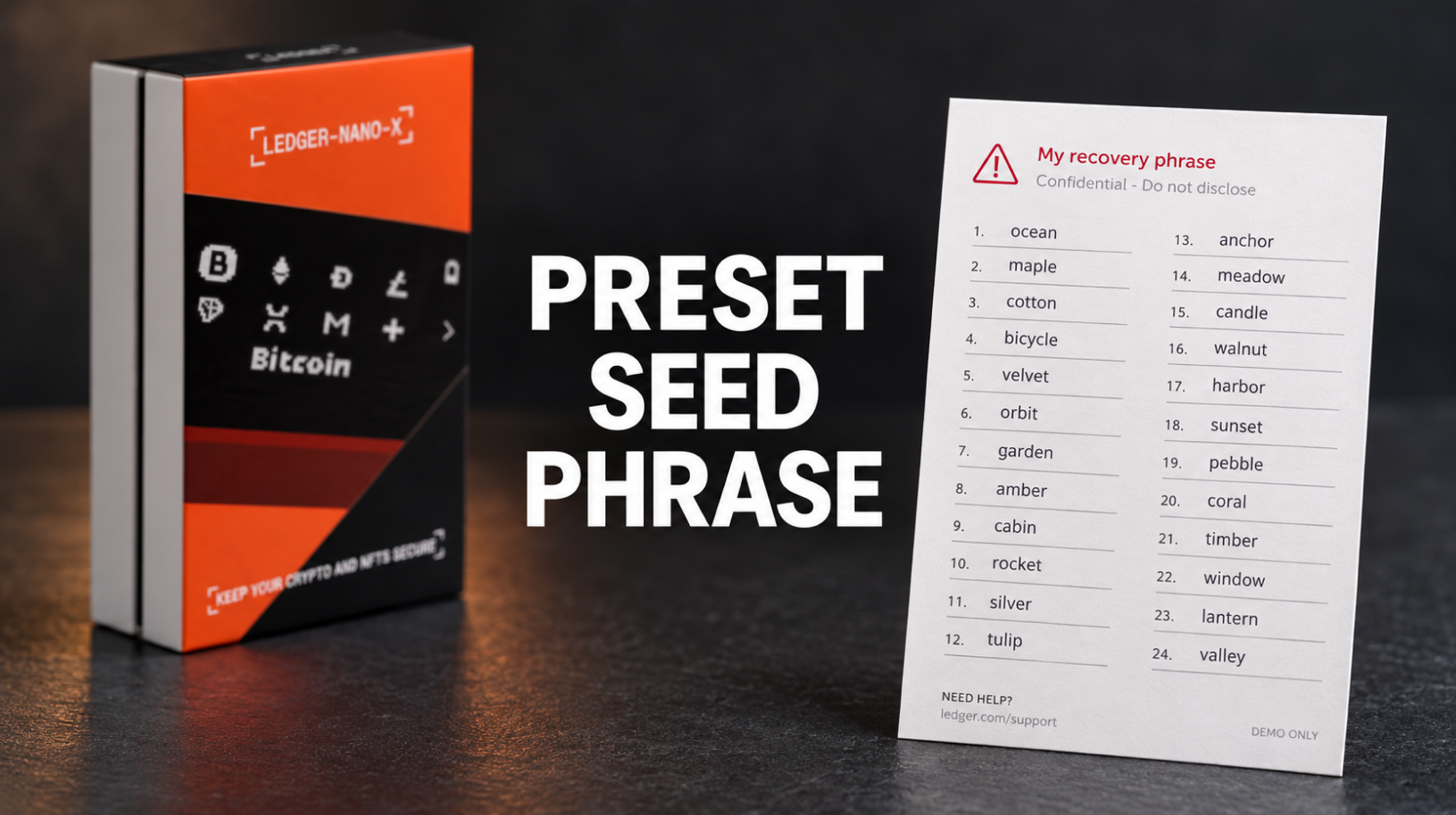
You order a hardware wallet from an online marketplace and receive a sealed box with holographic stickers. Inside is a scratch-off card with 24 words printed beneath the coating, and the instructions tell you to enter this “activation phrase” during setup. Using it restores a wallet whose keys are already known to whoever prepared the …
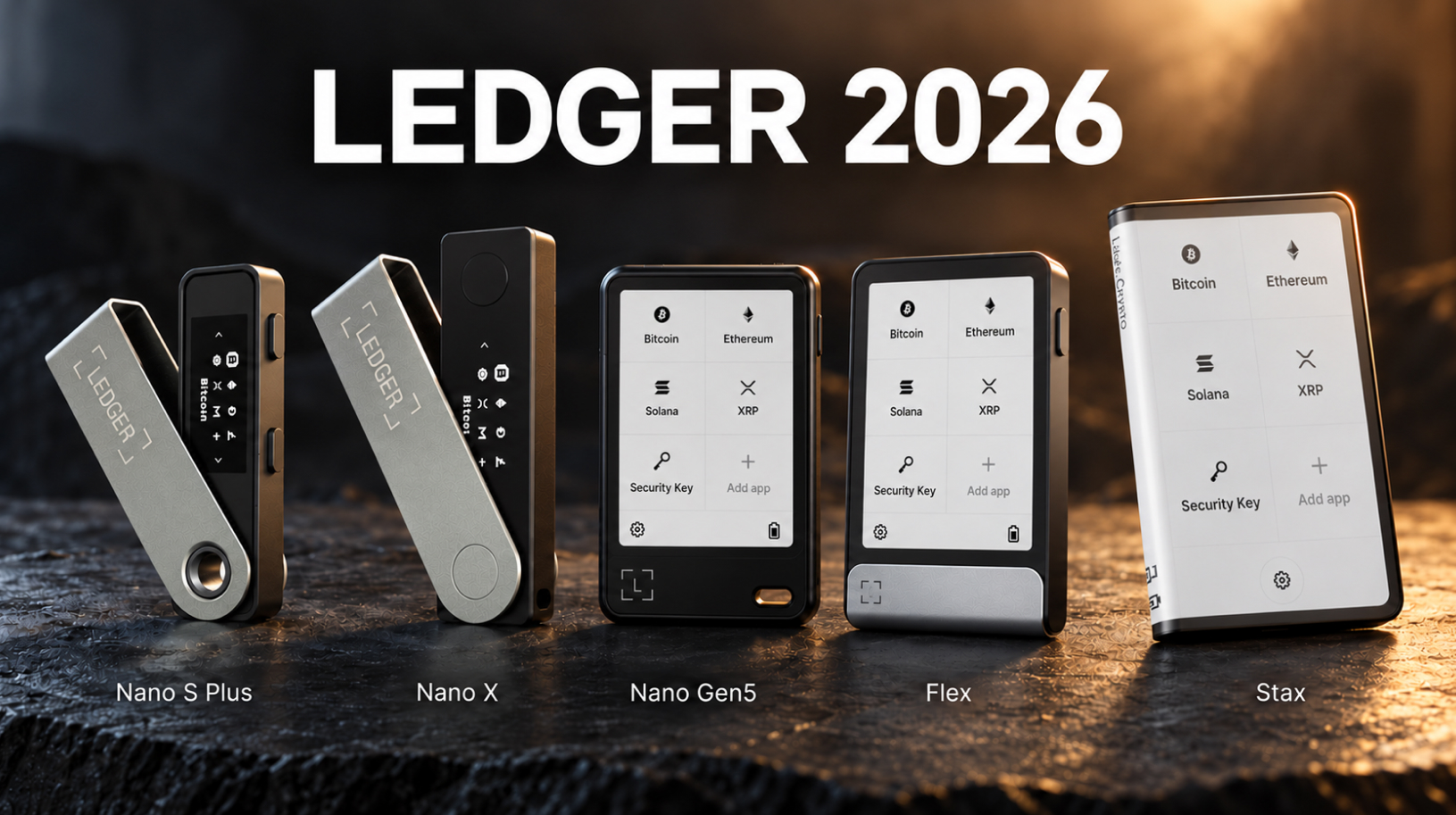
Which Ledger to choose in 2026
When deciding which Ledger to choose in 2026, consider how often you sign transactions, how complex they are, and whether you use a computer, an Android phone, or an iPhone. There are five current models, and the most expensive costs several times as much as the most affordable. All five protect private keys in the …
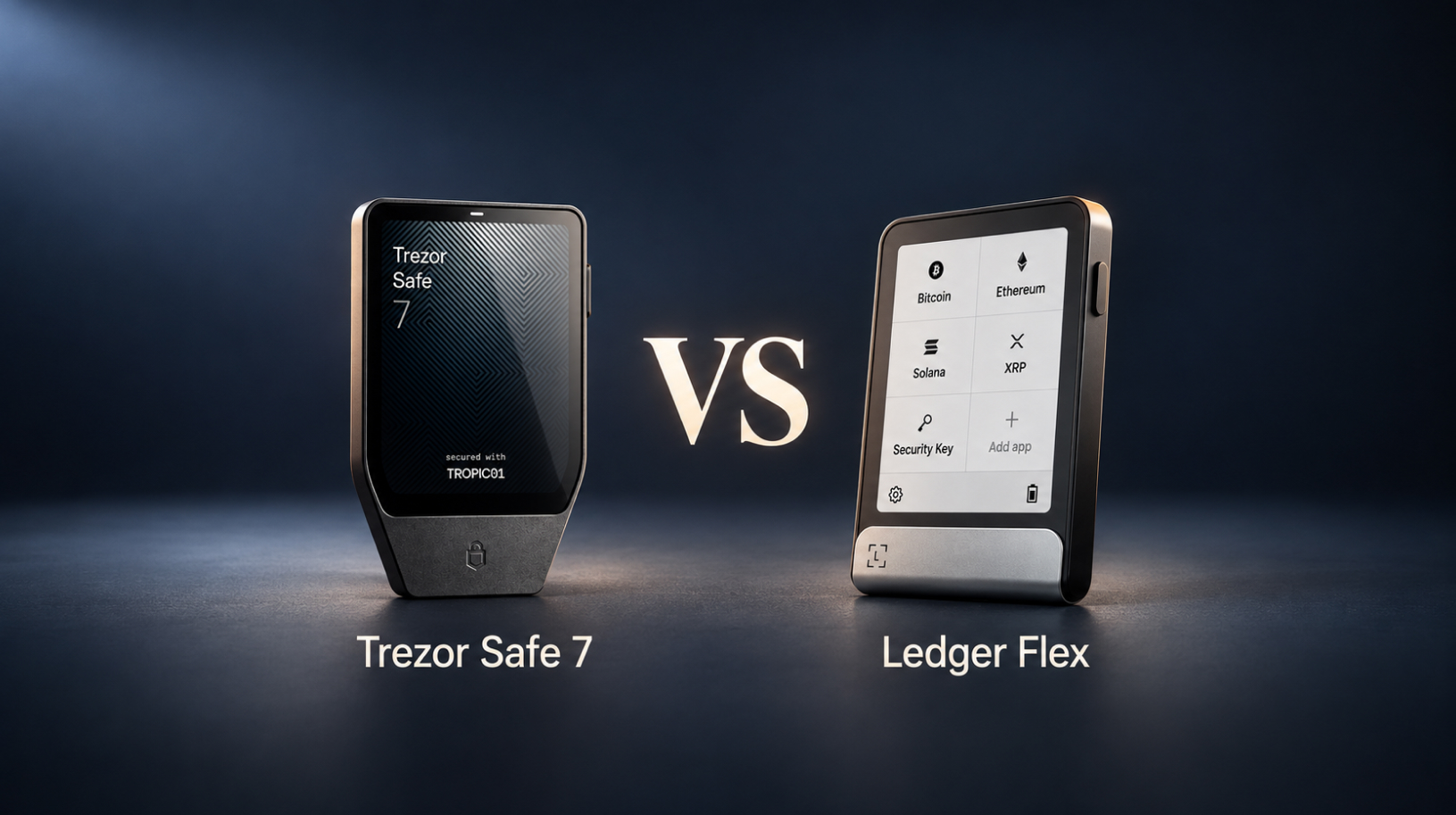
Trezor Safe 7 vs Ledger Flex: Which One to Choose in 2026
When comparing Trezor Safe 7 vs Ledger Flex, the differences go deeper than screen size or weight: both hardware wallets have a touchscreen, Bluetooth, and a battery, but they protect private keys and handle recovery in different ways. Before choosing a model, it’s worth understanding how its security works and how easy it will be …
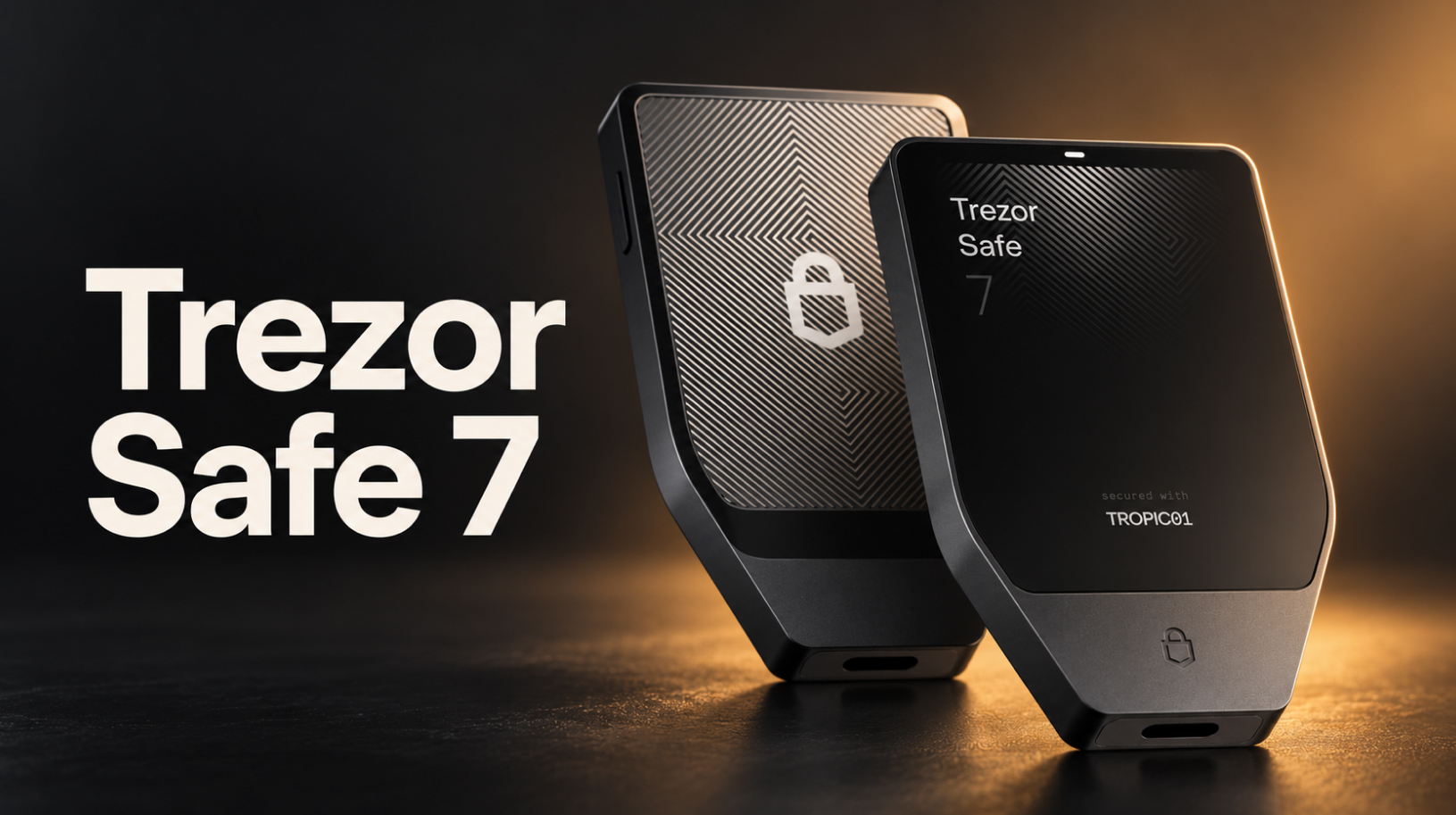
Trezor Safe 7: review, security and first setup
Launched in October 2025, Trezor Safe 7 is the flagship of the Trezor lineup, which also includes Safe 5 and Safe 3. It is the first Trezor with Bluetooth, a battery and full iPhone support, and the first hardware wallet to use the TROPIC01 security chip, whose architecture is open to independent review. A hardware …
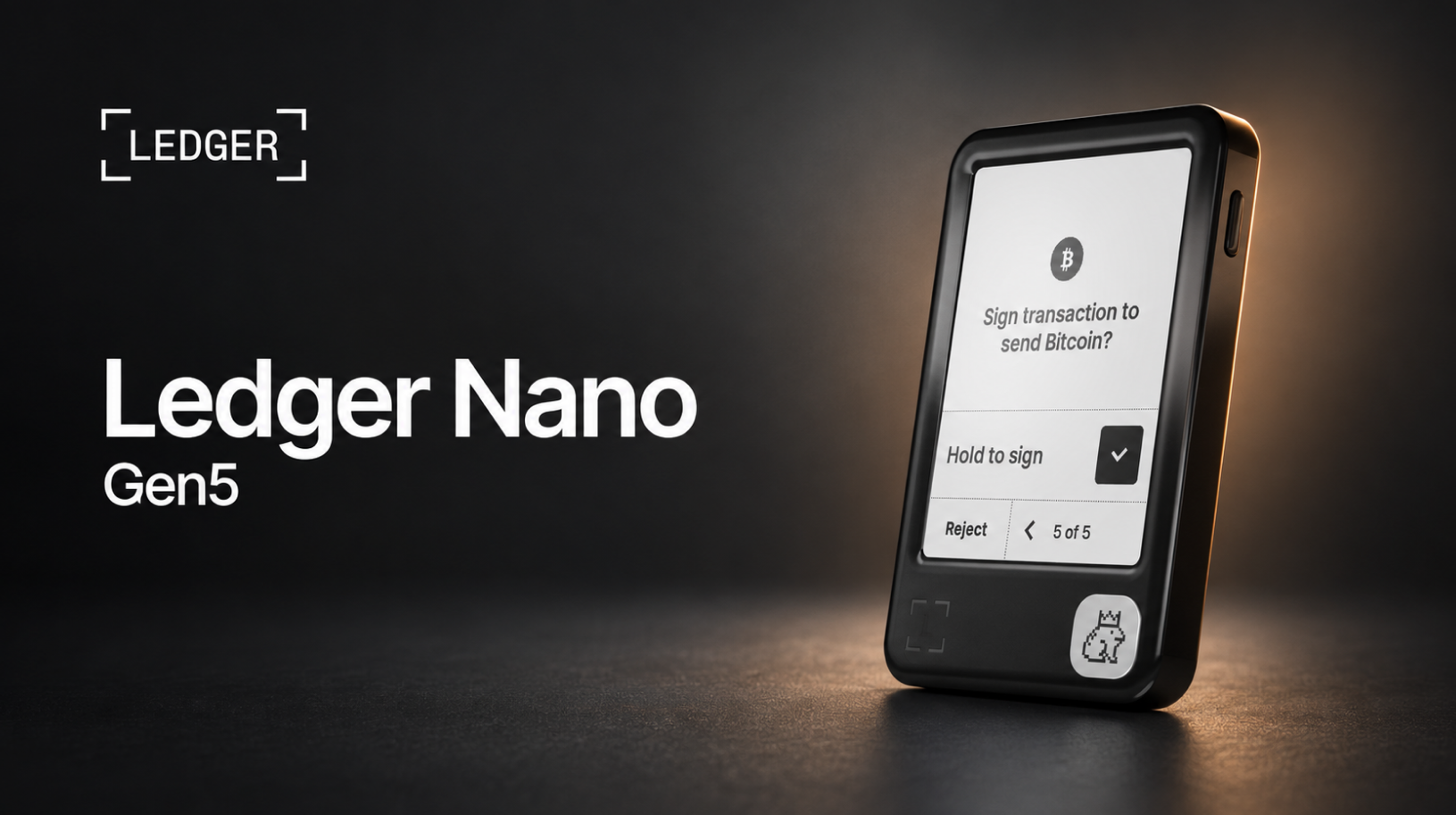
Ledger Nano Gen5 setup: a step-by-step guide from unboxing to your first transaction
Ledger Nano Gen5 setup begins with checking the box contents and turning on the device. This guide takes you through the steps in Ledger Wallet on a computer: Genuine Check, a Ledger OS update, naming the device and choosing a PIN, creating a wallet with a 24-word recovery phrase, adding a Bitcoin account and verifying …
GrapheneOS and NitroPhone: a secure phone for crypto
GrapheneOS strengthens your smartphone’s security, while NitroPhone comes with the system already installed. A hardware wallet stores your private keys, but your phone still gives you access to other funds and services. It may hold exchange accounts, two-factor authentication (2FA) codes, the email account you use for recovery, Telegram, and hot wallets for everyday transactions. …