Raspberry Pi 5

Price range: 11,400.00 UAH through 19,500.00 UAH

A small computer that can handle almost everything — from a home server to a Bitcoin node.
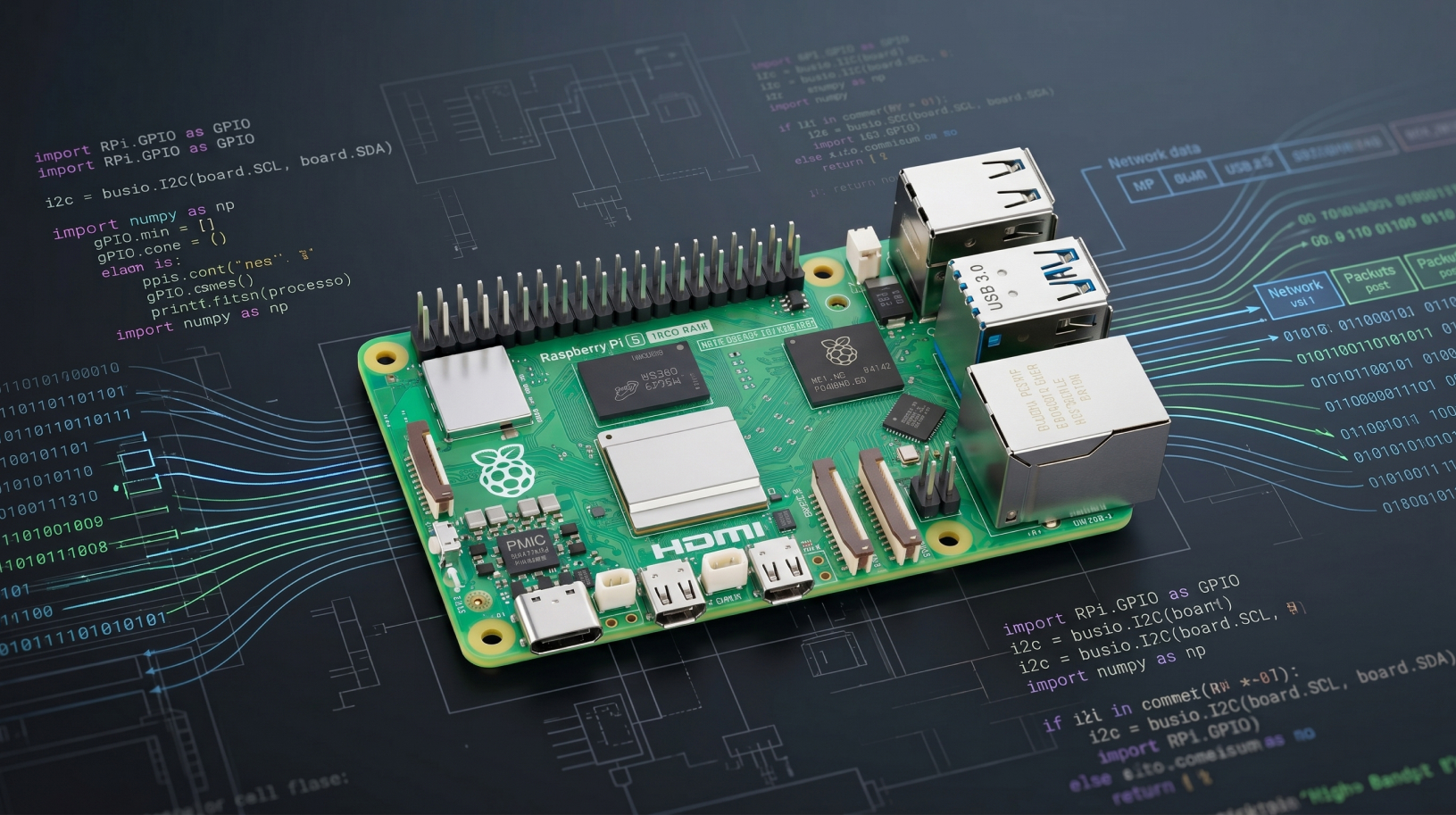
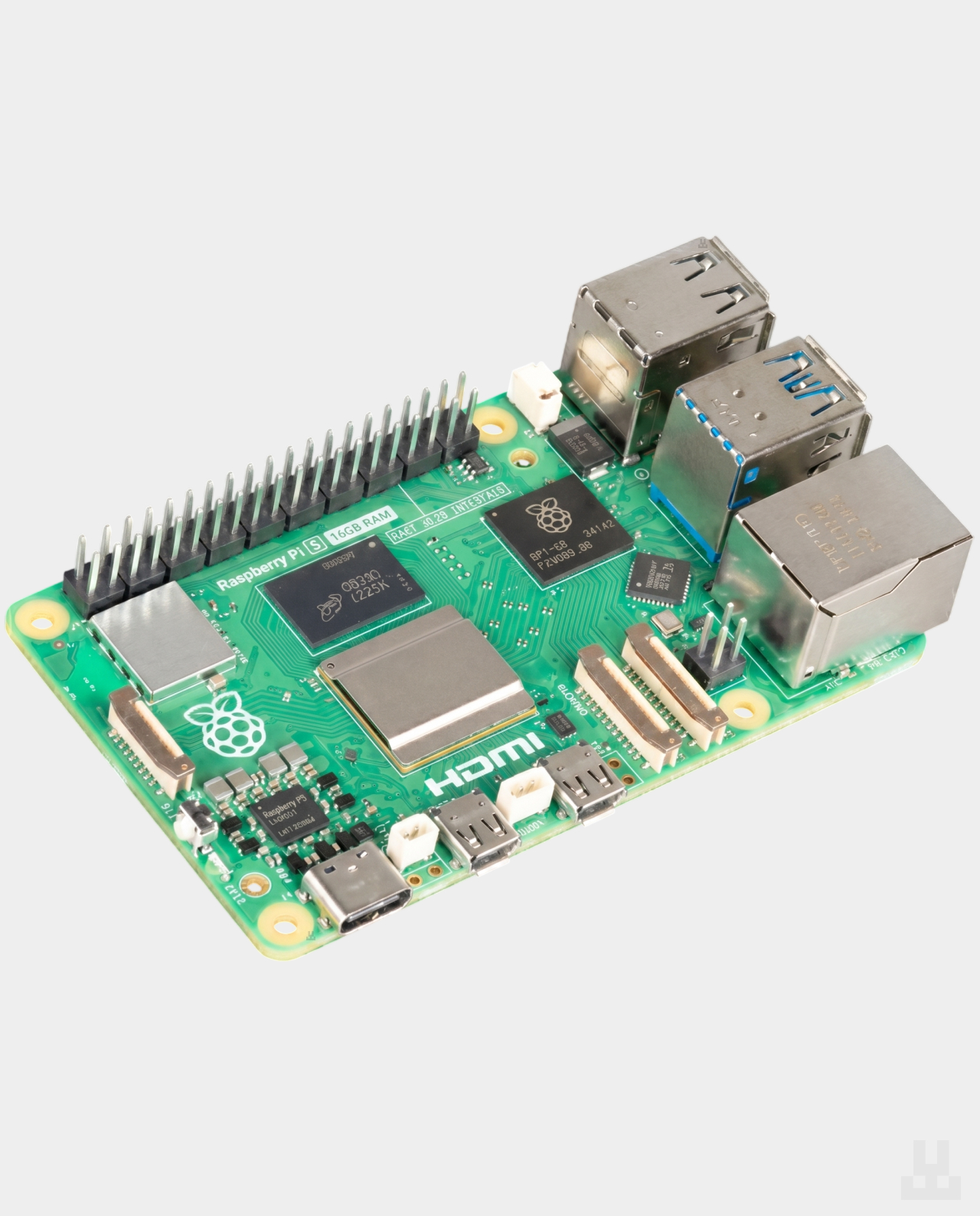
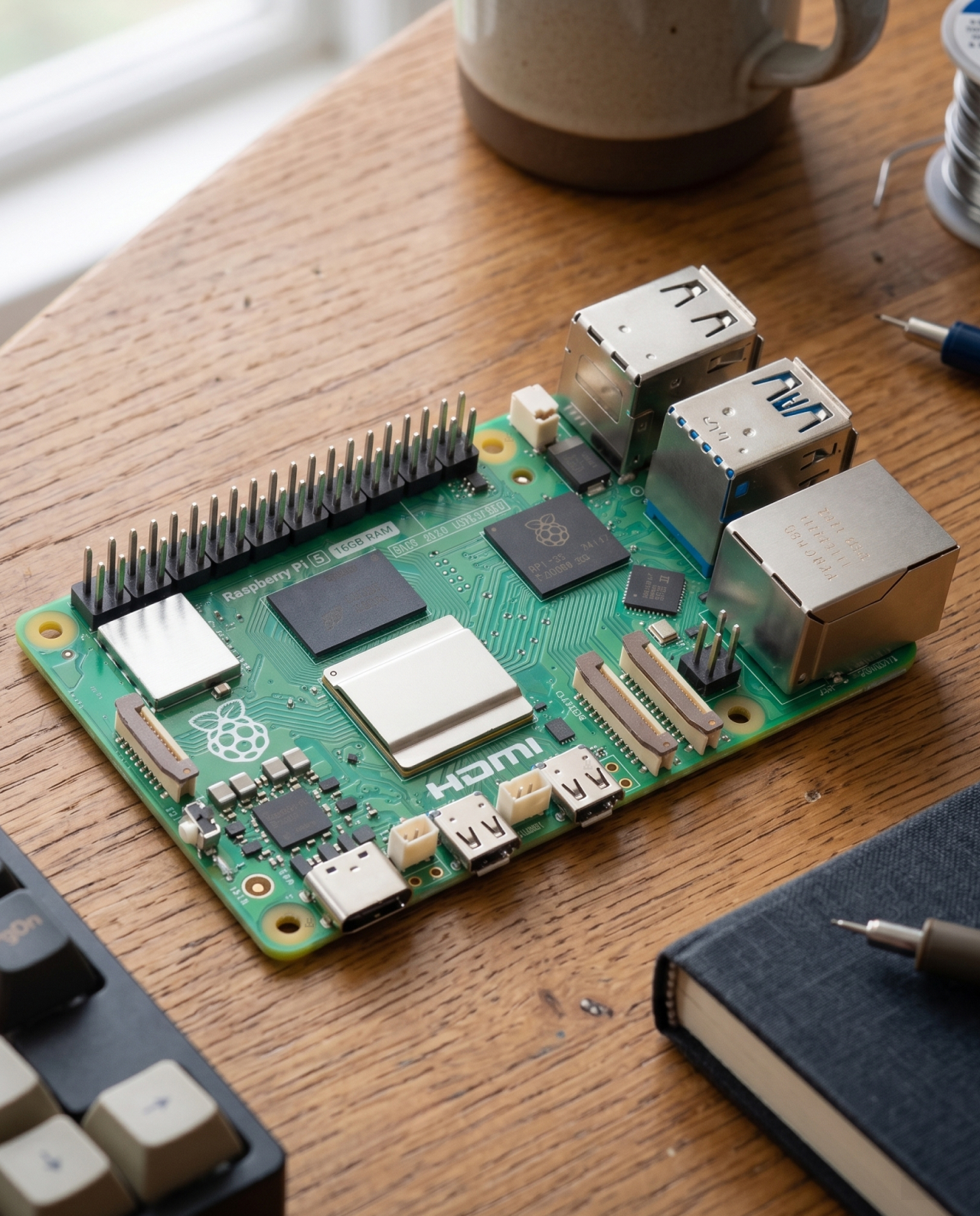
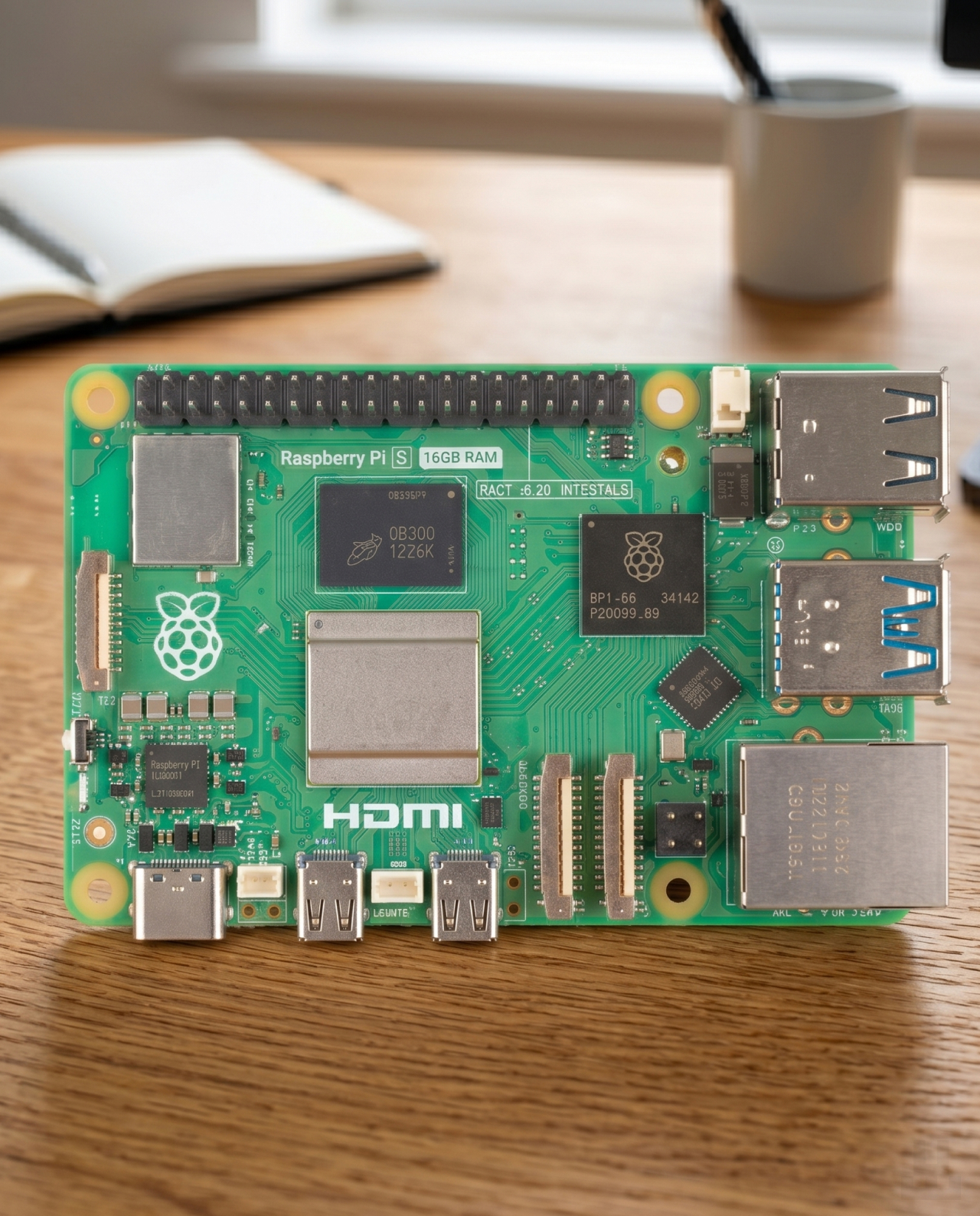
Raspberry Pi 5 is 2–3 times faster than the previous generation. One of the key reasons is its new architecture: Raspberry developed dedicated chips for this model specifically around the needs of the Pi 5 board.

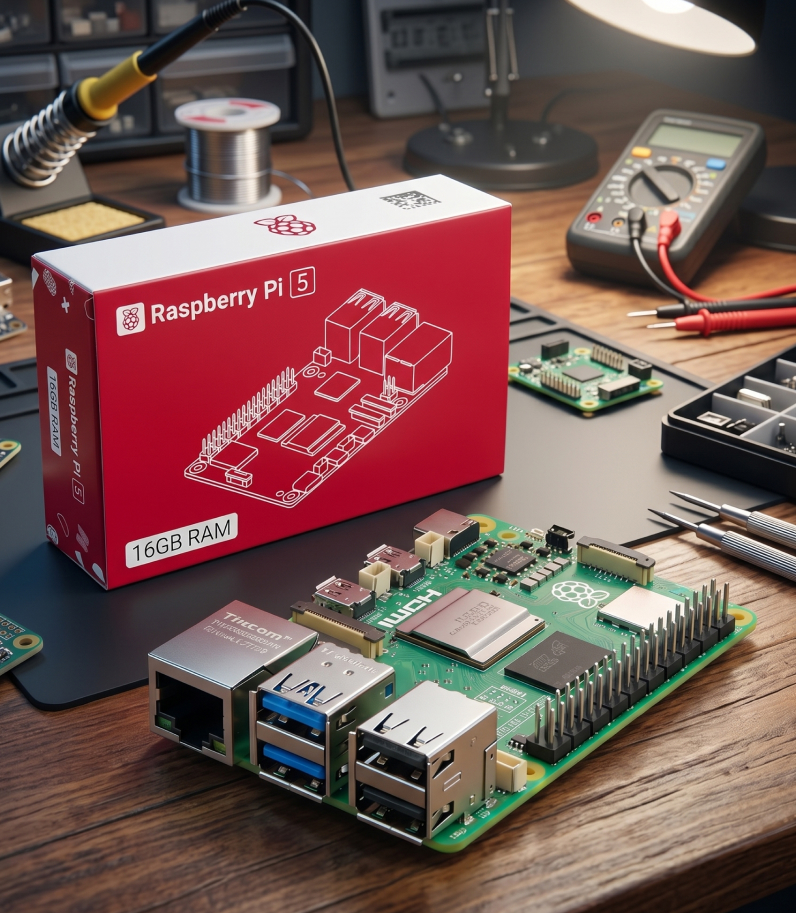
Important: only the board is included in the box. The power supply, microSD card, case, and cables are purchased separately.

Raspberry Pi 5

Raspberry Pi 5 Main Header Image

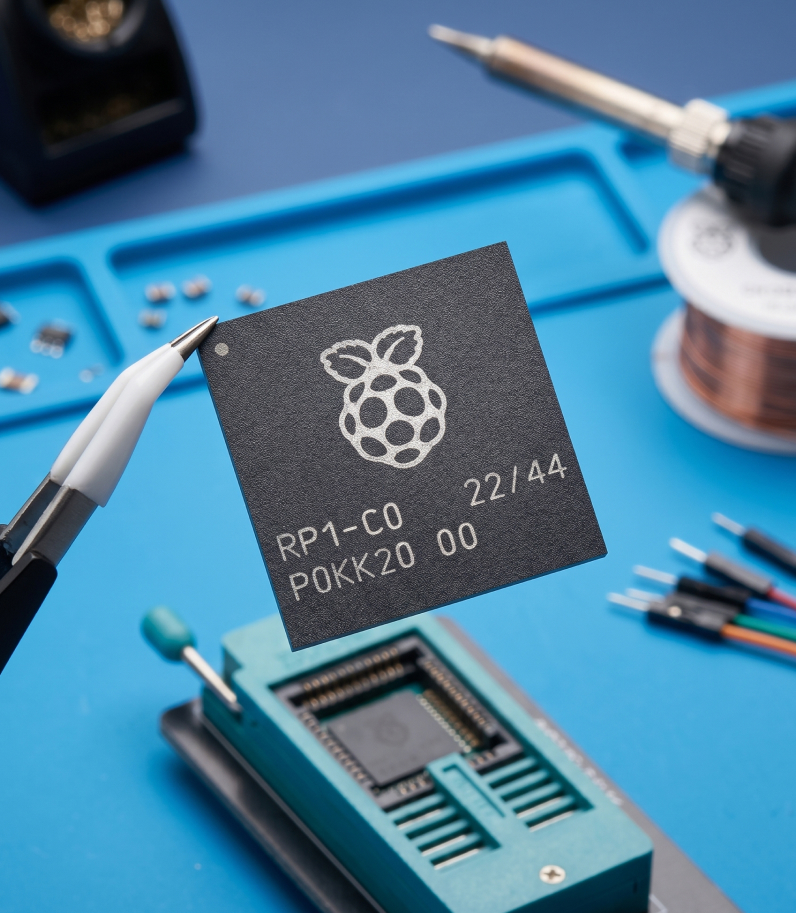
RP1 — Raspberry’s own chip

All ports and connectors on the Pi 5 are handled by a separate RP1 chip, developed by Raspberry from the ground up specifically for this board. What does it mean in practice?

USB 3 works noticeably faster. An external SSD can read and write data without slowdowns — this is important, for example, if the Bitcoin blockchain is stored on it.
There are also two universal camera and display connectors. You can connect two cameras, two displays, or one of each — in any combination.

Чип Raspberry Pi 5

Noticeably faster and more responsive than Pi 4

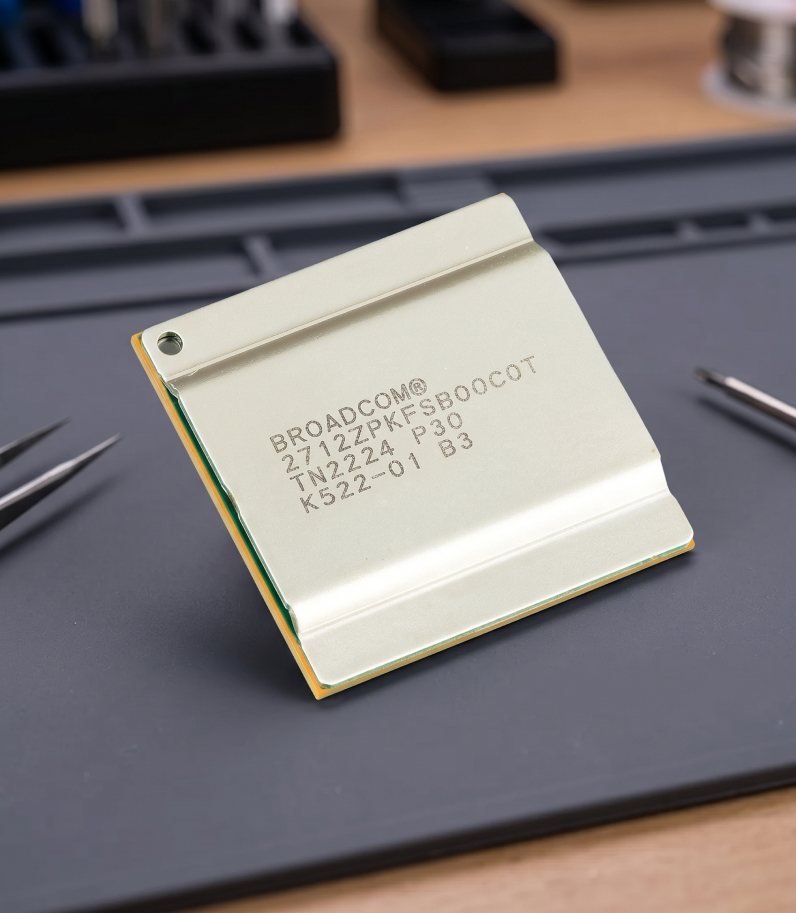
Inside is a quad-core Broadcom BCM2712 processor with Arm Cortex-A76 cores running at 2.4 GHz. This is what gives Raspberry Pi 5 a 2–3× performance boost compared to the previous generation.
The 16 GB RAM version is the most powerful model in the Pi 5 lineup. It is enough to run a Bitcoin node with Lightning, keep several background services active, and avoid hitting memory limits.
In practice, this means the computer does not freeze during multitasking, web interfaces open instantly.

Raspberry Pi 5 Processor on desk

Its own operating system — Raspberry Pi OS

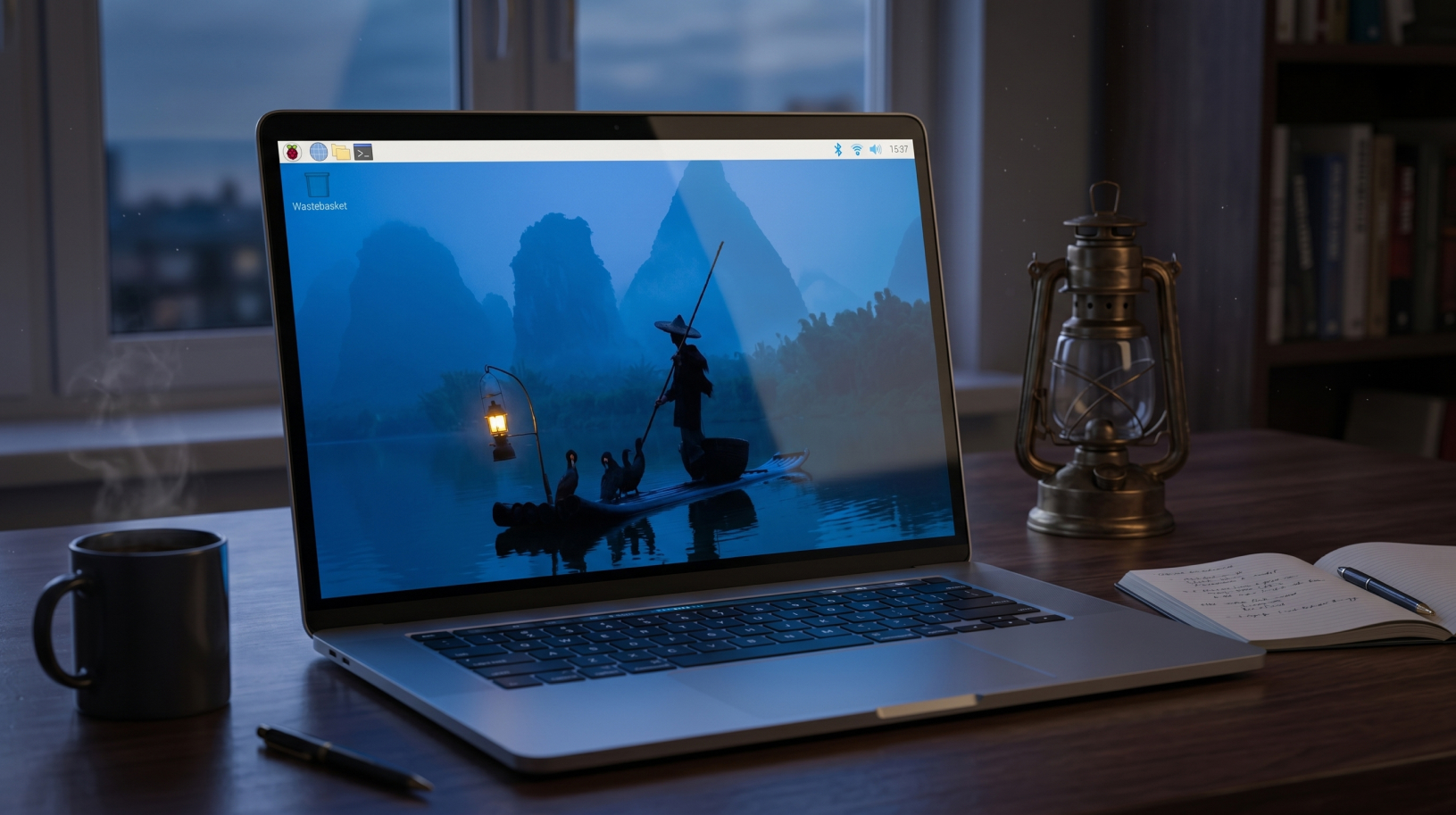
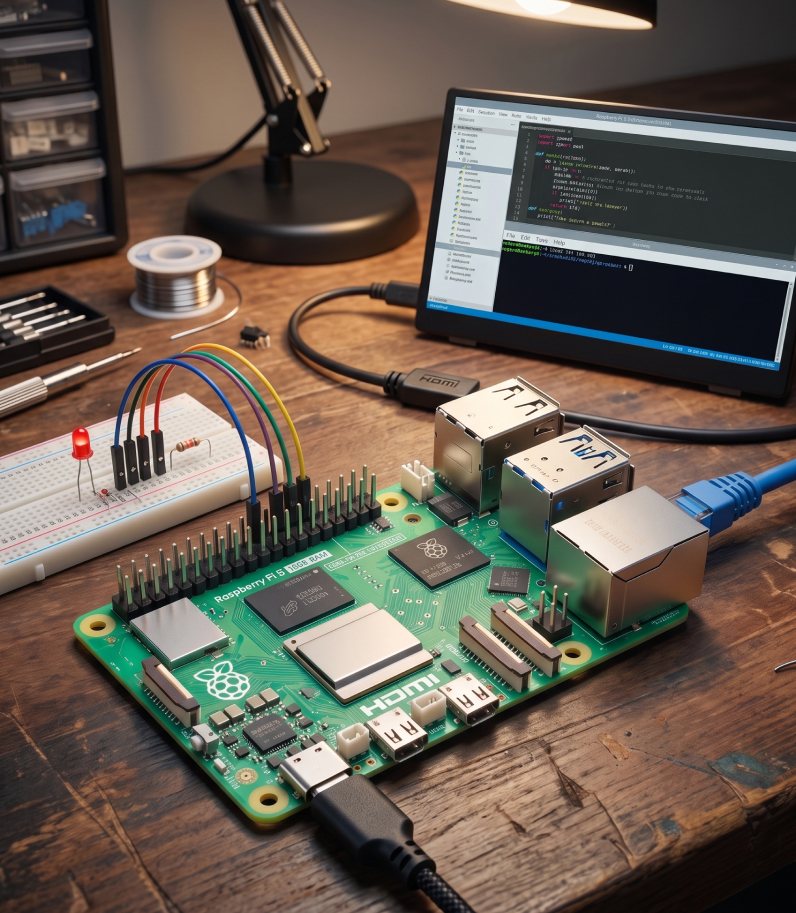
Raspberry Pi 5 runs on Raspberry Pi OS — the official operating system created by the Raspberry developers themselves. The new version is specially optimized for Pi 5: the interface feels responsive, apps open quickly, and the system runs smoothly.
You can use this system for work, video playback, programming, or a home server. If you plan to set up a node, Pi OS can be replaced with specialized builds such as Umbrel, Start9, or RaspiBlitz, which can be installed in just a few clicks.

Raspberry Pi 5 OS on laptop

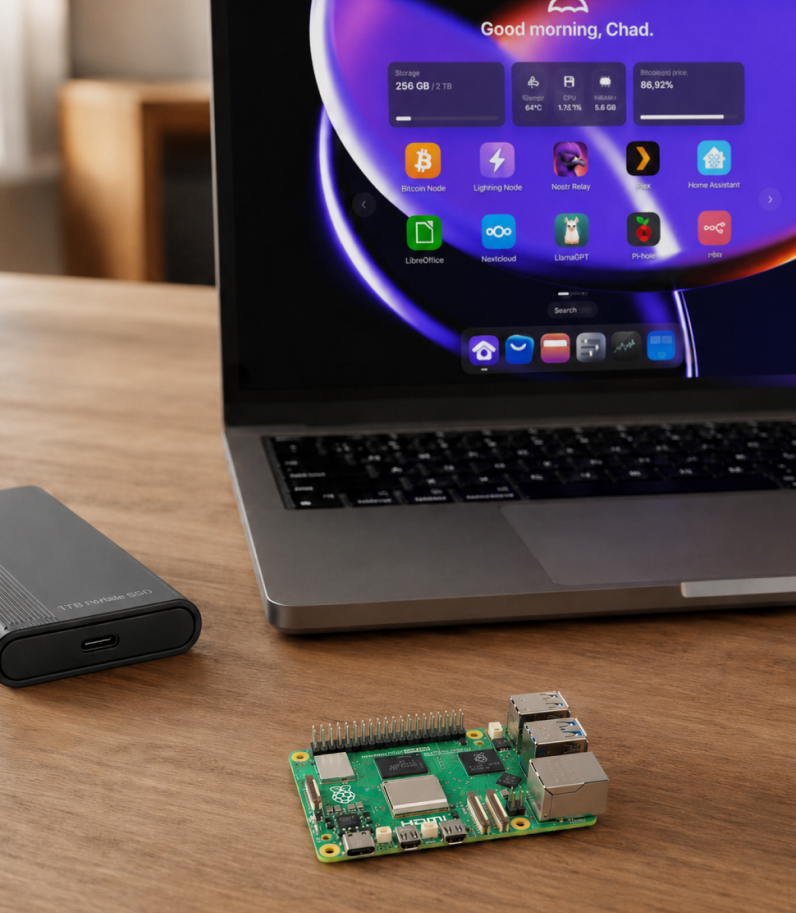
Run your own Bitcoin node

Raspberry Pi 5 can be dedicated to a full Bitcoin node and left running 24/7. The board will independently synchronize with the network, store a local copy of the blockchain, and give you access to Bitcoin without relying on third-party servers.

For this setup, you will need a separate SSD, a stable Ethernet connection, and active cooling. The fastest way to start is with a ready-made image — for example, RaspiBlitz for a Bitcoin and Lightning node, or umbrelOS.

Raspberry Pi 5 On Desk Umbrela Server

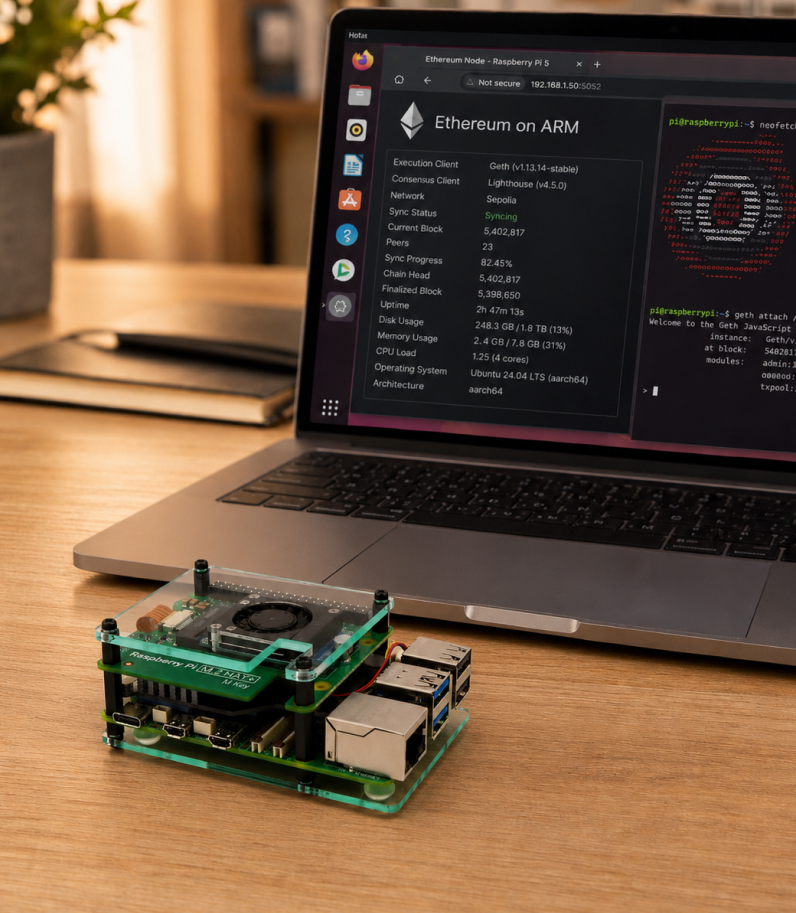
A separate machine for an Ethereum node

Raspberry Pi 5 is also suitable for running a home Ethereum node. It works separately from your main computer, so it does not occupy your laptop with long synchronization and can stay connected to the network at all times.

For this scenario, the requirements are higher than for a Bitcoin node. It is better to choose the Raspberry Pi 5 version with 16 GB of RAM, connect a fast NVMe SSD through a separate HAT, and install active cooling right away.

Raspberry Pi 5 on table as Ethereum-node

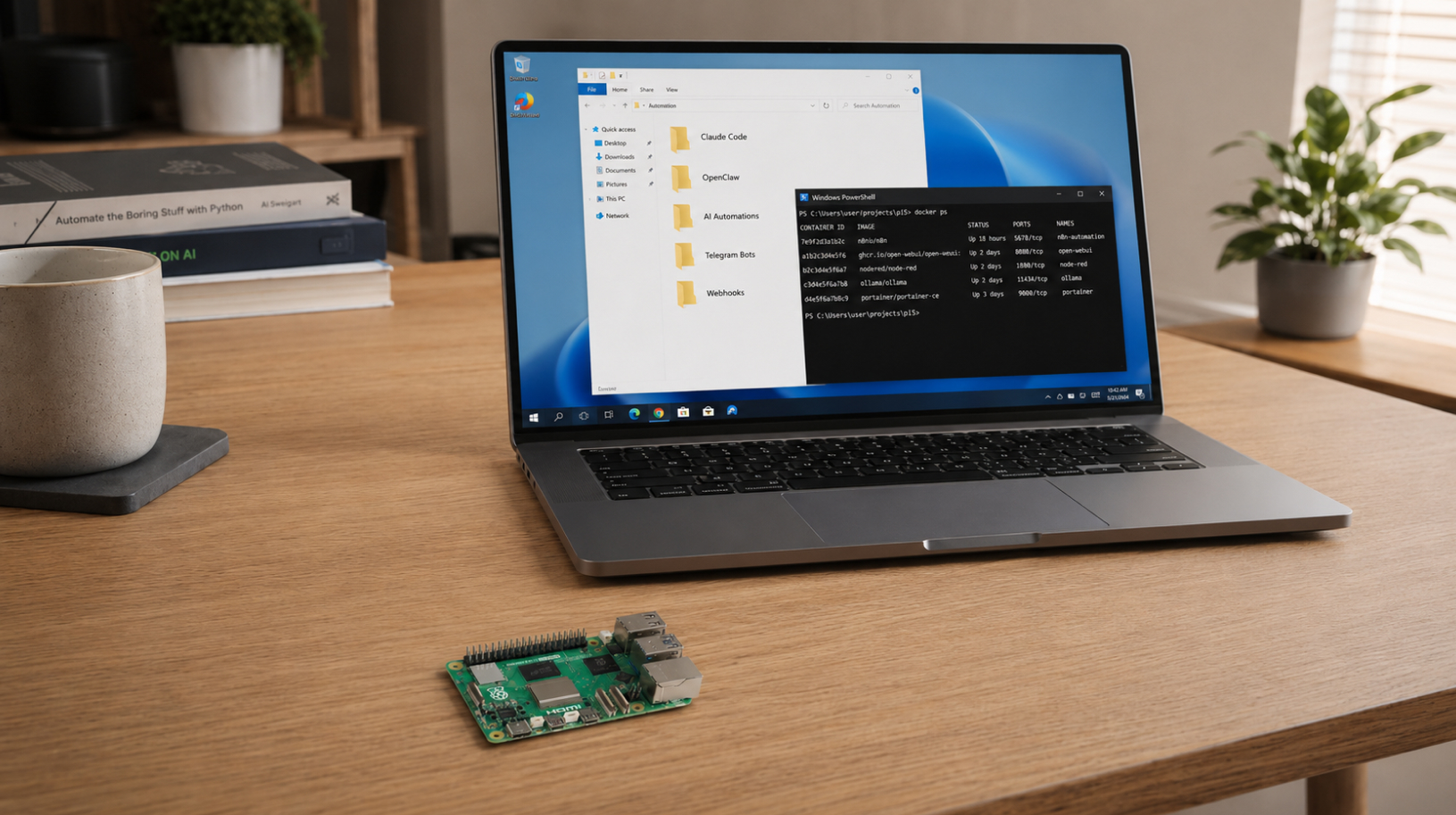
Server for AI tools and automations

Raspberry Pi 5 can be used as a separate always-on server for AI tools, bots, and background tasks. The board works independently from your main computer: it receives requests, runs scripts, processes webhooks, and performs automations while your laptop is turned off.

For example, you can install OpenClaw Gateway on a Raspberry Pi. In this setup, the board acts as a control server, while the models themselves run through cloud APIs. Claude Code CLI also runs on Linux ARM64 — it can be used for terminal-based project work, small scripts, and development tasks.

Raspberry Pi 5 on table as AI-assistant

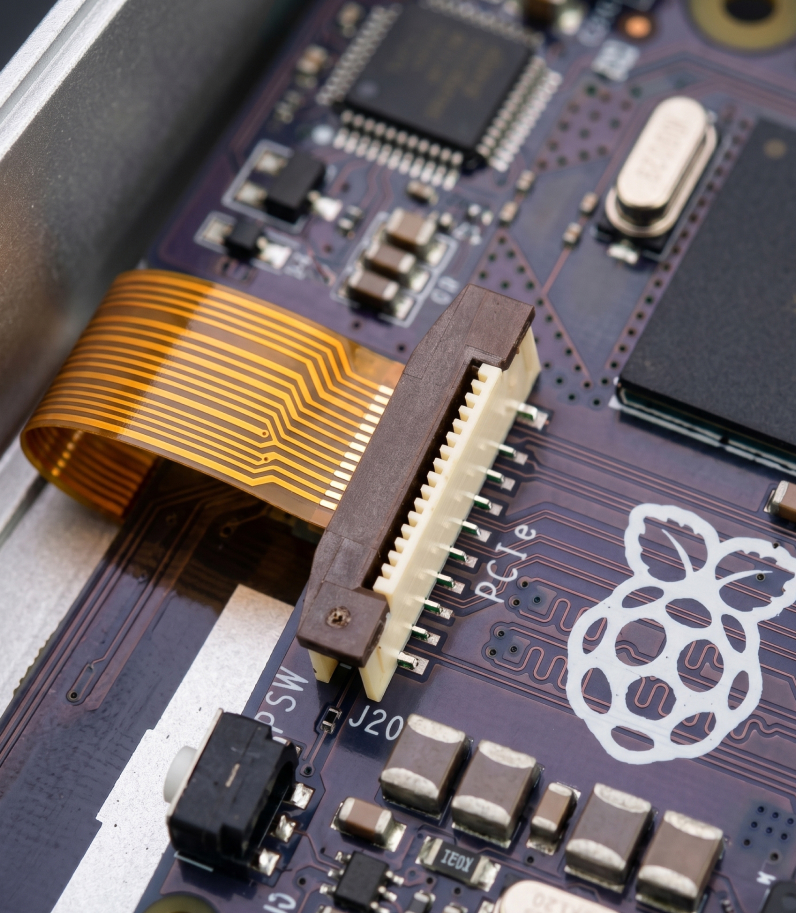
PCIe support — connect an SSD

Pi 5 now has a PCIe connector. Through it, you can connect an M.2 SSD — and the computer starts working very differently: it boots in seconds, while files and databases are read many times faster than from a regular microSD card.
For a node, this is especially important. The Bitcoin blockchain already takes up more than 700 GB.

NVMe SSD in slot Raspberry Pi 5

Connect two 4K monitors at the same time

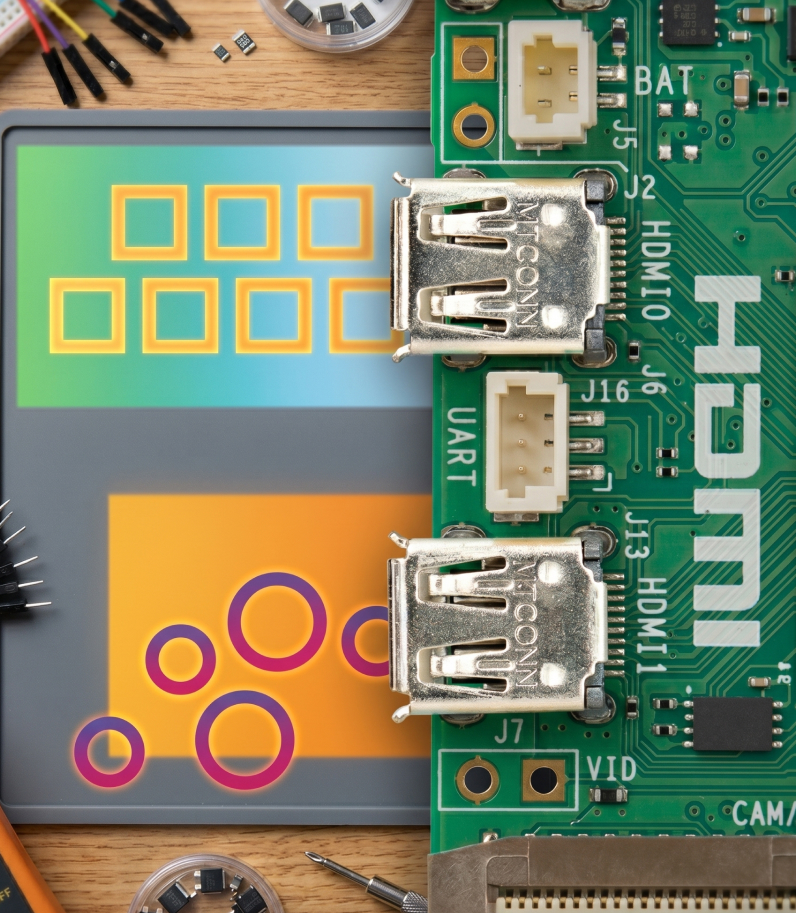
The board has two HDMI outputs, and both can run 4K at 60 Hz simultaneously. If you use the Pi not only as a server, but also as a full desktop computer, you can connect two monitors in 4K quality.
The board also has a service UART port. This is a developer connector that allows direct cable access to the board.

HDMI Raspberry Pi 5

And that is not all

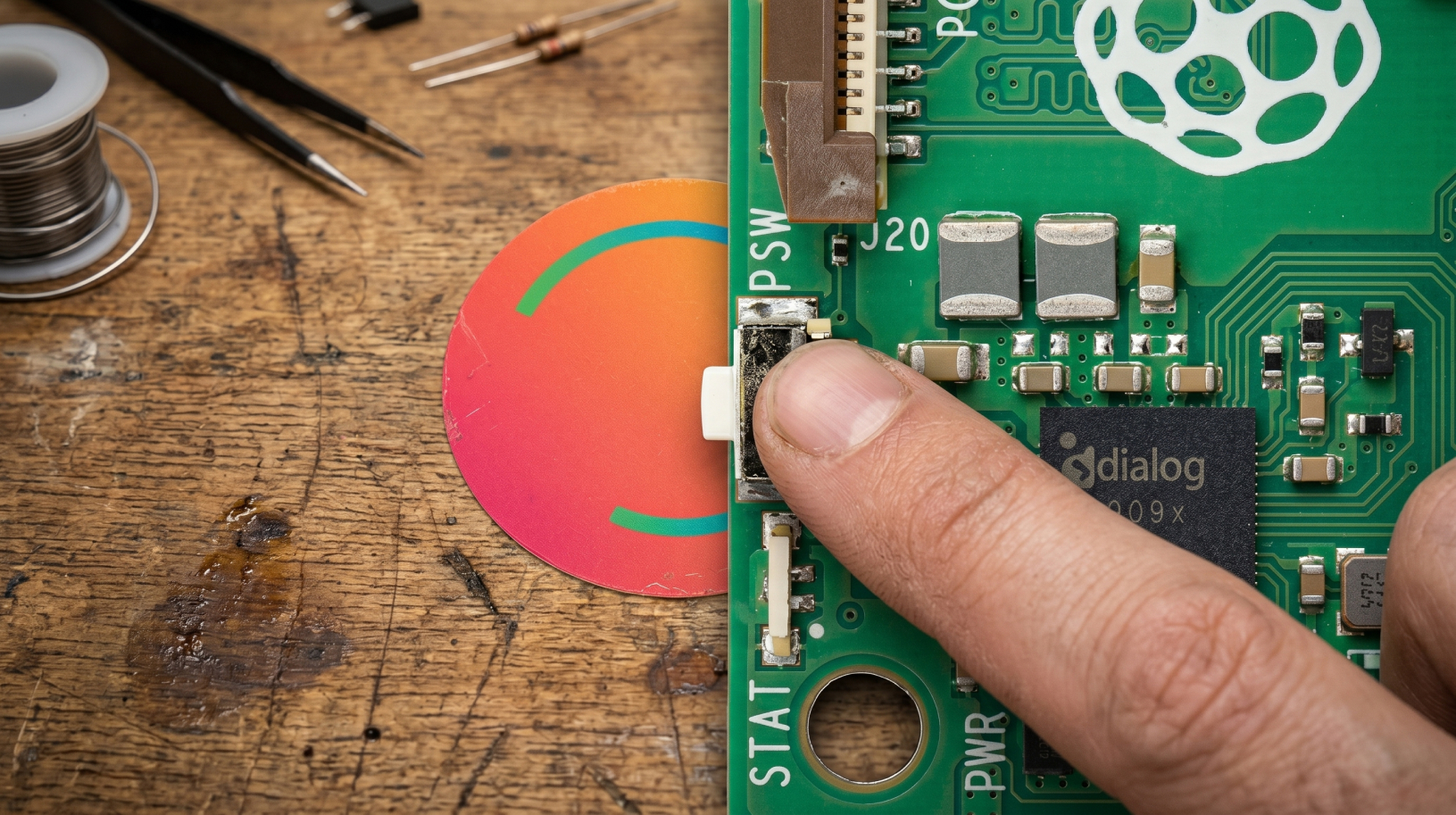
Pi 5 finally has a physical power button. Previously, the board had to be unplugged from the power supply or shut down through the terminal. Now it works like a normal computer: press once to turn it on, press again to turn it off.
There is also a real-time clock, RTC, inside. Pi 5 can now keep accurate time even when disconnected from the network and the internet. For a node, this matters: the blockchain needs correct system time to work properly, and the board can now provide it immediately without waiting for synchronization.

Start button Raspberry Pi 5

Key Specifications

  • Processor: Broadcom BCM2712, quad-core Arm Cortex-A76, 64-bit, 2.4 GHz, with hardware cryptography acceleration
  • Cache: 512 KB L2 per core + 2 MB shared L3
  • Graphics: VideoCore VII, OpenGL ES 3.1, Vulkan 1.3, hardware 4K HEVC decoding
  • RAM: 16 GB LPDDR4X-4267
  • Video outputs: 2 × HDMI, 4K at 60 Hz simultaneously, HDR support
  • Storage: microSD slot, high-speed SDR104 mode support
  • Wi-Fi: 802.11ac, dual-band, 2.4 + 5 GHz
  • Bluetooth: 5.0 + Bluetooth Low Energy, BLE
  • Ethernet: Gigabit Ethernet with PoE+ support, separate PoE+ HAT required
  • USB: 2 × USB 3.0, up to 5 Gbps simultaneously + 2 × USB 2.0
  • PCIe: PCIe 2.0 x1 for SSDs and high-speed peripherals, separate M.2 HAT required
  • Camera and display connectors: 2 × MIPI, 4-lane
  • GPIO: standard 40-pin header
  • Power: USB-C, 5 V / 5 A, Power Delivery support
  • Additional features: real-time clock, RTC, with battery support, power button
  • Operating temperature: 0–50 °C
  • Dimensions / weight: 85 × 56 × 17 mm / 46 g
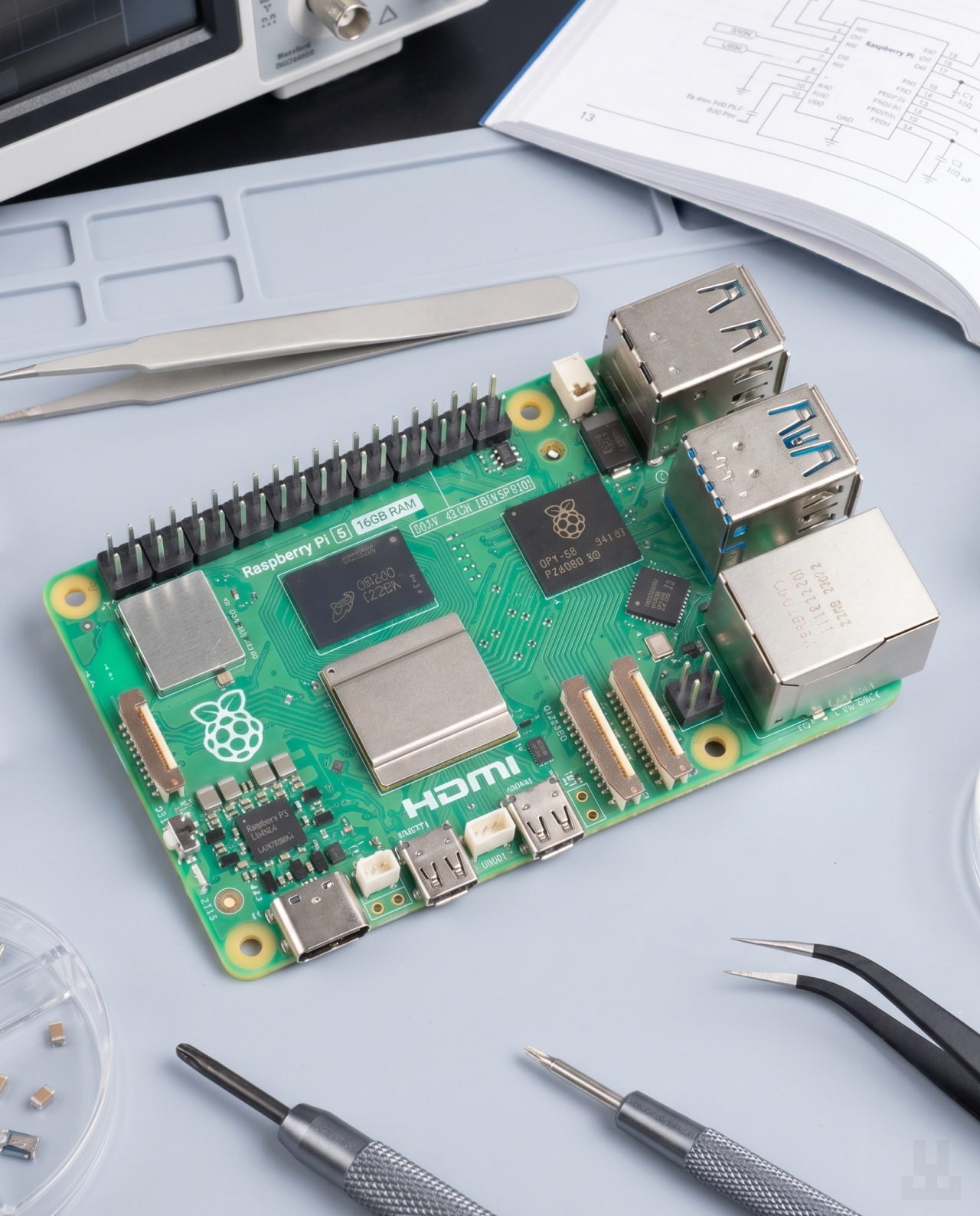
Raspberry Pi 5 in real environment

Raspberry Pi 5 board, 16 GB
Quick start guide and safety booklet

There is no power supply, cables, memory card, or case in the box — Pi 5 is sold as a standalone board. This is the manufacturer’s standard practice: everyone builds their computer for their own tasks.

To get the board running, you need at least:

A 27 W USB-C power supply, 5 V / 5 A, with Power Delivery support. The official Raspberry Pi power supply is suitable. Regular 18–20 W phone chargers will not handle the board under load — you may get reboots and low-power warnings.
A microSD card from 32 GB for the system — or, if you plan to run a node, it is better to use a 1+ TB SSD through an M.2 HAT right away.
A micro-HDMI to HDMI cable — the board uses micro-HDMI ports, not full-size HDMI.

Optional, but highly recommended:

Raspberry Pi active cooler or a case with a fan. Under constant load, for example as a node or server, Pi 5 without airflow goes into throttling — this is when the chip lowers its frequency to avoid overheating. As a result, performance drops significantly. For occasional tasks, you can manage without a cooler, but for 24/7 operation, it is necessary.
A case. A bare board can be easily damaged by static electricity or an accidental short circuit. A case solves this problem.
A battery for the real-time clock, RTC. The board has a dedicated connector — without the battery, the clock resets after shutdown.

Коробка Raspberry Pi 5 plate on table

FAQ

Pi 5 supports only two versions — the current Trixie release and the previous Bookworm release. Anything older than Bookworm will not boot.

If you already had a microSD card from Pi 4 with an older system, it will need to be rewritten. The easiest way to do this is through Raspberry Pi Imager: the program will download the latest version and prepare the card automatically.

Most likely, no. Pi 4 consumes less power, and its 15 W power supply will be too weak for Pi 5 — the board may trigger overload protection and show low-voltage warnings.

For stable operation, you need a 27 W USB-C power supply, 5 V / 5 A, with Power Delivery support. The official Raspberry power supply or a compatible alternative will work.

No. Pi 5 has a different connector layout: USB and Ethernet ports have changed places, a PCIe connector for SSDs has been added, and the power button is positioned differently. The old case will not physically fit.

You need a case designed specifically for Pi 5 — for example, the official Raspberry case with a built-in fan.

Under light load, the board can work without a cooler. But for constant operation — for example, as a node, home server, or media center — cooling is required.

Without it, the processor heats up and automatically lowers its frequency to avoid overheating. In other words, performance drops significantly, and the board runs slower than it could.

There are two options:

  • Active Cooler for Raspberry Pi — a small heatsink with a fan that is installed directly on the chip.
  • Raspberry Pi case with a built-in fan — the cooler is already inside, so no additional purchase is needed.

Yes, and this is one of the most popular use cases for Pi 5. There are ready-made builds that can be installed on a microSD card in 15–20 minutes and automatically deploy a full node:

  • Umbrel — the most popular option, with a user-friendly web interface through a browser.
  • Start9, StartOS — focused more on privacy and self-sovereignty.
  • RaspiBlitz — designed for Lightning and often used with a physical screen.
  • MyNode — available in both free and paid versions.

Any of these options automatically deploys Bitcoin Core, Lightning, an Electrum server, and basic services. Just connect an SSD, power, and internet — then everything is configured through a browser on your phone or laptop.

As of now, the full Bitcoin blockchain takes up around 736 GB and grows by roughly 100 GB per year. If you plan to run a node for years, choose a 1 TB or 2 TB SSD so you have enough reserve space.

If you want to save space, there is a pruned node mode — the node stores only recent transaction data and takes up 10–50 GB. The downside is that it cannot fully serve other users or services such as an Electrum server. For personal use with one wallet, it is a reasonable option.

For a home node, there are four main differences:

  1. Synchronization is 2–3× faster. Downloading and verifying the entire blockchain from scratch on Pi 4 could take 2–3 weeks. On Pi 5, it can be done in a few days.
  2. Direct PCIe for SSDs. On Pi 4, the drive was connected through USB 3.0, and the bus became a bottleneck. On Pi 5, an NVMe drive works directly — data moves much faster.
  3. 16 GB of RAM. This is enough for a full node + Lightning + Electrum server + several additional services at the same time. Pi 4 with 4–8 GB could already run into memory limits during multitasking.
  4. A more responsive web interface. Open Umbrel in a browser — it does not freeze, and buttons respond immediately. On Pi 4, the interface could feel slower.

LWallet.com.ua is a full-fledged online store in Ukraine specializing in devices for storing digital assets.
Our store has one of the widest selections of such devices in the country. We deliver to any city in Ukraine. We do not just sell devices — we also help customers set them up and provide advice. All products come with a warranty because we are confident in the quality of what we sell.

We give a manufacturer’s warranty and change any faulty device within a year.

Yes, of course. We will help you set up the device if you run into any difficulties. You can contact us by phone through our hotline or write to us in the chat on our website.

We deliver to any city in Ukraine. During checkout, you will be able to choose the pickup point that is most convenient for you.

Yes, you can pay the courier or pay at the pickup point when you receive the order. You can also pay in advance by bank transfer.

Yes, we only sell original products purchased directly from the manufacturer.

You can buy the product directly from the manufacturer, but in that case, you will need to wait until the item is delivered to Ukraine. This can take from one week to one month. We usually ship the product on the day of the order. Also, if the device fails, you would need to return it to the manufacturer, which can take additional time. Visit the manufacturer’s website

Brand

Модель

16 gb, 8 gb

Color

Manufacturer country

Chip

Интерфейс

GPIO, HDMI, microSD, MIPI, PCIe, USB 2.0, USB 3.0, USB Type-C, Ethernet

Warranty

There are no reviews yet.

Add a review

Show only reviews in English ()

Be the first to review “Raspberry Pi 5”

Your email address will not be published. Required fields are marked *

This site uses Akismet to reduce spam. Learn how your comment data is processed.

SKU: N/A Category:
Updating
  • No products in the cart.