Raspberry Pi 4 Model B

10,700.00 UAH

A palm-sized computer that can work as a Bitcoin node, home server, media center, smart home hub, or retro console.
Raspberry Pi 4 Model B is slower than the newer Pi 5, but for most of these tasks, it still has more than enough performance. At the same time, it is cheaper, runs cooler, and uses less power — which matters when the board operates 24/7.

Important: only the board is included in the box. The power supply, microSD card, case, and cables are purchased separately.
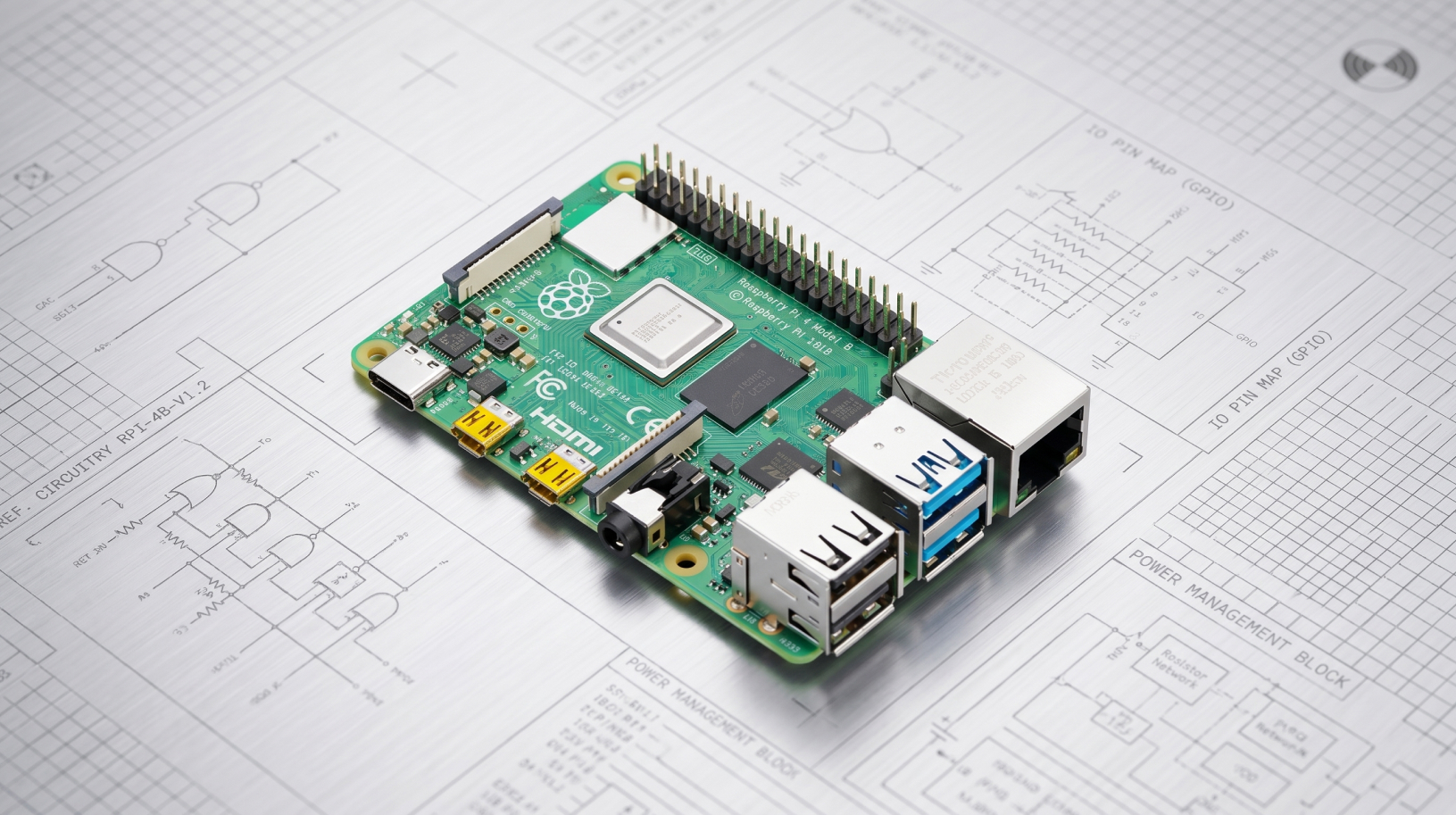
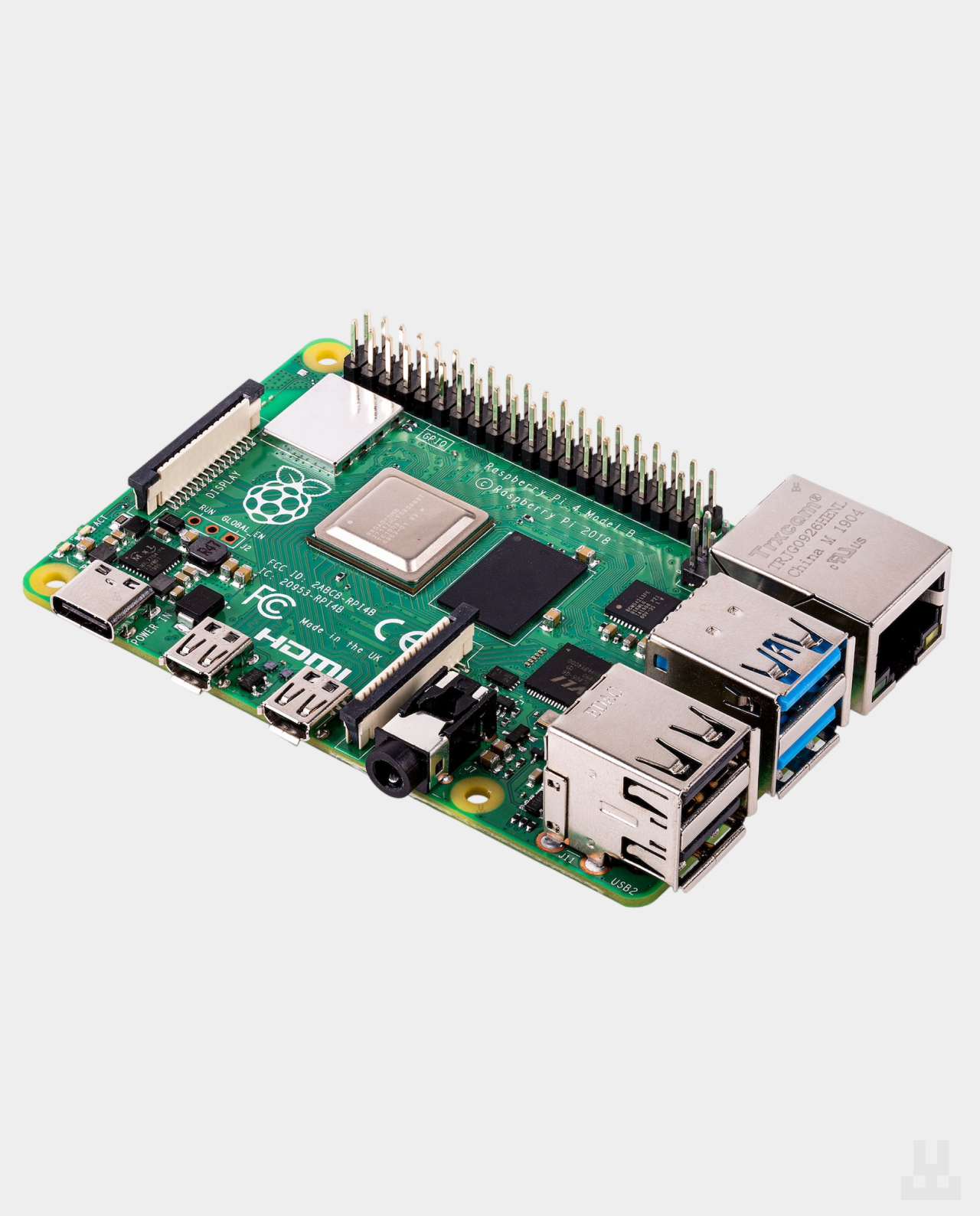
Raspberry Pi 4 Model B

Raspberry Pi 4 Main Header Image

A foundation for a node and a compact server

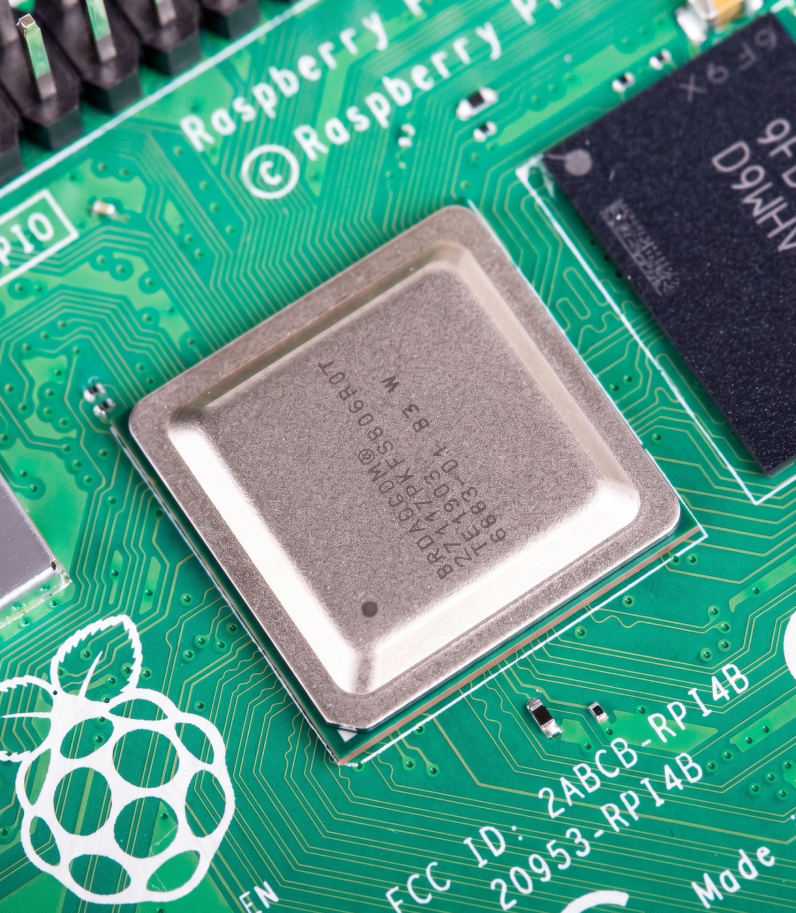
Inside, Raspberry Pi 4 Model B uses a quad-core Broadcom BCM2711 processor with Cortex-A72 cores running at 1.5 GHz. The board includes Gigabit Ethernet, two USB 3.0 ports, dual-band Wi-Fi, and Bluetooth 5.0 — everything you need for a node or a home server.

The 4 GB or 8 GB RAM version is usually the best choice. That is enough to run Bitcoin Core, Lightning, and several background services smoothly. The 1 GB and 2 GB versions can also run a node, but for serious use, it is better to choose 4 GB.

Raspberry Pi 4 Processor

Low power consumption

Raspberry Pi 4 is well suited for tasks where the device needs to stay on all the time: a home node, network services, automation, or a compact AI gateway. The board takes up very little space, makes no noise by itself, and consumes much less power than a desktop computer.

At the same time, it is better to think about cooling in advance. For light tasks, a case with a heatsink is enough. For an Ethereum node, active cooling should already be treated as an essential part of the setup.

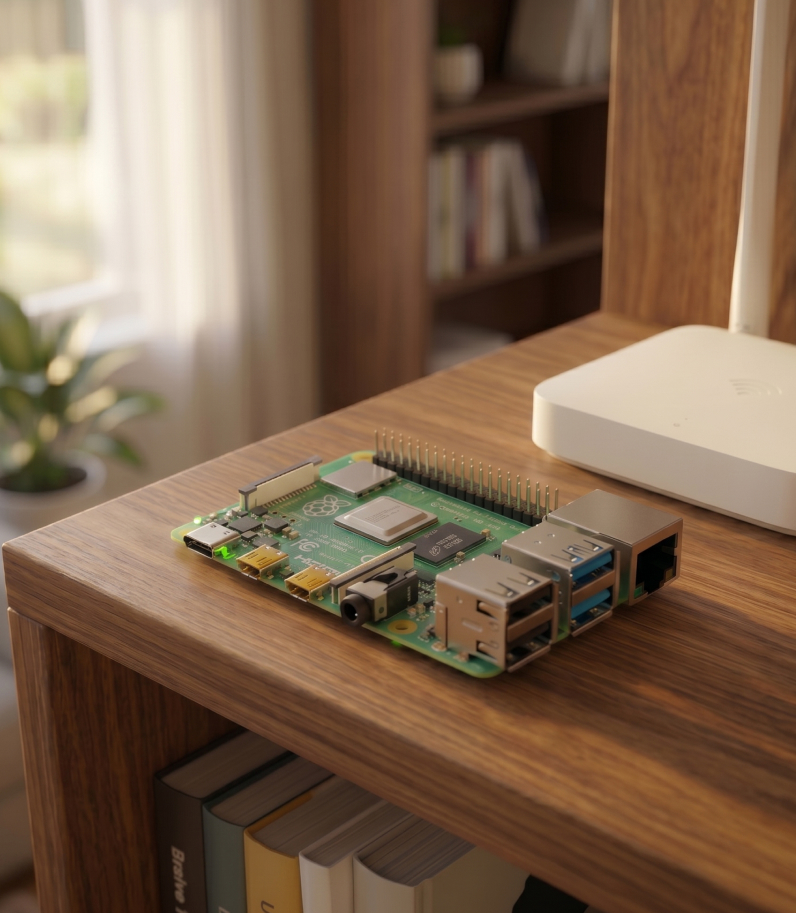
Raspberry Pi 4 on desk behind the router

Can replace a desktop PC for everyday tasks

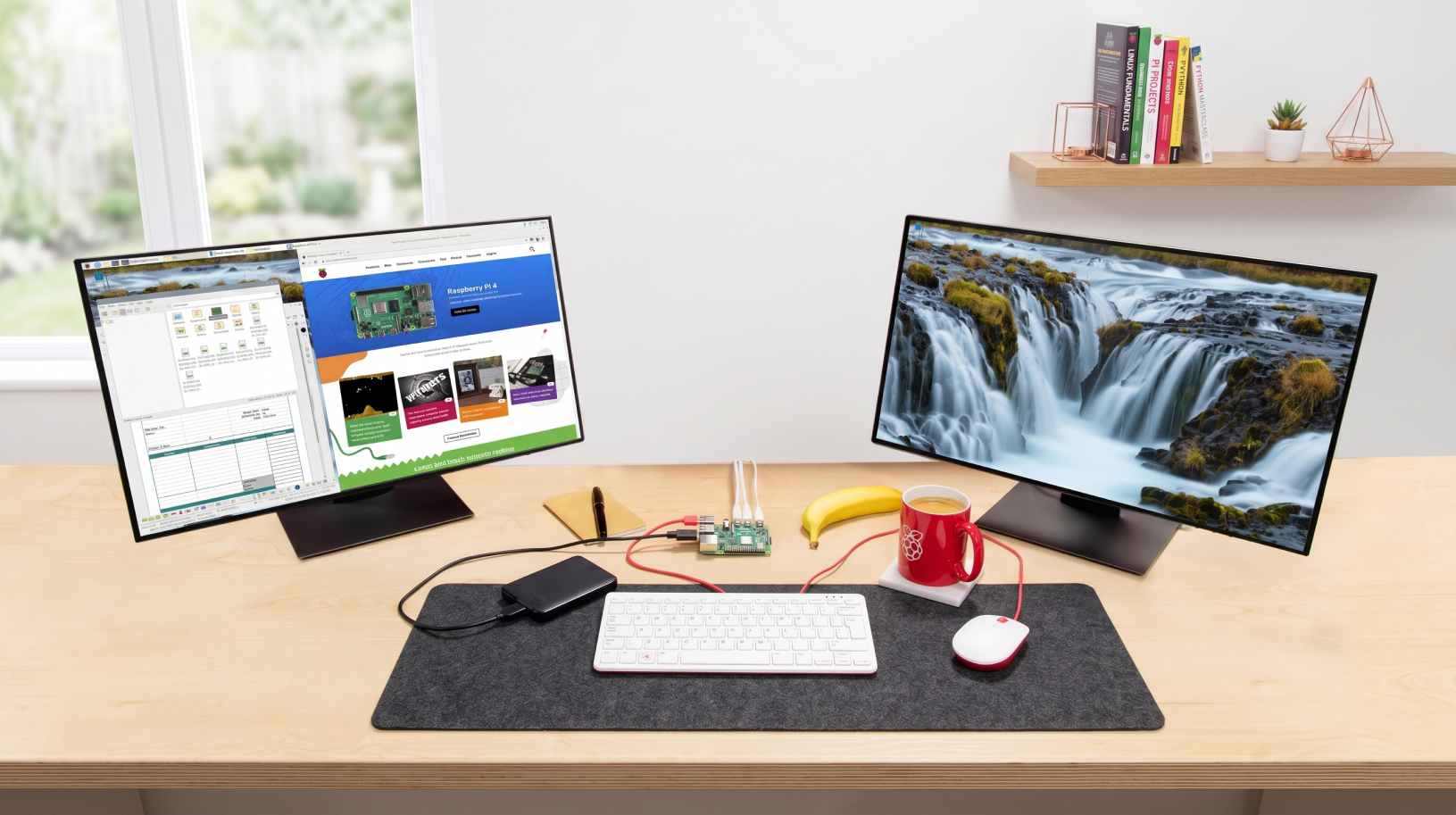
You can connect two monitors to Raspberry Pi 4 via micro-HDMI, as well as a keyboard, mouse, and external storage. The board is suitable for browsing, documents, video playback, remote work, and simple everyday tasks.

It will not replace a powerful workstation, but it is a convenient option for a small home workspace, an educational project, or a separate device for node administration. For a more comfortable experience, it is better to choose the 4 GB or 8 GB RAM version and use an external SSD.

Raspberry Pi 4 on desk with two monitors

Connect everything you need

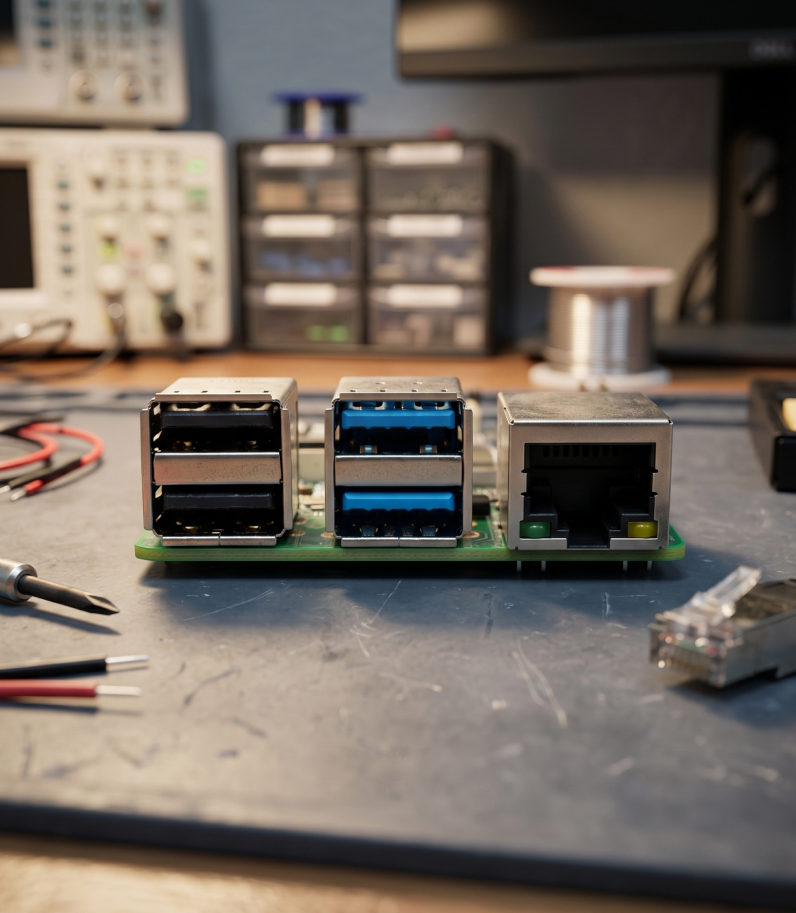
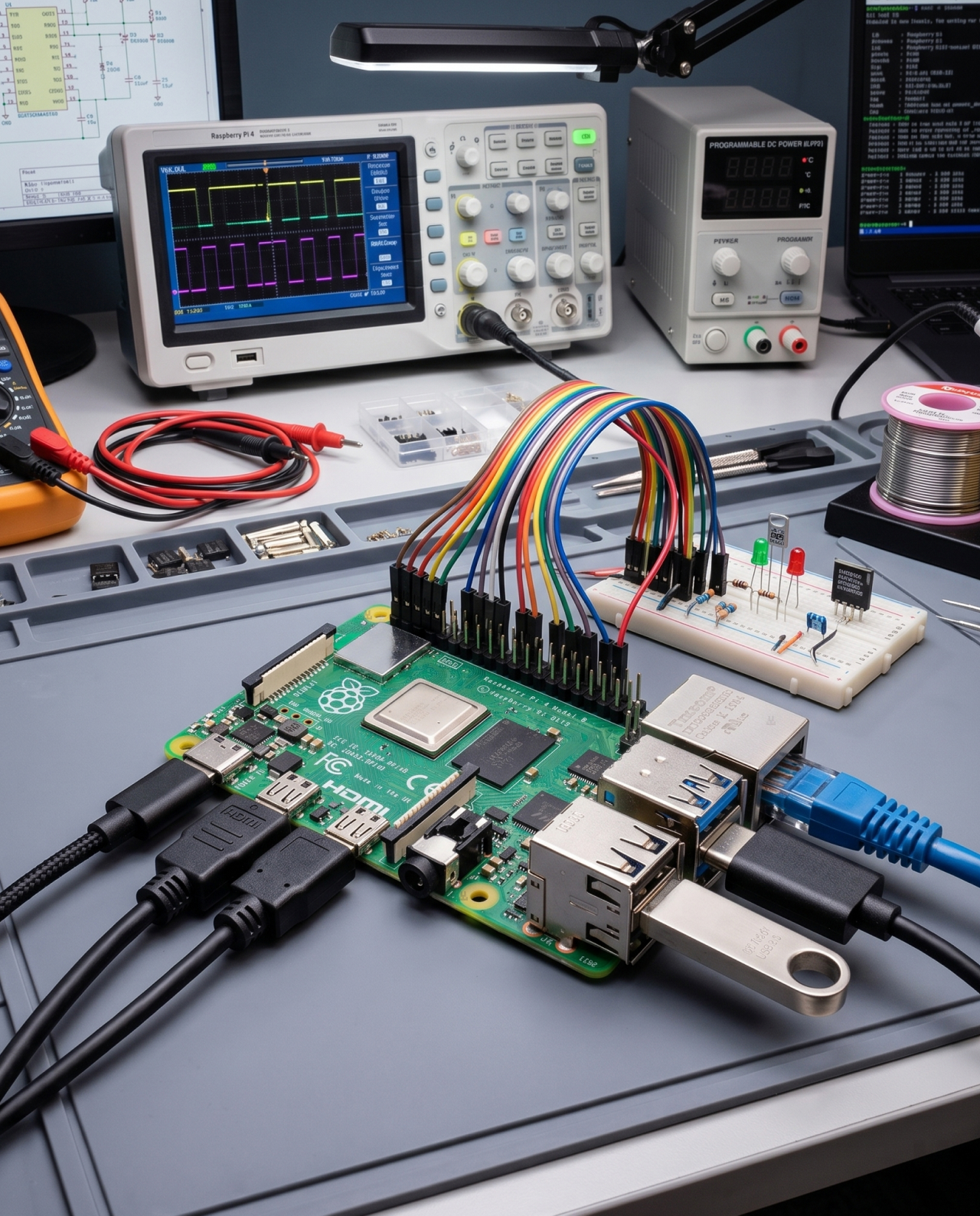
Gigabit Ethernet, two USB 3.0 ports, two USB 2.0 ports, Wi-Fi, Bluetooth 5.0, two micro-HDMI ports, and 40 GPIO pins for electronics. This is enough to connect a monitor, keyboard, external drive, or build your own project.

Raspberry Pi 4 ports

Designed for 24/7 operation

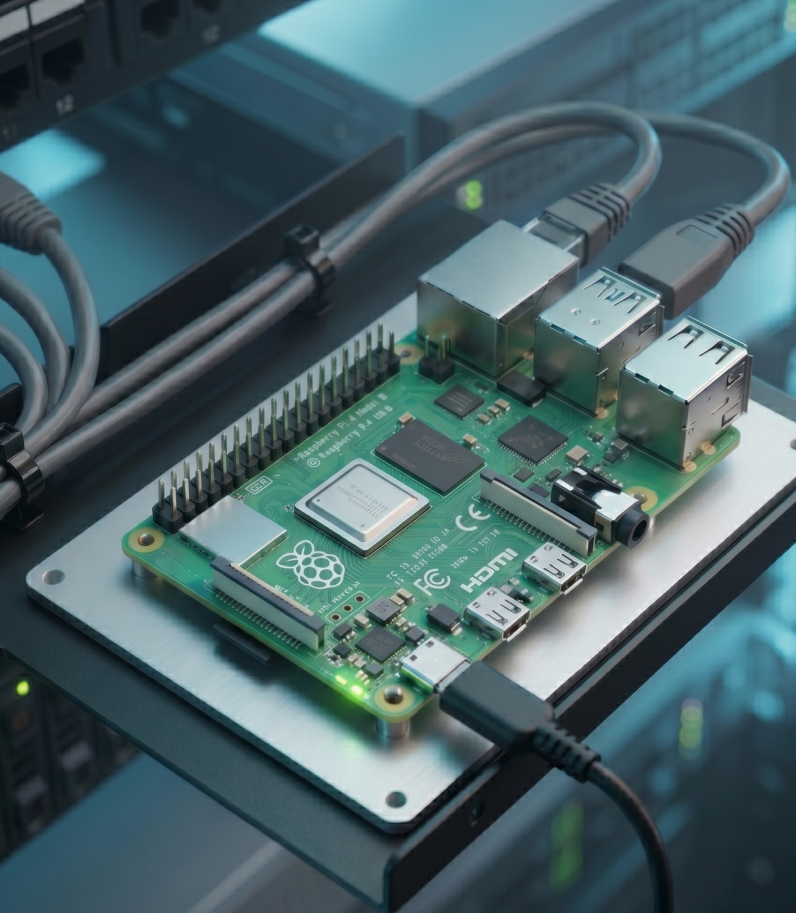
Pi 4 is designed for continuous 24/7 use. There are very few parts here that can actually fail. Boards like this are used in manufacturing, ATMs, and even in space — on the ISS. In real-world use, Raspberry Pi 4 can run calmly for 4–5 years.

Raspberry Pi 4 in server room

Run your own Bitcoin node

Raspberry Pi 4 can run Bitcoin Core and independently verify blocks and transactions without relying on a third-party RPC server. The node stores a local copy of the data, connects to other network participants, and lets you use Bitcoin the way it was intended: without trusting someone else’s infrastructure.

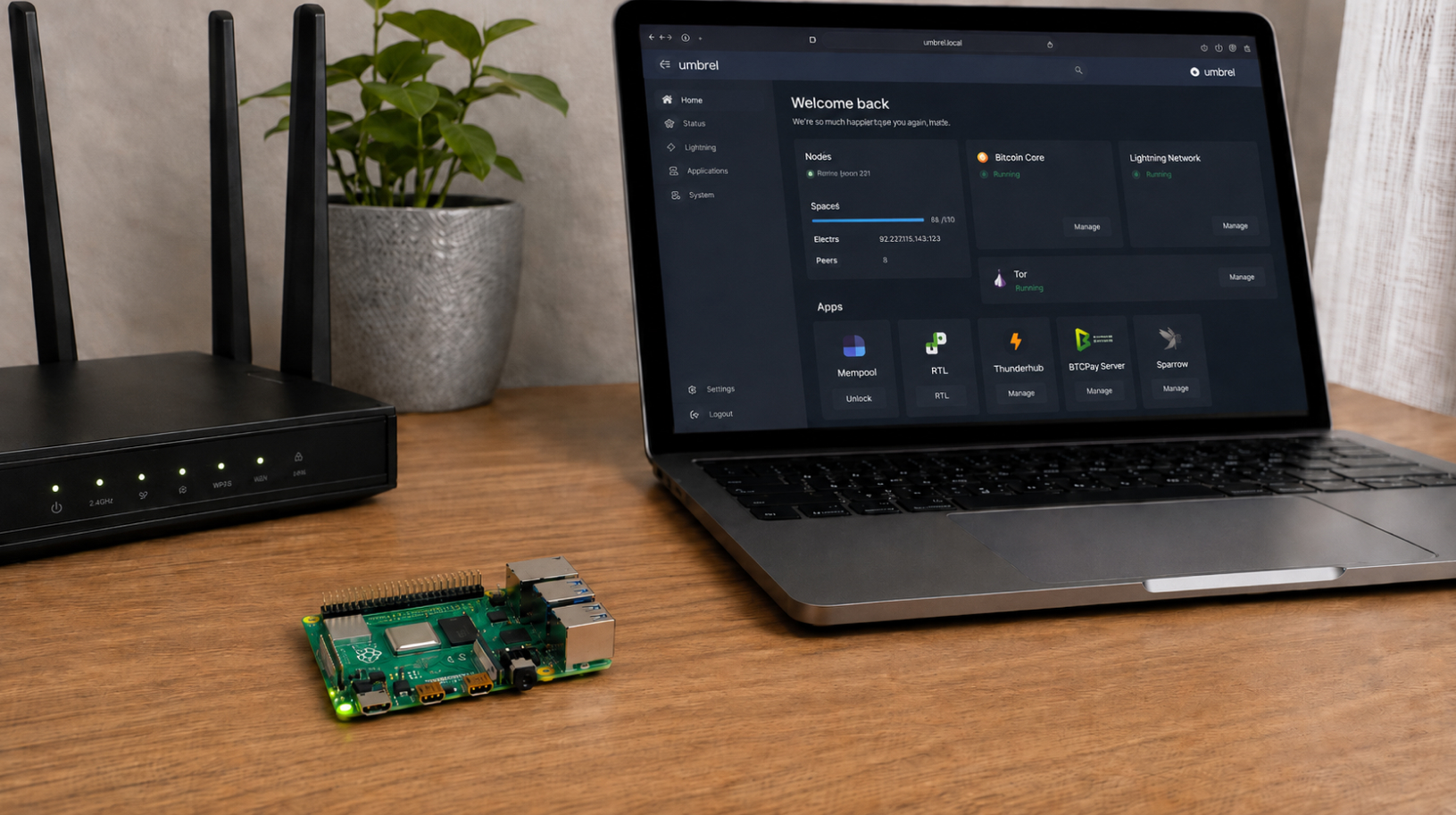
For an easier start, you can install umbrelOS and manage the server through a browser. In this setup, Raspberry Pi is used not only for Bitcoin Core, but also for a Lightning node, block explorer, and other Bitcoin-related services.

Raspberry Pi 4 Model B On Table Behind Laptop Bitcoin-Node

Ethereum node

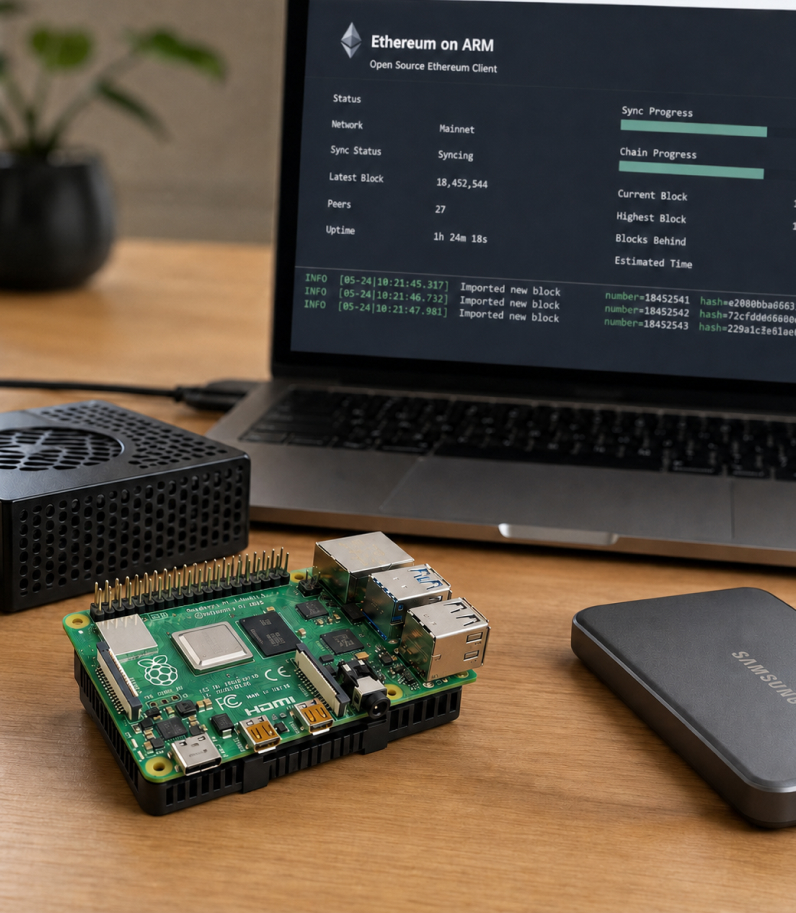
Raspberry Pi 4 can also be used for your own Ethereum node, but the requirements are noticeably higher. For this scenario, it is better to choose the 8 GB RAM version, an external SSD of at least 2 TB, an Ethernet connection, and a case with both a heatsink and a fan.

You can install a ready-made Ethereum on Arm image with preconfigured execution and consensus clients.

Raspberry Pi 4 Model B On Table Ethereum-Node

A dedicated server for AI tools

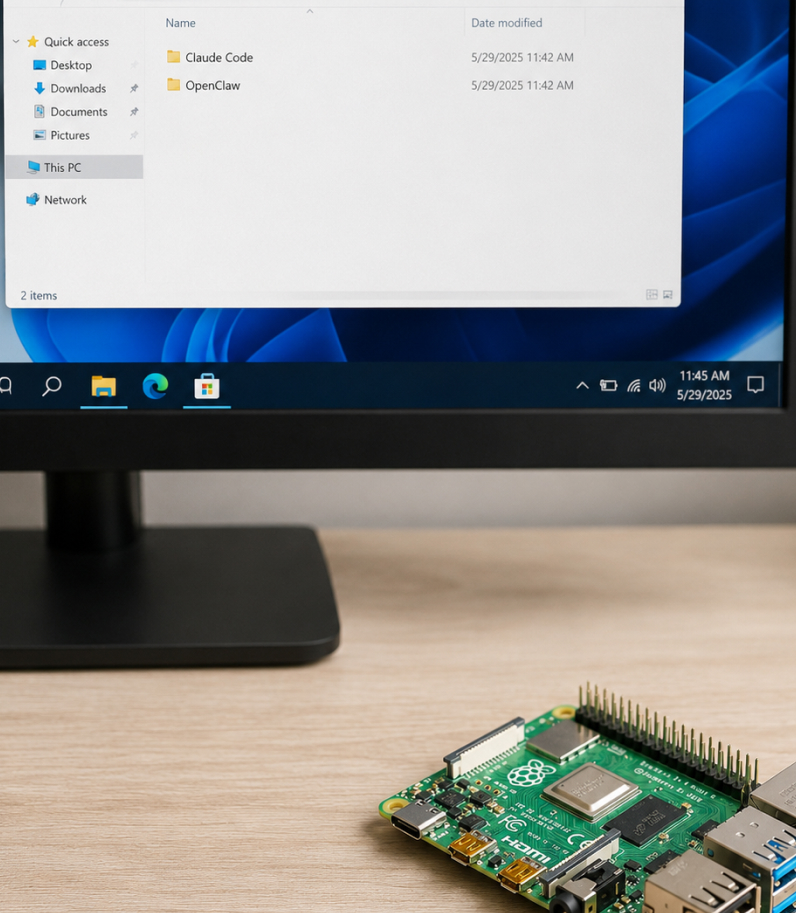
Raspberry Pi 4 can be used as a compact AI server that runs 24/7 without occupying your main computer. It can run OpenClaw, connect to Claude Code, deploy Telegram bots, automations, and other tools that need constant network access.

For complex requests, the board connects to cloud AI models through an API, while Raspberry Pi itself handles service operation, stores settings, and runs background tasks.

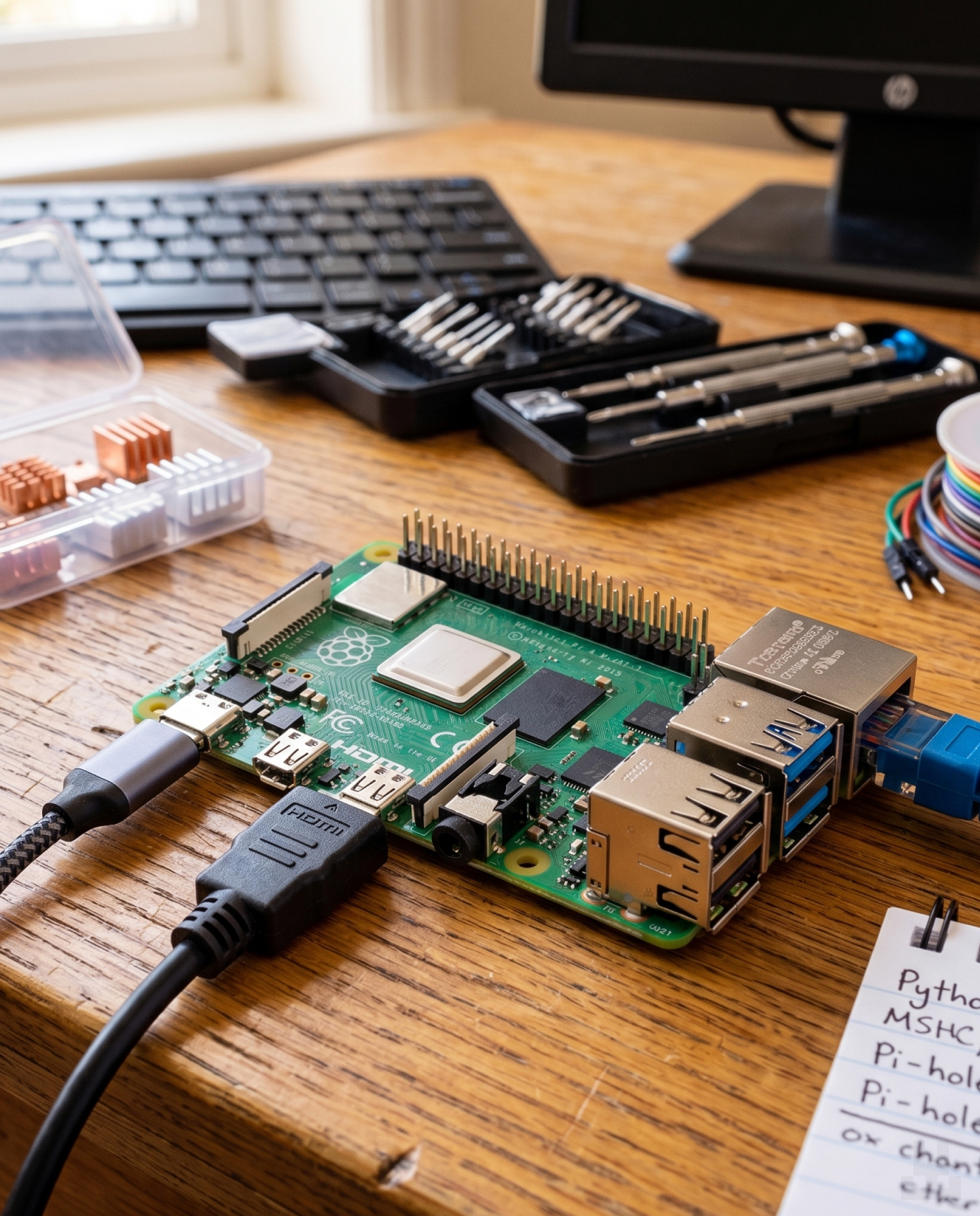
Raspberry Pi 4 Model B Behind The Monitor

Choose the system for your task

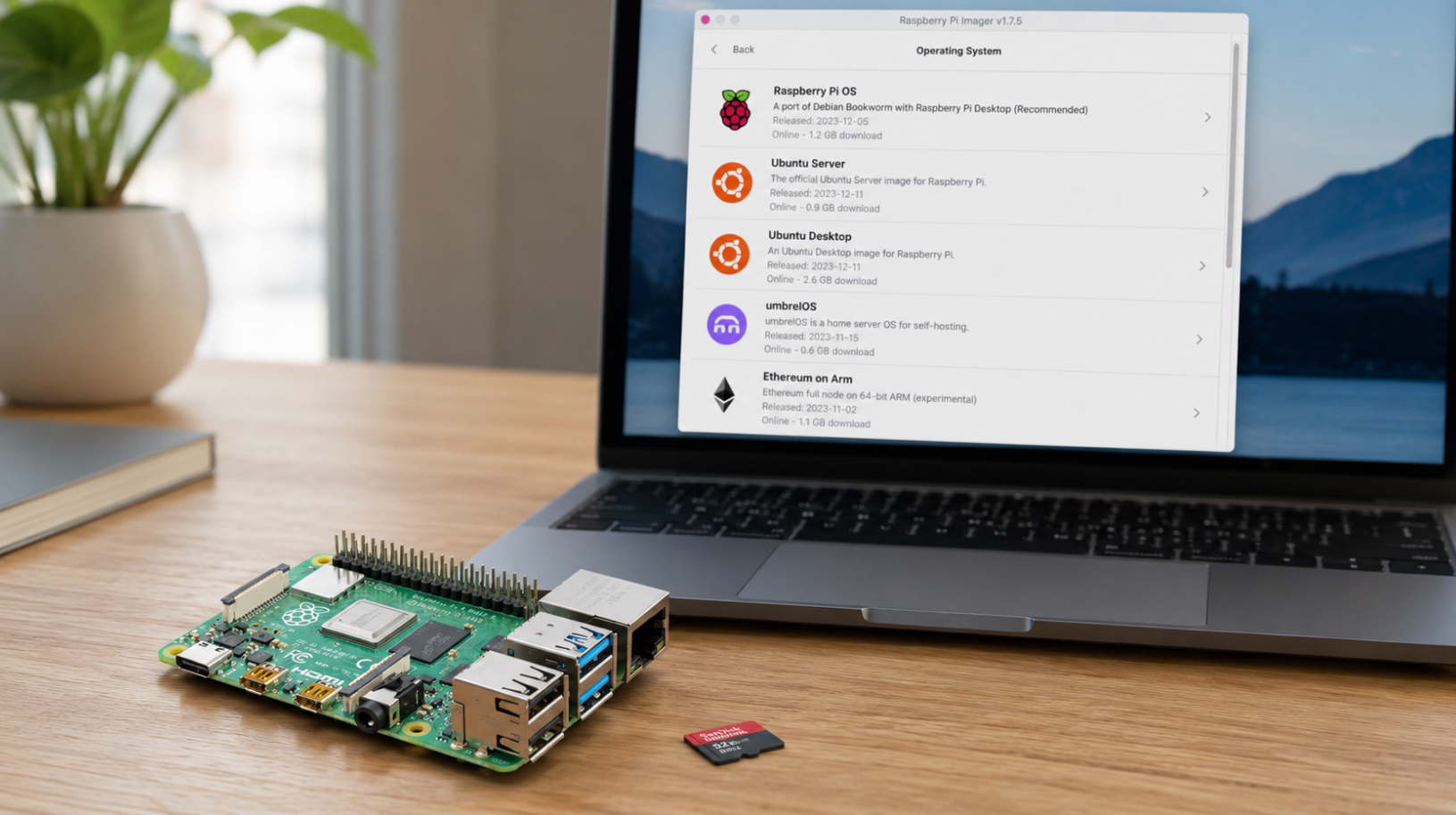
Different operating systems and ready-made images are available for Raspberry Pi 4. Raspberry Pi OS is suitable for general tasks and experiments. Ubuntu Server is convenient for a home server, Docker containers, and custom projects. Ubuntu Desktop is a good option for working with a monitor and a regular graphical interface.

For specific scenarios, you can install a specialized system: umbrelOS for a home Bitcoin server or Ethereum on Arm for an Ethereum node. Images are written to a microSD card or SSD, after which the board can be configured locally or remotely over the network.

Raspberry Pi 4 Model B Behind Laptop Choosing OS

Key Specifications

  • Processor: Broadcom BCM2711, quad-core ARM Cortex-A72, 64-bit, 1.8 GHz
  • Graphics: VideoCore VI, OpenGL ES 3.1, Vulkan 1.0, hardware 4K HEVC decoding
  • RAM: 1 GB, 2 GB, 3 GB, 4 GB, or 8 GB LPDDR4-3200, depending on the version
  • Video outputs: 2 × micro-HDMI, up to 4K at 60 Hz
  • Storage: microSD slot
  • Wi-Fi: 802.11ac, dual-band, 2.4 + 5 GHz
  • Bluetooth: 5.0 + Bluetooth Low Energy, BLE
  • Ethernet: Gigabit Ethernet with PoE support, separate PoE HAT required
  • USB: 2 × USB 3.0 + 2 × USB 2.0
  • Camera and display connectors: 2 × MIPI, 2-lane
  • Audio/video: 4-pole stereo output + composite video output
  • Codecs: H.265 — 4K decoding at 60 Hz; H.264 — 1080p60 decoding, 1080p30 encoding
  • GPIO: standard 40-pin header
  • Power: USB-C, 5 V / minimum 3 A, or via GPIO — 5 V / minimum 3 A
  • Operating temperature: 0–50 °C
  • Dimensions / weight: 85.6 × 56.5 × 17 mm / 46 g
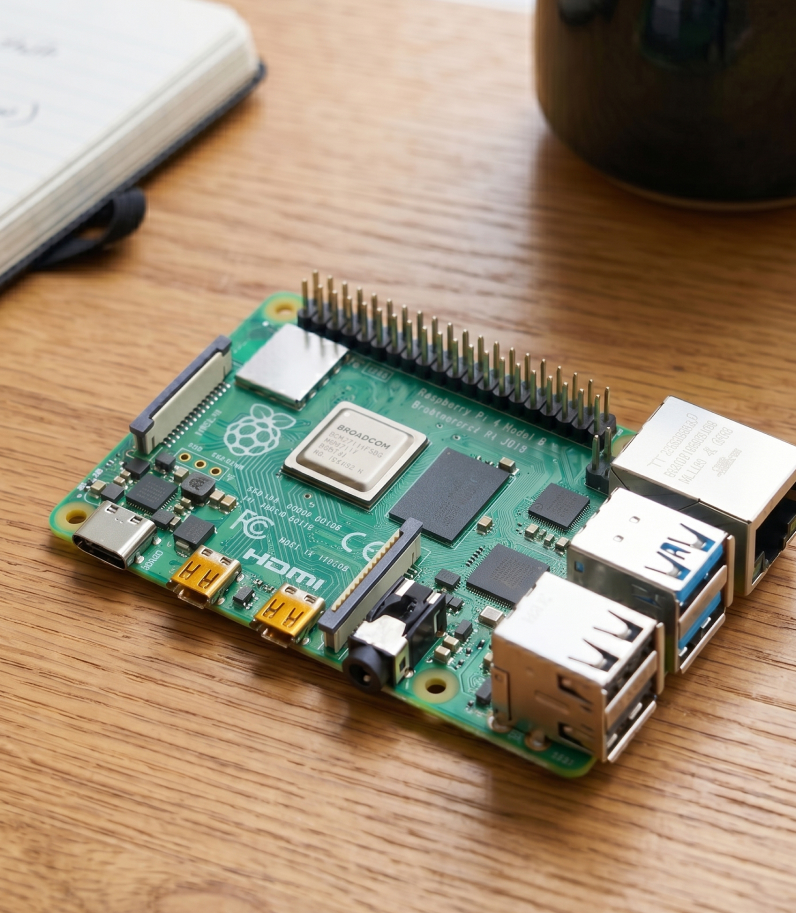
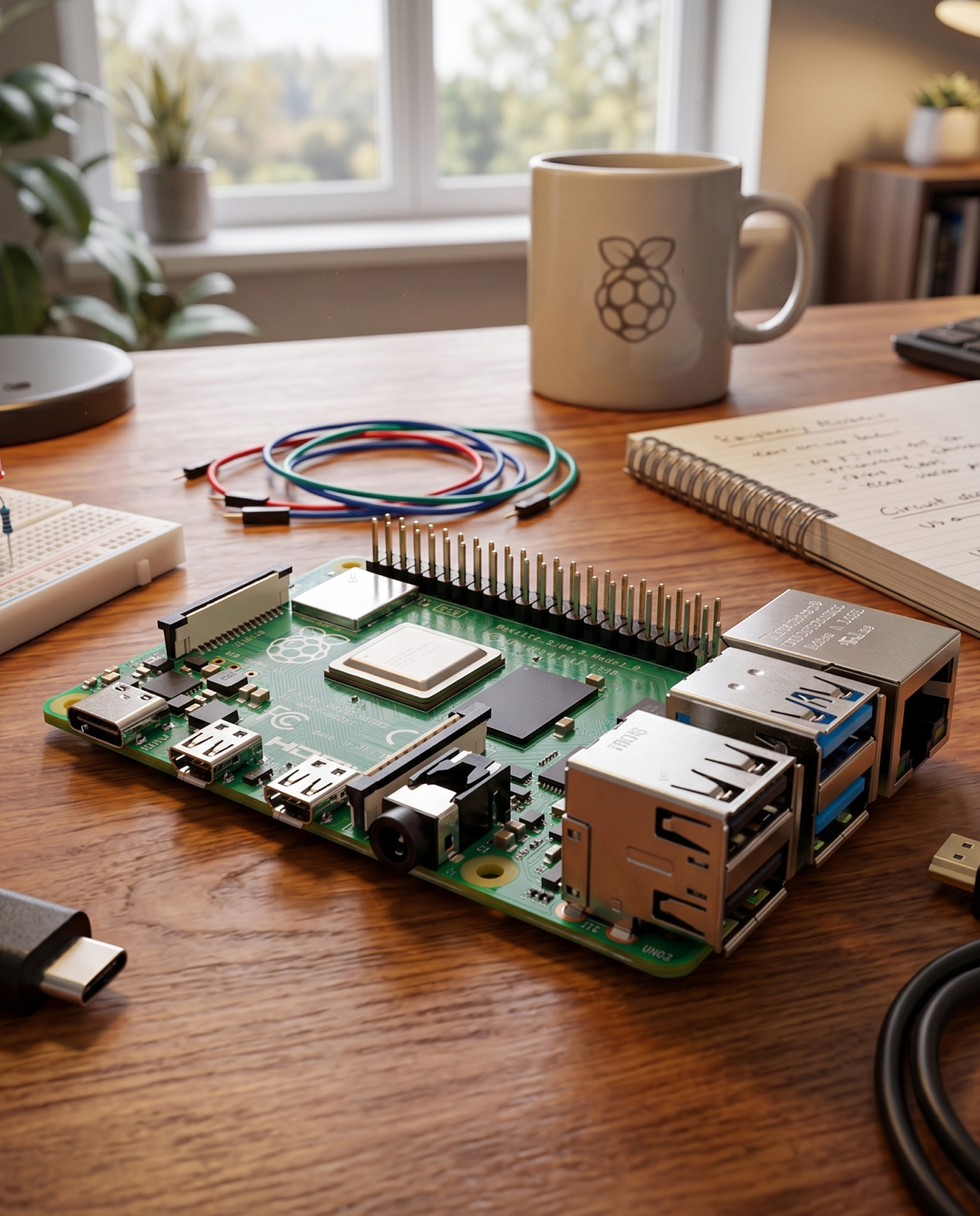
Raspberry Pi 4 on desk behind the mug

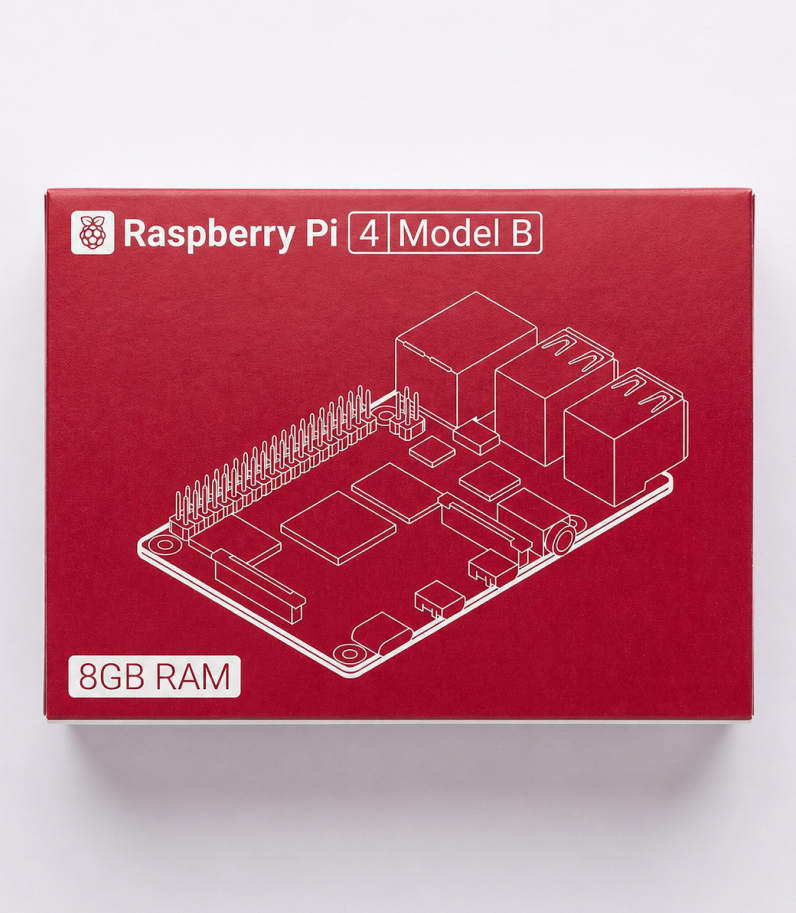
Raspberry Pi 4 Model B board
Quick start guide and safety booklet

Power supply, cables, memory cards, and case are not included in the box — Pi 4 is sold as a standalone board. This is standard practice from the manufacturer: every user builds their computer for their own specific tasks.

To get the board running, you need at least:

A 15 W USB-C power supply, 5 V / 3 A. The official Raspberry Pi power supply is a good choice. Regular phone chargers often cannot handle the board under load — this is one of the most common beginner issues: the board reboots, and a lightning bolt icon appears in the corner of the screen, indicating insufficient power. This is not the part to save money on.
A microSD card from 32 GB — for installing the operating system. If you plan to use the board as a node or home server under serious load, it is better to get an SSD right away and connect it via USB 3.0. A microSD card wears out quickly under constant load.
A micro-HDMI to HDMI cable — the board uses micro-HDMI ports, not full-size HDMI.

Optional, but highly recommended:

A heatsink or a case with a heatsink. Pi 4 heats up noticeably less than Pi 5, and in most scenarios, a simple passive heatsink without a fan is enough. An active cooler is only needed under truly heavy 24/7 load.
A case. A bare board can be easily damaged by static electricity or an accidental short circuit. A case solves this problem and also makes the device look cleaner and more complete.

Raspberry Pi 4 Box on desk

FAQ

Yes, and this is one of the advantages of Pi 4. It supports all versions of Raspberry Pi OS, including older Buster and Bullseye builds. This means that almost any guide or image from the internet — even one that is five years old — will run on Pi 4 without having to search for a compatible version.

If you are installing the system from scratch, the easiest way is to use Raspberry Pi Imager: the program will suggest the correct option for your board.

A Pi 5 power supply — yes, it will work. The Pi 5 power supply is rated at 27 W, while Pi 4 only needs 15 W. That gives you plenty of headroom.

A smartphone charger — usually no. Most phone chargers either provide lower current or cannot maintain a stable 5 V under load. The board may reboot, and a lightning bolt icon may appear in the corner of the screen, indicating insufficient power. This is one of the most common beginner issues. It is better to choose a quality USB-C power supply rated at 5 V / 3 A from the start.

No. Pi 3, Pi 4, and Pi 5 have different port layouts and slightly different dimensions, so a case from another model will not fit properly or may not close. Pi 4 requires a case designed specifically for Raspberry Pi 4.

In most scenarios, no. A regular passive heatsink is enough. Pi 4 consumes little power and heats up moderately — unlike Pi 5, which often struggles without a fan.

An active cooler only makes sense under truly heavy 24/7 load — for example, a node + Lightning + several services running at the same time. For a media center, retro console, or Pi-hole, a fan is not needed at all.

Yes, this is one of the most popular use cases for Pi 4. It is better to choose the 4 GB or 8 GB RAM version — that is enough for Bitcoin Core, Lightning, and several background services. A node can also run on 1–2 GB, but without much headroom.

The easiest way is to use ready-made builds: Umbrel, MyNode, or RaspiBlitz. Download the image, write it to a microSD card, connect the device to the internet — and the node can be configured through a browser.

A full Bitcoin Core node currently takes more than 700 GB and grows by about 50–60 GB per year. For comfortable long-term use, it is worth choosing a 1 TB SSD or larger.

In pruned mode, where only the latest blocks are stored, 100 GB can be enough. But for Lightning and most services, a full archive is still required.

It depends on the task. Pi 4 covers most scenarios people buy Raspberry Pi for: a node, home server, media center, smart home, or retro console. It is cheaper, consumes less power, and almost does not overheat.

Pi 5 makes sense if you want to use the board as a full desktop, connect an SSD directly via PCIe, which is faster than USB 3.0, or run several heavy services at the same time with extra performance headroom.

For a Bitcoin node, Pi 4 with 4–8 GB is more than enough. Pi 5 is the better choice if you want maximum speed and the budget is not a concern.

LWallet.com.ua is a full-fledged online store in Ukraine specializing in devices for storing digital assets.
Our store has one of the widest selections of such devices in the country. We deliver to any city in Ukraine. We do not just sell devices — we also help customers set them up and provide advice. All products come with a warranty because we are confident in the quality of what we sell.

We give a manufacturer’s warranty and change any faulty device within a year.

Yes, of course. We will help you set up the device if you run into any difficulties. You can contact us by phone through our hotline or write to us in the chat on our website.

We deliver to any city in Ukraine. During checkout, you will be able to choose the pickup point that is most convenient for you.

Yes, you can pay the courier or pay at the pickup point when you receive the order. You can also pay in advance by bank transfer.

Yes, we only sell original products purchased directly from the manufacturer.

You can buy the product directly from the manufacturer, but in that case, you will need to wait until the item is delivered to Ukraine. This can take from one week to one month. We usually ship the product on the day of the order. Also, if the device fails, you would need to return it to the manufacturer, which can take additional time. Visit the manufacturer’s website

Brand

Модель

8 gb

Color

Manufacturer country

Chip

Интерфейс

GPIO, HDMI, microSD, MIPI, USB 2.0, USB 3.0, USB Type-C, Ethernet

Warranty

There are no reviews yet.

Add a review

Show only reviews in English ()

Be the first to review “Raspberry Pi 4 Model B”

Your email address will not be published. Required fields are marked *

This site uses Akismet to reduce spam. Learn how your comment data is processed.

SKU: N/A Category:
Updating
  • No products in the cart.