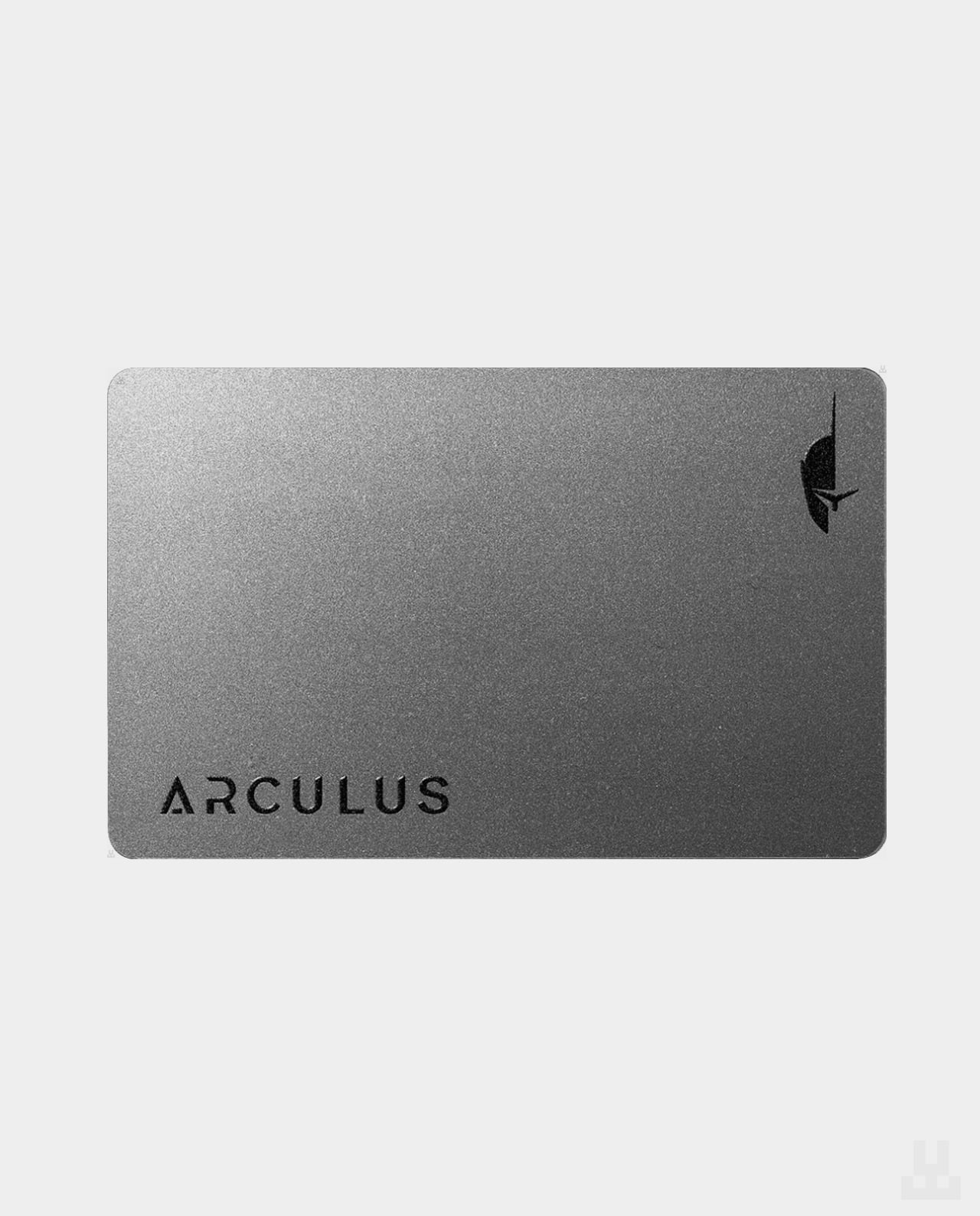
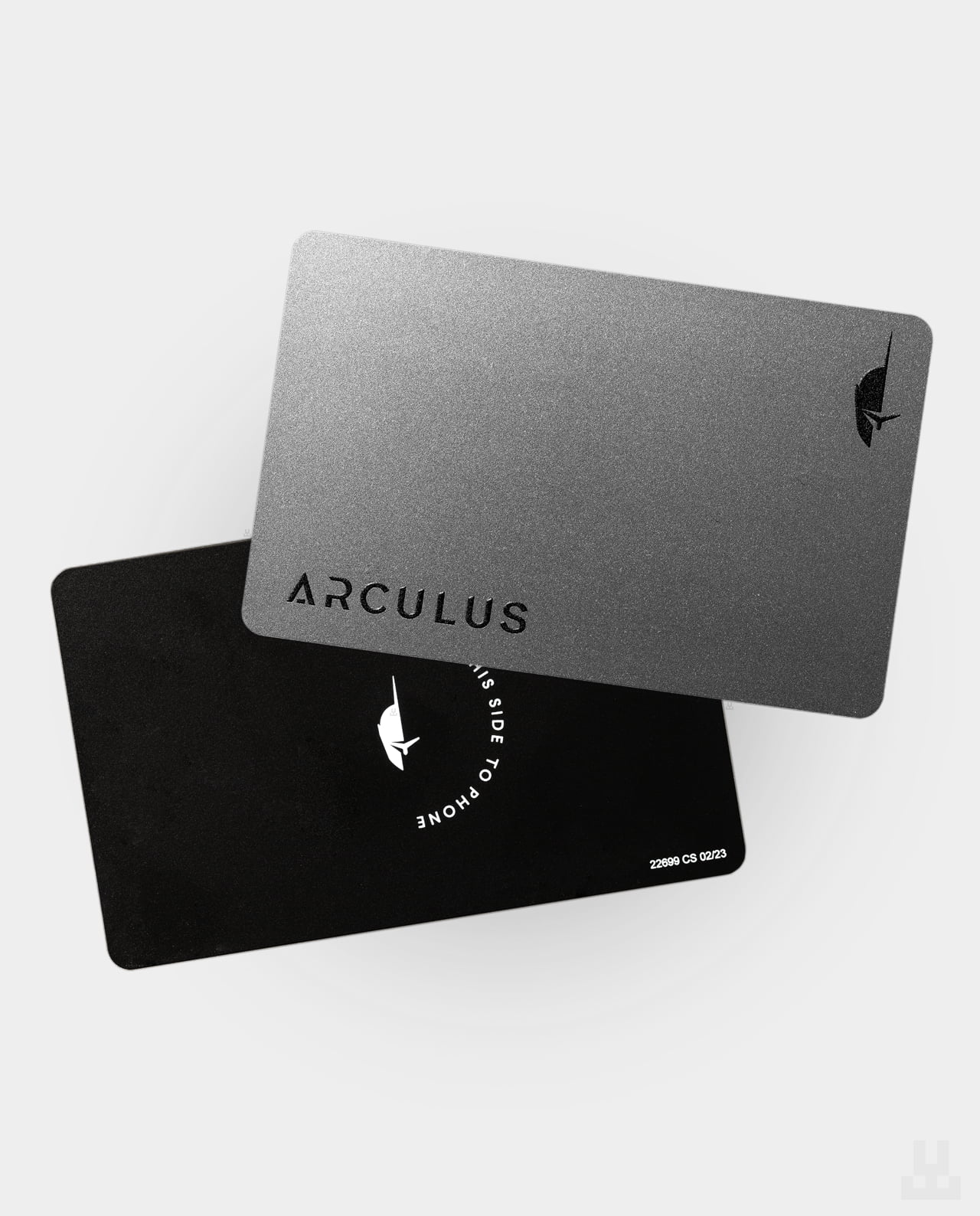
With the advanced security of Arculus Card, you can securely store, buy, swap, send, and receive cryptocurrency with a simple tap.

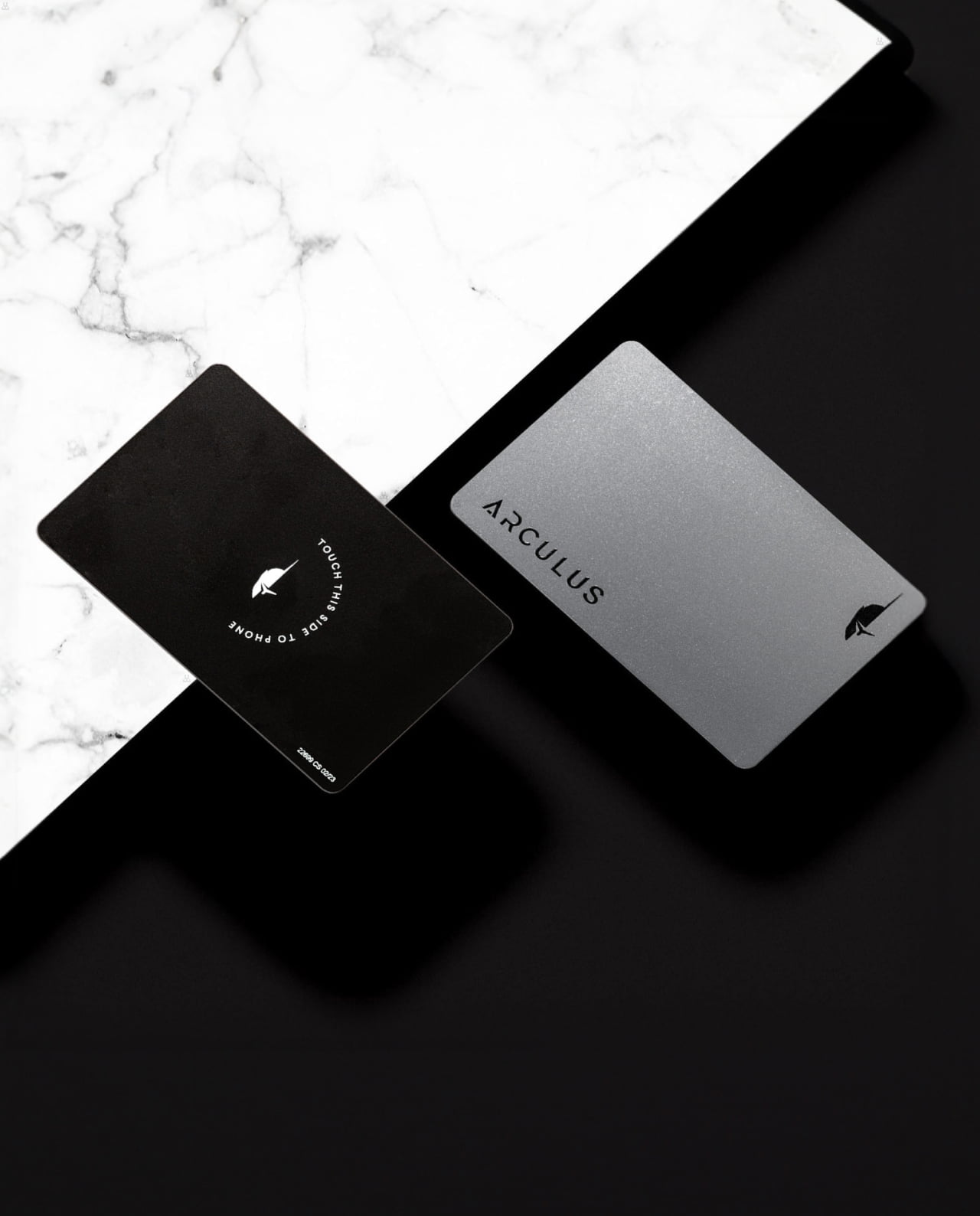
Arculus Wallet — Silver
5,490.00 UAH
Out of stock
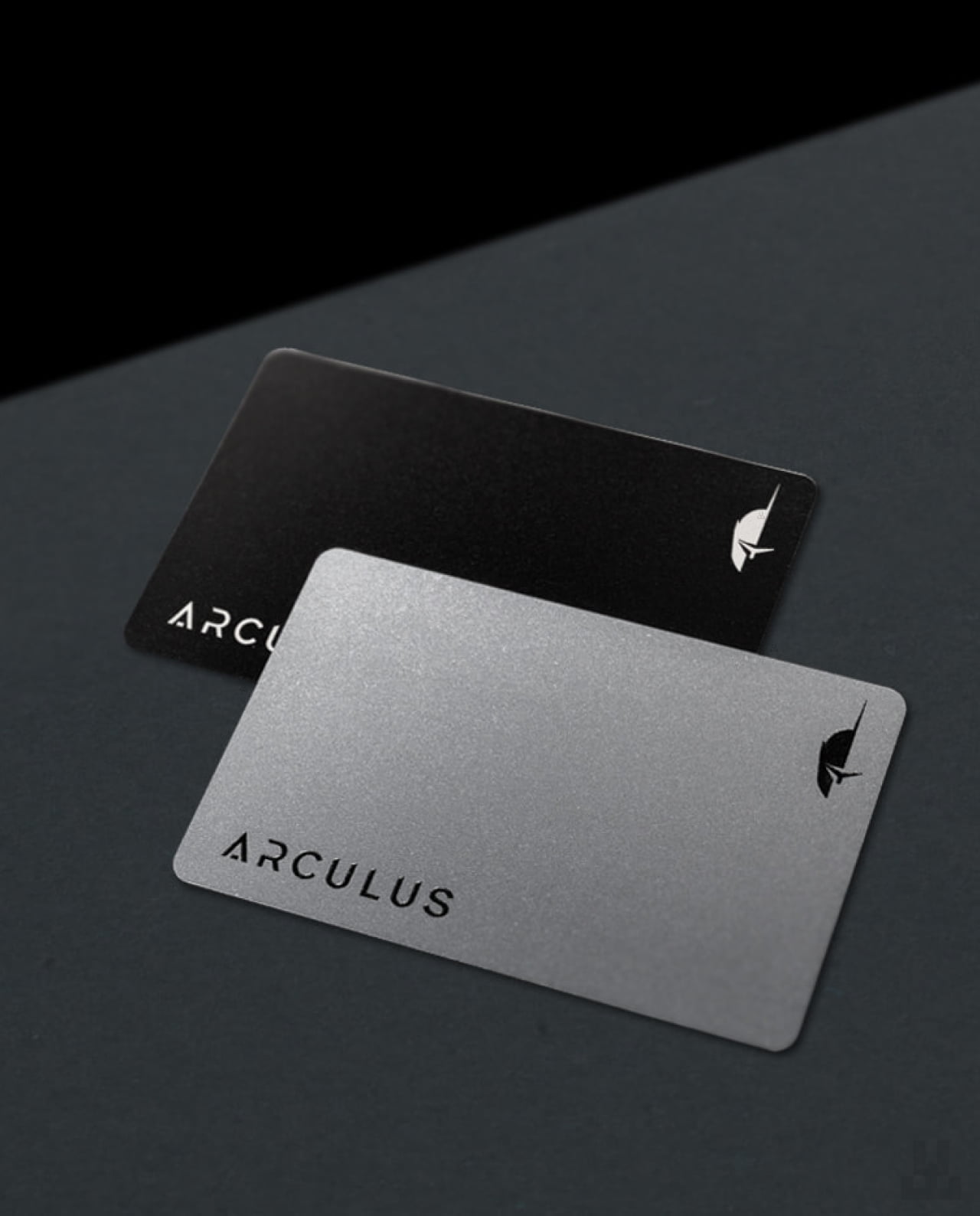
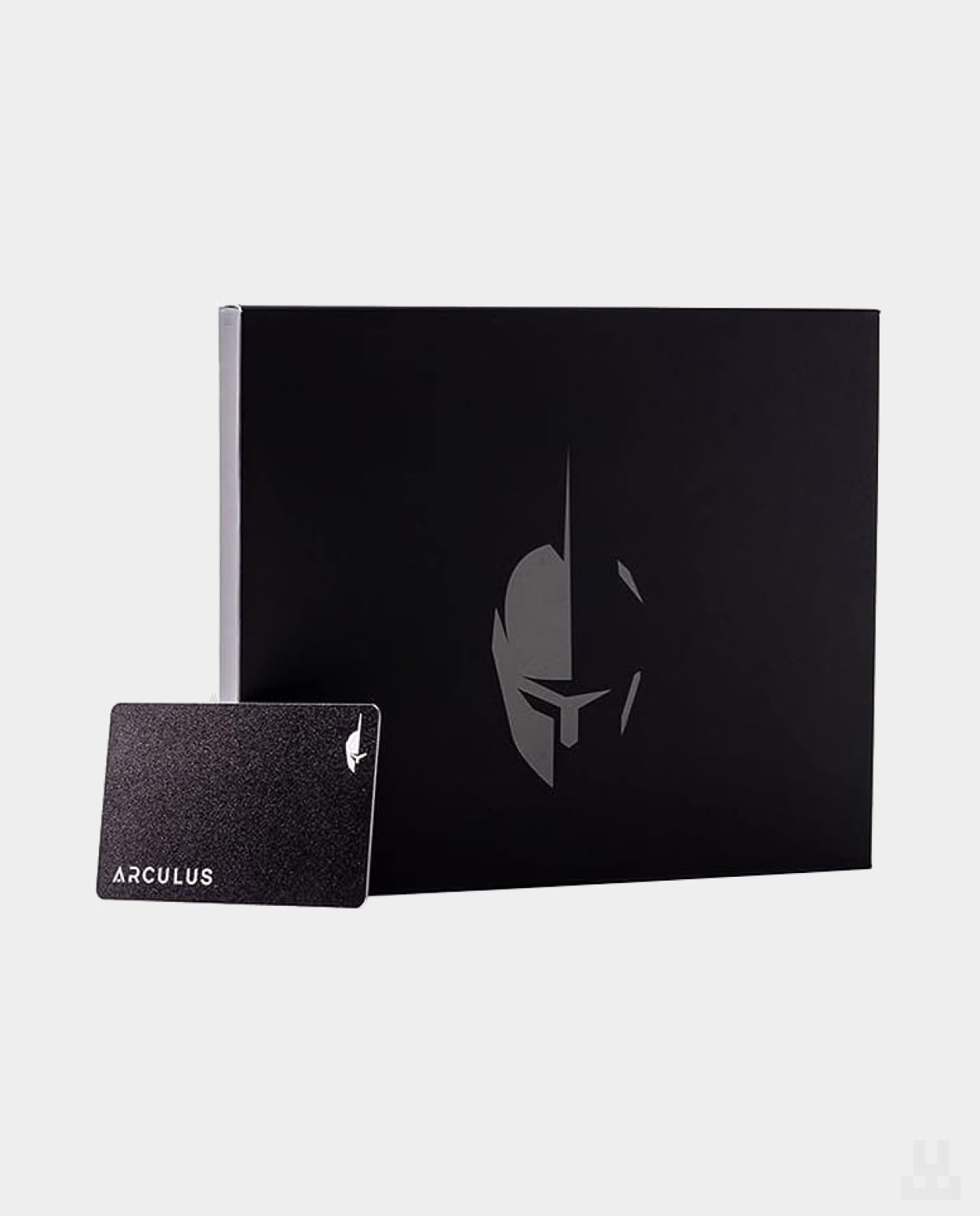
Arculus provides a convenient card-shaped way to protect your digital assets.
The easy-to-use Arculus Card works together with an app on your smartphone to keep your assets secure.
smartphone to keep your assets secure.
Arculus is also a Web3-enabled cold wallet with support for NFTs, which can be viewed directly in the Arculus app.
WalletConnect integration makes it easy to interact with your digital assets and compatible Web3 services.
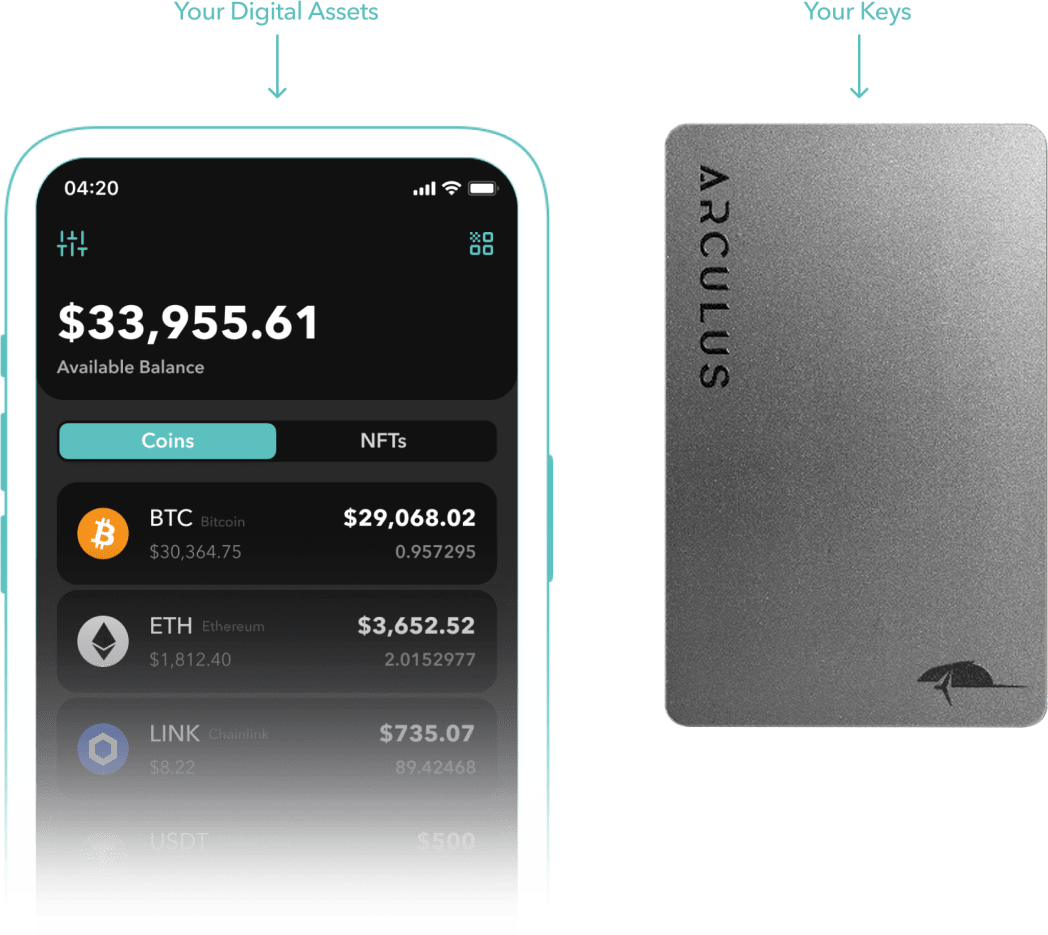
How does Arculus work?
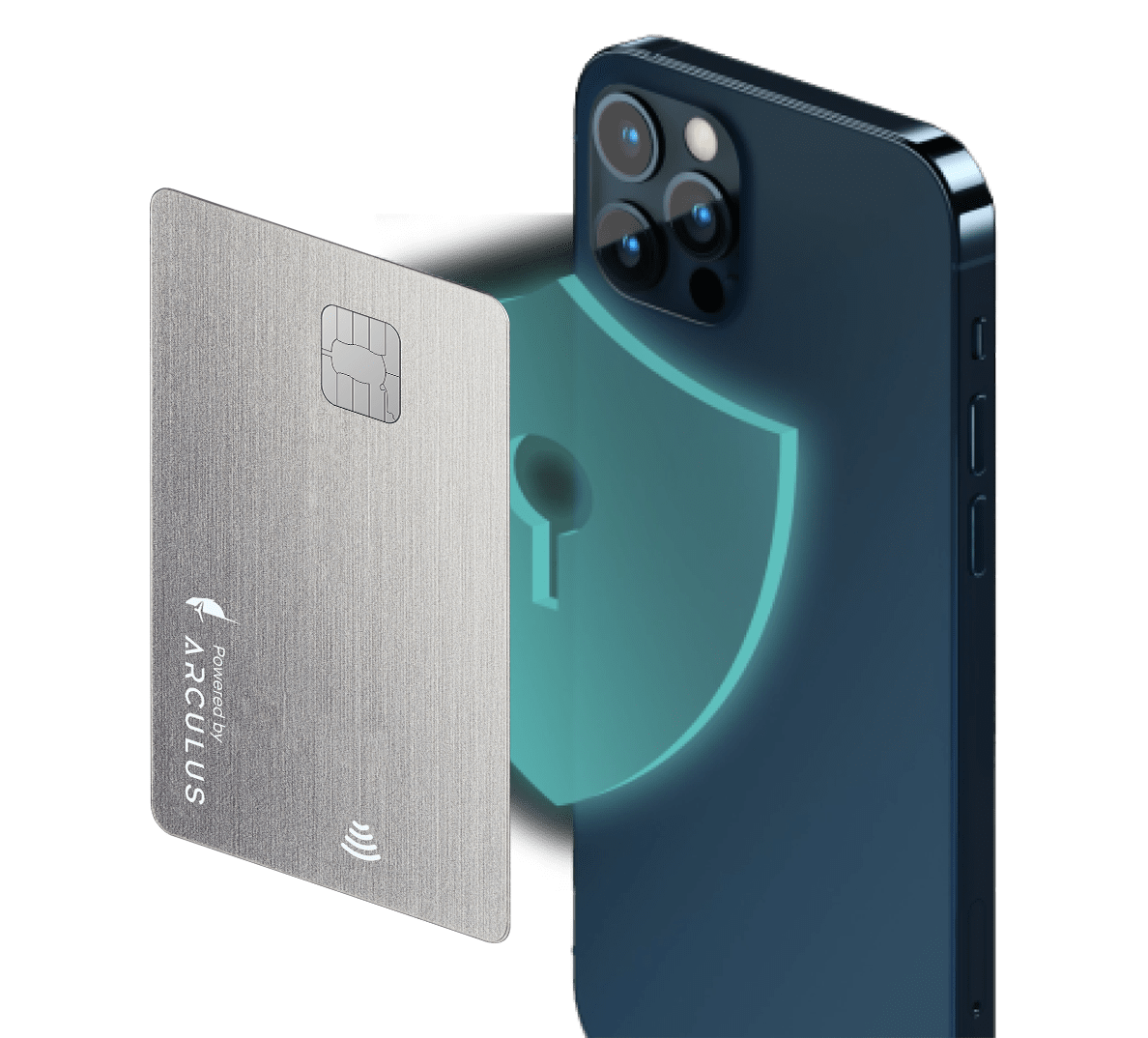
The Arculus Card uses a CC EAL6+ secure chip to encrypt and store your private keys.
When you want to approve a transaction in the app, simply tap the card against your smartphone. The card exchanges encrypted data with the app over NFC, allowing the transaction to be confirmed.
Where are my private keys stored?
Your private keys are encrypted and securely stored on the Arculus Card.
During the initial setup, you will be shown a recovery phrase. You must write it down and keep it in a secure location. All private keys are generated directly on the card.
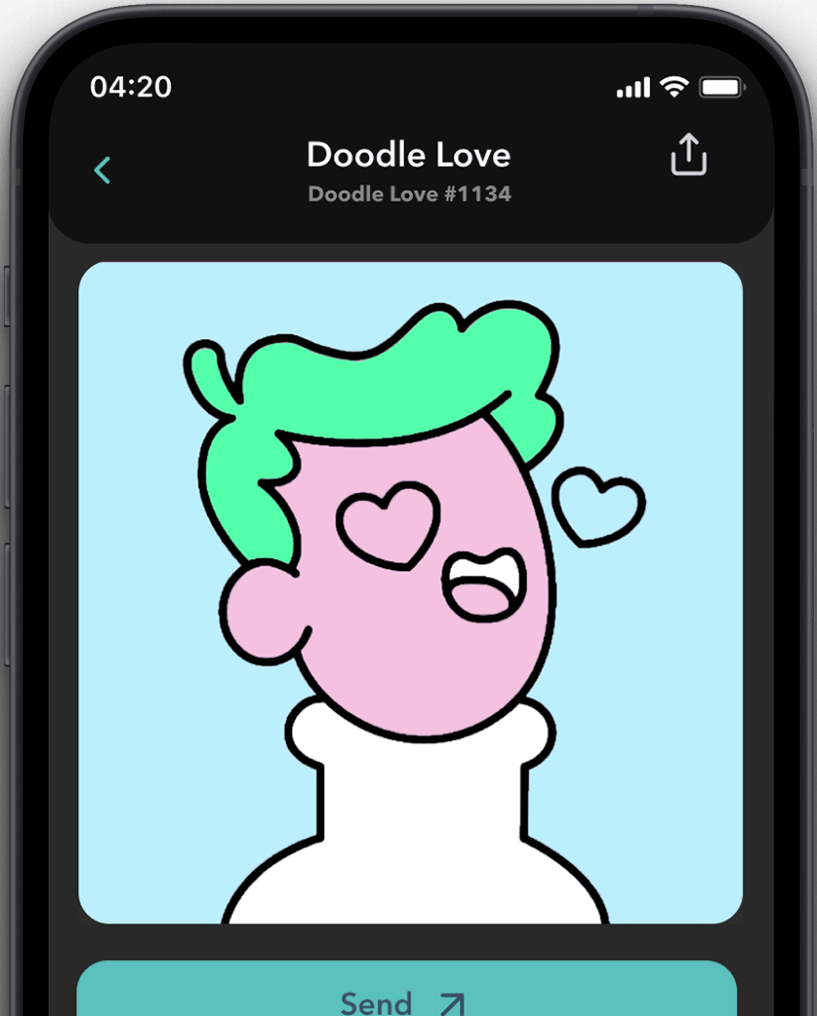
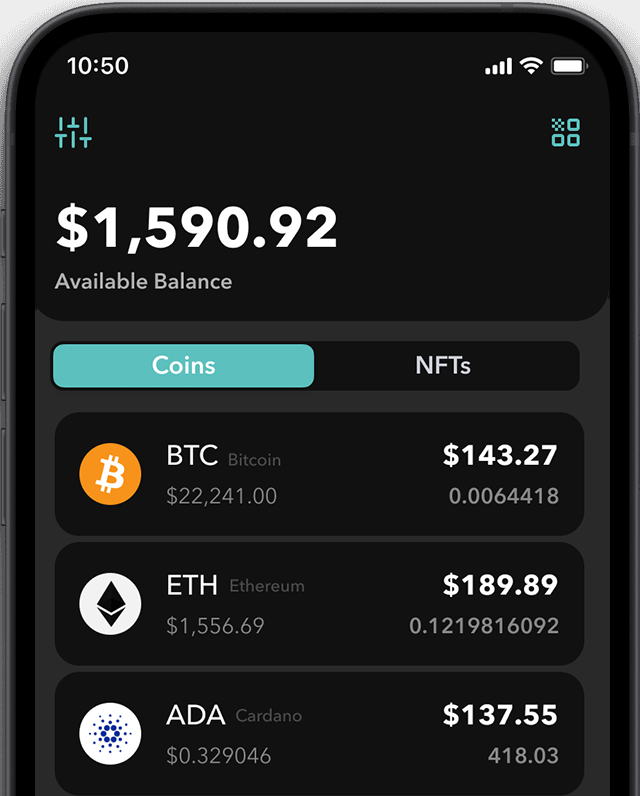
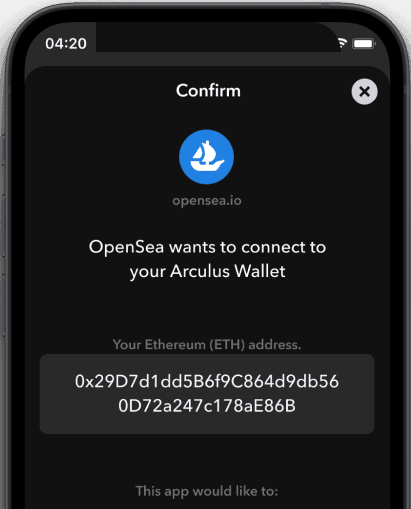
Manage your NFTs without third-party apps
The latest Arculus app supports DeFi connectivity through WalletConnect and allows you to interact with your NFT collection.
View, store, and manage NFTs in a secure gallery by connecting through a QR code. There is no need to use third-party apps or browser extensions.
NFC-enabled
Arculus offers a modern approach to digital asset security. Your private keys remain on the card, while data is exchanged with your smartphone through an encrypted NFC connection.
Keep your cryptocurrencies and NFTs offline with a premium hardware wallet.
DeFi and NFT integration
Using the integrated WalletConnect API, you can send and receive NFTs from popular marketplaces such as OpenSea directly through the Arculus app.
To connect your wallet, scan the QR code shown by your chosen marketplace using the scanner in the app. This makes interacting with DeFi platforms quick, convenient, and secure.
24/7 protection
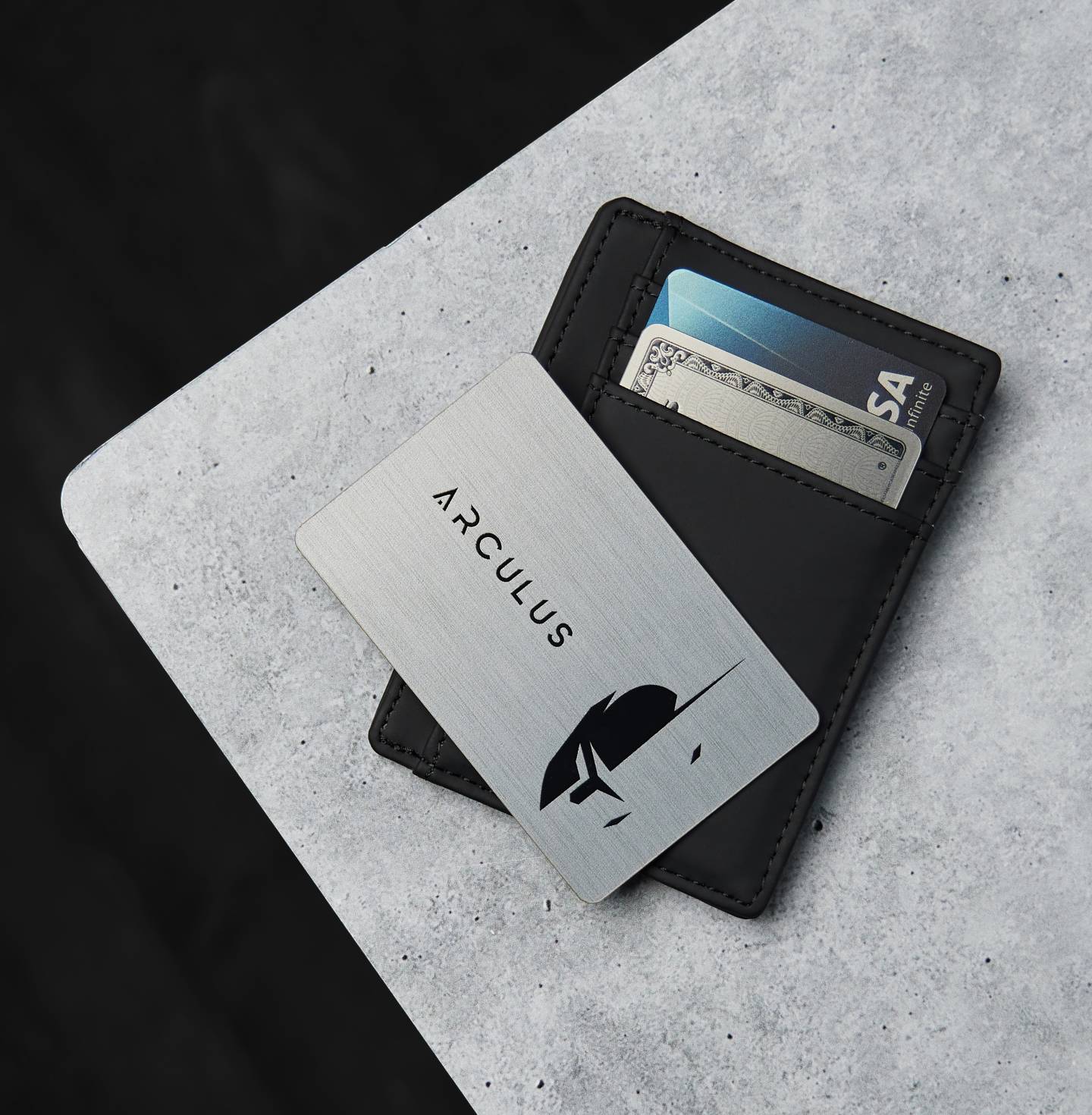
The Arculus Card fits easily into a standard wallet. Its convenient form factor makes it easy to use wherever you are, while the Arculus app allows you to securely manage and approve operations involving your digital assets.
Tap into next-generation security
To approve an operation involving your cryptocurrencies or NFTs, simply tap the Arculus Card against your smartphone. There is no need to connect the wallet over USB — everything is handled quickly and conveniently through NFC.
Using WalletConnect with the Arculus app:
1) Select WalletConnect on the website you want to use, such as an NFT marketplace or DeFi platform.
2) The website will display a QR code.
3) Open the Arculus app, authenticate yourself, and tap the scanner icon in the upper-right corner.
4) Scan the QR code displayed on the website.
5) Confirm the connection.
6) You are now connected.

Set up your wallet
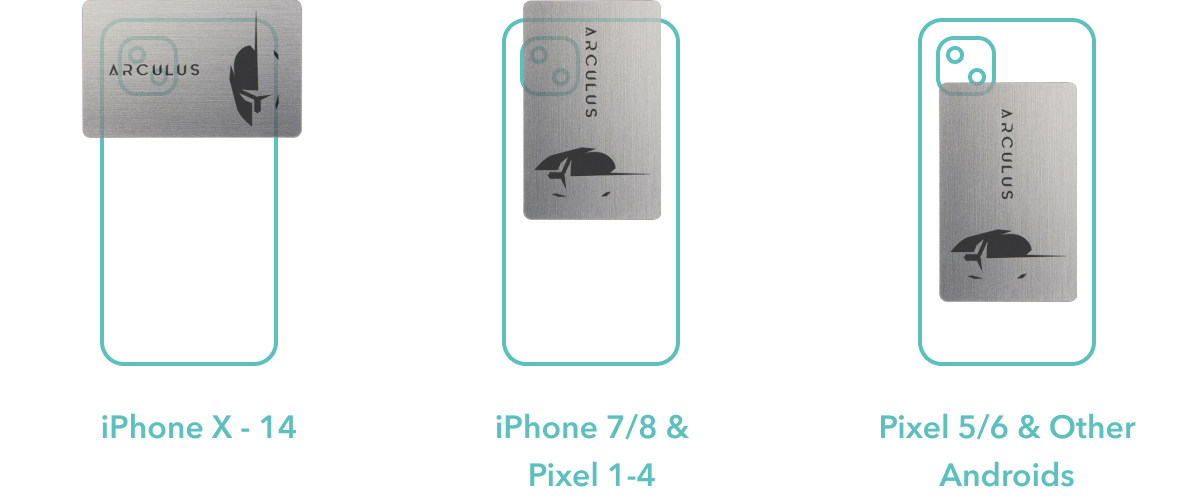
First, open the app and hold the Arculus Card against the back of your smartphone.
Check the card placement images and select your phone model to make sure the card is correctly aligned with the device’s NFC area. Tap “Create a New Wallet” in the setup menu, then keep the card in place until the process is complete.
Create a six-digit PIN
To set up three-factor authentication, begin by creating a secure six-digit PIN. Enter the PIN and then enter it again to confirm it.
Once confirmed, complete the PIN setup by tapping the Arculus Card against the back of your smartphone.

Write down your 12- or 24-word recovery phrase
Next, you will be able to choose a 12- or 24-word recovery phrase. Make sure you write it down, as it is the only way to restore your wallet if your card or smartphone is lost or stolen.
Do not take a screenshot or store the recovery phrase on your phone.
The phrase will only be shown once.
Re-enter your 12- or 24-word recovery phrase
At the next stage, the Arculus app will ask you to re-enter your recovery phrase. Tap the words in the correct order, and they will appear in the “My Secret Phrase” field. Once every word has been selected correctly, tap “Confirm.”
To remove a word from the field, tap it and it will return to the lower part of the screen.
Welcome to Arculus!
You are now ready to use Arculus. Go to the dashboard to transfer your existing crypto portfolio to the wallet or purchase new digital assets.
FAQ
A hardware device allows you to store digital assets in an offline environment, ensuring maximum control and security. It operates independently of connected devices and reduces reliance on online services. Thanks to this, a hardware wallet is one of the most effective solutions for those who want to store their assets securely and conveniently.
LWallet.com.ua is an online store that specializes in the sale of cryptocurrency storage devices.
Our store has the widest range of devices in the country. We deliver to any city of Ukraine. We not only sell devices, but we also help customize them and give advice. We provide a 1-2 year warranty for all products.
We give a manufacturer’s warranty and will replace any defective device within a year.
We will help you set up your device in our office or remotely. If you have any questions about your hardware wallet, we can provide assistance by phone or via Zoom.
We deliver to any city of Ukraine. When you check out the order, you will be able to choose the nearest point of issue to you.
Yes, you can pay the courier or at the pickup point when you receive the order. Payment by bank transfer is also available.
Yes, we only sell original products purchased directly from the manufacturer.
You can buy the goods directly from the manufacturer, but in this case, you will have to wait until the goods will be delivered to Ukraine. It can take from one week to a month. We usually ship the goods on the day of order. Also, if the device breaks down, you will have to return the device to the manufacturer yourself, which may take additional time. Go to the manufacturer’s website
| Brand | |
|---|---|
| Chip | |
| Color | |
| Compatibility | |
| Currency | |
| Connection | |
| Manufacturer country | |
| Warranty |
Add a review
Show only reviews in English ()
Add a review
Related products

-
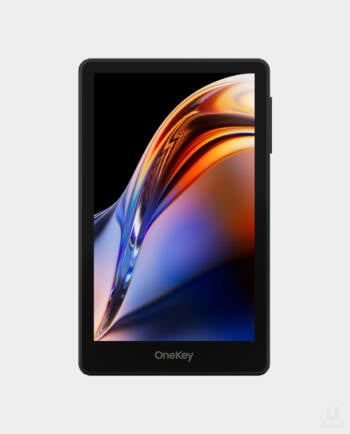
OneKey Pro — Black
Original price was: 16,290.00 UAH.14,590.00 UAHCurrent price is: 14,590.00 UAH.Safepal X1
Original price was: 3,090.00 UAH.2,690.00 UAHCurrent price is: 2,690.00 UAH.
Updating…
Unknown –