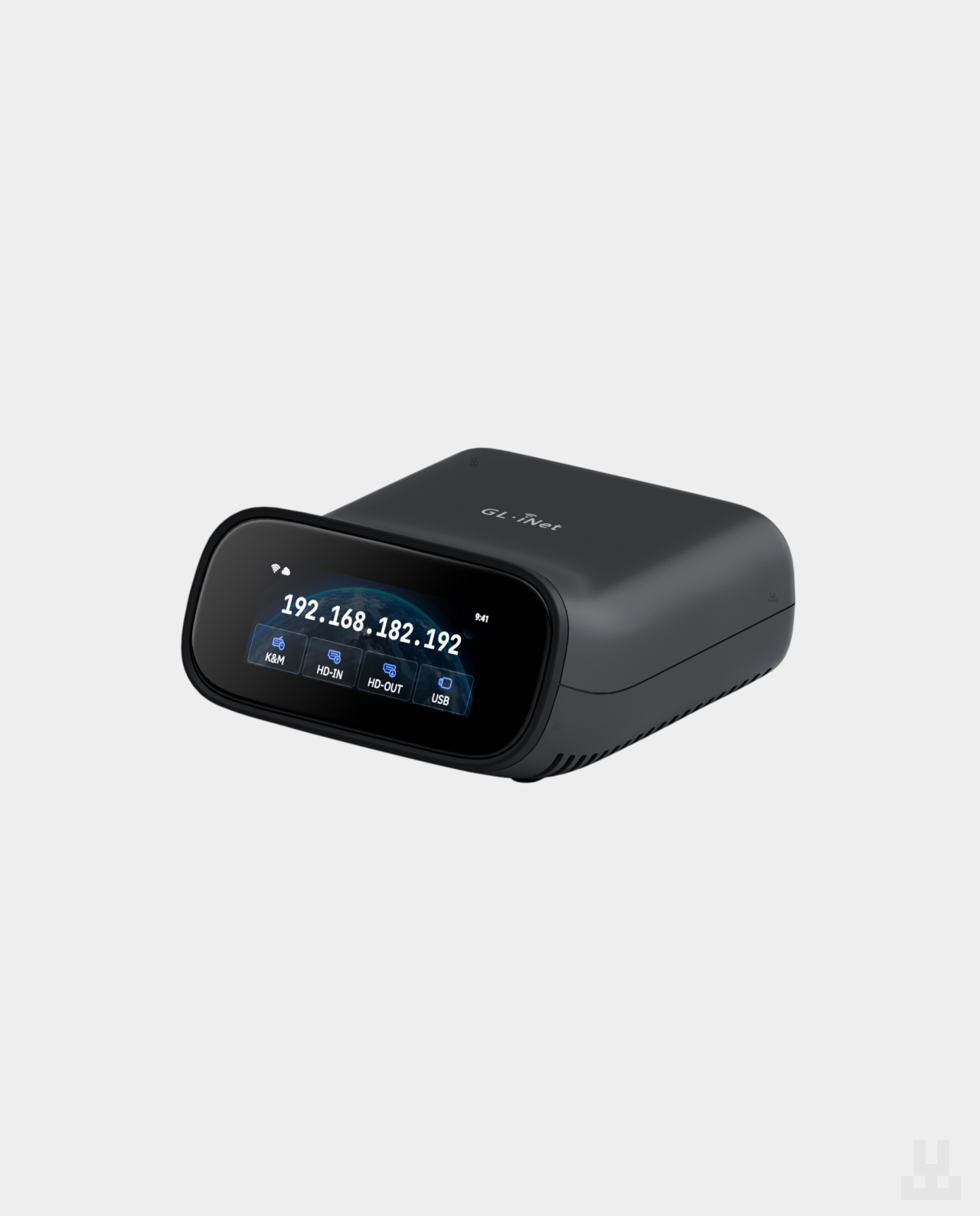
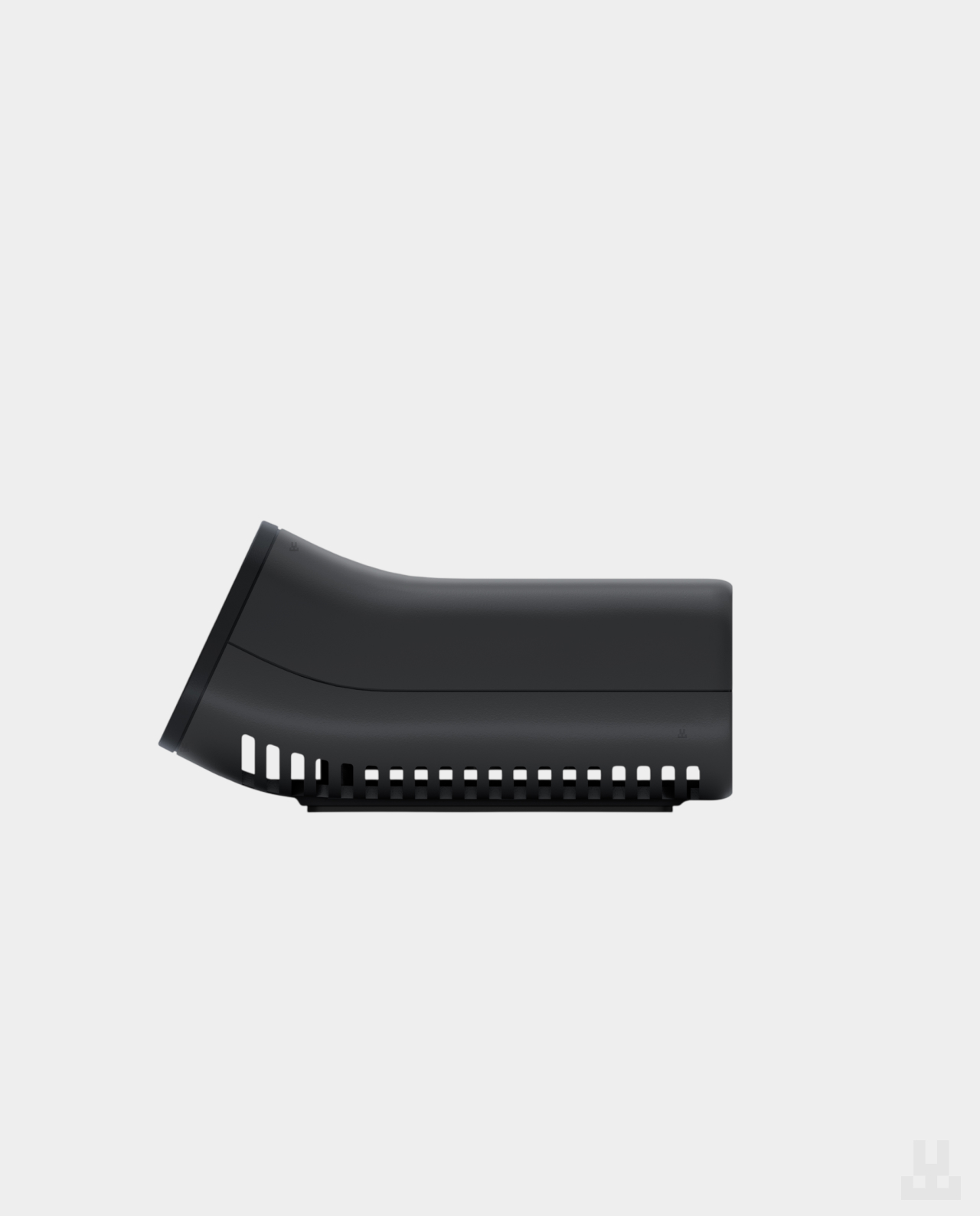
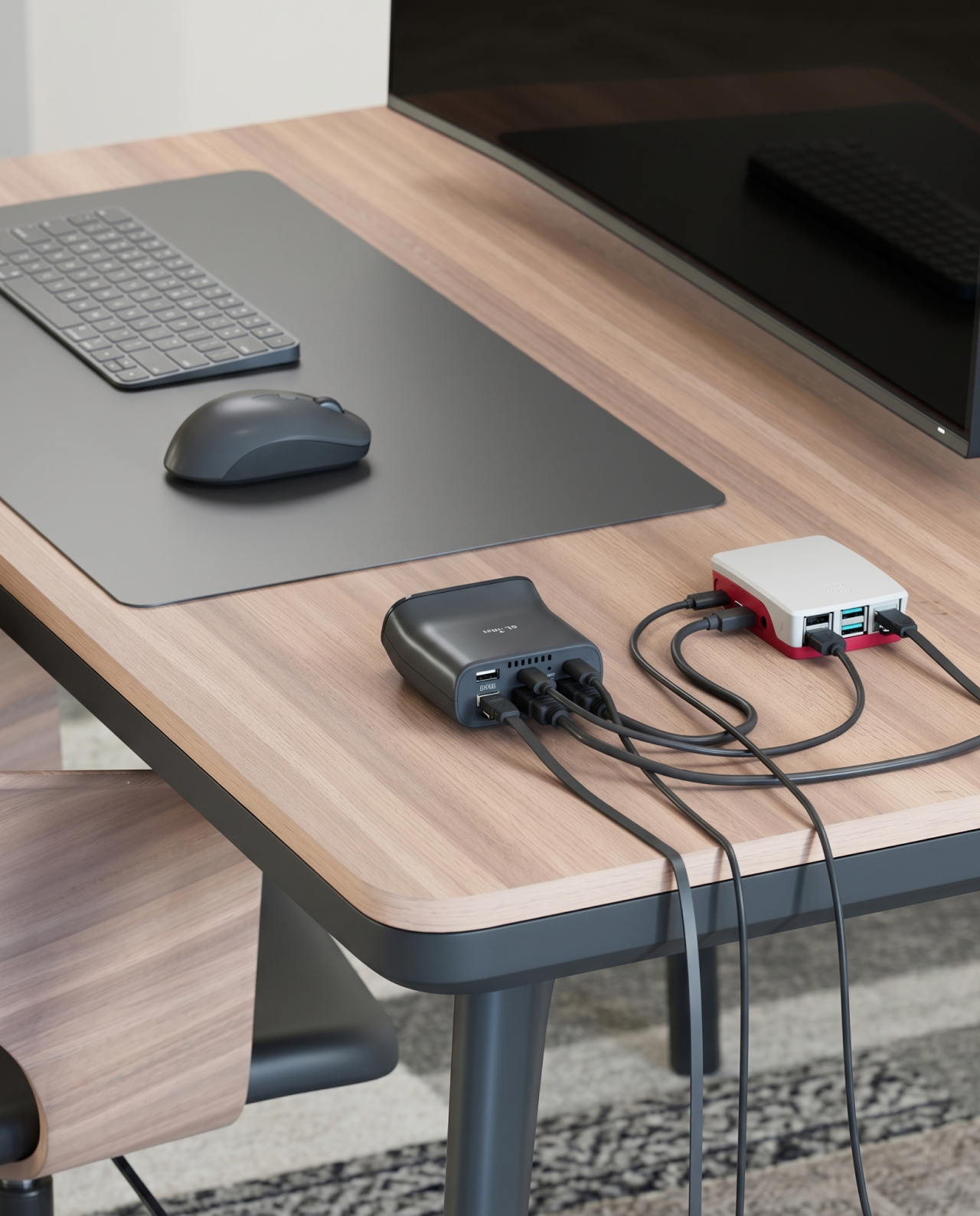
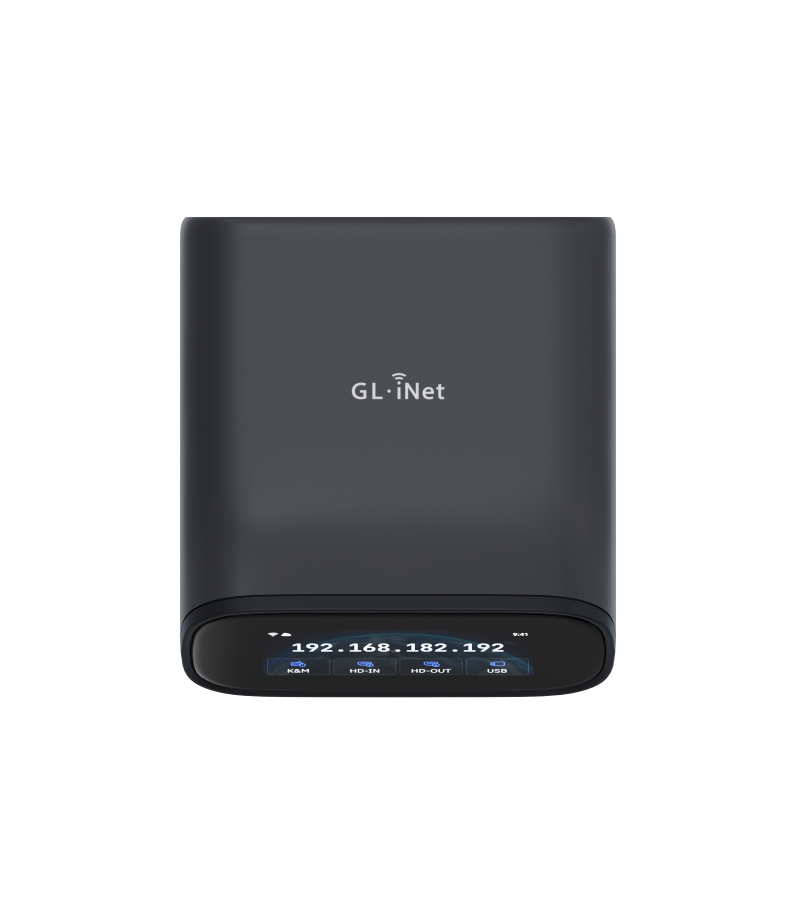
GL.iNet Comet Pro (GL-RM10) is a compact KVM over IP device for remotely managing a computer or server. It works over Wi-Fi 6 or Ethernet, supports 4K video output, and can be configured directly from the built-in touchscreen.
Unlike TeamViewer or AnyDesk, it remains accessible even before the operating system boots. You can enter BIOS, reinstall Windows or Linux, and recover a PC after a failure.

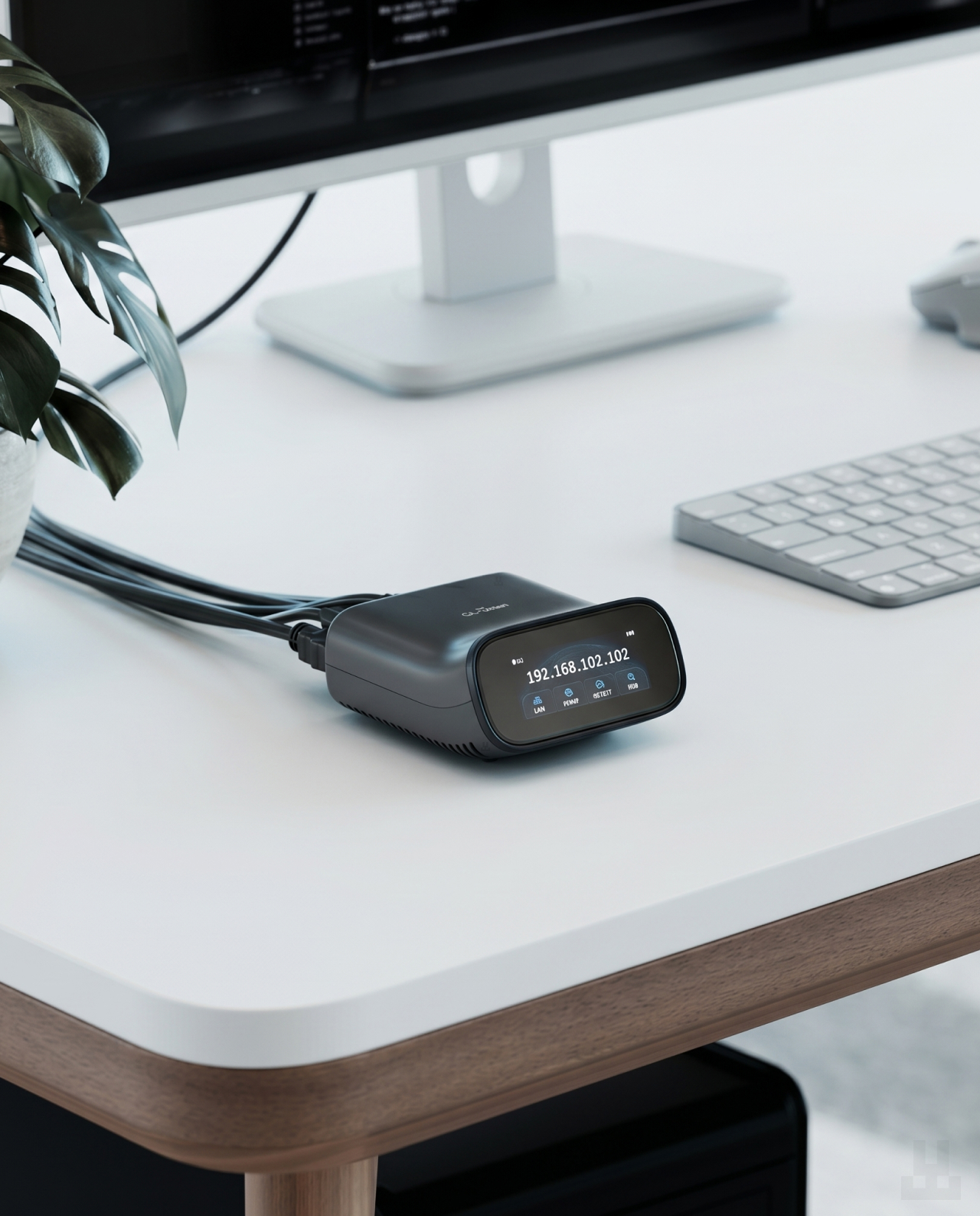
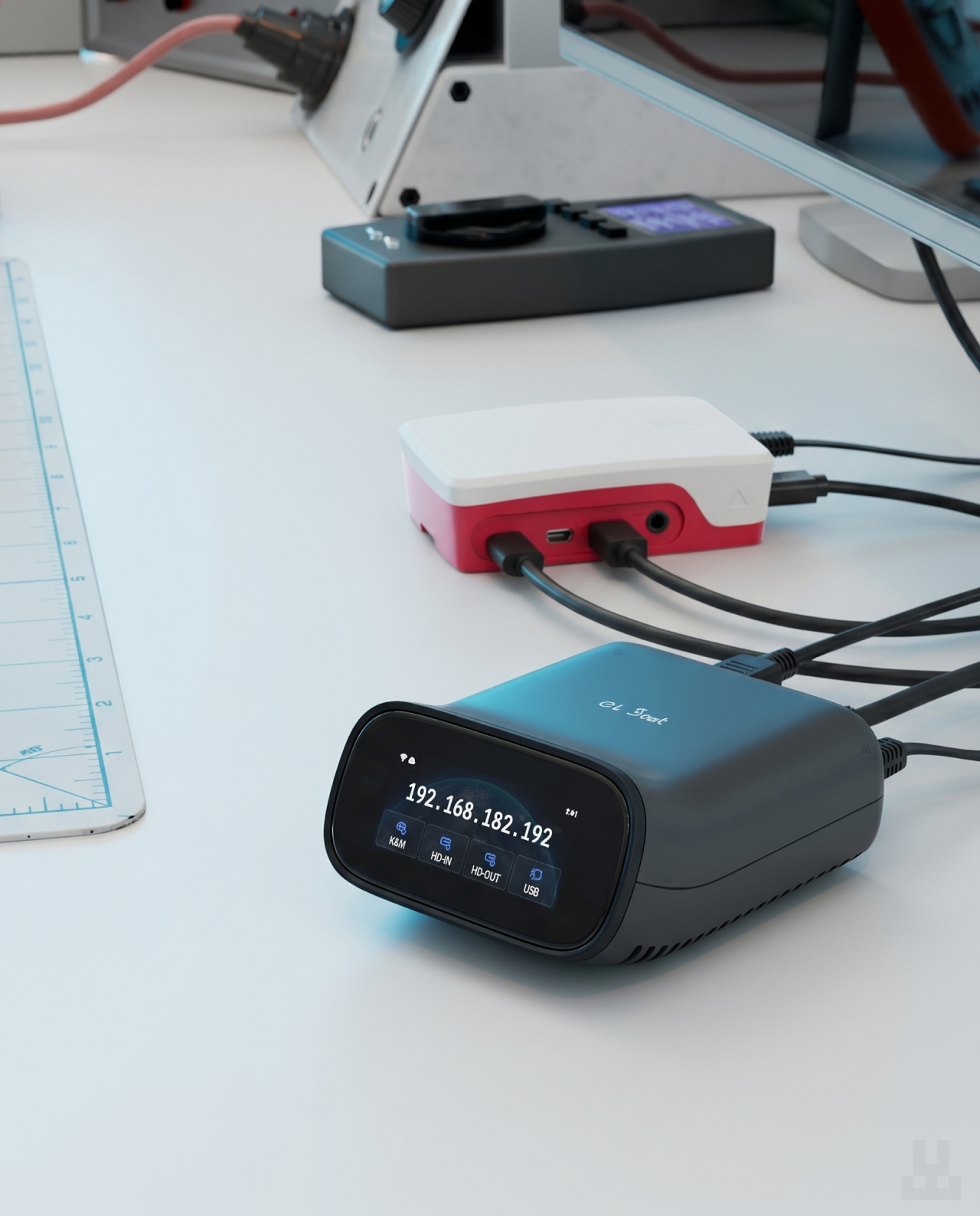
GL.iNet Comet Pro (GL-RM10)
11,890.00 UAH
Available on: at
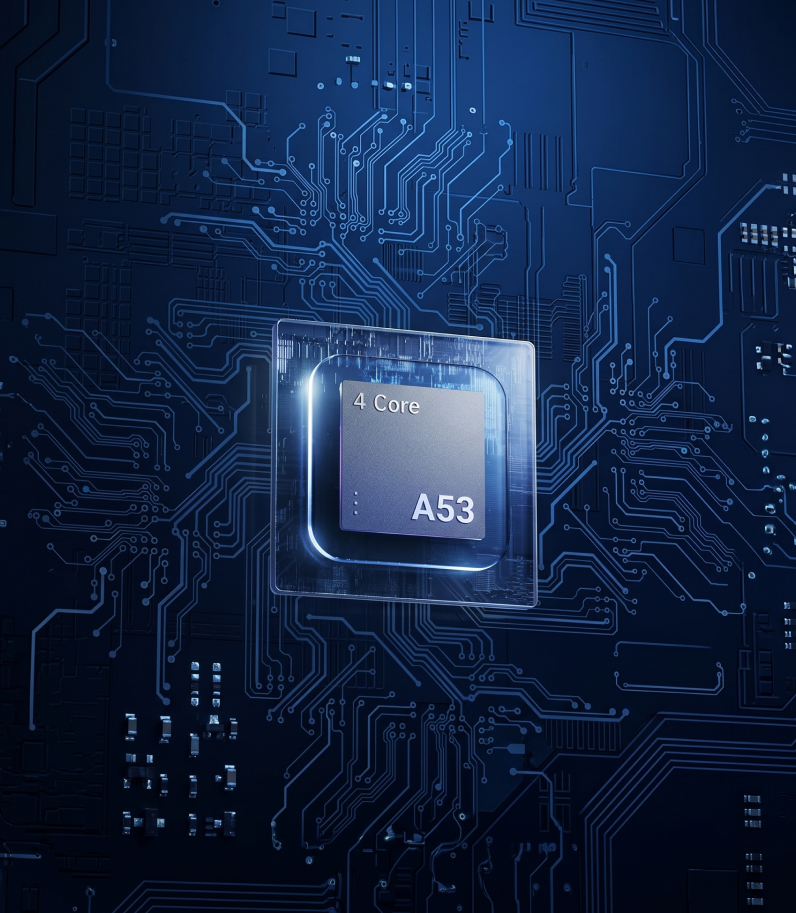
A powerful processor for stable performance
Comet Pro is powered by a quad-core ARM Cortex-A53 processor, giving the device the speed and stability needed for reliable remote access.
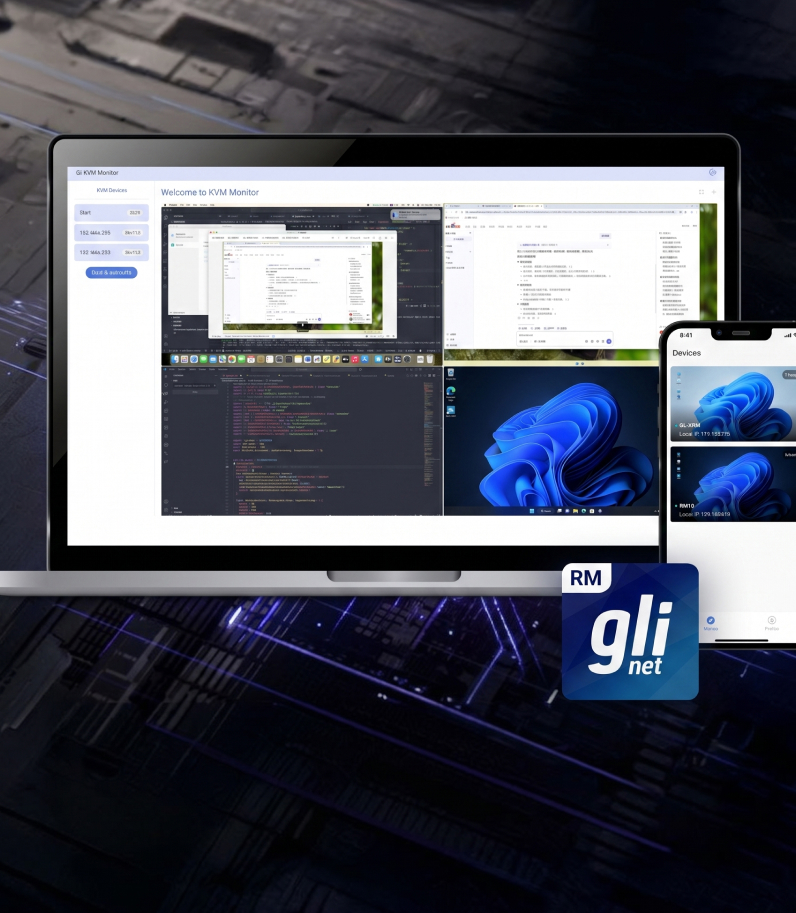
With 4K support and low-latency video transmission, you can control a remote system in real time almost as comfortably as if you were sitting right in front of it.
Touchscreen for quick setup
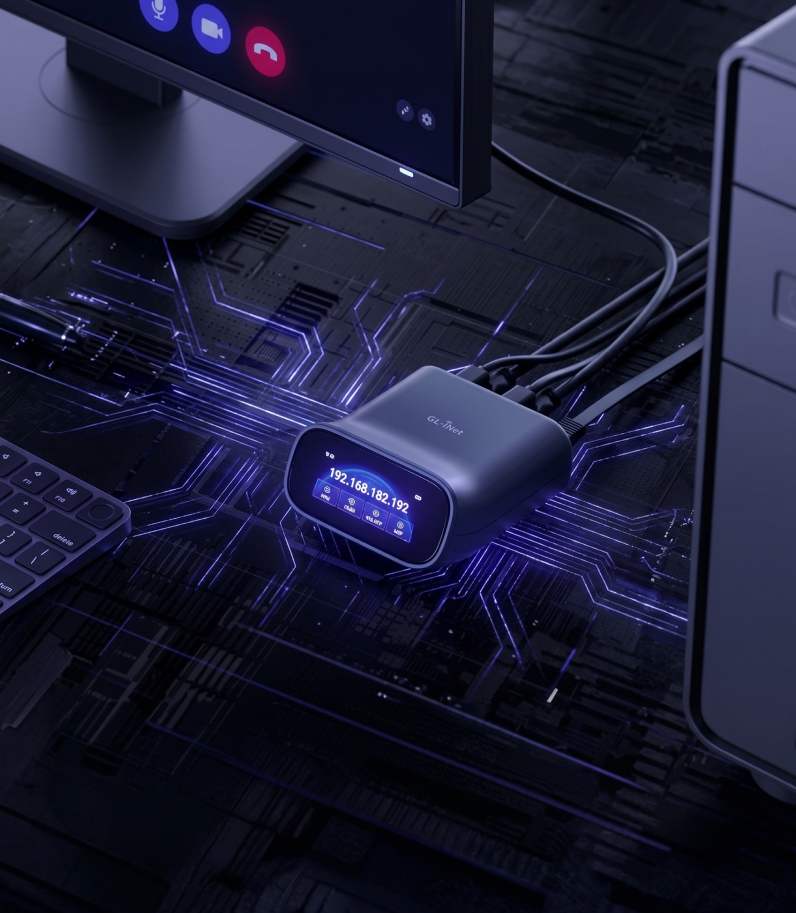
Comet Pro features a built-in touchscreen with a clear, intuitive interface. You can use it to connect the device to Wi-Fi, view its IP address, and enable or disable the cloud service directly on Comet Pro — without connecting it to a computer.
It makes the initial setup easy: take it out of the box, enter your Wi-Fi password on the screen, and the device is online.
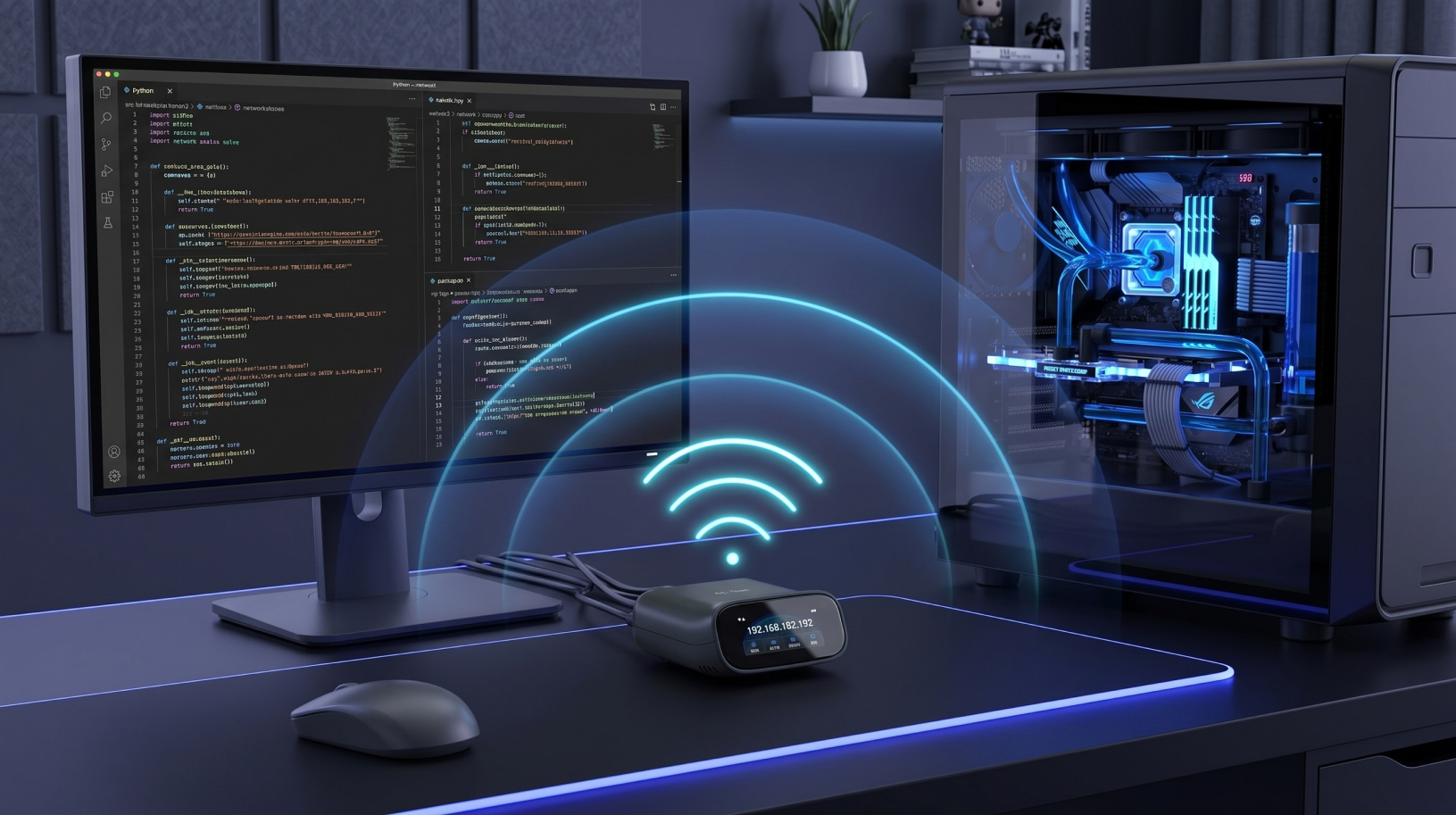
Wi-Fi 6
GL.iNet Comet Pro connects to the network over dual-band Wi-Fi 6, supporting both 2.4 GHz and 5 GHz. That means you can place it wherever running an Ethernet cable would be inconvenient — next to a PC in the far corner of a room, beside a home server, or near a node.
GL.iNet Comet Pro connects to the network over dual-band Wi-Fi 6, supporting both 2.4 GHz and 5 GHz. That means you can place it wherever running an Ethernet cable would be inconvenient — next to a PC in the far corner of a room, beside a home server, or near a node.
Built-in storage
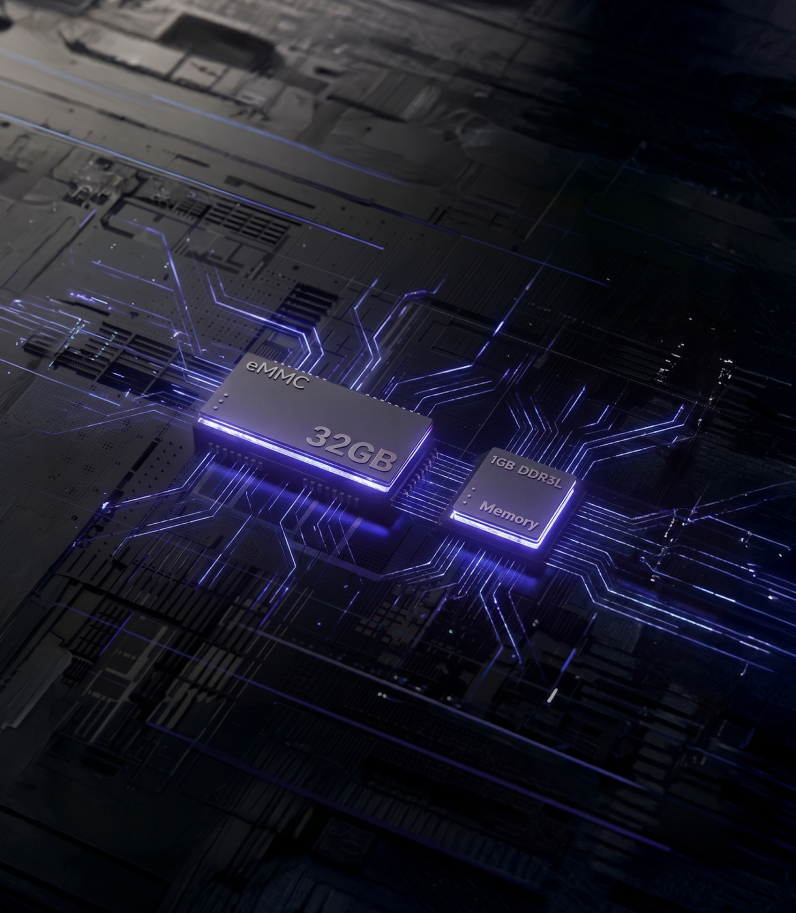
The device comes with 32 GB of built-in eMMC storage and 1 GB of DDR3L RAM. That is enough to store system installation ISO files, snapshots, and logs directly on the Comet Pro.
For users running their own nodes or validators, this is especially convenient: recovery and update images can be stored on the device itself, so if something goes wrong, the system can be restored remotely.
Real-time two-way audio
Comet Pro supports two-way audio: you can hear what is happening near the remote computer and speak back if needed. The audio channel works through HDMI or USB, so no separate microphone or headset is required on the device side.
This is useful when helping a colleague or family member remotely, taking a call through the connected PC, or simply confirming that the system has actually booted.
Unrestricted 4K workflow
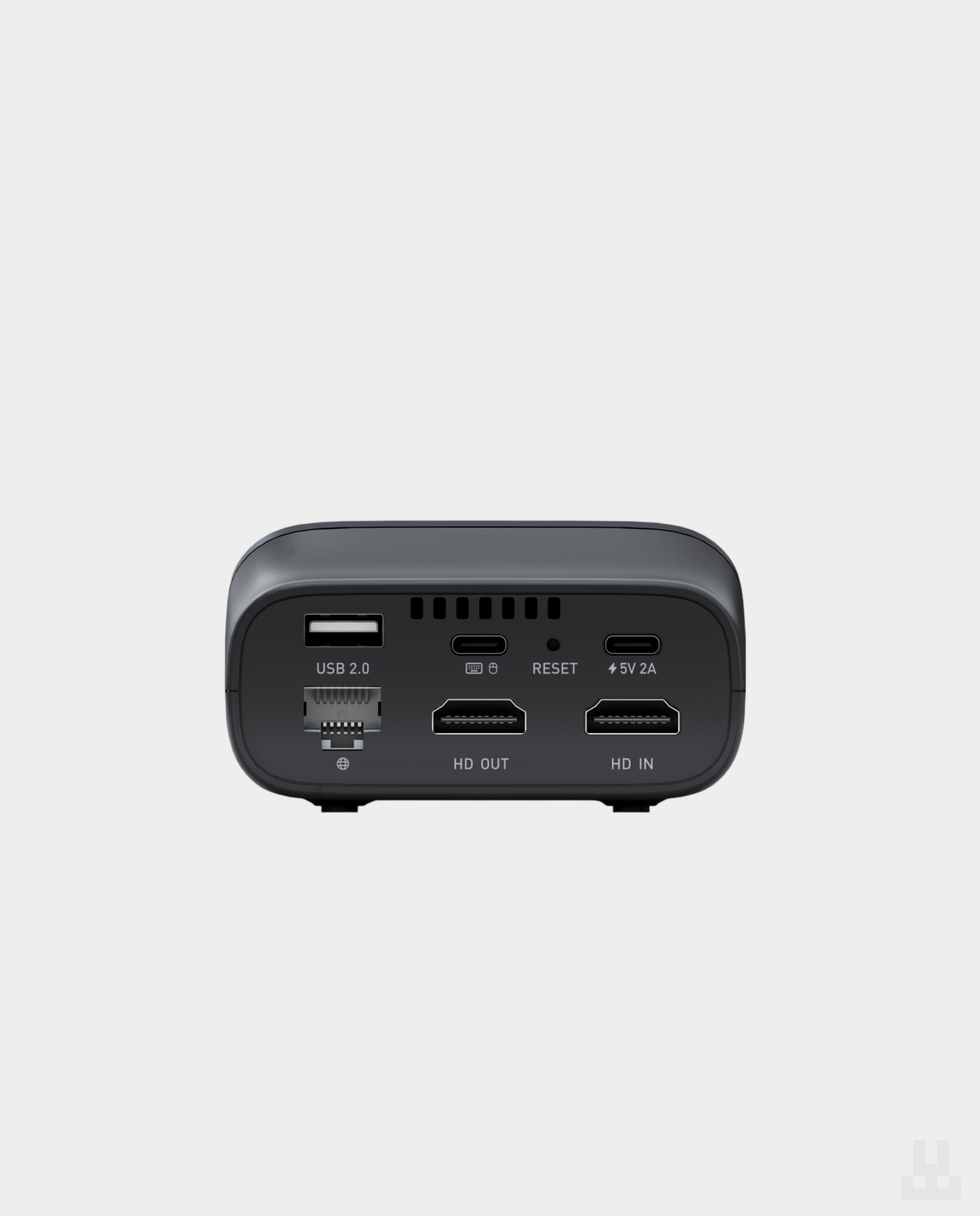
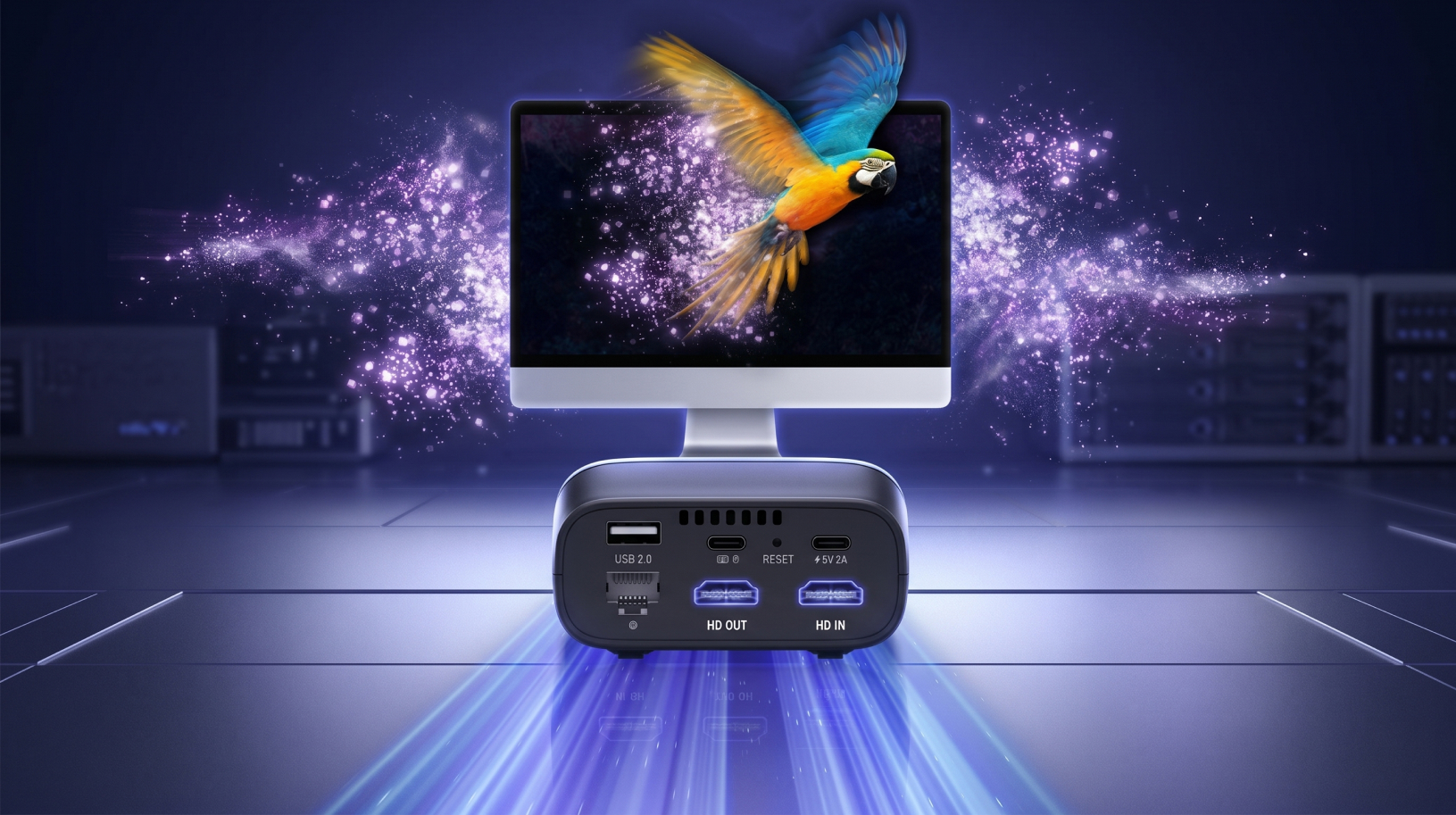
Comet Pro has two HDMI ports: one connects to the computer, and the other connects to a monitor. The video signal passes through the device without losing quality, so the local monitor continues to work even while remote access is active.
Local use and remote access work at the same time — there is no need to choose one over the other.
Two-factor authentication
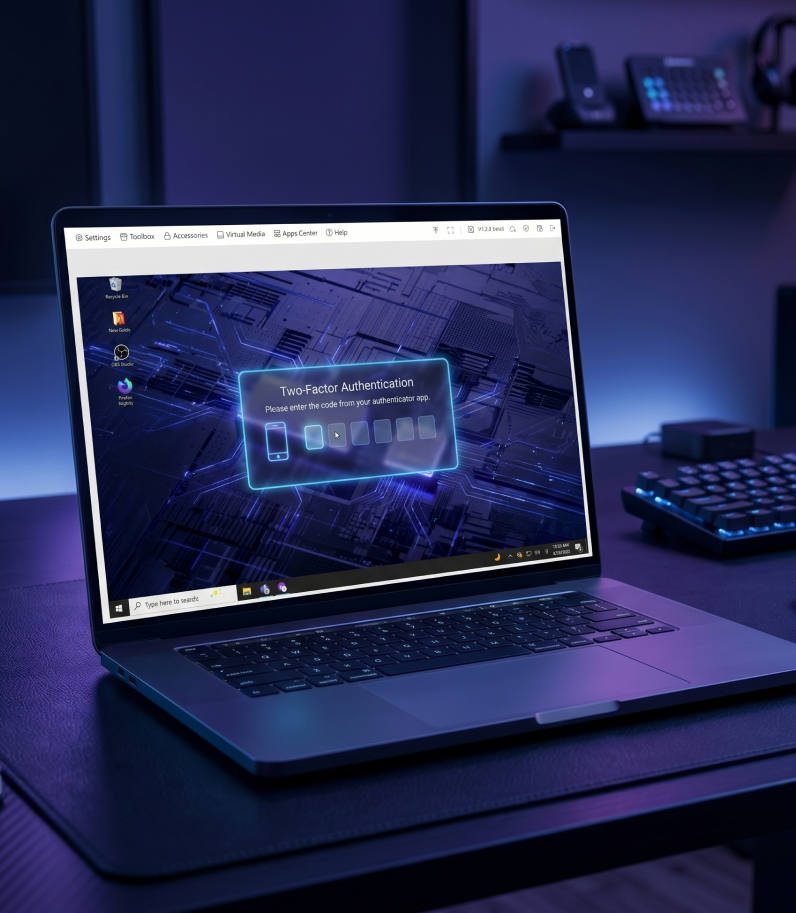
Comet Pro can give you access to BIOS and let you reinstall an operating system remotely. That is a serious level of access to a computer, so a password alone is not enough. The device supports two-factor authentication: in addition to your login and password, you need a one-time code from an authenticator app such as Google Authenticator, Authy, or a similar app.
Desktop and mobile app
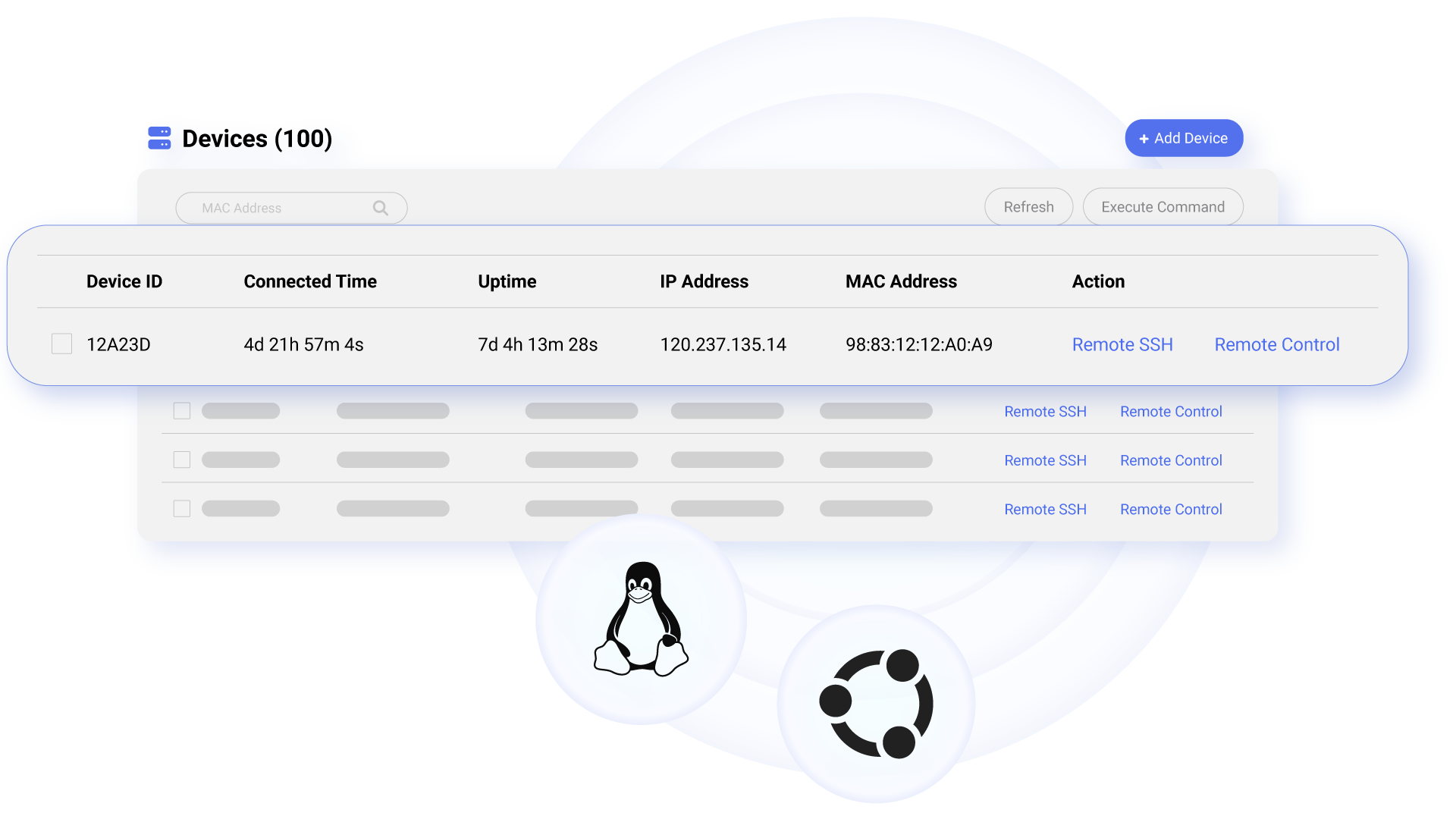
Comet Pro works with the free GLKVM app, available for Windows, macOS, iPhone, and Android. All your Comet devices appear in a single list, so you can connect to the one you need with one tap, without entering IP addresses manually.
If you prefer not to install the app, you can also access the device through a regular web browser on any computer with an internet.
Wi-Fi 6
High Quality
H.264 encoding
BIOS Access
USB 2.0
Two-way Audio
Browser Support
Gigabit Ethernet
Self-hosted server and full control over access
By default, Comet Pro works through the GL.iNet cloud. This is convenient and does not require additional configuration. If you do not want connection data to pass through a third-party service, the device can be switched to your own Linux or Ubuntu server.
The server requirements are minimal: a 2-core CPU and 2 GB of RAM. Installation is completed in one click.
According to the manufacturer, GL.iNet does not collect users’ personal data when the cloud service is used. Still, a self-hosted server remains the best option for those who want full control over the entire remote-access chain.
Main specifications
- Operating system: Linux 6.1
- Processor: Quad-core ARM Cortex-A53
- Memory: 1GB DDR3L
- Storage: 32GB eMMC
- Display: 2.22-inch touchscreen
- Wi-Fi: IEEE 802.11 a/b/g/n/ac/ax — Wi-Fi 6
- Wi-Fi speed: 286 Mbps on 2.4 GHz / 286 Mbps on 5 GHz
- Antennas: 1 built-in antenna
- Ethernet: Gigabit Ethernet, 1 port
- Resolution: 4K at 30 fps
- Ports: HDMI input, HDMI output, USB Type-C for keyboard and mouse, USB Type-A 2.0
- Power: USB Type-C, 5V / 2A, PD-compatible
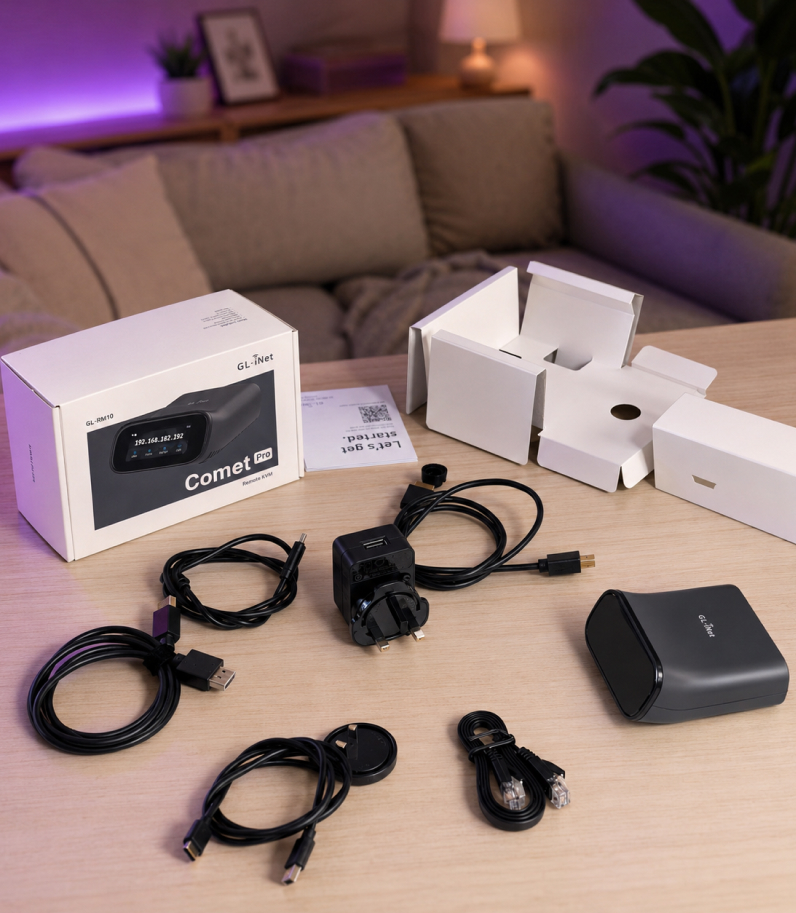
Comet Pro (GL-RM10)
Power adapter
HDMI cable
Ethernet cable
USB Type-A to Type-C cable
USB Type-C to Type-C cable
Power plug adapter
User manual
Manufacturer leaflet
FAQ
TeamViewer and AnyDesk only work when the operating system has already booted and the software is running. Comet Pro connects directly to the computer and works at the hardware level. That means you can access BIOS, reinstall the operating system, or recover a PC after a failure — even when standard remote-access software is unavailable.
Yes. Browser-based remote access is supported.
Tailscale is supported (secure and convenient access via a private network).
Yes, there are two ways to do this.
The first is Wake-on-LAN, if the motherboard supports it.
The second is through optional GL.iNet accessories. The ATX board connects to the power-button headers on the motherboard, while the Fingerbot acts as a mechanical “finger” that physically presses the power button. Both accessories are sold separately.
Comet Pro itself is powered through USB Type-C. PoE is available only in a separate model — Comet PoE (GL-RM1PE).
If you want to connect the Pro model with a single cable, GL.iNet offers a PoE splitter. It receives power from a PoE switch and delivers it to Comet Pro through USB-C.
Yes, within a local network. You can access the device by entering its IP address in any browser.
An internet connection is only required for remote access from outside the local network, whether through the GL.iNet cloud, Tailscale, or your own server.
The remote computer can run almost any operating system, including Windows, macOS, Linux, or FreeBSD.
Comet Pro works through the video signal and keyboard/mouse emulation, so it does not matter which OS is installed on the remote machine. You can connect to Comet Pro from any device with a browser, or through the GLKVM app on Windows, macOS, iOS, or Android.
It is as safe as your configuration makes it.
At minimum, use a strong password, enable two-factor authentication, access the device through a private Tailscale network instead of exposing it directly to the internet, and lock the touchscreen with a PIN code.
Leaving a bare Comet Pro exposed to the public internet with a password like “1234” is a bad idea for any device — not just this one.
LWallet.com.ua is an online store that specializes in the sale of cryptocurrency devices.
Our store has the widest range of devices in the country. We deliver to any city of Ukraine. We not only sell devices, but we also help customize them and give advice. We provide a guarantee for all products, as we are confident in our product.
We give a manufacturer’s warranty and change any faulty device within a year.
Of course, we will help you set up the device if you have any difficulties. You can call our hotline or write a chat on our website.
We deliver to any city of Ukraine. When you check out the order, you will be able to choose the nearest point of issue to you.
Yes, you can pay the courier or at the point of issue when you receive it. You can also pay immediately by transferring to your bank account.
Yes, we only sell original products purchased directly from the manufacturer.
You can buy the goods directly from the manufacturer, but in this case, you will have to wait until the goods will be delivered to Ukraine. It can take from one week to a month. We usually ship the goods on the day of order. Also, if the device breaks down, you will have to return the device to the manufacturer yourself, which may take additional time. Go to the manufacturer’s website
| Brand | |
|---|---|
| Color | |
| Manufacturer country | |
| Chip | |
| Interface | HDMI, USB 2.0, USB Type-C, Ethernet |
| Warranty |
Add a review
Show only reviews in English (0)
Add a review
Related products
Updating…
Anonymous –
Все дійшло вчасно. Сервіс добрий
Антоніна Сапіга –
Дякуємо за відгук, приємного користування!