Messaging apps without a phone number let you chat without linking your account to your personal number. This can be useful when discussing trades in crypto communities, where you may not want to give new contacts information that could lead them to your personal profiles. SimpleX, Session and Threema have different registration requirements, privacy features …
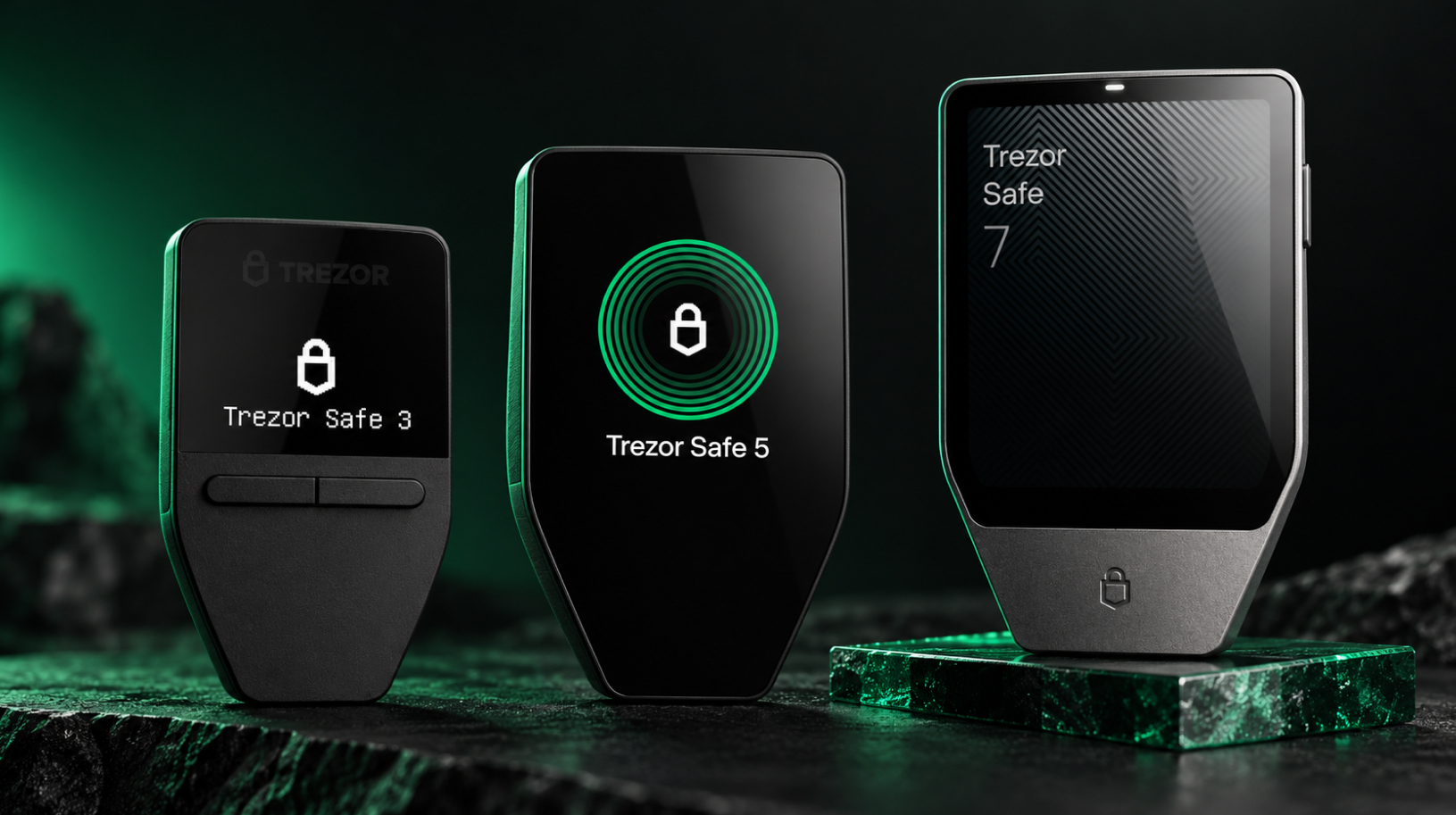
Which Trezor to choose: Safe 3, Safe 5 or Safe 7?
A comparison of Trezor models for desktop, Android and iPhone users. Updated for October 2026. Trezor’s current range includes three models: the Safe 3, released in October 2023; the Safe 5, introduced in June 2024; and the Safe 7, launched in October 2025. They share many core features but differ in their screens, connectivity and …
Bitcoin-only hardware wallets: how to choose
Bitcoin-only hardware wallets suit people who hold only bitcoin or want to keep their BTC savings separate from other assets. If you do not use Ethereum, Solana or other networks, support for them in a multi-currency wallet may go unused. Bitcoin-only firmware contains no code for these networks, so vulnerabilities in that particular code do …

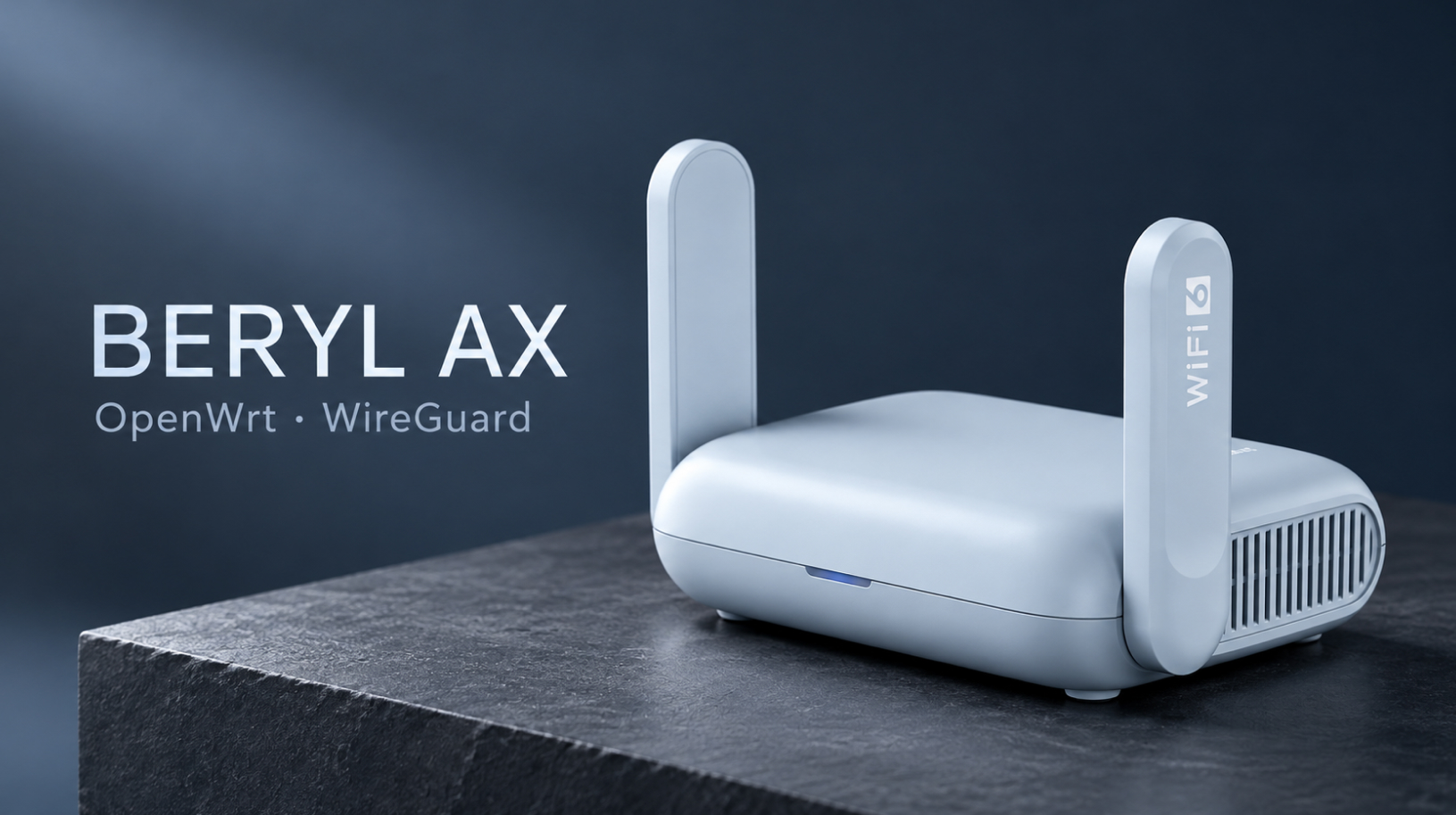
Beryl AX setup guide: VPN and OpenWrt
Updated October 2026: GL.iNet firmware 4.9.0 and OpenWrt 25.12.5. This Beryl AX setup guide for the GL-MT3000 covers choosing firmware, installing OpenWrt, and creating a secure Wi-Fi network with VPN access for your laptop and phone. We will configure WireGuard, DNS and a kill switch — a rule that blocks direct internet access if the …
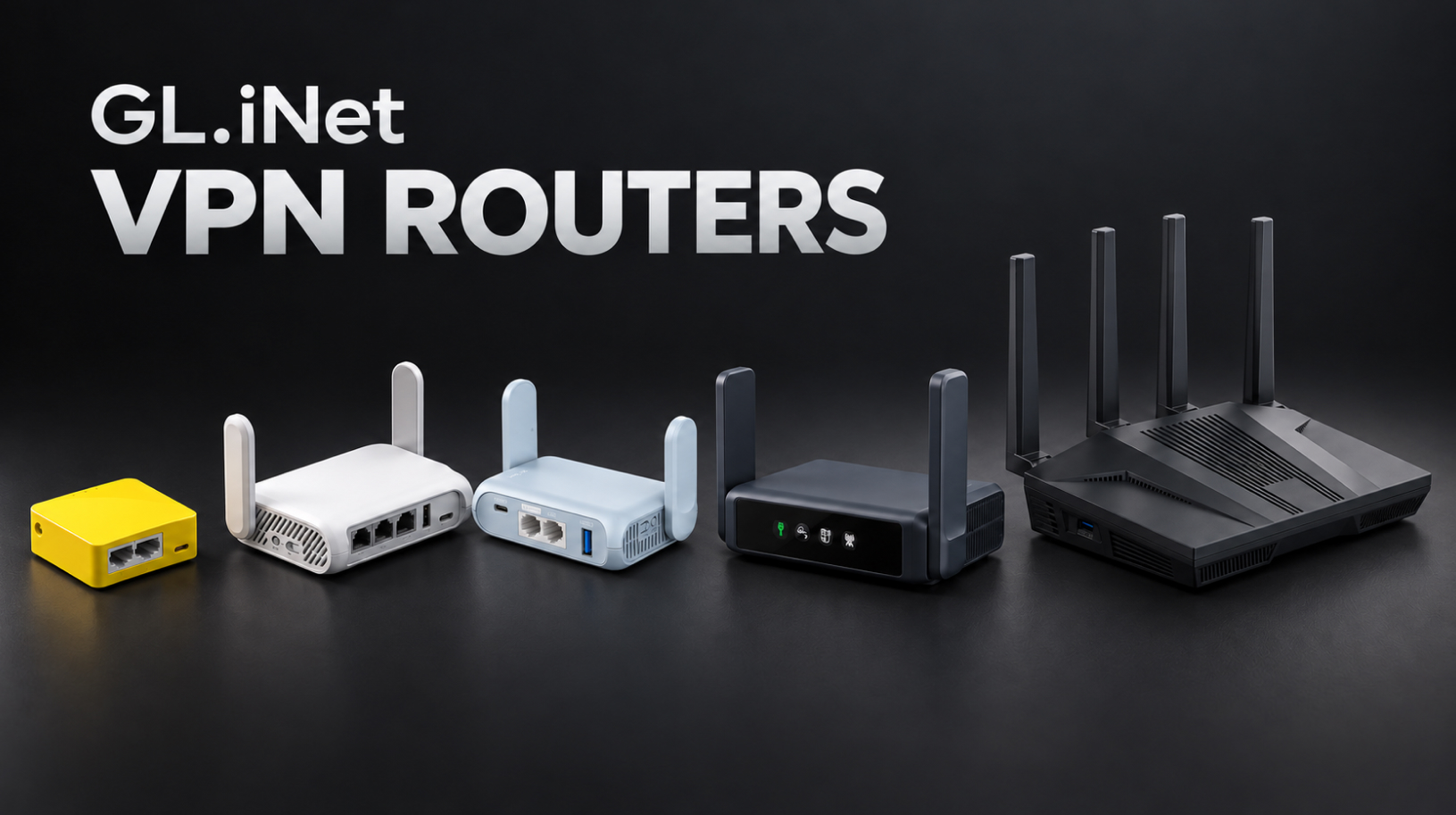
GL.iNet VPN routers: choosing a model for home and travel
GL.iNet VPN routers configured with WireGuard can route an entire network’s traffic through a VPN, from your laptop and phone to the TV in a rental apartment. This is also useful for a work computer that does not allow you to install a VPN app. We’ll compare five models for home and travel, configure the …
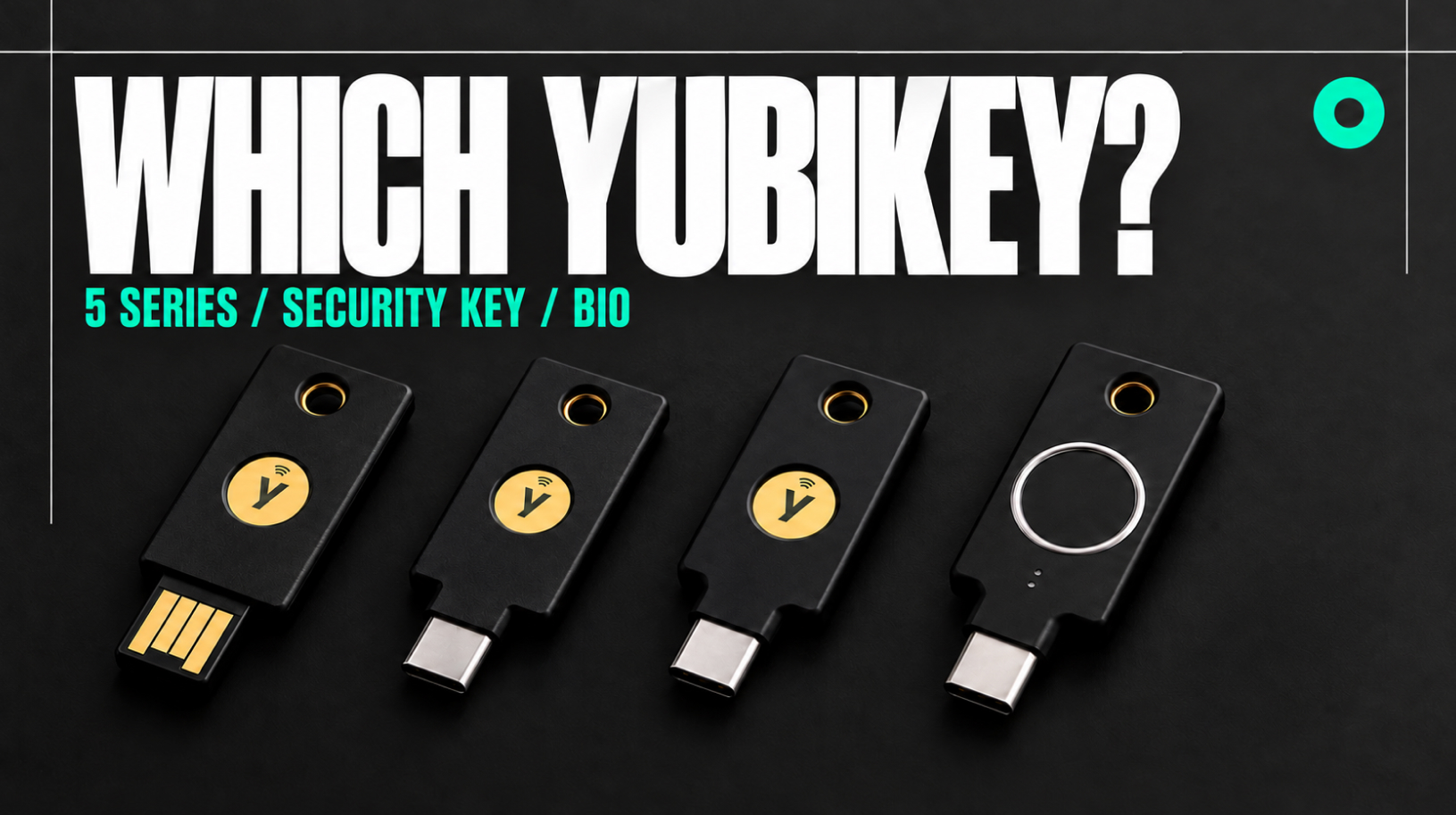
Which YubiKey to Choose: 5 Series, Security Key or Bio
Compare Yubico models and choose a security key for your devices and accounts When you use FIDO2 to sign in, a YubiKey helps protect your account even if someone steals your password or you enter it on a phishing site. Deciding which YubiKey to choose comes down to whether you need the extra features of …
Can USDT be frozen on a hardware wallet?
Tether can freeze USDT on a hardware wallet by blocking transfers from your address through the token contract. Ledger, Trezor and Keystone protect your private keys and sign transactions, while the USDT contract determines whether a transfer can go through. If Tether blacklists your address, replacing the device or restoring the wallet will not remove …
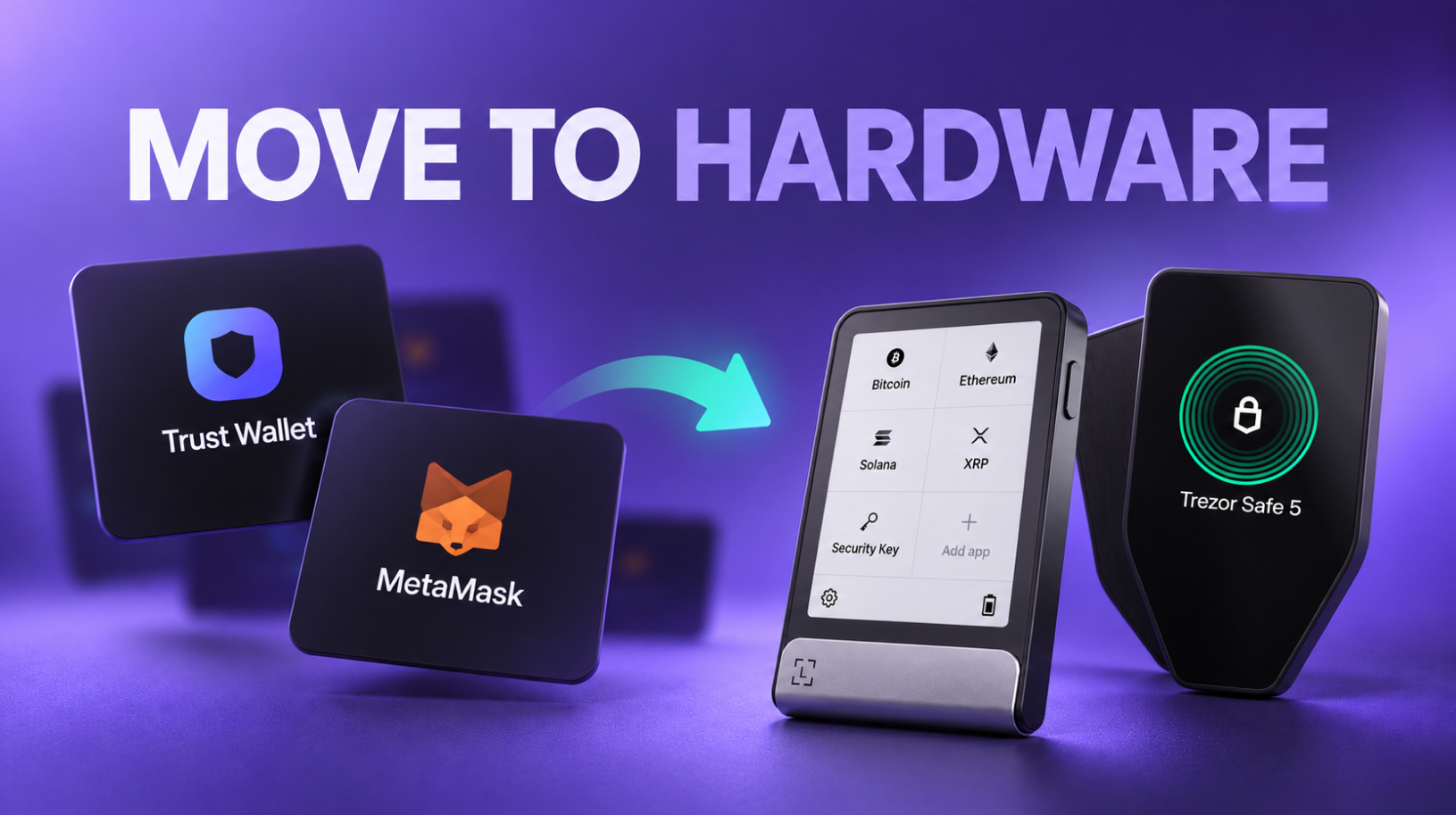
From Trust Wallet or MetaMask to a hardware wallet: how to move Your funds safely
Consider a switch to a hardware wallet if You keep an amount in Trust Wallet or MetaMask that would seriously affect Your budget if lost. To make the move, You need to create a new seed phrase on the device and transfer Your funds to new addresses. A seed phrase is a list of words …
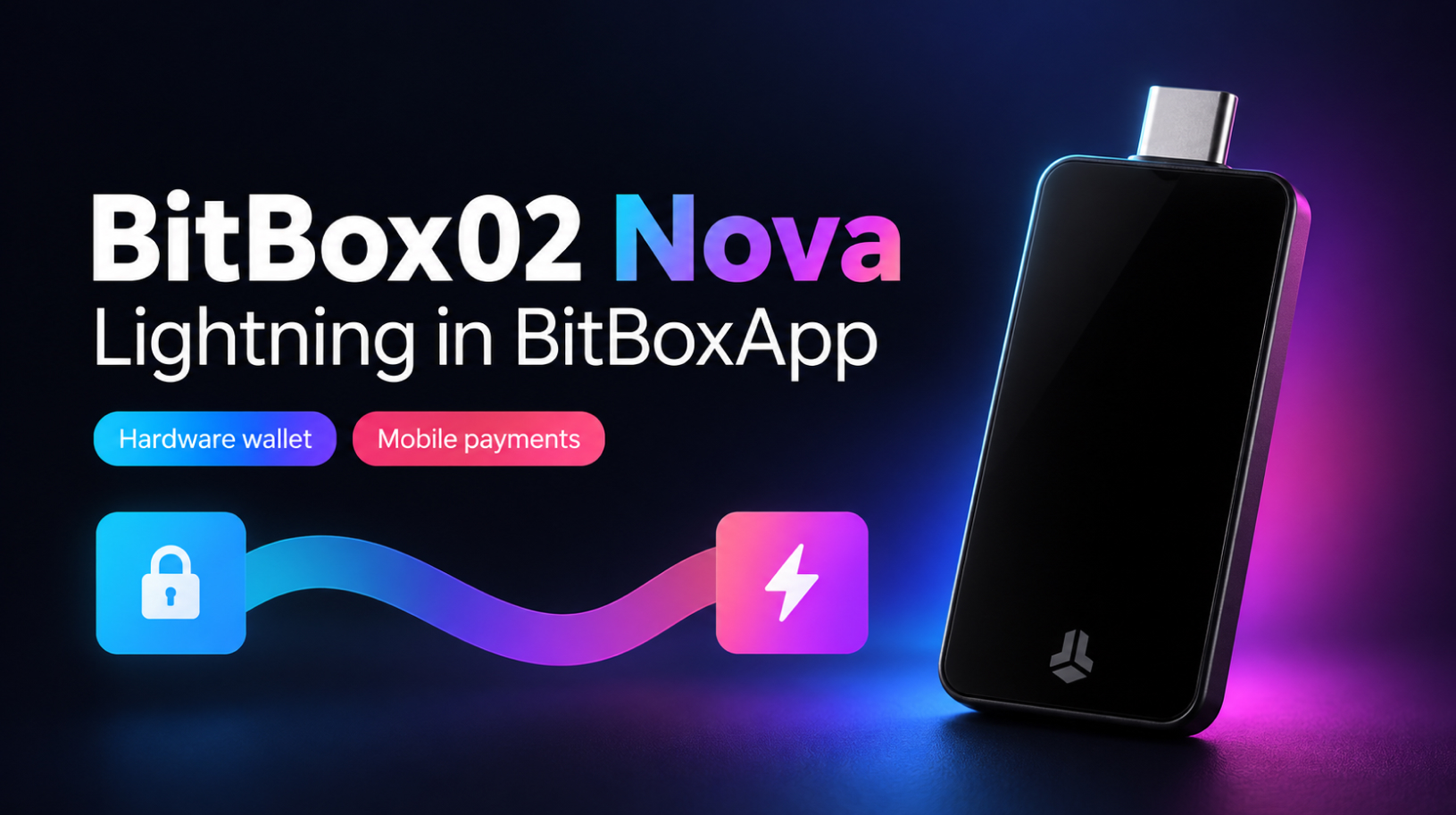
BitBox02 Nova review and Lightning setup in BitBoxApp
BitBox02 Nova keeps the compact design and touch controls of the original BitBox02, adding a tempered-glass display, a new secure chip, and support for iPhone and iPad. This review compares the two models, explains how they protect your wallet and what the August security update addressed, and helps you choose between the Bitcoin-only and Multi …